Meta Ads Optimization Checklist: What to Fix Before You Spend
A practical Meta ads optimization checklist to launch better campaigns, avoid waste, and scale with confidence. No hacks, just steps that actually work.
Apr 3, 2026



Running an online store is already a juggling act. The last thing you want is to be left guessing when your money's actually going to show up. If you're using Shopify Payments, you’ve probably wondered: when do the payouts hit your bank? It’s not always instant, and depending on your country, settings, or even the day a customer places an order, things can shift. In this guide, we’ll walk through how Shopify’s payout schedule works, what affects it, and what to do if things don’t go as planned.
Before we get into payout dates, it helps to understand what’s going on under the hood.
Shopify Payments is Shopify’s own payment processor, built to streamline your checkout and handle credit cards, Apple Pay, Google Pay, and more. When a customer makes a purchase, the money doesn’t instantly head to your bank. It first goes through a settlement process, which depends on where you’re based, how risky your account is seen to be, and how you’ve set up your payout schedule.
Quick overview of the flow: a customer places an order and payment is captured. Shopify groups the funds (usually by day) and prepares them for payout. After a waiting period (settlement time), the funds are sent to your bank. Your bank may take an extra 1 to 3 business days to show the deposit.
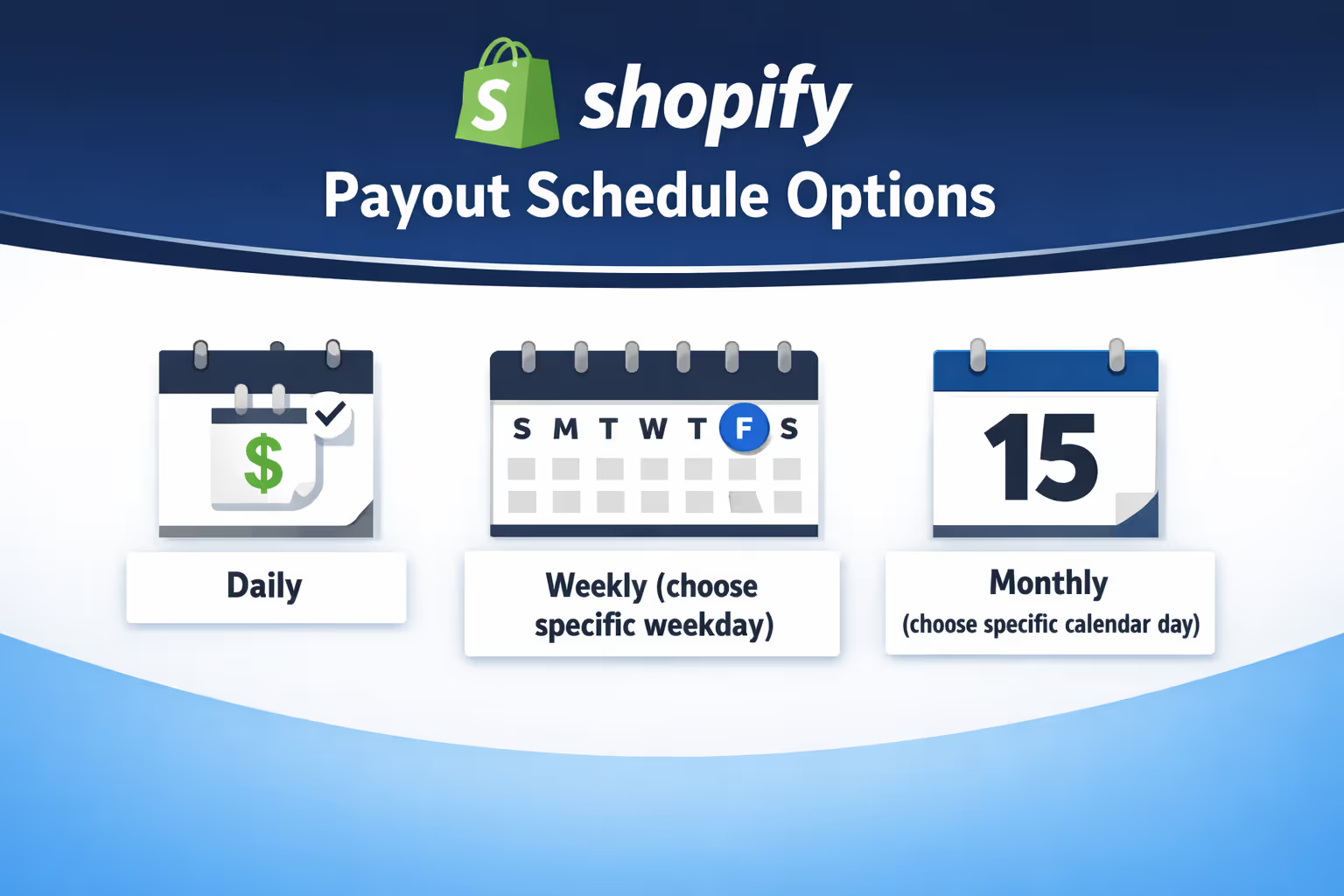
Once your account is fully set up, you may be able to choose how often Shopify pays out, depending on your region. These are your main options:
You can change this at any time, and there’s no extra fee to do so. However, there are a few things to note.
Important considerations:
The day your payout is triggered isn’t necessarily the same day it hits your bank. That brings us to settlement times.
Settlement time refers to the delay between when a transaction happens and when Shopify initiates the payout. This is not the same as bank processing time. It’s Shopify’s own timeline based on risk checks, fraud prevention, and region-specific rules.
Here’s a basic example:
Your money still has to clear your bank, which might take another day or two. So you’re typically looking at 4 to 5 business days total, sometimes more for new merchants or certain countries.
Your location plays a big role in how long Shopify holds funds before sending them out. Some countries enjoy faster timelines than others, and some require a minimum payout threshold.
Here’s a quick breakdown of how it varies:
If your payout amount is below the minimum threshold, it will sit in pending until more funds come in to push it over the line.
If you’ve signed up for a Shopify Balance account, your payouts can land even faster.
For merchants who want quicker access to cash without waiting on external banks, Shopify Balance is worth considering.
When you’re new to Shopify Payments, don’t be surprised if your first payout takes longer than expected. There’s often an onboarding waiting period of up to 21 calendar days between your first sale and first payout. This is part of Shopify's fraud prevention system and bank verification process.
After that initial hold, things generally speed up and follow your selected payout schedule.
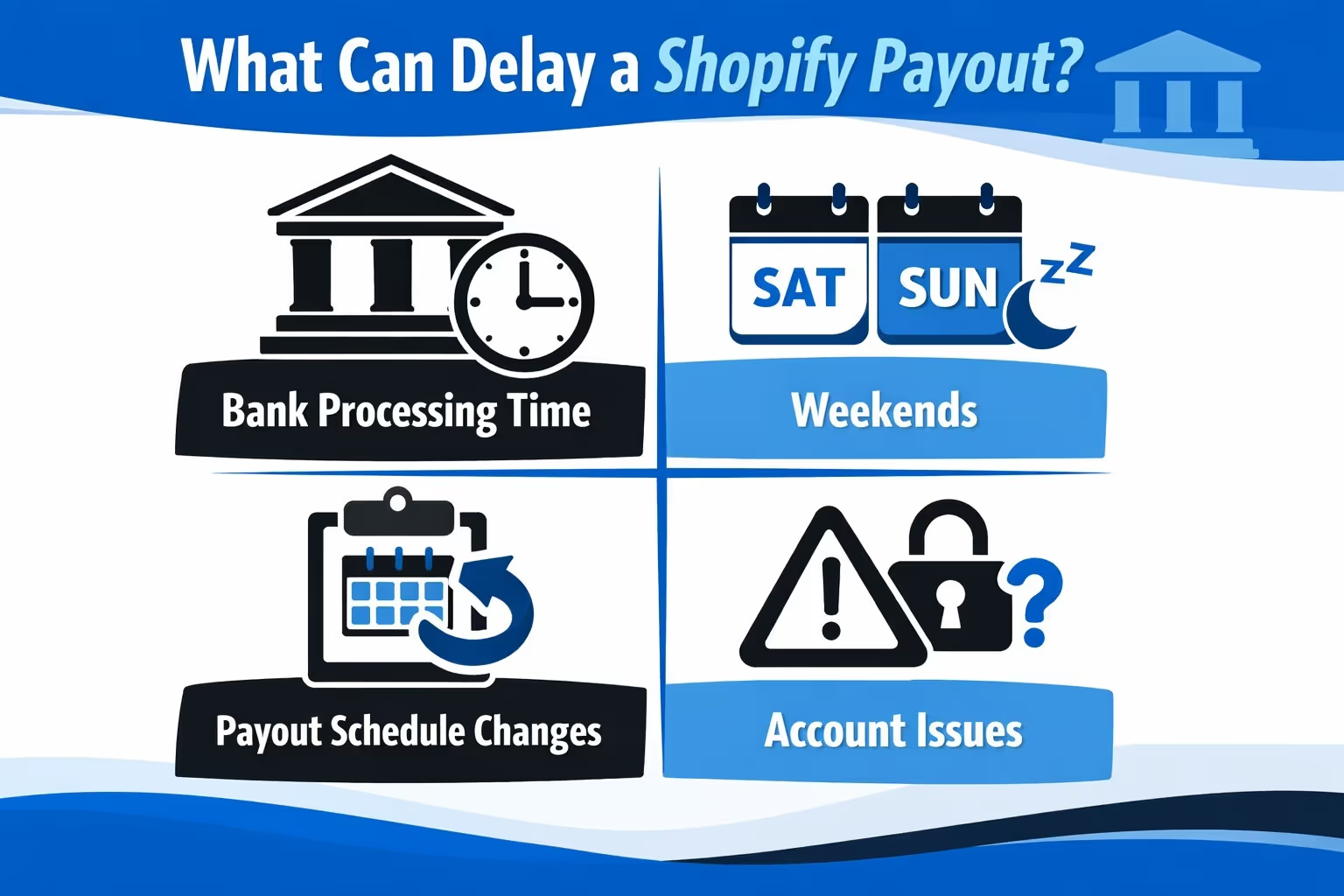
Even with everything set up correctly, things can occasionally go wrong. Here are the most common causes of payout delays:
Once Shopify sends the money, your bank still needs to do its thing. Most banks take 1 to 3 business days to post the deposit. Some are slower.
If a payout is triggered on a Friday, don’t expect it to land until at least Monday or Tuesday. Bank holidays can extend this even further.
If you change from daily to weekly payouts, any pending funds may get temporarily held until the new schedule takes effect.
Payouts can be delayed if your account is under review, your tax information is incomplete, or Shopify suspects fraud or suspicious activity.
You’ll typically get a banner notification in your Shopify admin or an email if this happens.
If refunds or chargebacks outweigh your current balance, Shopify will hold payouts until the balance is covered.

At Extuitive, we know the wait between making a sale and actually receiving the funds can create friction, especially if you're running ads to keep sales momentum going. That’s why we built our prediction engine to work hand-in-hand with your Shopify store. While you're waiting for payouts to clear, we help you make smarter, more confident decisions about which ads to launch next.
Our platform predicts real-world ad performance before your campaigns ever go live. Instead of guessing or wasting spend on creatives that don't convert, you can test your concepts with simulated audiences and forecast results upfront. That means less money tied up in underperforming ads, and more clarity while you're watching payout timelines.
You don’t have to slow down just because your bank balance is catching up. With Extuitive, you can stay active, focused, and data-backed, even when your Shopify payouts are still in transit. We’re already helping Shopify brands optimize what they launch and when they launch it, and it’s saving time, money, and stress along the way.
Sometimes the issue isn’t a delay – it’s a failed payout. When this happens, Shopify flags the payout as “Failed” and notifies you via email, dashboard alert, and mobile push.
Common reasons for payout failure:
In most cases, Shopify will give you a clear error message and a link to update your bank details. Once fixed, payouts can be retried. For some issues (like name mismatches), you may need to contact Shopify Support directly.
To stay on top of your payouts, use the Payouts section in your Shopify admin:
Each payout shows:
You can also opt in to email alerts so you get notified every time a payout is sent.
If you deactivate your store, Shopify still sends any remaining payouts to the bank account you had on file. But if there’s a failed payout or a need to change bank details, you’ll have to reactivate your store to make changes or resolve issues.
Also, once your store is closed, you lose the ability to respond to chargebacks.
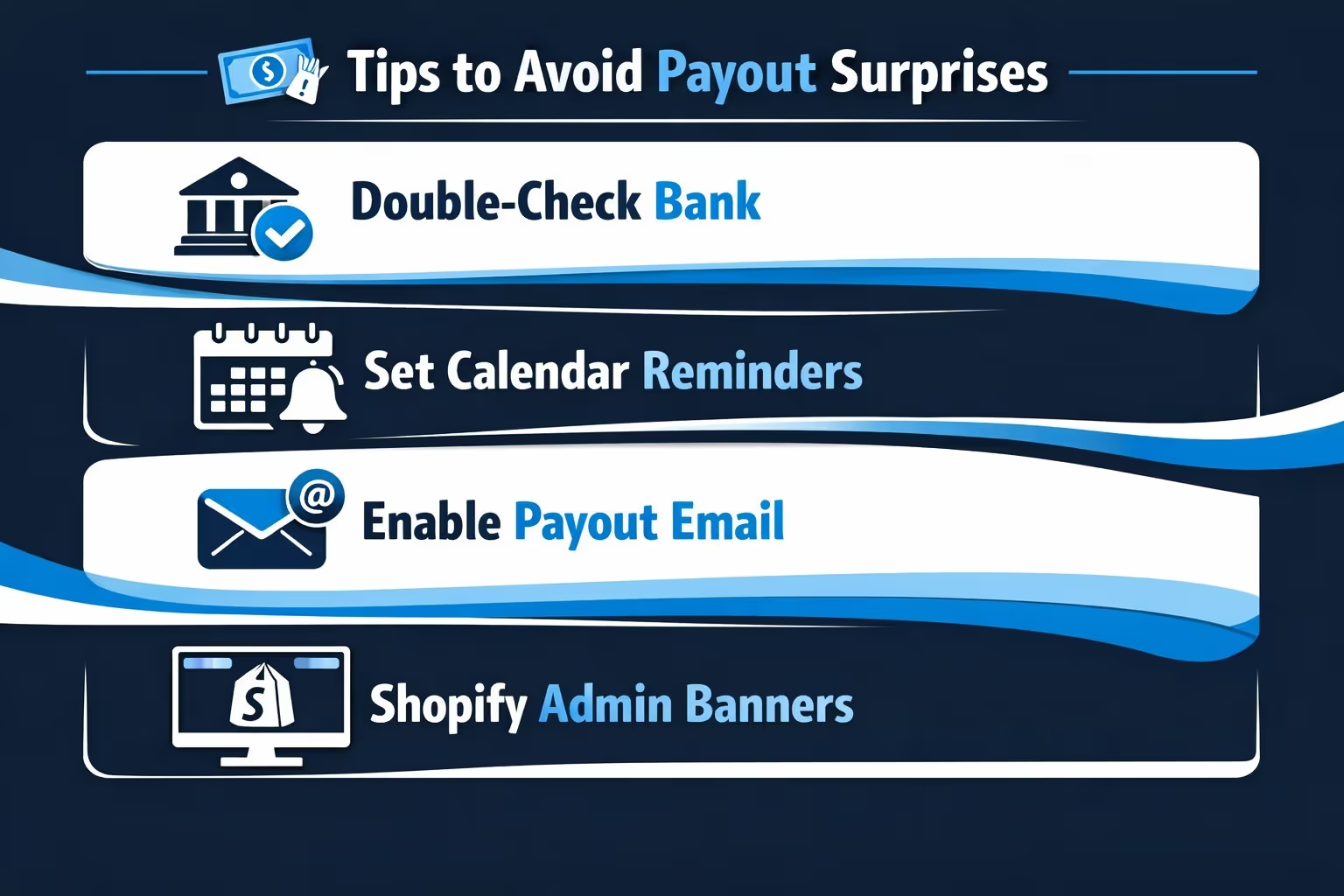
Here are some small steps that go a long way in avoiding payout headaches:
Shopify’s payout system is mostly smooth once you get through the initial setup and understand the timing. But it’s not instant, and things like weekends, bank policies, or verification holds can throw off your expectations if you’re not prepared.
If you're depending on Shopify payouts to manage cash flow, stay proactive. Know your region's payout rules, keep your account details up to date, and keep an eye on your admin for any alerts. The more you stay ahead of it, the fewer surprises you'll face.


