Marketing Ideas for Fitness Studios: 2026 Guide
Discover 20+ proven marketing ideas for fitness studios. Build membership fast with referrals, local partnerships, social media tactics, and community events.
Jun 6, 2026



If you're running a store through Shopify and accepting payments with Shopify Payments, there’s a good chance you’ll need a 1099-K form at tax time. But finding it isn't always as straightforward as people expect. It doesn’t just land in your inbox automatically unless you meet certain thresholds, and even then, it might require a few clicks in your admin panel.
This guide walks through how to know if you qualify for a 1099-K from Shopify, where it shows up, and what to do if it’s missing or has incorrect info. Let’s get into it without the jargon.
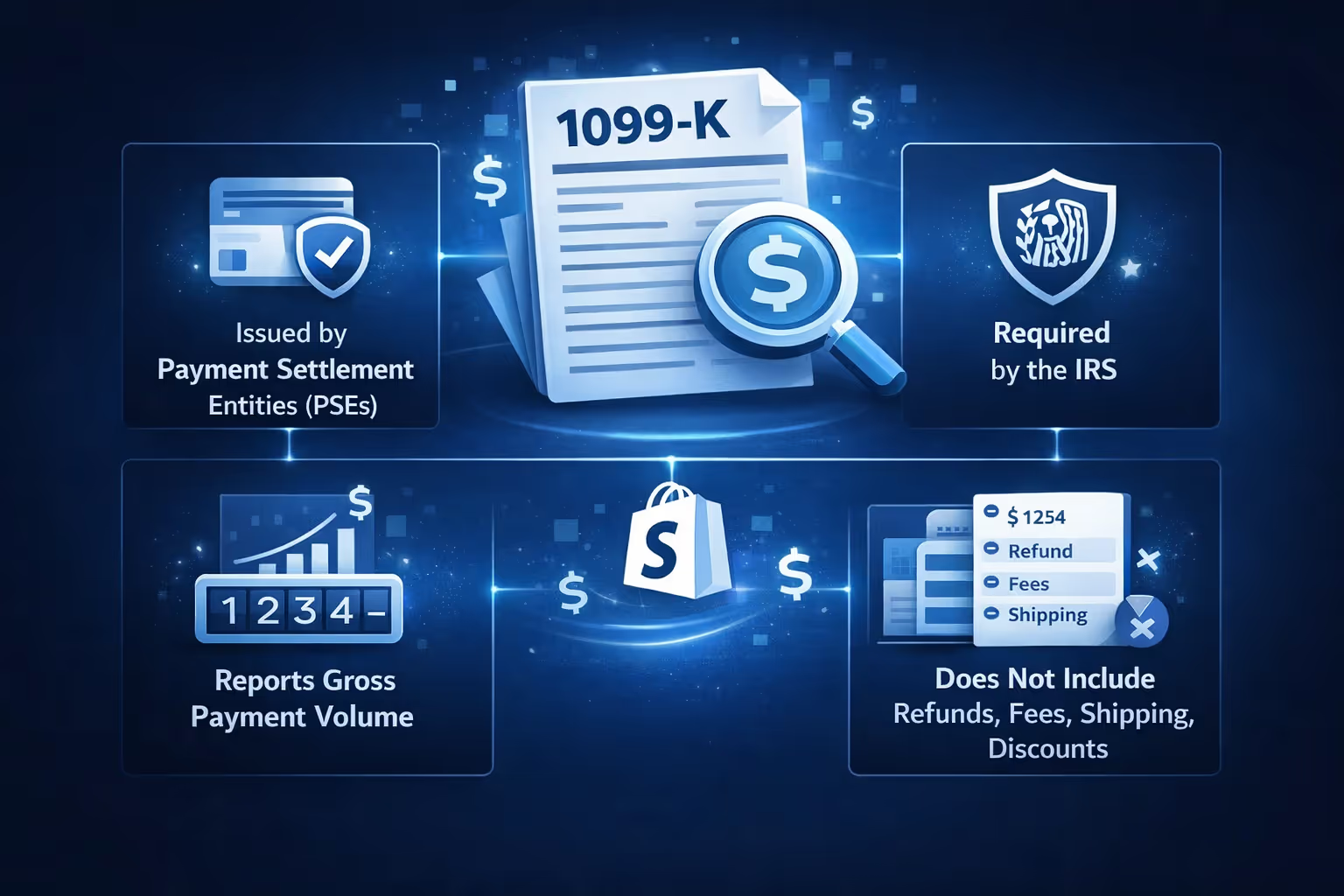
The form 1099-K is not a general income statement and it is not a summary of your profits. What Shopify issues is Form 1099-K, and it has a very specific purpose.
The 1099-K is an informational tax form required by the IRS. It reports gross payment volume processed through payment settlement entities, also called PSEs. Shopify Payments is one of those entities.
This form tells the IRS how much money passed through Shopify Payments under your tax identification number during the year. It does not account for refunds, fees, chargebacks, shipping costs, or discounts.
Think of it as a traffic counter, not a financial report.
Not every store owner receives a 1099-K, and the rules can be confusing, especially with shifting IRS thresholds and differences between federal and state requirements. This section breaks down who gets the form, when it’s issued, and how to access it inside your Shopify admin.
Not every Shopify store owner receives a 1099-K. Whether you get one depends on where your business is located, how much you processed, and which payment provider you used.
To receive a 1099-K from Shopify, all of the following must be true:
If you use third‑party processors like PayPal or Stripe, those processors, not Shopify, are responsible for issuing your 1099‑K if you meet that processor’s IRS reporting requirements.
The IRS reporting threshold for Form 1099-K has changed several times in recent years. This is one of the biggest sources of confusion.
Here is how it breaks down:
If you meet the threshold for a given year, Shopify Payments is required to issue a 1099-K.
It is also worth noting that state-level thresholds can be lower. Some states require reporting even if you do not meet the federal amount.
If you qualify for a 1099-K, Shopify does not ask you whether you want it. The form is generated automatically.
Here is what typically happens. Shopify reviews your tax information in January. If everything checks out, the 1099-K is issued for the previous calendar year. You receive an email notification as the store owner. The form appears in your Shopify admin
The deadline for issuing the form is January 31.
If you are checking before that date, it may simply not be ready yet.
Only the store owner can access the 1099-K. Staff accounts and collaborators do not have permission.
To download your form on desktop:
Here’s how to download your 1099-K transactions in the Shopify mobile app:
This will generate a CSV file with the transactions Shopify included in your 1099-K, which is helpful for recordkeeping or if your accountant wants to double-check totals. If you don’t see the export option, it could mean a 1099-K hasn’t been issued yet, or your account didn’t meet the reporting thresholds for that year.
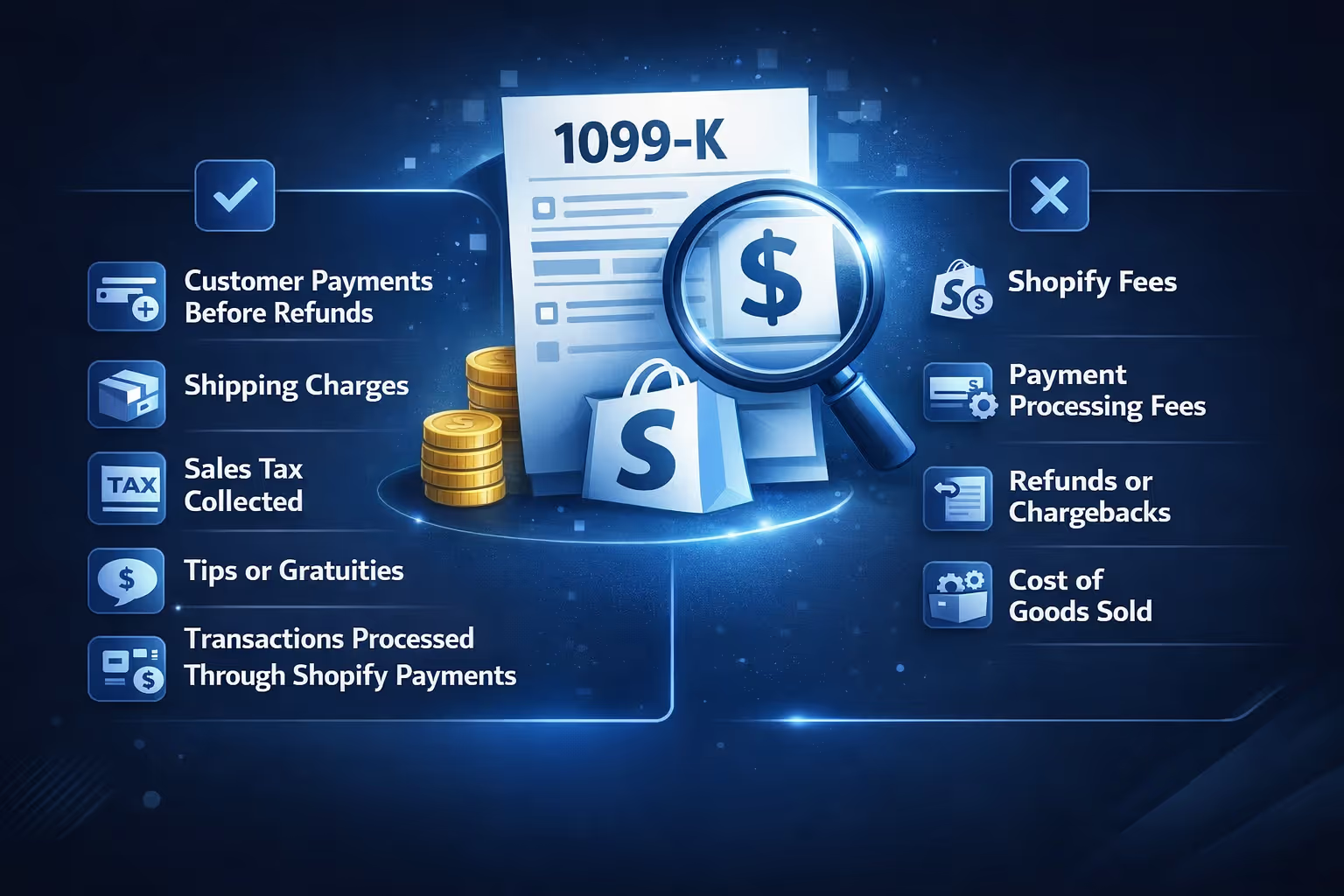
Almost everyone has this reaction the first time they see a 1099-K.
That is because the form reports gross payments, not income.
The number includes:
It does not subtract:
This does not mean you owe tax on the full amount. It means you need to report the income properly and deduct expenses on your tax return.
Shopify reports 1099-K data at the tax identification number level, not per store.
If you own multiple Shopify stores under the same SSN or EIN, Shopify combines the payment volume to determine whether you crossed the reporting threshold.
If the combined total qualifies, each store receives its own 1099-K and each form reflects that store’s individual volume.
This often surprises people who run multiple small stores that are quiet on their own but significant together.
How Shopify reports your income depends on how your Shopify Payments account is set up.
If your business structure changed during the year, or if your reporting looks wrong, this is usually the reason.

If you expected a 1099-K but do not see one, check these points first:
If all of those are true and the form is still missing, review your tax information in the Payments section of your admin.
Incomplete or unverified tax details can delay or block form issuance.
Even if you're not actively thinking about tax forms while running your Shopify store, it's still important to understand how your tax information is used, what to do if something goes wrong, and how to handle unexpected forms.
Before issuing a 1099-K, Shopify verifies your tax details. If something does not match IRS records, you will be asked to fix it.
When this happens, Shopify notifies you through email, admin alerts, and a banner in your Shopify dashboard.
Updating the information usually involves confirming your legal name or business name, verifying your SSN or EIN, and reviewing address details.
If verification fails repeatedly, payouts may be paused until the issue is resolved.
It is possible to receive a 1099-K even if you believe you did not cross the threshold.
Common reasons include:
Receiving the form does not automatically mean you owe tax. It means the IRS received a copy and expects the income to be accounted for properly.
The way you report the income depends on what the payments represent.
Common scenarios include:
The key point is this: the 1099-K is not filed with your return. It is used as a reference to make sure your reported income lines up.
While uncommon, some people use Shopify to sell personal items rather than operate a business.
If that applies to you:
If personal and business transactions are mixed, things get complicated quickly. This is one reason Shopify strongly recommends separating personal and business activity.
If your 1099-K contains incorrect information, do not ignore it.
Check for errors such as incorrect name or business name, wrong SSN or EIN, and transactions that should not be included.
If something is wrong, contact Shopify Support and request a corrected form. The issuer’s contact details are listed on the form itself.
Correcting the form early avoids issues later if the IRS asks questions.
Some of the most frequent problems come from assumptions rather than rules.
Here are mistakes to avoid:
Understanding what the form does and does not represent prevents most of these issues.

At Extuitive, we help Shopify merchants get ahead of one of the biggest business questions: what’s going to work before I spend the money? Our AI-powered prediction engine forecasts how your ads will perform before you launch them. That means less wasted budget, fewer random experiments, and a clearer picture of what’s really generating your sales.
Why does that matter when it comes to your 1099-K? Because the clearer your revenue streams are, the easier it is to reconcile your reports and file taxes accurately. If you're testing dozens of ads across audiences and creatives, but you have no way to see what actually contributed to real sales, your books get messy fast. We solve that by letting you test ads at scale before they go live and see forecasted results against your actual performance history.
You already know the IRS doesn’t care how your revenue got there. But you should. When your ad performance is predictable and tied to actual ROI, not only is your business more profitable, your year-end reporting is easier to explain and defend. We can help with that.
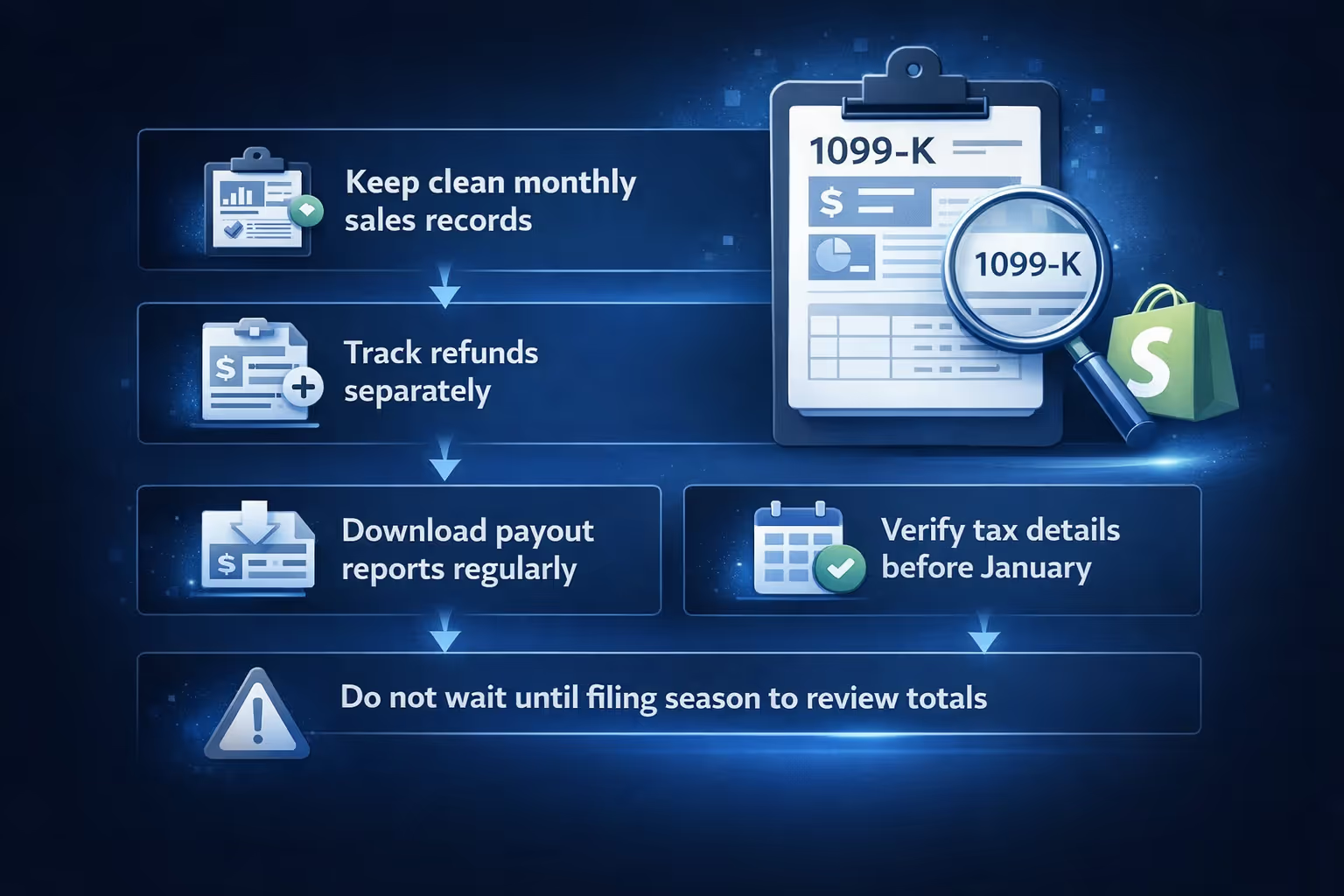
If you want fewer surprises at tax time, a few habits go a long way:
This turns the 1099-K into a confirmation tool rather than a source of stress.
Getting a 1099 from Shopify is not complicated once you understand how Shopify Payments works and what the IRS actually requires. Most of the confusion comes from expecting the form to behave like a profit report, which it is not.
If you know when the form is issued, where to find it, and how to interpret the numbers, it becomes just another part of running an online business.
And once you have gone through it once, the next year is much easier.


