Will Marketing Be Replaced By AI? 2026 Reality Check
AI won't replace marketers but will transform the field. Learn which marketing roles are most affected, what AI can't do, and how professionals stay relevant.
Apr 13, 2026



Shopify Cash sounds simple, but there’s more to it than just rewards points. It’s tied directly to the Shop app and comes with its own rules for earning, spending, and even refunding. Whether you're a customer looking to make the most of your balance, or a merchant trying to understand payouts, this guide walks you through it without the jargon. We'll keep it practical and to the point, just like the feature itself.
Shopify Cash is a built-in rewards program for users of the Shop app. If you're in the United States or Canada and you've verified your phone number in the app, you're eligible to earn it. The concept is simple: you earn Shop Cash through purchases and promotional offers, and you can use that balance toward future orders placed through the Shop app or Shop website.
No points. No weird conversion rates. Just real credit applied to your next order.
Key things to know upfront:
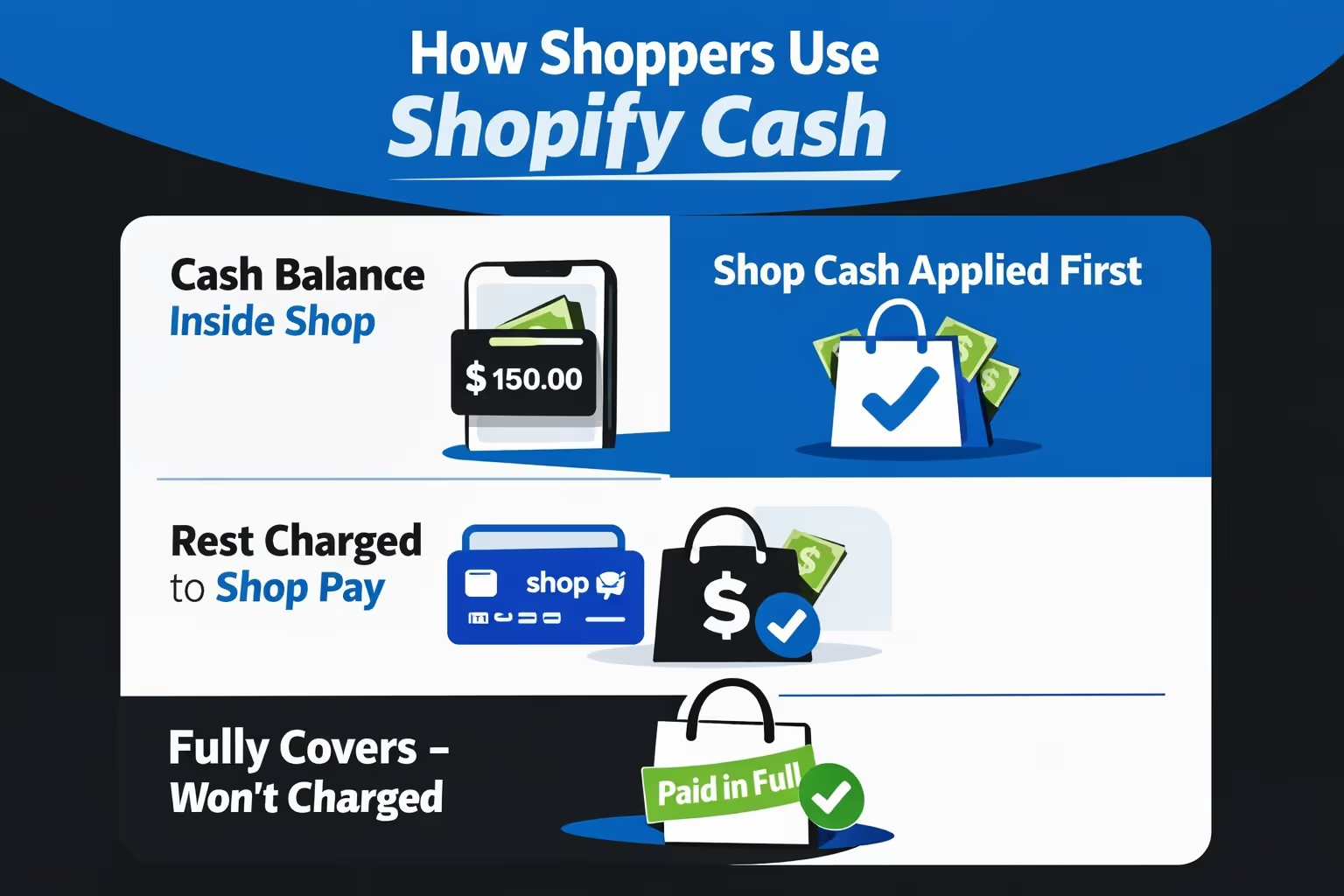
If you’re a customer, the experience is pretty smooth. When you make a purchase through the Shop app, any available Shop Cash gets applied to your order automatically – before any other payment method.
Here’s how it works behind the scenes:
You don’t need to manually apply Shop Cash during checkout. If it’s available, it shows up right before you pay.
You can only use Shop Cash on stores that are part of the Shop app platform. Not every Shopify store is in that network, so if you're browsing through a regular store’s website (outside the Shop app or Shop.com), you likely won't be able to spend your balance there.
Shop Cash works inside the Shop app (iOS or Android) and on Shop.app (the web version). It doesn’t work on the merchant’s standalone Shopify website (unless linked through Shop), with non-Shopify stores, outside the US or Canada.
If you're a store owner, you don't need to do anything to accept Shop Cash. It’s automatically enabled if your store is part of the Shop network and uses Shopify Payments.
Here’s what you should know:
Shopify covers the cost of Shop Cash. You still receive the full order value minus regular Shopify Payments fees – no extra charges for accepting Shop Cash.
This makes it feel seamless. To you, it’s just another order. To the customer, it’s a small reward moment.
Refunds are where things get a bit more nuanced, especially if the order was paid using a mix of Shop Cash and Shop Pay (credit/debit card). Shopify has a layered system to handle these.
Let’s break it down:
A customer buys a $100 item:
If they return the product and you issue a full refund:
Let’s say you only refund $40 from the same order. You get to decide how that $40 refund is split:
You’ll be prompted during the refund process to choose how to distribute the refund. This flexibility helps keep returns fair and avoids weird refund mismatches.
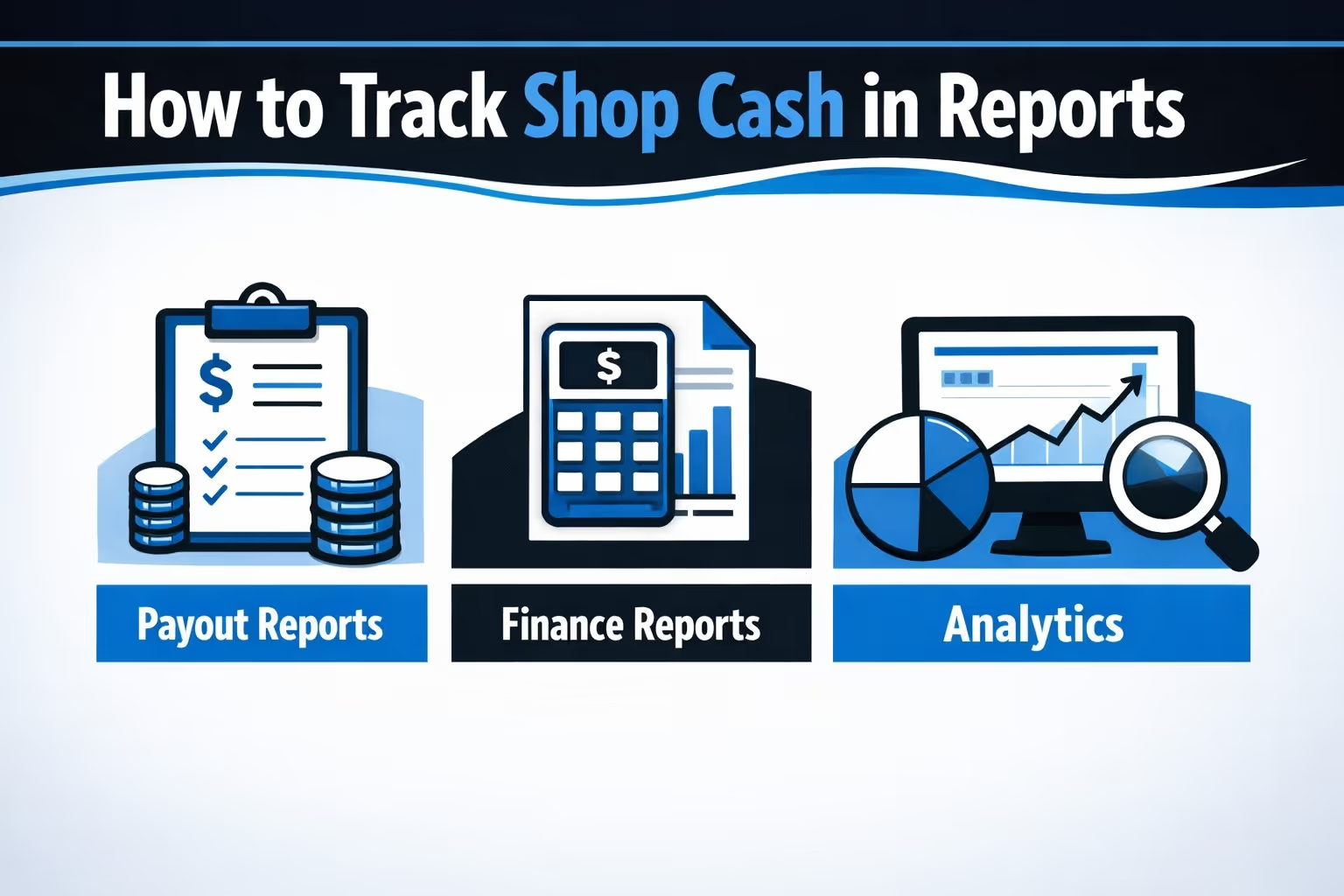
In your Shopify admin dashboard, Shop Cash activity appears in several places:
You can drill down into payouts to see which orders included Shop Cash. If multiple orders were processed in the same Shop Cash payout batch, click the arrow next to the transaction to expand the list.
If you use third-party systems like ERPs or order management tools, you may need to manually map shop_cash as a recognized payment type. Some older integrations won’t identify it correctly out of the box.
If you’re already using the Shop app often, a few low-effort habits can help you stretch your rewards a little further. It’s not about gaming the system – it’s just about knowing how to stay in the loop and shop smarter inside the ecosystem.
Shop Cash promotions pop up quietly and don’t stick around forever. Turning on push notifications in the Shop app means you’ll hear about bonus earning events, limited-time offers, or extra perks tied to specific stores or products.
This one’s not optional. You won’t be able to earn or spend Shop Cash unless your phone number is verified inside the Shop app. It only takes a minute and unlocks the core feature of the rewards program, so don’t skip it.
Shop Cash only works on purchases made through the Shop app or Shop.app website. If you bounce out to a merchant’s separate website, even if it’s powered by Shopify, your Shop Cash balance won’t apply. For big orders, stick to the Shop experience.
These are special promotions where you can earn more Shop Cash on eligible purchases. They’re usually short-term and often brand-specific, so it pays to check in once in a while. You might find a campaign that lines up with something you were already planning to buy.
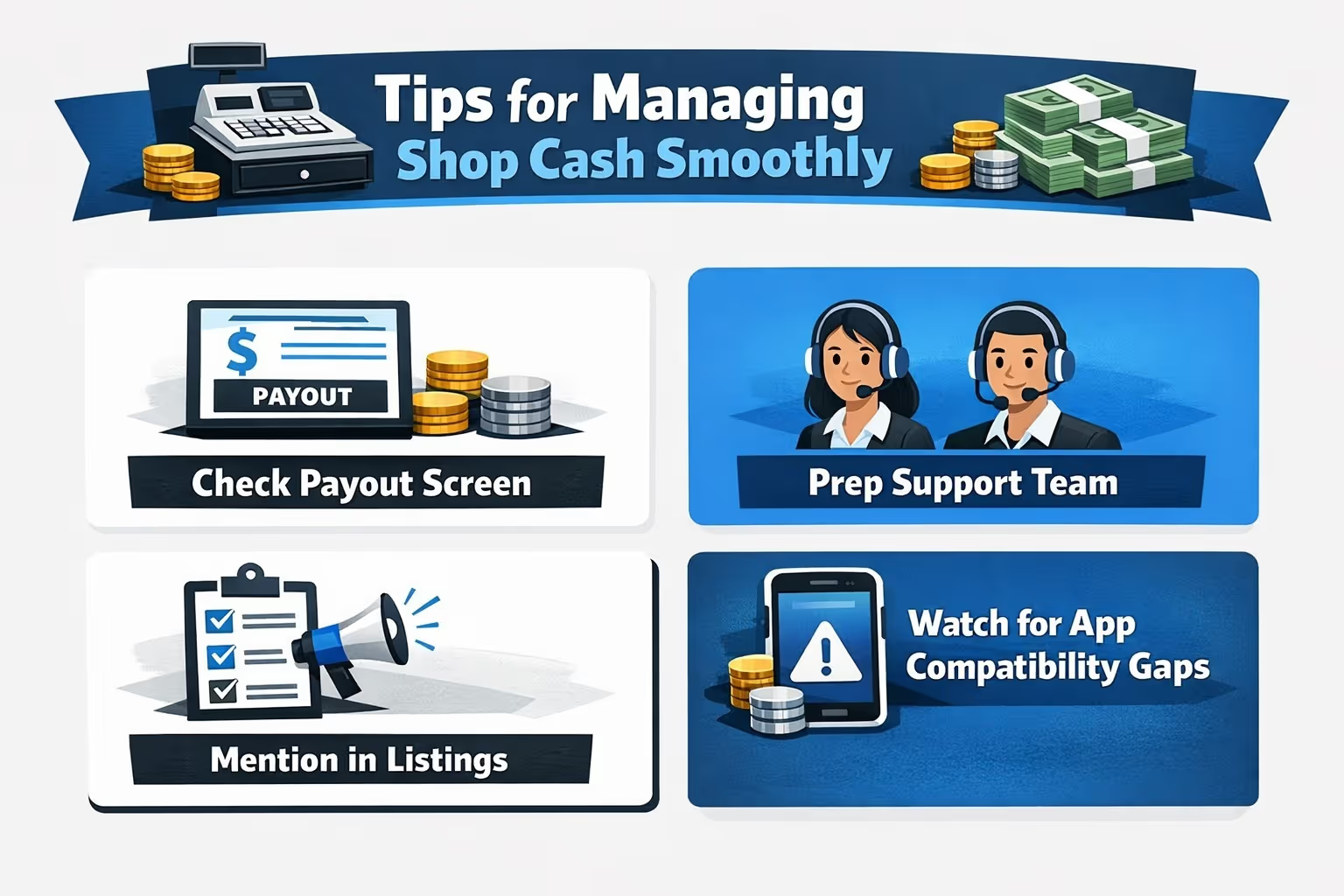
Shop Cash doesn’t need a dedicated setup, but it does show up in a few parts of your workflow. A bit of awareness goes a long way in keeping things running cleanly behind the scenes and preventing awkward support tickets later.
Shop Cash transactions appear under “Shop Cash Credit” in your payout reports. Since multiple orders can get bundled into a single payout, it’s worth checking in regularly. Expand the line items to see which orders were included, especially during high-volume sales periods.
Refunding an order that used Shop Cash isn’t complicated, but it’s different from a standard card-only refund. Make sure your support team knows how to handle partial returns, how to split refunds between Shop Pay and Shop Cash, and how to communicate that to the customer clearly.
If your store is part of the Shop app, you’re already accepting Shop Cash, so let shoppers know. A quick line like “Shop Cash accepted” or “Use your Shop rewards here” in your listing can give return customers a nudge to convert.
Some third-party tools – like ERPs or fulfillment software – might not recognize Shop Cash as a valid payment method. If you use outside systems to track payments or sync data, check whether they need mapping for shop_cash. A few minutes of setup now can prevent messy order mismatches later.

As Shopify store owners, we all know Shop Cash can nudge repeat purchases, but that’s just one piece of the performance puzzle. Getting people into the funnel in the first place still depends heavily on how your ads perform. That’s where we come in.
At Extuitive, we help Shopify brands predict which ads will actually convert before you spend a dime on them. Our AI-powered engine analyzes your creative and targeting through models trained on live campaign data. You plug in your Shopify store, and we handle the rest – product signals, audience fit, and real-world performance forecasts in minutes. It’s about taking the guesswork out of testing and speeding up decisions.
If you’re spending money on ads, especially while trying to grow with tools like Shop Cash, you don’t want to waste the budget on underperforming creative. We help you spot the winners early, scale faster, and tie ad performance back to your actual store data. Prediction shouldn’t be a luxury – it should be built in.
Shopify Cash doesn’t try to reinvent rewards programs, but that’s kind of what makes it work. It’s not a punch card. It’s not a points game. It’s credit that applies without friction and refunds without hassle.
For customers, it’s a simple way to make repeat orders a little cheaper. For merchants, it’s another form of payment that doesn't require any new setup. It integrates neatly into the systems you're already using – Shop Pay and Shopify Payments.
Whether you're buying, selling, or just curious, understanding how to use Shopify Cash is about knowing where the value hides. And now, you do.


