How to Change Your Store Name on Shopify and What to Check After
Learn how to change your Shopify store name, what it affects, and what it doesn’t. Clear steps, real considerations, and no unnecessary fluff.
Mar 25, 2026



Selling ebooks sounds simple on paper. Write a book, upload a file, collect payments. In reality, most people get stuck somewhere between “Where do I start?” and “Am I doing this the right way?”
The good news is that Shopify makes selling ebooks far more straightforward than it used to be. You don’t need custom code, complex integrations, or a background in publishing. What you do need is a clear setup, the right expectations, and a basic plan for how your ebook fits into a real business.
This guide walks through the process in plain terms. No fluff. No shortcuts that break later. Just the parts that actually matter when you want to sell ebooks on Shopify and keep it running smoothly.
On paper, ebooks are the perfect product. You create them once and sell them endlessly. There is no marginal cost per sale. Delivery is instant. Scaling does not require a warehouse or a bigger team.
But ebooks fail for predictable reasons.
Some people spend months polishing content without ever putting it in front of buyers. Others rush to publish, then realize they have no real system for delivery, refunds, or support. Many rely on third-party marketplaces, then get stuck with pricing rules, limited branding, or zero access to customer data.
Selling ebooks on your own site avoids most of those problems. It also adds responsibility. You are in charge of how the product is presented, sold, delivered, and supported.
That responsibility is not a drawback. It is the tradeoff that gives you control.
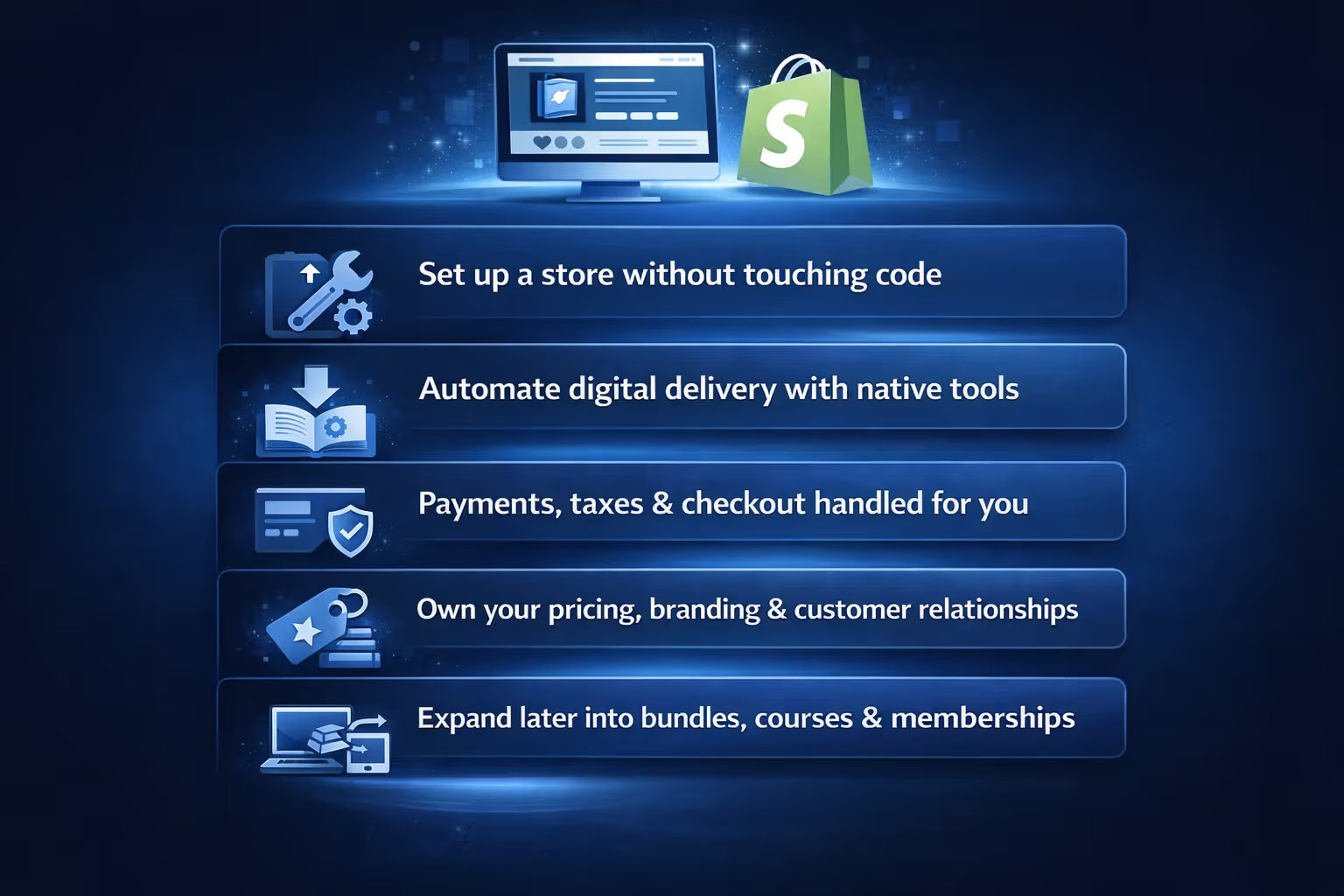
Shopify was built for physical products, but it handles digital products surprisingly well. Especially if your goal is not to build a publishing empire on day one, but to sell your work cleanly and professionally.
Here is why Shopify works well for ebooks:
The key advantage is not that Shopify does everything. It is that it does the basics reliably, which leaves you free to focus on content and marketing instead of infrastructure.
Before you upload anything, slow down for a moment. Not to overthink, but to be precise.
An ebook is not just a file. It is a promise.
Ask yourself:
You do not need a revolutionary idea. You do need clarity.
A focused ebook with a clear use case almost always performs better than a broad one that tries to appeal to everyone. A short guide that solves one specific problem can outsell a long book that explains everything in theory.
This is also where format matters.
PDF is the most common option because it works everywhere and is easy to deliver. EPUB is more flexible for reading, but adds complexity. Interactive formats look impressive, but they raise expectations around support.
For most first-time sellers, a well-designed PDF is enough.
You do not need a perfect store to start selling ebooks. You need a functional one.
Start with the basics:
Avoid the temptation to customize everything immediately. Design tweaks are easy to obsess over and rarely move the needle early on.
What matters is that your store feels trustworthy. Clear navigation. Legible text. No broken links. No placeholder content.
If your store looks calm and intentional, most visitors will not question whether it is good enough.
This is where selling ebooks differs from selling physical products.
Shopify does not treat digital files as products by default. You need a way to attach a file to a purchase and deliver it securely.
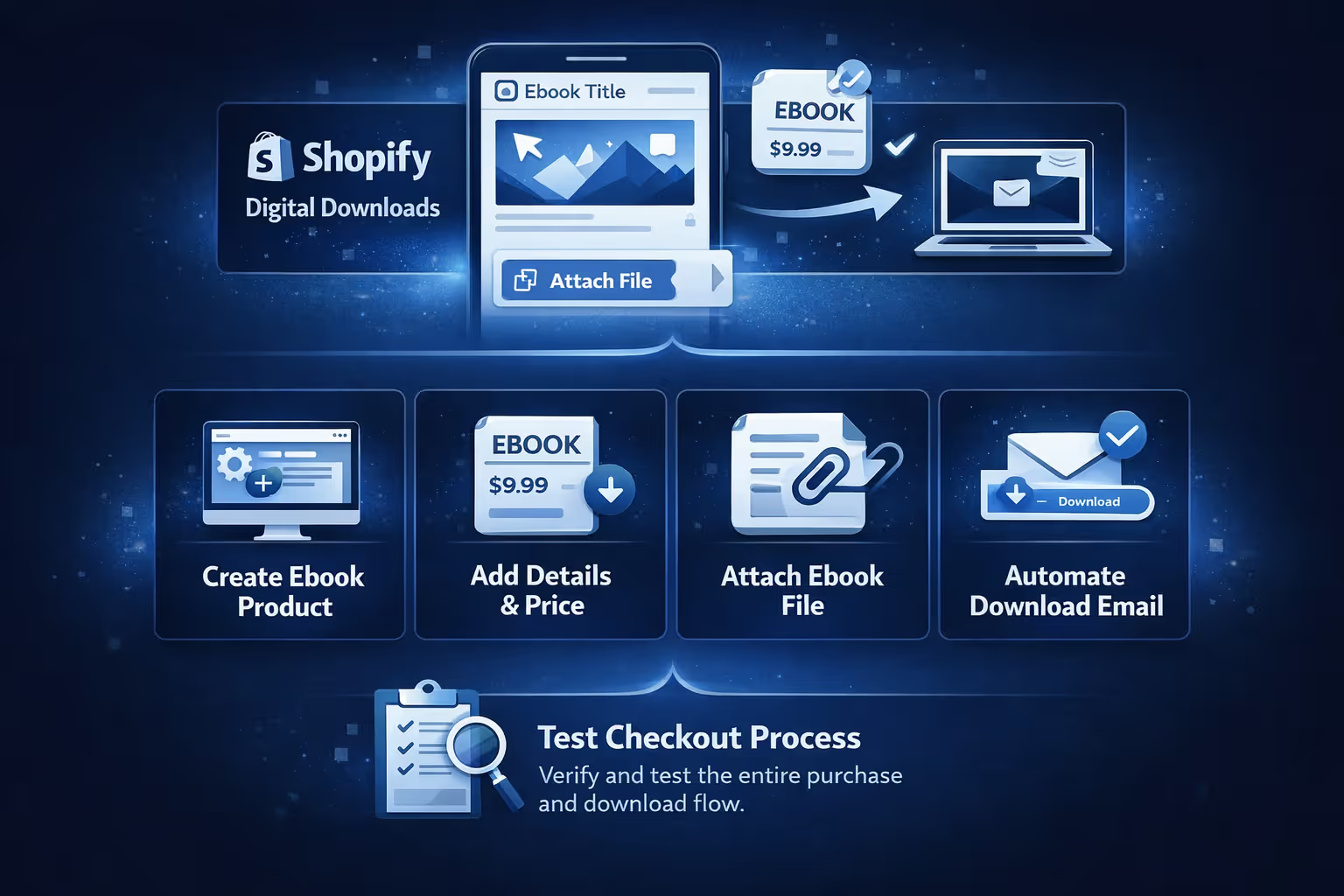
The simplest approach is using Shopify’s own Digital Downloads app. It allows you to:
The setup is straightforward:
Always test your checkout before launching. Buy your own ebook. Check the email. Download the file. Confirm that the experience makes sense from a customer’s perspective.
If something feels confusing to you, it will be worse for first-time buyers.
Most ebook product pages fail because they try too hard.
They promise transformation. They pile on testimonials. They use dramatic language that raises expectations the content cannot realistically meet.
A strong ebook product page does something simpler. It explains.
Focus on:
Be specific without being verbose.
Instead of saying “This ebook will change how you think,” say “This ebook walks through five practical ways to set up automated delivery for digital products.”
Clarity builds confidence. Confidence converts.
If your ebook has limitations, acknowledge them. Readers appreciate honesty more than hype.
Pricing ebooks is uncomfortable because there is no obvious reference point. Too cheap feels unserious. Too expensive feels risky. That tension is normal, especially the first time you put a price on your work.
A better starting question is not “What is this worth?” but “What decision does this replace?” If your ebook saves time, reduces mistakes, or removes trial and error, its value goes well beyond the number of pages it contains.
In practice, short and focused ebooks often work well at lower price points, while niche or professional guides can justify higher prices because they solve more specific problems. Context matters more than length.
Bundles also tend to convert better than standalone products, particularly when the pieces clearly belong together. A free sample can reduce hesitation even further by letting readers experience your tone and approach before committing.
What matters most is avoiding the trap of pricing based on how long the ebook took to write. Anchor your price to the usefulness of the outcome instead. You can always adjust pricing later, but it is much harder to recover from positioning your work as disposable.
Digital products come with tax considerations, especially if you sell internationally.
Shopify handles payments well out of the box. Shopify Payments is the simplest option if it is available in your region. It supports major cards and wallets without extra configuration.
Taxes require more attention.
In some regions, digital products are subject to VAT or sales tax based on the buyer’s location. Shopify provides basic tax settings, but they are not foolproof.
If you plan to sell internationally at scale, consider using a tax app or consulting a professional. If you are starting small, focus on compliance in your primary market first.
Do not ignore taxes entirely. It is easier to set things up correctly early than to fix them later.
The moment after purchase matters more than most people realize.
This is where trust is either reinforced or quietly eroded.
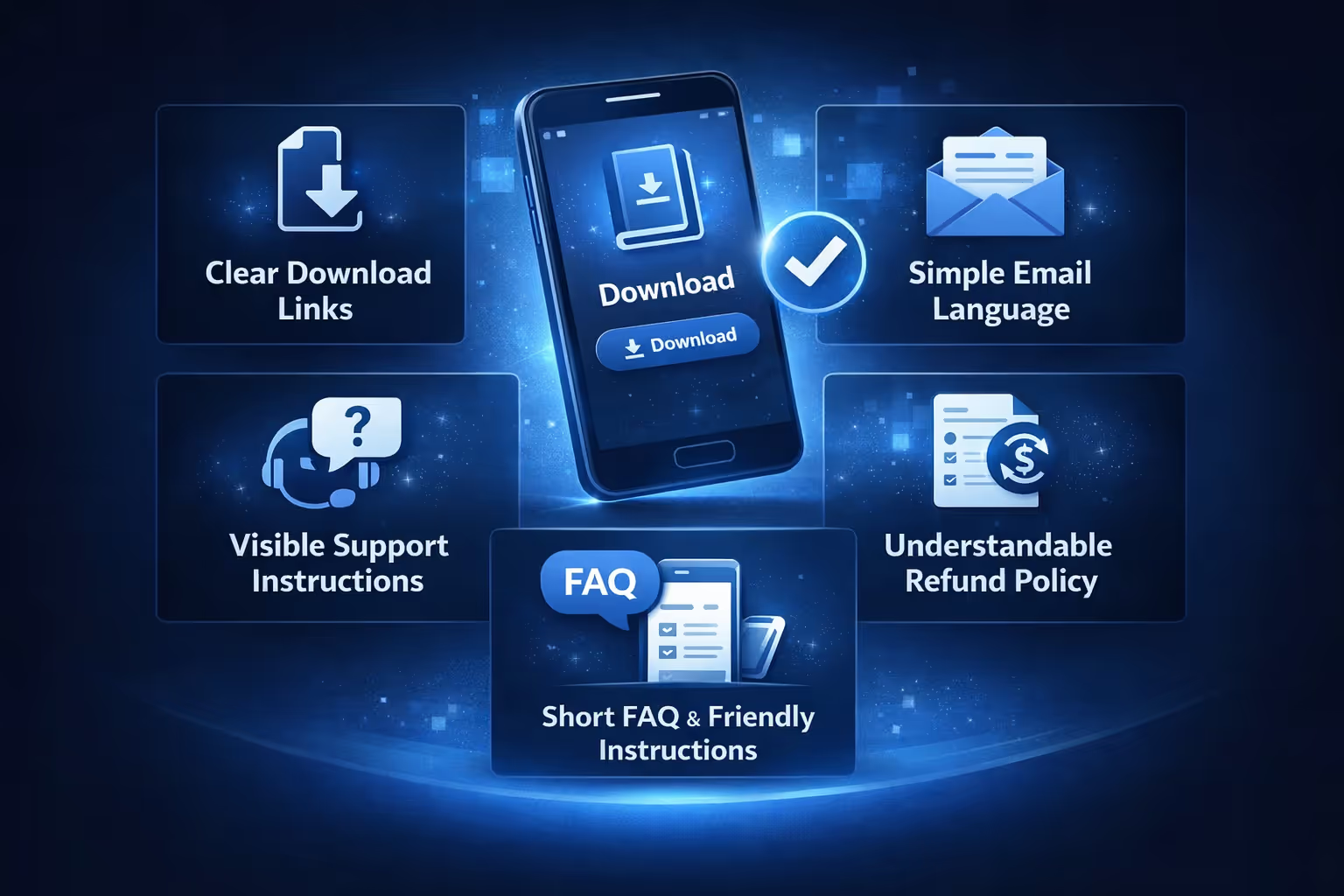
Make sure that:
If a customer cannot download their ebook within minutes, they will contact support or request a refund. Not because they are difficult, but because digital products create immediate expectations.
A short FAQ on your product page can prevent many issues. So can a friendly line in your delivery email explaining what to do if something goes wrong.
Marketing does not need to be loud to be effective.
The most reliable ebook sales usually come from:
If you already have content, start there. Blog posts, newsletters, social threads, or talks can all point naturally to your ebook.
If you do not have an audience yet, focus on one channel instead of many. Consistency beats reach early on.
Paid ads can work, but only if your product page is clear and your targeting is specific. Broad ads for ebooks rarely convert well.
Marketing is not about pressure. It is about relevance.

If you are selling ebooks on Shopify and want to run ads without burning weeks or budget on guesswork, this is where we come in. At Extuitive, we help Shopify merchants validate ad creative and messaging before real money is on the line. Instead of launching ads and hoping the algorithm figures it out, we test ideas upfront using AI agents modeled after hundreds of thousands of real consumer profiles. That means you can see which angles resonate, which visuals get attention, and which messages are likely to convert, before you ever hit publish.
For ebook sellers, this is especially useful. Digital products rely heavily on positioning. A small shift in headline, cover image, or promise can completely change performance. We make it easy to generate multiple ad variations, test them against realistic audience segments, and narrow in on what works fastest. The process is simple: connect your Shopify store, generate and validate ads, then launch with confidence. No deep AI knowledge required. No long research cycles. Just clearer signals earlier in the process.
We are not an ad platform, and we do not replace Meta or Google. What we do is reduce uncertainty at the creative and messaging level. For creators and merchants selling ebooks, that often translates into fewer failed launches, faster feedback, and ads that are built to convert from day one rather than learned through trial and error.
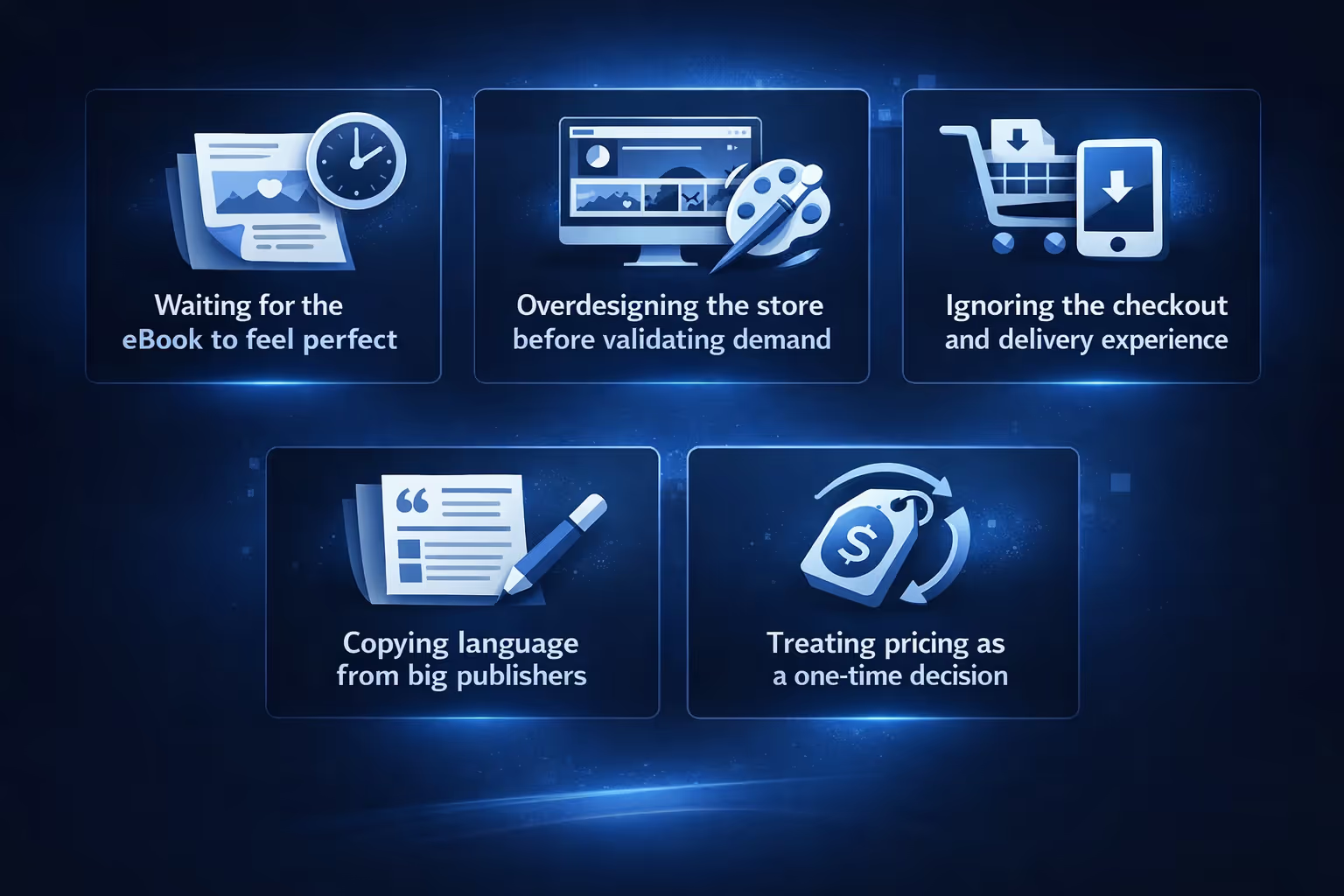
Selling ebooks is simple. That does not mean it is easy.
Here are a few mistakes that repeatedly cause delays:
Progress comes from shipping, observing, and adjusting. Not from endless preparation.
Selling ebooks on Shopify does not need to feel like launching a startup.
In fact, the more boring your setup is, the better it usually performs.
Clear product. Simple delivery. Honest pricing. Calm marketing. If you remove unnecessary complexity, the process becomes manageable. And once it feels manageable, it becomes sustainable.
That is how ebooks turn from an idea into a real, working product. Start where you are. Build what you need. Adjust as you go. That is enough.


