Instagram Ads Optimization Strategies That Work in 2026
Practical Instagram ads optimization strategies for 2026. Improve targeting, creative, and bidding to lower CPA and scale without burning budget.
Feb 5, 2026



Let’s be honest, finding real support these days can feel like solving a riddle. With Shopify, there is help out there – but getting to the right person (or bot) depends on your plan, what you need, and whether you’re a merchant, developer, or someone just poking around. This guide breaks it down in plain English. No vague advice, no links to dead ends. Just clear steps for actually reaching Shopify, based on what you're trying to do.
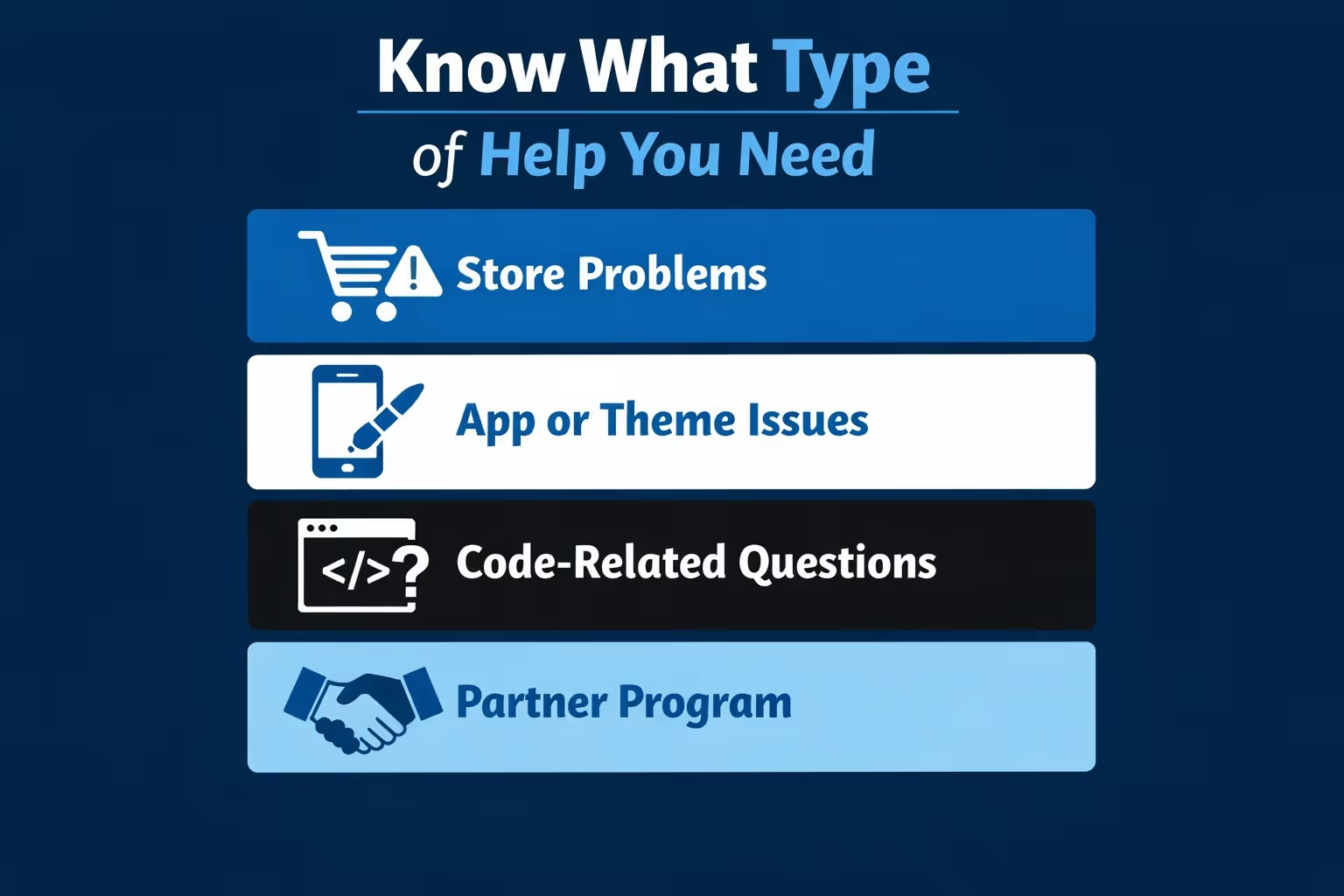
Before you dive into contact forms or search bars, it’s worth figuring out what exactly you need help with. Why? Because Shopify routes support differently depending on the nature of your issue. Here's how it breaks down:
Getting this sorted upfront saves time and gets you to the right person faster.
Here’s the deal: not all support is created equal. Shopify tailors your options based on the plan you’re on. It’s not always obvious, so here’s a quick breakdown:
All plans (Basic, Starter, Grow, Advanced):
Shopify Plus:
Shopify Retail:
If you’re not on Plus or Retail, you won’t have phone or email access. Chat is your main route, and AI will always try to help first.
Whether you like it or not, Shopify's support process usually starts with its AI-powered search bar. It’s on the Help Center homepage and works 24/7.
AI can help with directing you to step-by-step guides, linking to support articles (like how to cancel your store, change plans, etc.), and explaining basic features or setup questions.
Sometimes, that’s all you need. Other times, you’ll need a real person. But here’s the trick: the better your question, the better the result. Be specific.
Instead of this: “How do I fix my store?”
Try this: “My checkout button doesn’t work on mobile”
The more detail, the better your chance of avoiding the chat queue entirely.
Let’s say you’ve tried the AI and it didn’t cut it. Or maybe your situation is too complex for a search bar. Here's how to talk to a real support advisor:
If you’re not logged in, the chat will just lead you back to AI suggestions. And if you can't log in at all? Use the alternative contact form (we’ll cover that shortly).
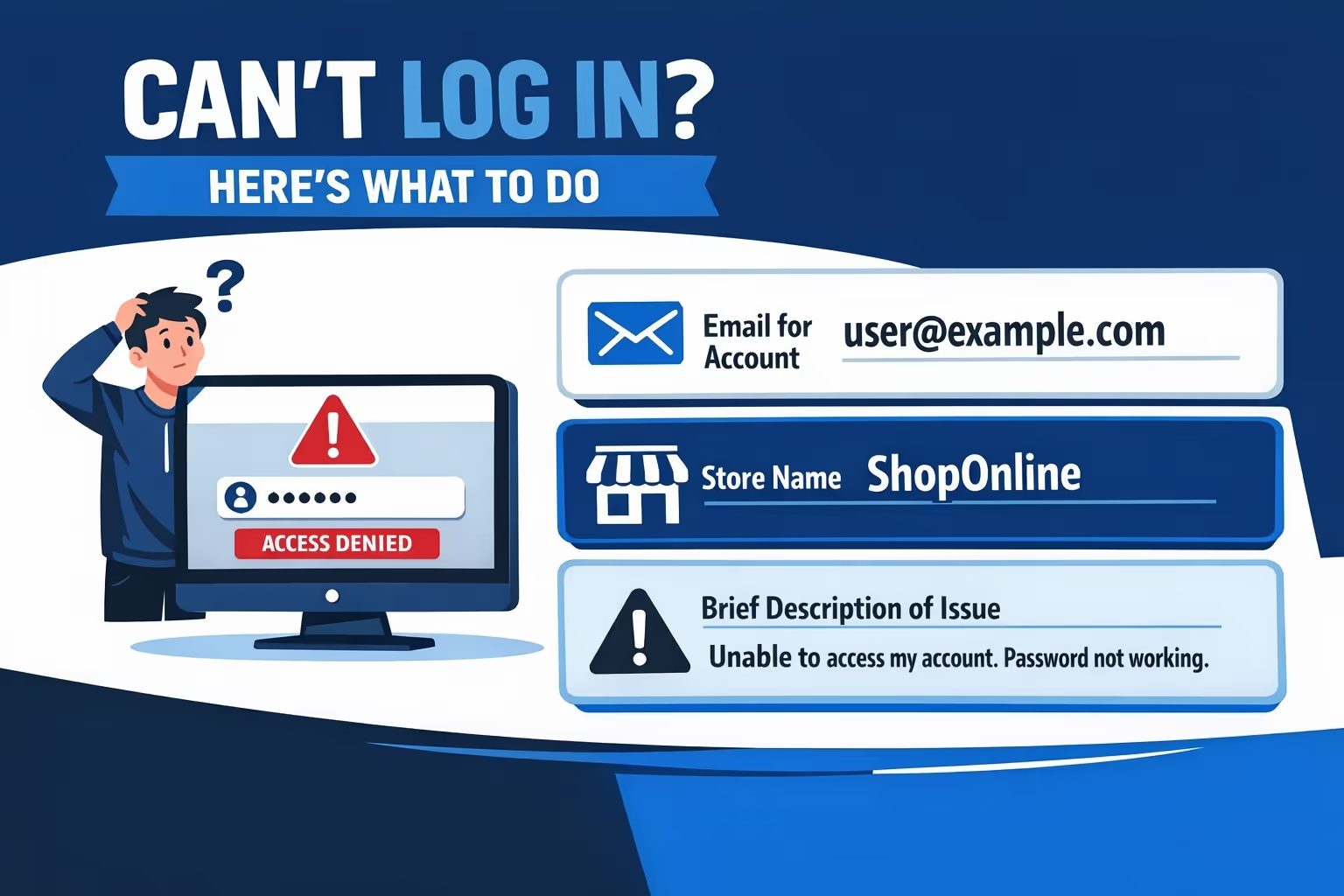
If you're locked out of your Shopify account, things get tricky. The regular chat won’t work unless you're logged in, but there’s a workaround.
Use this form: help.shopify.com/en/contact/login-issue
Fill it out with:
Note: This form does not immediately generate a ticket number, but the Shopify team may use the submitted details to follow up by email. If you want real-time help, live chat (with login) is still the best bet.
If you're part of the Shopify Partner Program or you're a developer working with APIs or apps, your support path is a little different.
For Shopify partners:
Make sure you're logged in under the right Partner Account, or you won’t get developer-level support. Permissions also matter. If your team role doesn’t allow access to certain features, support can’t help you until the account owner fixes it.
Not every app or theme is covered by Shopify’s support team. You’ll need to check who made the product you’re using.
For apps:
For themes:

We built Extuitive because we know what it's like to run a store and feel stretched thin. Support is great when you need help fixing something. But what about when you're trying to grow? That's where we come in. Our platform connects directly to your Shopify store and helps you generate and validate ad campaigns using our AI agents trained on data from over 150,000 real consumer personas.
Instead of spending weeks on creative or burning your budget with guesswork, you can link your store, build targeted ads, and test what works – all before you even hit publish. We simulate how different audiences respond to your ads, so you get actual insight into what will convert. And when you’re ready, we help you launch and track results, without needing to juggle five tools or hire an agency.
If you're already in Shopify and want to get serious about ad performance without wasting time or money, check out Extuitive. We made it simple because we’ve been there ourselves.
Here’s how to avoid getting stuck in back-and-forth replies or having to explain yourself five times:
Instead of saying something like “my store’s broken,” explain what you were doing, what you expected to happen, and what actually happened. For example:
This kind of clarity helps support advisors skip the guessing and start solving.
There’s a paperclip icon in the Shopify chat window for a reason. Use it. Showing the error message, the checkout page, or whatever’s acting up makes your life easier. It can also cut the conversation time in half, especially if the issue is visual or inconsistent.
If you've already refreshed, reinstalled, or followed a Help Center article, say so. Otherwise, support might walk you through all of those steps again. Mention what you’ve ruled out. It shows you’ve done your homework and lets the advisor skip the script.
One common issue is asking for things that aren’t available on your plan. If you’re on Basic or Starter, Shopify won’t offer phone or email support. That’s not personal – it’s just how their system works. Knowing that ahead of time helps you set the right expectations.
If you manage multiple stores or work across different teams, make sure you know which store you’re asking about. The wrong store ID or domain can throw off the whole conversation, especially if you're in a queue.
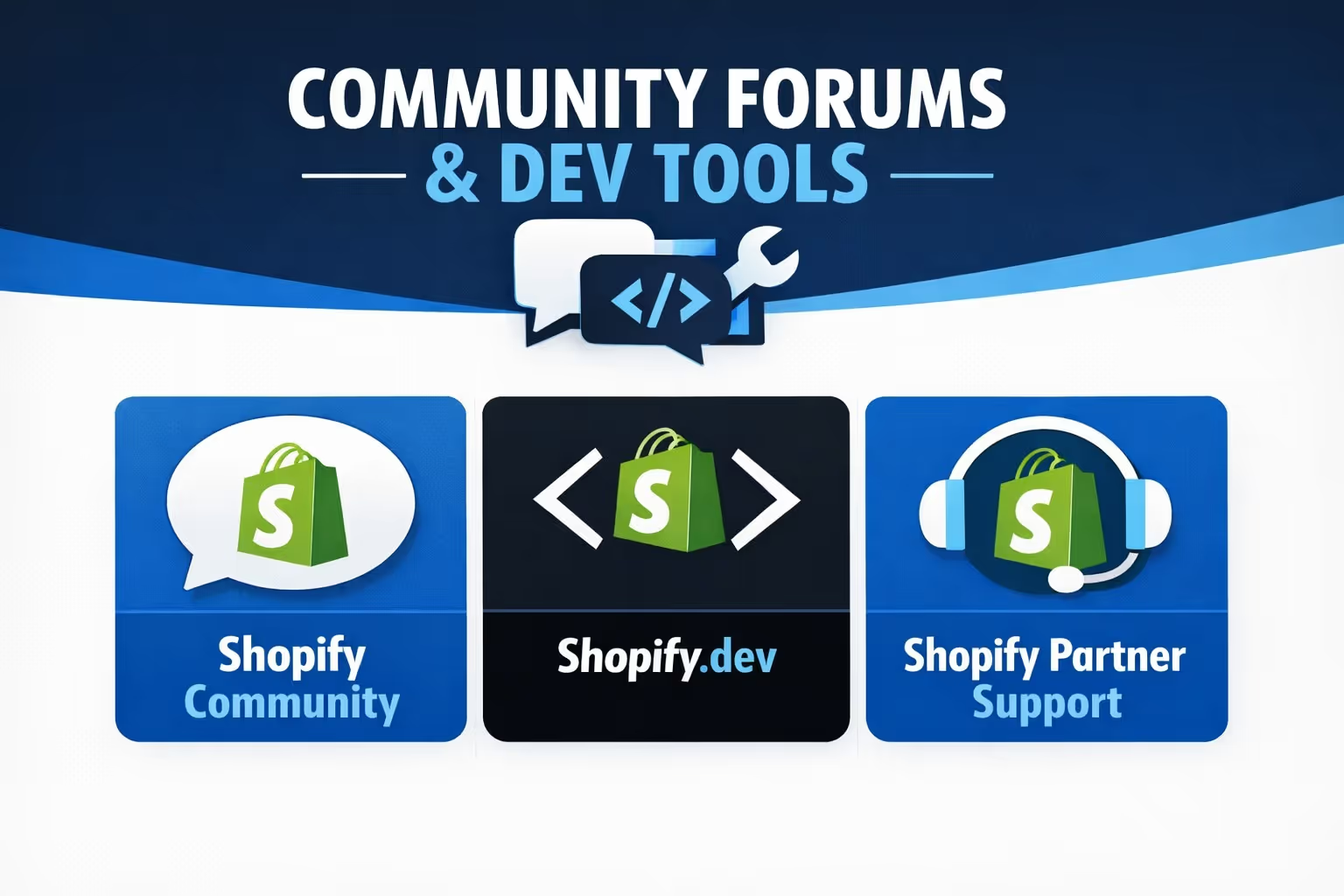
If your issue isn’t urgent, or you want help from people who’ve been through the same thing, the Shopify Community is surprisingly active. You’ll find developers, merchants, and support staff all chiming in. Here is what to look for:
These are goldmines for answers to weird bugs, theme behavior, or app conflicts.
Here’s a stripped-down reference to keep things clear:
Use AI search:
Use chat:
Use phone or email:
Use login issue form:
For code, themes, or apps:
Shopify support is available 24/7, but you’ll get the best experience if you know how their system is set up. The AI isn't perfect, but it’s fast. The chat queue isn’t fun, but it’s effective. And if you’re on Plus or Retail? You’ve got a direct line that many others don’t.
No matter your plan or setup, there’s a path to help. Just make sure you pick the one that fits what you're dealing with.


