The Best Shopify Themes to Elevate Your Store in 2026
Discover the top Shopify themes that look great, load fast, and help your store stand out. Perfect for boosting sales without breaking a sweat.
Dec 29, 2025



Connecting Shopify to TikTok Shop sounds simple on paper, but in practice it can feel confusing, especially if products do not sync or accounts are not fully linked. TikTok and Shopify talk to each other in specific ways, and missing one small step can break the whole flow.
This guide walks through what actually matters when connecting Shopify to TikTok Shop. No fluff, no shortcuts that stop working later. Just a clear explanation of how the connection works, what you need before you start, and how to avoid the most common setup problems that frustrate merchants.
TikTok Shop is TikTok’s native commerce system. It allows products to be listed, discovered, and purchased without users leaving the app. From a seller’s perspective, it works like a marketplace layered on top of TikTok content.
It is important to clear up a common misunderstanding early. TikTok Shop is not just TikTok ads. It is not the same as linking a product URL in a video. It is not automatic once you install something in Shopify
TikTok Shop requires a verified seller account, approved products, and a valid connection between TikTok and your ecommerce backend. Shopify is one of the supported backends, but the connection has rules.
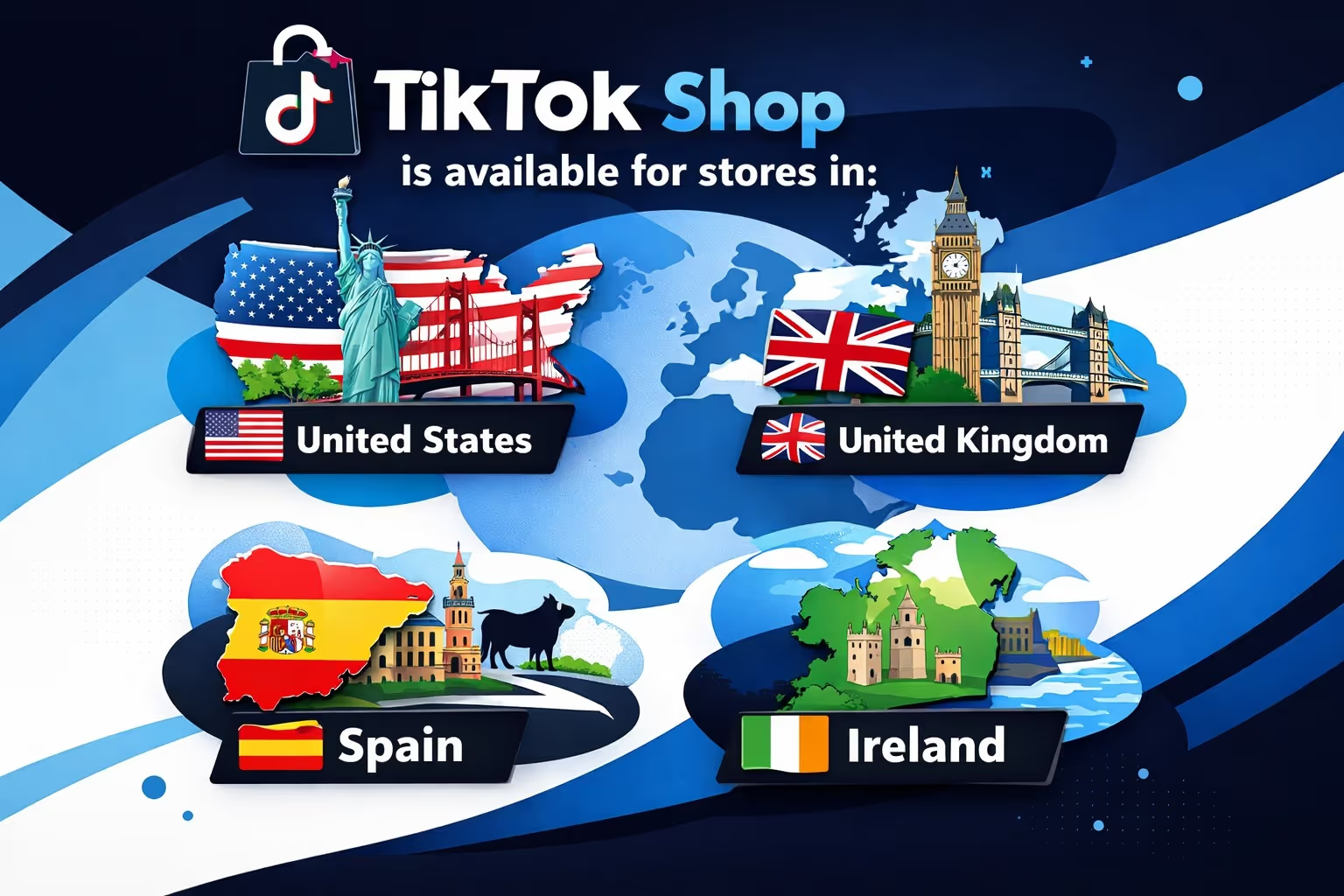
Before touching Shopify settings, confirm eligibility. TikTok Shop is region locked.
As of now, TikTok Shop is available for stores based in:
If your Shopify store address is outside these countries, TikTok Shop setup will stop during verification.
This is not about where you sell to. It is about where your business is legally located.
Most setup issues happen because something basic is missing. TikTok is strict about store legitimacy.
Your Shopify store must have:
TikTok checks these during onboarding. If something does not match, approval may stall without a clear explanation.
Even if your store is approved, individual products still go through review.
Products must comply with TikTok’s regional prohibited products policy. This varies by country and includes categories like restricted supplements, medical claims, adult products, and certain branded goods.
Approval of your store does not mean automatic approval of all products.
Shopify does not push products into TikTok Shop by default.
The connection works like this:
That sync only works if:
Missing one step breaks the chain.
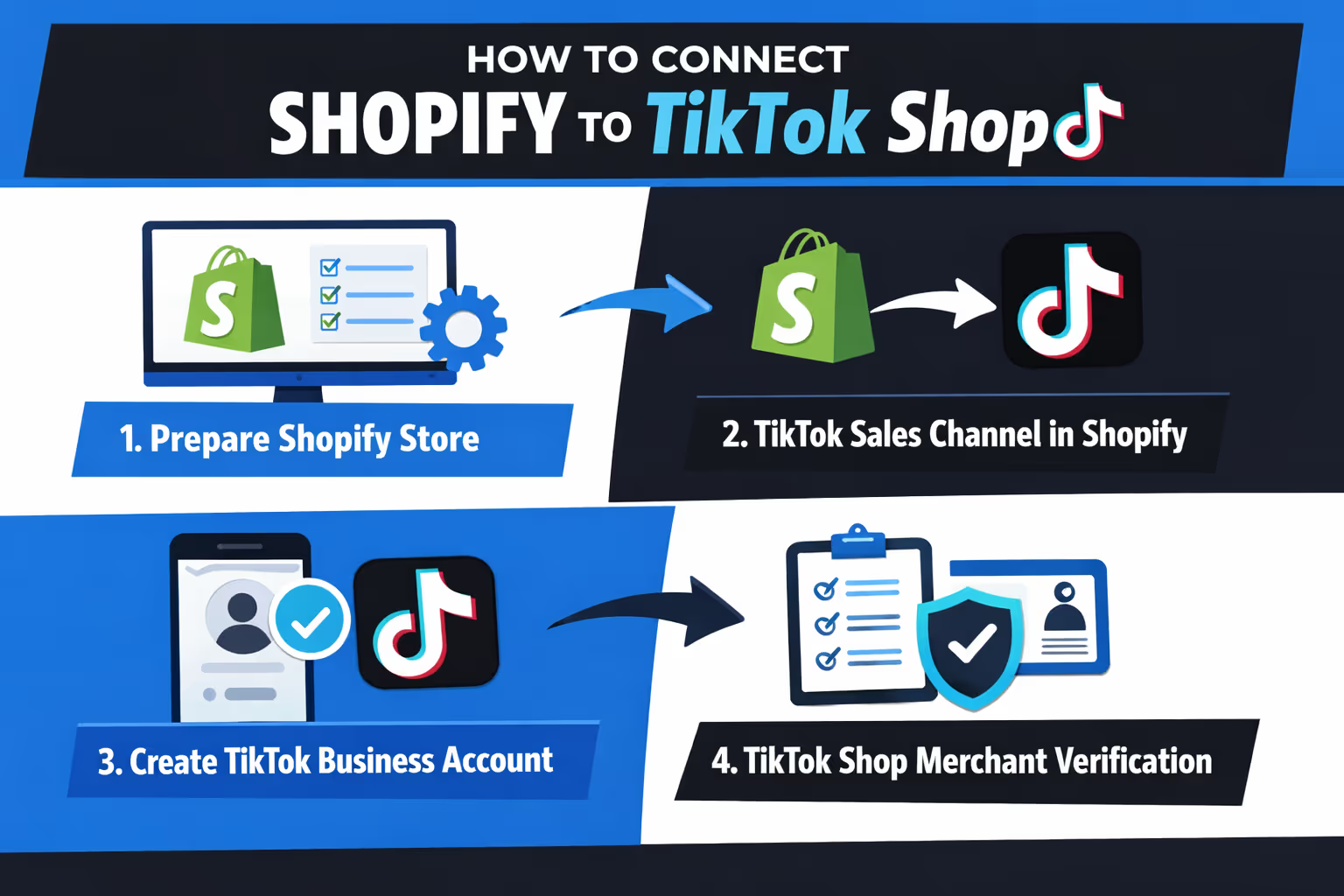
This is the cleanest path that avoids most common problems.
Before installing anything, go to Settings > Locations. Check the following carefully: location name is under 35 characters, address exactly matches Google Maps formatting, a real phone number is added, this location is set as a fulfillment location.
TikTok uses this data as your warehouse address. If it looks fake or incomplete, product sync will fail later.
From your Shopify admin:
This creates the technical bridge between Shopify and TikTok. Installing it does not mean TikTok Shop is active yet.
During setup, Shopify will prompt you to log in to an existing TikTok for Business account or create one during onboarding.
Important detail: Your TikTok account must be switched to a Business account. Personal accounts cannot sell.
Use the same email and business details as your Shopify store when possible. Consistency matters.
This is where many merchants rush and regret it later.
TikTok will ask for:
Once submitted, approval usually takes one to two days.
Do not skip steps or use placeholder information. TikTok does manual checks.
Back in Shopify, inside the TikTok sales channel:
Only after this step does Shopify treat TikTok Shop as an active sales channel.
Once everything is approved, Shopify attempts to sync eligible products.
Important things to know:
If products appear approved in TikTok but do not show in your TikTok Shop, it usually means the account connection is incomplete, not that the products are broken.
Even after you've connected everything correctly, things don’t always run smoothly. Merchants often run into sync issues that aren’t explained clearly by either platform. Sometimes, it feels like the products just vanish somewhere between TikTok and Shopify. Let’s break down the typical situations where things go sideways, and why they happen.
This one comes up a lot. You’ve gone through the whole setup, your TikTok Shop is verified, and your products are marked as approved. But when you open your storefront, nothing’s there. It’s frustrating, but the cause is often a missing connection step. In many cases, the TikTok account was created but never fully linked inside Shopify.
Another common pattern is completing the TikTok Shop onboarding directly through TikTok, which leaves Shopify out of the loop. If your warehouse or fulfillment address didn’t pass TikTok’s silent validation check, that can also stop the sync without any real warning. The products exist, they’re approved, but Shopify isn’t authorized to push them into TikTok’s ecosystem. It looks like a ghost issue, but it’s usually a missing link.
If you see an error saying your products couldn’t be synced due to a location issue, it’s almost always about formatting. TikTok is strict about how the warehouse address appears. If your Shopify location doesn't match what Google Maps expects, or if the name of the location is too long, TikTok won’t accept it.
The system also expects a phone number tied to the warehouse and needs that location to be marked as a fulfillment source. These rules aren’t shown clearly during setup, which makes it easy to miss something. The good news is, once you correct the address formatting and save the location again, things often start working within a few hours.
Another weird situation is when the whole setup seems to be working, but Shopify never actually asked you to link your TikTok account. This usually happens if you created your TikTok Shop directly on TikTok and only installed the Shopify TikTok channel later.
Since Shopify didn’t walk you through the connection, it assumes you haven’t linked an account at all. In this case, you may need to manually connect the accounts through TikTok Seller Center or restart onboarding from within the Shopify admin. It’s a small detail that causes a big headache if skipped.
If automatic sync fails, TikTok allows products to be added manually inside the TikTok Shop interface.
This is not ideal long term, but it can:
Manual uploads do not replace proper integration, but they are useful for testing.
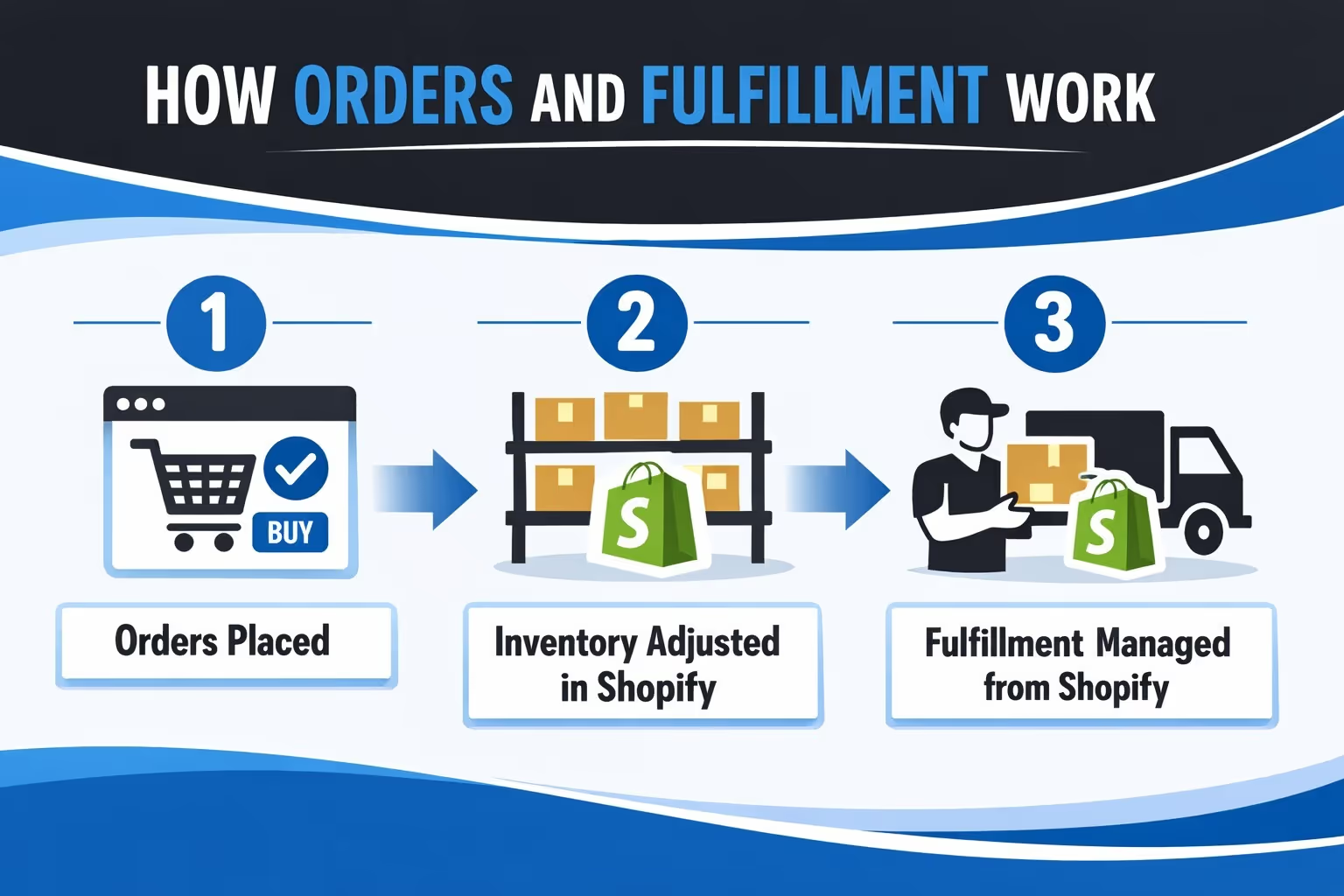
Once connected properly and order syncing is enabled:
Returns and customer communication may still involve TikTok’s interface, depending on region.
Think of TikTok Shop as a storefront and checkout layer, not a replacement for Shopify.

If you're already connecting Shopify to TikTok Shop, you're not just trying to sell – you're trying to sell smarter. That’s where we come in.
At Extuitive, we’ve built an AI-powered engine that helps you predict which ads are most likely to convert, before you ever hit publish. Because let’s face it, not every video turns into sales, and guessing can get expensive. Our models are trained on real campaign outcomes and integrate with your Shopify store to automatically analyze your product data, your audience, and your ad creatives.
We don’t just run simulations. We help you identify winners and avoid the creative dead ends. If you're using TikTok Shop, this means testing content for actual buying behavior, not just engagement. The result? Cleaner campaigns, faster insights, and better return on spend – without the error.
You do not need advanced tactics to succeed. You need consistency.
Helpful habits include:
TikTok favors stores that look real and behave predictably.
It helps to understand what TikTok Shop replaces.
Without TikTok Shop:
With TikTok Shop:
This is why TikTok Shop matters if you plan to sell seriously on the platform.
Connecting Shopify to TikTok Shop is not hard, but it is strict. TikTok expects real businesses, clean data, and consistent information across platforms.
If you take time to prepare your store, follow the setup flow inside Shopify, and verify everything carefully, the connection works reliably. Most problems come from rushing or setting things up in the wrong order.
Treat TikTok Shop like a real sales channel, not an experiment, and it will behave like one.
If you want, the next step can be a dedicated troubleshooting guide or a section on how TikTok reviews products in more detail.


