Can You and How to Import Your Etsy Listings into Shopify Hassle-Free
Learn how to move your Etsy listings to Shopify, step by step. Explore manual and automatic options to sync and manage your products.
Feb 3, 2026



Changing your store name on Shopify is one of those tasks that feels bigger than it actually is. The action itself takes a minute or two. The decision behind it usually takes much longer.
Some store owners rename because they’re rebranding. Others realize their original name no longer fits what they sell. Sometimes the name was rushed, or it just doesn’t age well once real customers start showing up. Whatever the reason, Shopify does make the technical part simple.
What matters is understanding what changes when you rename your store, what stays exactly the same, and where people usually get tripped up. This guide focuses on the practical side. No filler, no theory, just what you need to know before and after you change the name.
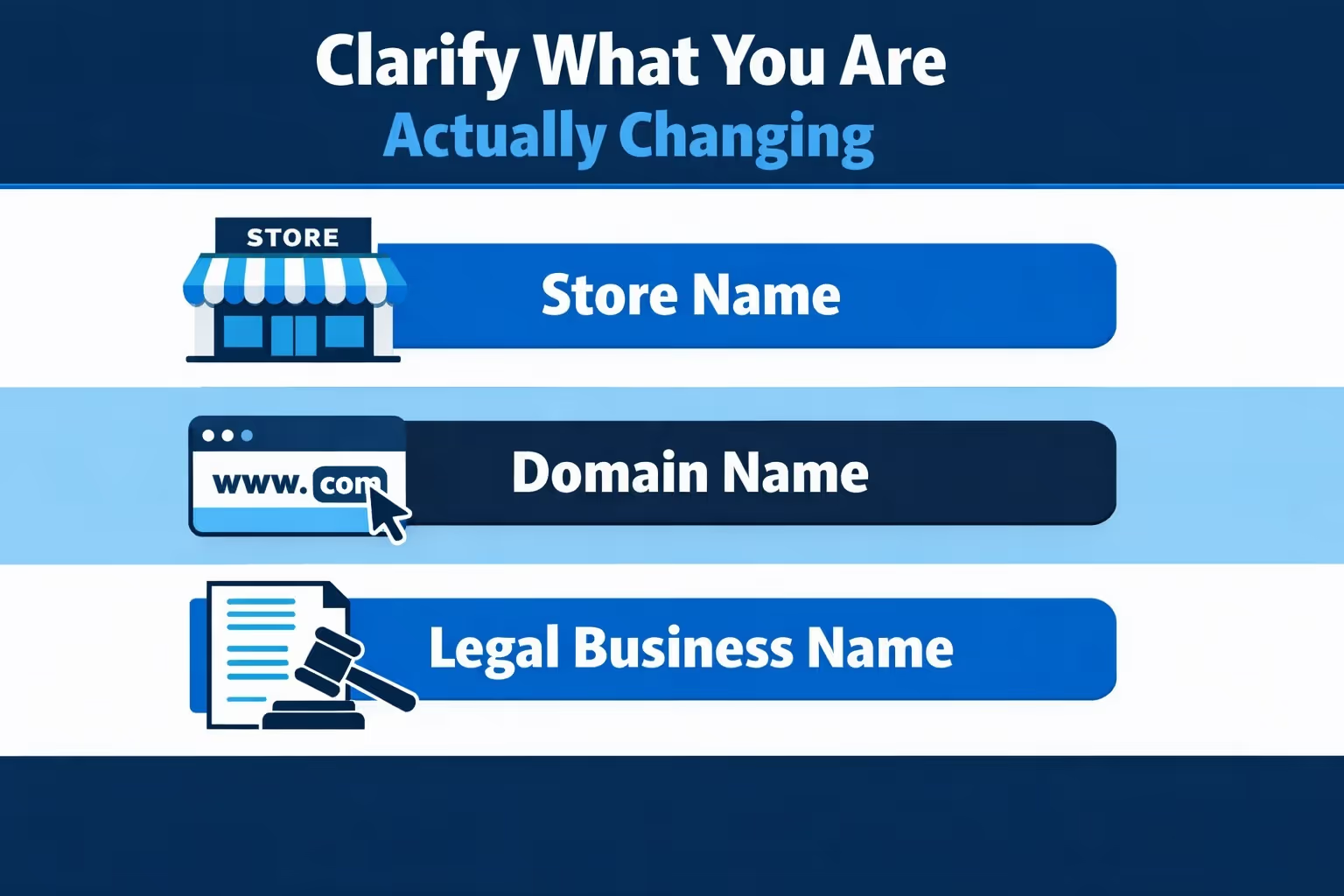
Before touching settings, it helps to be clear about terminology. Shopify separates things that many store owners assume are the same.
This is the name customers see on your site, in emails, and in parts of the checkout. It lives inside your Shopify settings and can be changed at any time.
This is your website address. It might be a myshopify.com domain or a custom domain you purchased. Changing your store name does not automatically change this.
This is used for billing, payments, and tax-related documents. It may or may not match your store name.
Most confusion comes from mixing these up. In this article, we are talking primarily about the store name, with guidance on when domain and legal name changes also matter.
Renaming your store is not something most successful merchants do casually. There is usually a solid reason behind it.
Many stores start with a name that fits a small catalog or a niche idea. As products expand, that name can start feeling limiting or misleading.
Plenty of store names are chosen late at night with too much caffeine and not enough thought. Once real customers arrive, weaknesses in the name become obvious.
If customers regularly mistake your store for another brand or arrive expecting different products, the name may be part of the problem.
When a store is acquired or combined with another business, a new name often makes sense to signal a new chapter.
If none of these apply, it is worth slowing down. Changing a name always has some cost, even if it is mostly operational.
The technical steps are straightforward. This is the easy part.
Make sure you are logged into the correct store. It sounds obvious, but people with multiple stores do mess this up.
In the lower-left corner of the admin dashboard, click Settings.
Inside Settings, open Store details. This is where Shopify keeps your core store information.
Find the Store name field under Basic information. Click Edit, enter your new name, and save.
That is it. The visible store name updates immediately across your storefront and admin. But this is only the beginning.
This is where expectations often break.
Changing your store name does not automatically:
Shopify treats the store name as one piece of a larger system. Everything else must be checked manually.

Changing a store name often triggers a wave of ad updates. Headlines get rewritten. Creatives change. URLs are swapped. Sometimes even pricing language shifts to match the new brand.
What does not change automatically is how those ads perform.
A new name can make ads clearer and stronger, or it can quietly hurt click-through rates and conversions if the message no longer lands the way you expect. This is usually where uncertainty creeps in. Internally, the rebrand feels right. In ad accounts, results become harder to predict.
At Extuitive, we help teams understand how ads built around a new store name actually come across to shoppers. Instead of relying on gut feeling or burning budget to test everything live, we use an ecosystem of 150,000 AI consumer agents trained on real behavioral data. They react to ad copy, visuals, pricing cues, and brand names the way real audiences do.
This is especially useful right after a rename, when merchants are rebuilding campaigns and testing new angles. We generate multiple ad directions around the updated brand, compare how they perform, and apply selective pressure to surface what consistently resonates. Weak messages drop out early. Strong ones become obvious faster.
The result is simpler ad decisions, cleaner messaging, and fewer expensive guesses. A store name change should give your ads more clarity, not less. Our job is to make sure that actually happens.
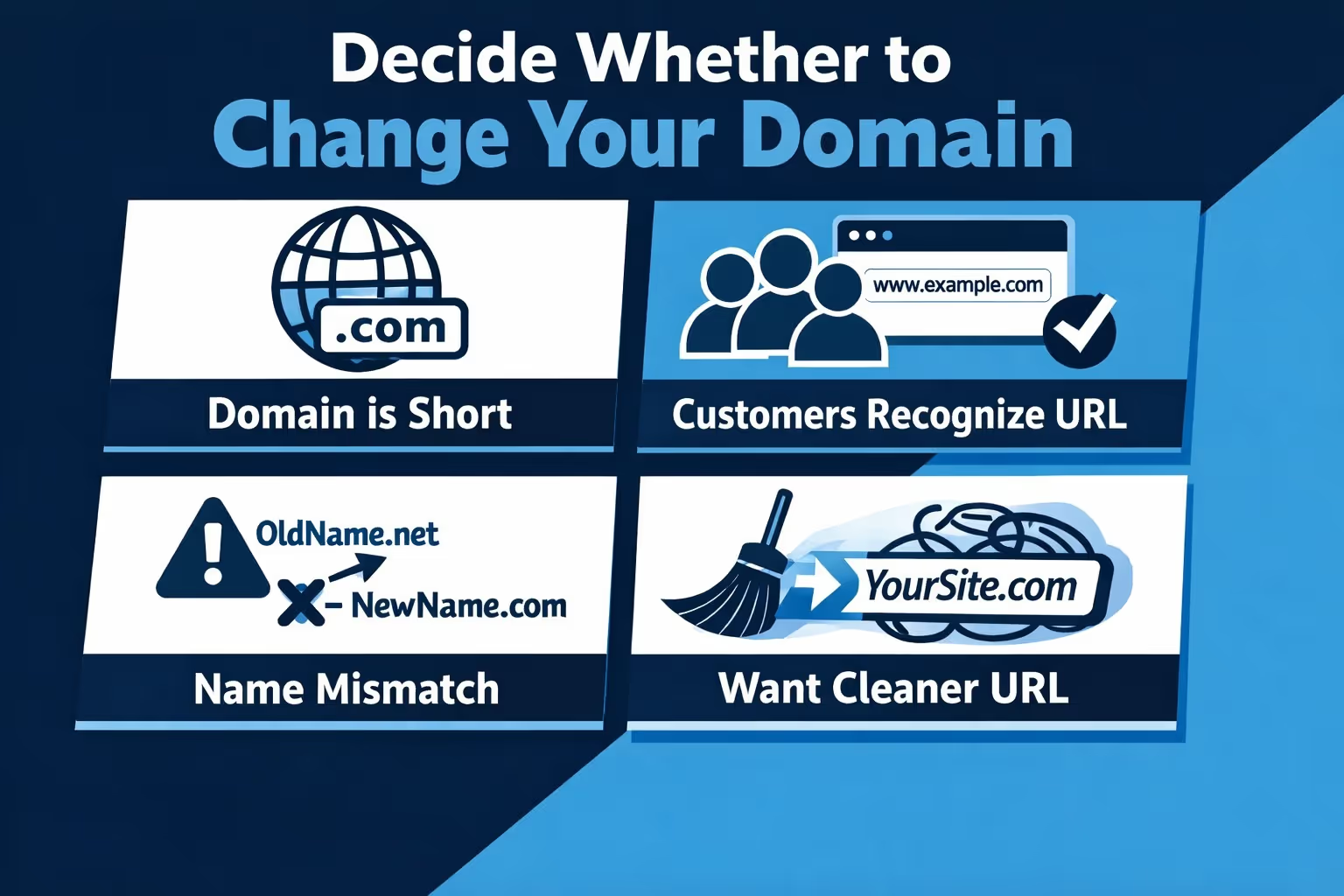
A mismatched store name and domain is not always a problem. Sometimes it is intentional.
That said, there are cases where updating the domain makes sense.
If you do change domains, you must handle redirects correctly. We will cover that later.
If you decide to update your domain, do not rush this part.
Shopify gives you a few different ways to handle a domain change, and the right choice depends on how hands-on you want to be.
You can purchase a new domain directly through Shopify, which is usually the fastest and least complicated option. Everything is handled in one place, and setup is mostly automatic.
If you already own a domain from another provider, you can connect it to Shopify instead. This works well if you are comfortable making DNS changes or have someone who can help you verify the connection.
There is also the option to transfer an existing domain to Shopify so it is managed entirely inside your admin. This takes more time and involves additional verification steps, so it usually only makes sense if you want all domain management consolidated under Shopify.
Buying through Shopify is typically the simplest route. Connecting an existing domain is a good middle ground. Transfers are best saved for cases where centralizing everything is worth the extra effort.
Once the new domain is connected:
Shopify will keep the old domain active and redirect traffic if configured correctly.
This is the part most guides gloss over or oversimplify.
Changing a store name alone has minimal SEO impact. Changing a domain is different.
Google does not penalize you for rebranding. It does penalize messy execution.
If you change your domain, redirects are non-negotiable. This is one of those steps that seems technical but has very real consequences if it is skipped or done poorly.
Without proper redirects, old links stop working. Customers hit error pages instead of products they expected to see. Search rankings can drop as search engines struggle to understand what moved and where it went.
Beyond SEO, there is a trust issue. When someone clicks a familiar link and lands on a dead page, it does not feel like a small technical hiccup. It feels like a store that may no longer be reliable.
Shopify usually creates redirects automatically when you change your primary domain, but that does not mean everything is guaranteed to work perfectly.
You should manually test your most important pages, starting with the homepage and then moving on to top-selling products, collections, and blog posts. Make sure each page loads correctly under the new domain and does not redirect incorrectly or fail to load.
Product URLs deserve special attention since they are often shared in emails, ads, and bookmarks. Blog posts and older content should also be checked, especially if they have backlinks from other sites.
Do not rely on assumptions here. Open links yourself, test them in a private browser window, and confirm the experience feels smooth and intentional from a customer’s point of view.
This is where most of the cleanup work lives. Even small misses here can create confusion or make the rename feel unfinished.
If you want, next we can tighten this into a printable checklist or optimize it for featured snippets without losing the human tone.
Silence creates doubt. Even a simple name change can make customers uneasy if they are not told what is happening.
An email newsletter is usually the most direct way to reach existing customers, especially those who have ordered before. A small banner on your homepage also helps catch the attention of returning visitors who might otherwise feel confused by the new name.
Social media is another important touchpoint. Updating your profiles is not enough on its own. A short post explaining the change helps set expectations. If your store has a blog or news section, a brief announcement page can also act as a reference point for anyone searching for your old name.
Keep the message simple and calm. Explain what changed, make it clear what did not change, and reassure customers that orders, support, and products remain exactly the same.
There is no need to justify the decision at length or turn it into a long story. Clear communication and a confident tone do more to build trust than overexplaining ever will.
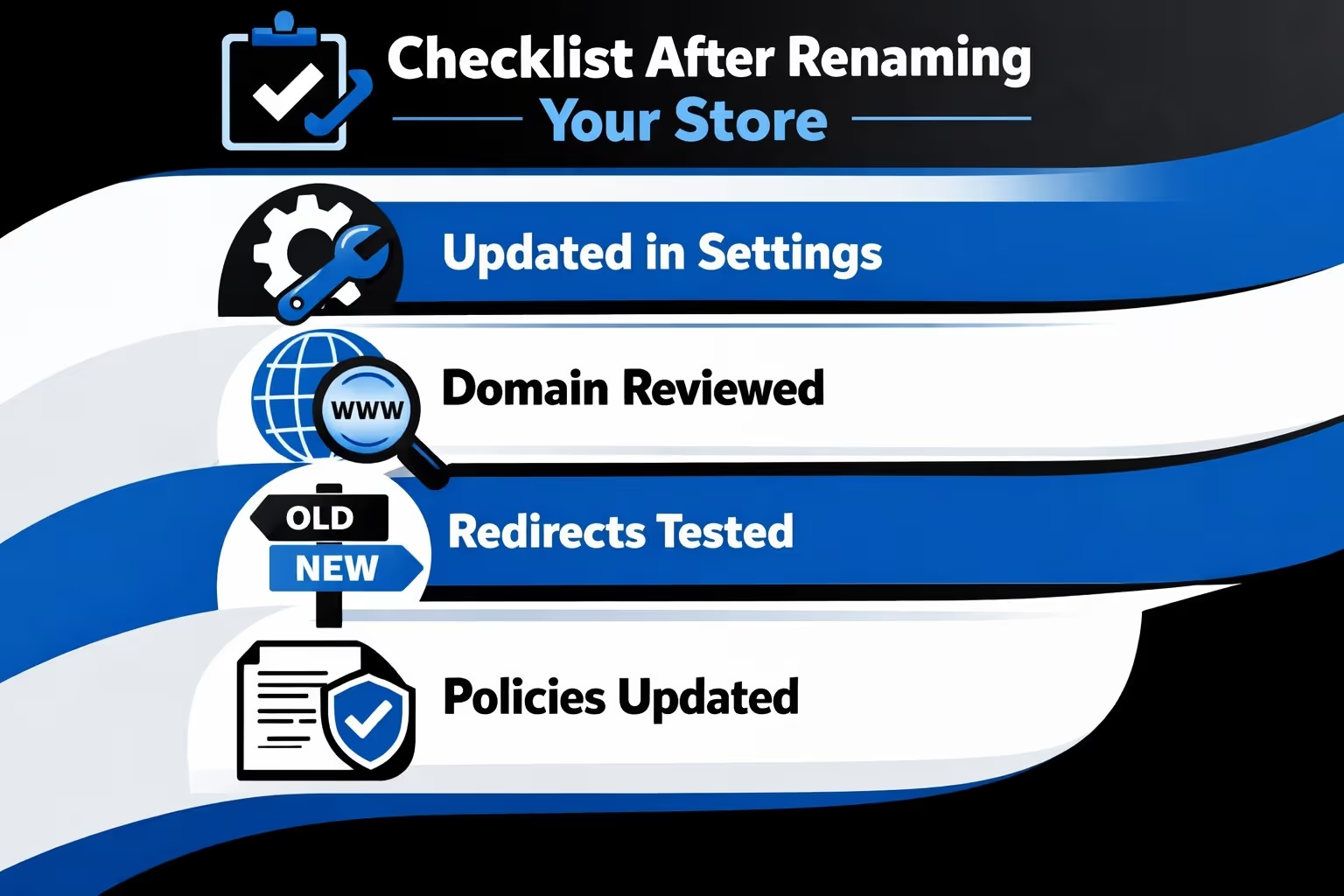
Use this as a final sweep once the name change is live. It helps catch the small things that are easy to miss but noticeable to customers.
If all of this checks out, you are in good shape. At that point, the name change should feel intentional, consistent, and easy for customers to accept.
Changing your Shopify store name is easy. Changing it well takes attention.
The platforms make the click simple, but they cannot think through branding, trust, and customer perception for you. That part is still human work.
If the new name fits your direction better and you handle the details carefully, the change can feel clean and natural. Customers adapt quickly when things make sense.
And if you are unsure, pause. A store name is not just a label. It is a promise.


