Facebook Lead Ads ClickFunnels Integration Testing 2026
Test Facebook Lead Ads to ClickFunnels integration with proven methods. Compare automation platforms, setup guides, and troubleshooting tips for seamless data flow.
Mar 23, 2026



Changing a Shopify domain name sounds simple, but it often creates more confusion than it should. Some store owners think they can rename an existing domain. Others worry they’ll lose traffic, rankings, or even access to their store. The truth sits somewhere in the middle.
Shopify makes it fairly easy to switch which domain customers see, but there are rules you can’t get around. Domains aren’t editable, redirects matter, and a few small steps make a big difference for SEO. This guide walks through what’s actually possible, what isn’t, and how to change your Shopify domain the right way without unnecessary stress.
Before touching any settings, it is important to understand one thing clearly.
You cannot rename an existing domain.
If you purchased a domain through Shopify or any other provider, that name is locked in. Domains are registered through ICANN, and once a name is taken, it cannot be edited or refunded. If you chose the wrong spelling, changed your brand name, or simply outgrew the original idea, the only option is to buy a new domain.
That limitation is not specific to Shopify. It applies everywhere.
What Shopify does allow is choosing which domain your store actively uses and redirecting everything else to it. That distinction matters more than most people realize.

Changing a Shopify domain is not just a technical decision. It usually goes hand in hand with new ads, updated messaging, and a fresh push to attract traffic under a new name. That is often where things break down. The domain switches cleanly, but the marketing behind it is rushed, untested, or built on assumptions.
At Extuitive, we focus on the part that comes after the domain decision. We help teams create, test, and launch ads and product messaging faster and with far less guesswork. Instead of spending weeks debating creative directions or burning budget on trial-and-error campaigns, our AI consumer agents pressure-test concepts before they go live.
Those agents are trained on real behavioral data and act like an always-on focus group. They evaluate ad copy, visuals, pricing ideas, and short-form creatives across many variations, then surface what actually resonates. The process is evolutionary, not linear. We generate a wide range of options, apply selective pressure through testing, and let the strongest ideas rise to the top.
For Shopify brands changing domains as part of a rebrand or growth phase, this matters. A new domain often means new ads, new creatives, and new positioning. With Extuitive handling ideation, iteration, and validation, teams can move into that transition with ads that are already refined, not guessed at. The technical switch becomes just one step in a broader, more confident growth move, rather than a reset that slows everything down.
A lot of confusion comes from mixing these two up.
Your Shopify store has:
The store name can be changed as many times as you want. It is just text.
The domain name is a registered internet address. Once bought, it stays exactly the same.
You can change your store name without touching your domain. You can also change your domain without changing your store name. They are related, but not locked together.
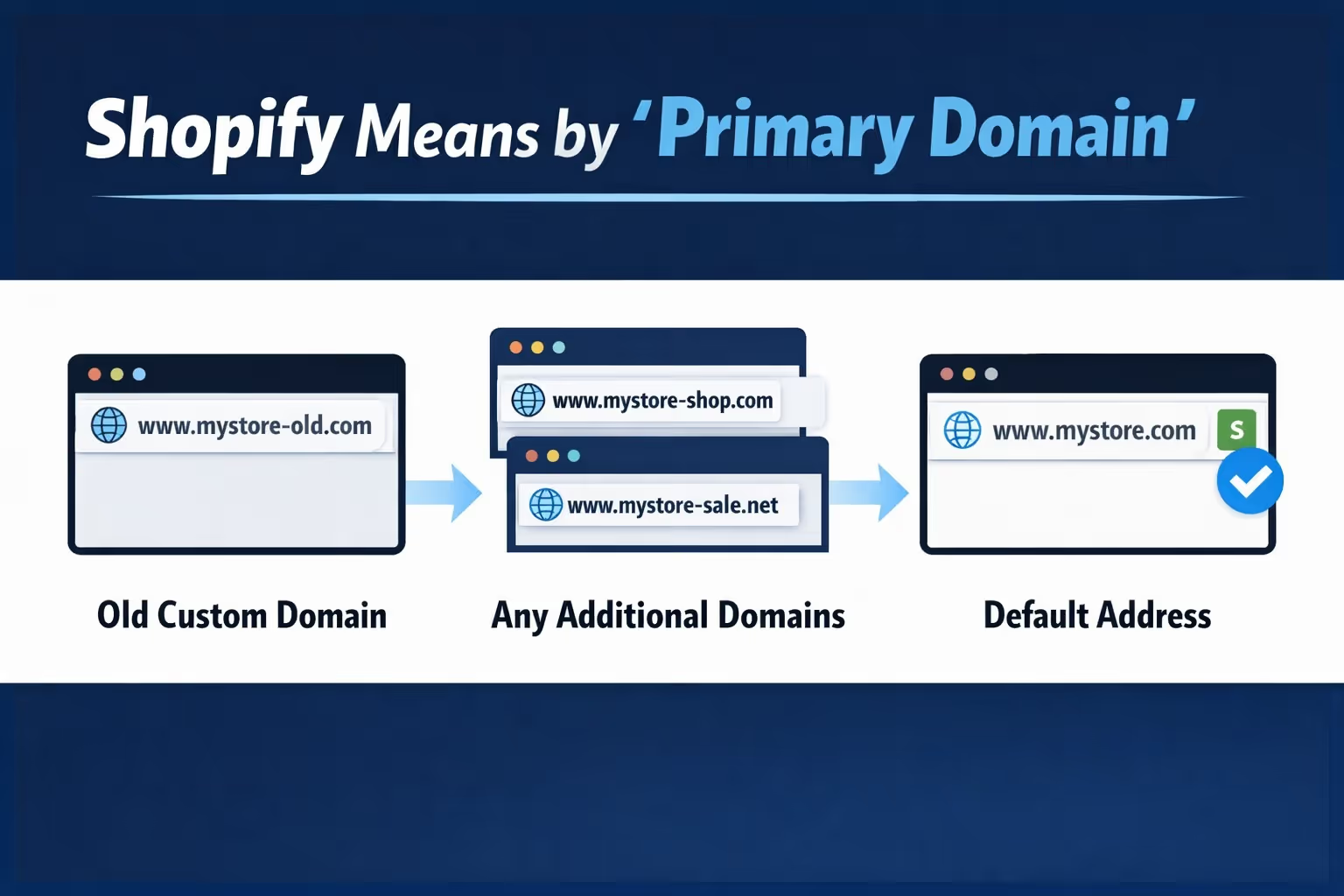
Shopify does not let you edit domains, but it does let you choose a primary domain.
Your primary domain is the single URL Shopify presents to customers and search engines as the official address of your store. Every other domain you have connected will redirect to it automatically.
That includes:
When someone visits any of those alternatives, Shopify sends them to the primary domain behind the scenes.
This is the key to changing your domain without breaking anything.
Changing a domain is not something to do casually. It always introduces some level of disruption, even if handled correctly. That said, there are good reasons to do it.
Common ones include:
If your current domain still fits your business and customers recognize it, changing it just for novelty is rarely worth the effort.
Some store owners try to “half change” their domain by adding a new one but never setting it as the primary address. On the surface, everything seems fine. The store loads, products work, and customers can still check out. Under the hood, though, things start to drift.
You end up with multiple URLs showing the same store, which confuses search engines and weakens how your pages are indexed. At the same time, links in ads, emails, and social profiles often point to different versions of the site, making the brand feel inconsistent. None of this usually breaks the store outright, which is why the problem often goes unnoticed for months.
Shopify will keep running, but SEO and brand clarity quietly take the hit. If you are adding a new domain with the intention of using it, the clean approach is almost always to set it as the primary domain once you are ready to make the switch.
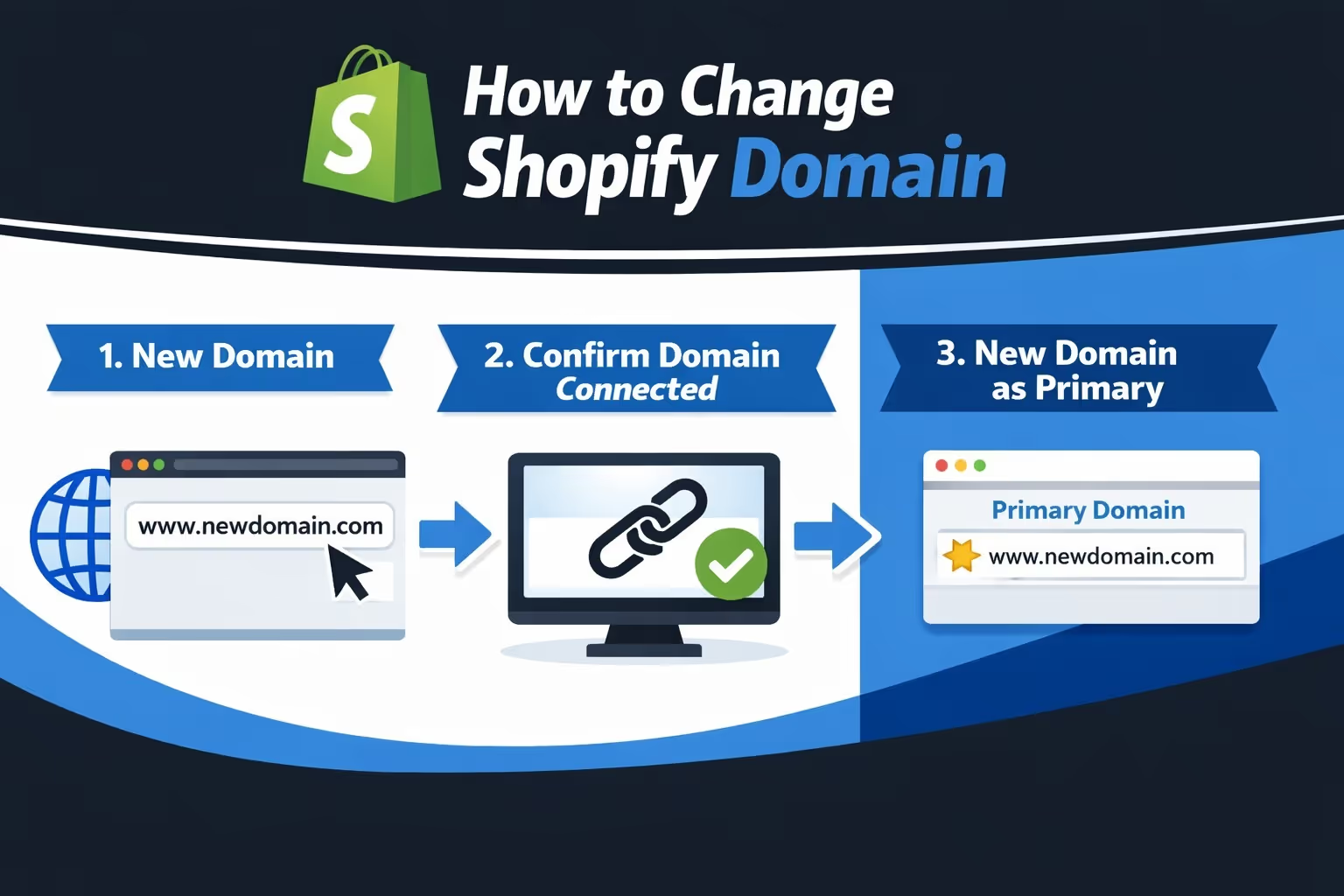
You have three options:
Buying through Shopify is the simplest path. DNS is handled for you, and setup is faster.
If you already own the domain, connecting it works just fine. You will just need to update DNS records at your provider.
Transferring a domain fully into Shopify is optional. It is more about management convenience than functionality.
Before you can use a new domain, Shopify must mark it as “Connected.”
This can take up to 48 hours depending on DNS propagation. Until the status shows as connected, do not proceed.
Rushing this step is how people end up thinking Shopify is broken.
Once connected:
That is the moment the switch happens.
From that point on, customers are shown the new domain as the official address of your store. Search engines are also guided toward it as the canonical version, which helps consolidate authority instead of splitting it across multiple URLs. Any other domains you have connected, including the old one and the default myshopify.com address, automatically redirect to the new primary domain in the background.
Nothing disappears when you change your primary domain. Your old domain continues to exist, it still resolves correctly, and anyone who visits it will still reach your store. The difference is that Shopify automatically redirects that traffic to your new primary domain.
This redirect is a 301 redirect, which signals to search engines that the move is permanent. That is exactly what you want from an SEO standpoint, because it helps transfer authority from the old domain to the new one over time. You do not need to set this up manually for the main domain. Shopify handles these redirects at the platform level, as long as the domain remains connected to your store.
Let us talk honestly about SEO.
Yes, changing your domain can cause temporary ranking fluctuations. That is normal. It does not mean you did something wrong.
What matters is how cleanly the transition is handled.
If you skip the manual cleanup, Shopify cannot save you from confusion outside the platform.
This step is often skipped, and it should not be. Once your new domain is live, you should add it to Google Search Console, verify ownership, and keep an eye on indexing and crawl reports. This helps Google understand that the domain change was intentional and permanent. Over time, authority shifts from the old domain to the new one, and the existing redirects reinforce that signal. Checking Search Console regularly during the first few weeks lets you catch small issues before they turn into bigger ones.
Redirects are helpful, but they are not a replacement for clean links. Any place where you actively send traffic to your store should be updated to point directly to the new domain. This includes paid ads, email templates and footers, social media bios, link-in-bio tools, and affiliate links where you have control. Redirects always add an extra step, which can slightly affect load time and user trust. Clean, direct links remove that friction and make the transition feel more deliberate and professional.
There are two things Shopify simply will not let you change. A purchased domain name cannot be edited once it is registered, and your original myshopify.com URL is permanent and tied to your account. This is how Shopify identifies your store internally.
Once you add a custom domain, the myshopify.com address is mainly used for login and system references. Customers should never need to see it, and there is no benefit in trying to modify or replace it.
Technically, Shopify does not limit how many times you can change your primary domain. From a practical standpoint, though, frequent changes are rarely a good idea. Each switch slightly resets trust signals, creates confusion for returning customers, and adds extra work across marketing and SEO.
If you find yourself changing domains more than once or twice, the problem is usually not the platform. It is a sign that the brand or positioning needs more thought before making another move.
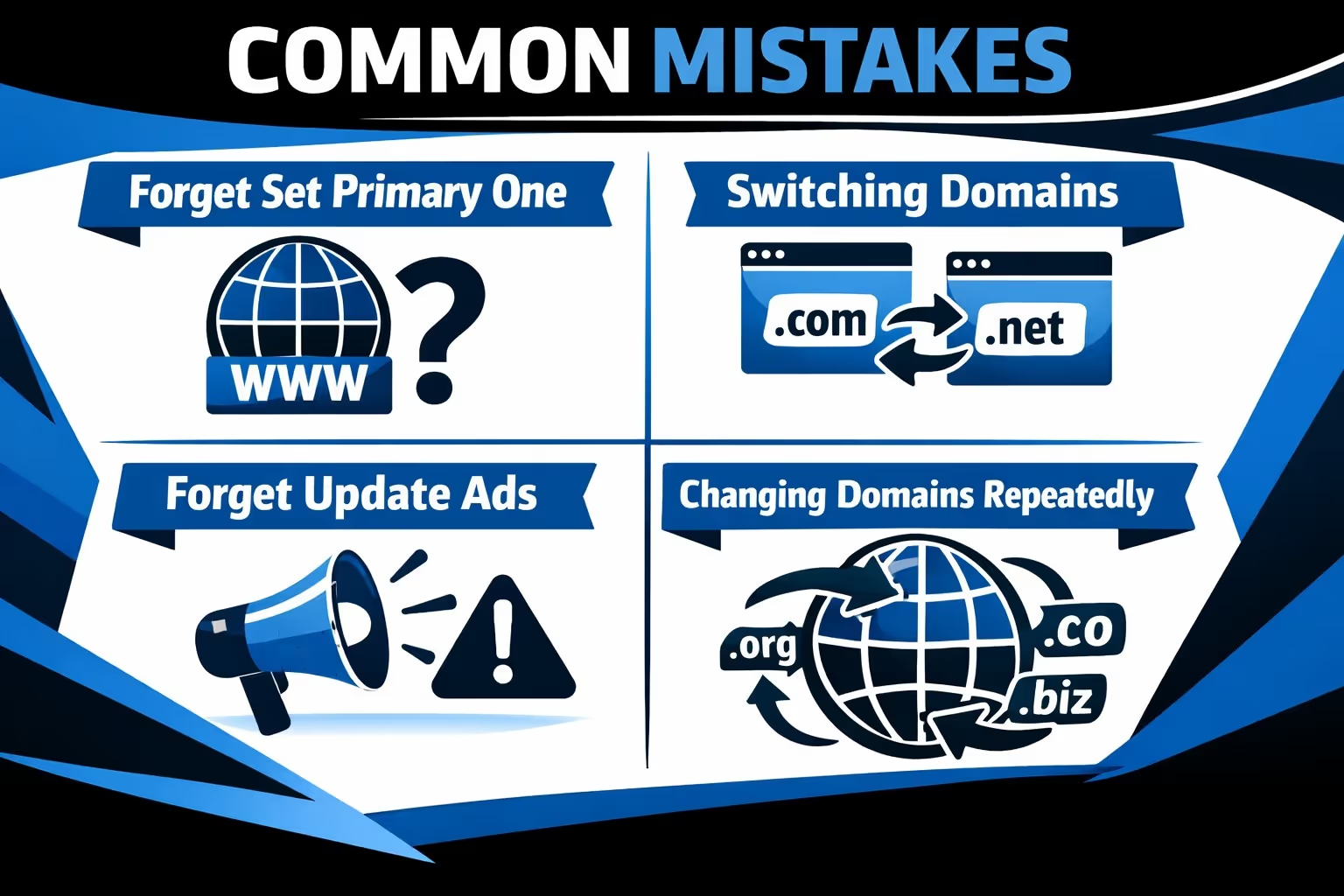
These are the issues that most often lead to panic posts in forums and late-night troubleshooting. In almost every case, the store itself is fine. The problems come from small oversights that stack up.
Shopify does a lot for you, especially with redirects and internal links, but it does not manage your entire marketing footprint. That part still requires a deliberate cleanup once the switch is made.
Most Shopify domain changes go wrong not because the platform is complicated, but because expectations are off. People assume they can rename things that cannot be renamed, or they expect Shopify to manage every external system automatically.
Once you understand the rules, the process is straightforward. You are not editing a domain. You are choosing which domain represents your store.
Handle that choice carefully, and your store will be just fine.


