The AI Tools for Improving Marketing ROI in 2026
Discover top AI platforms that predict ad winners and boost ROAS. Stop guessing and start seeing real marketing ROI gains for your business in 2026.
Mar 24, 2026



Running a Shopify store usually means dealing with great customers. Usually. But every store owner eventually runs into someone who causes more problems than revenue. Fraud attempts. Abusive emails. Endless chargebacks. At that point, the question is no longer if you should act, but how.
Here’s the tricky part: Shopify does not offer a simple “block customer” button. There’s no one-click solution, and deleting an account rarely solves the problem. Blocking someone on Shopify is more about combining the right tools and rules than flipping a switch. This guide walks through what’s actually possible, what isn’t, and how to protect your store without punishing legitimate customers along the way.
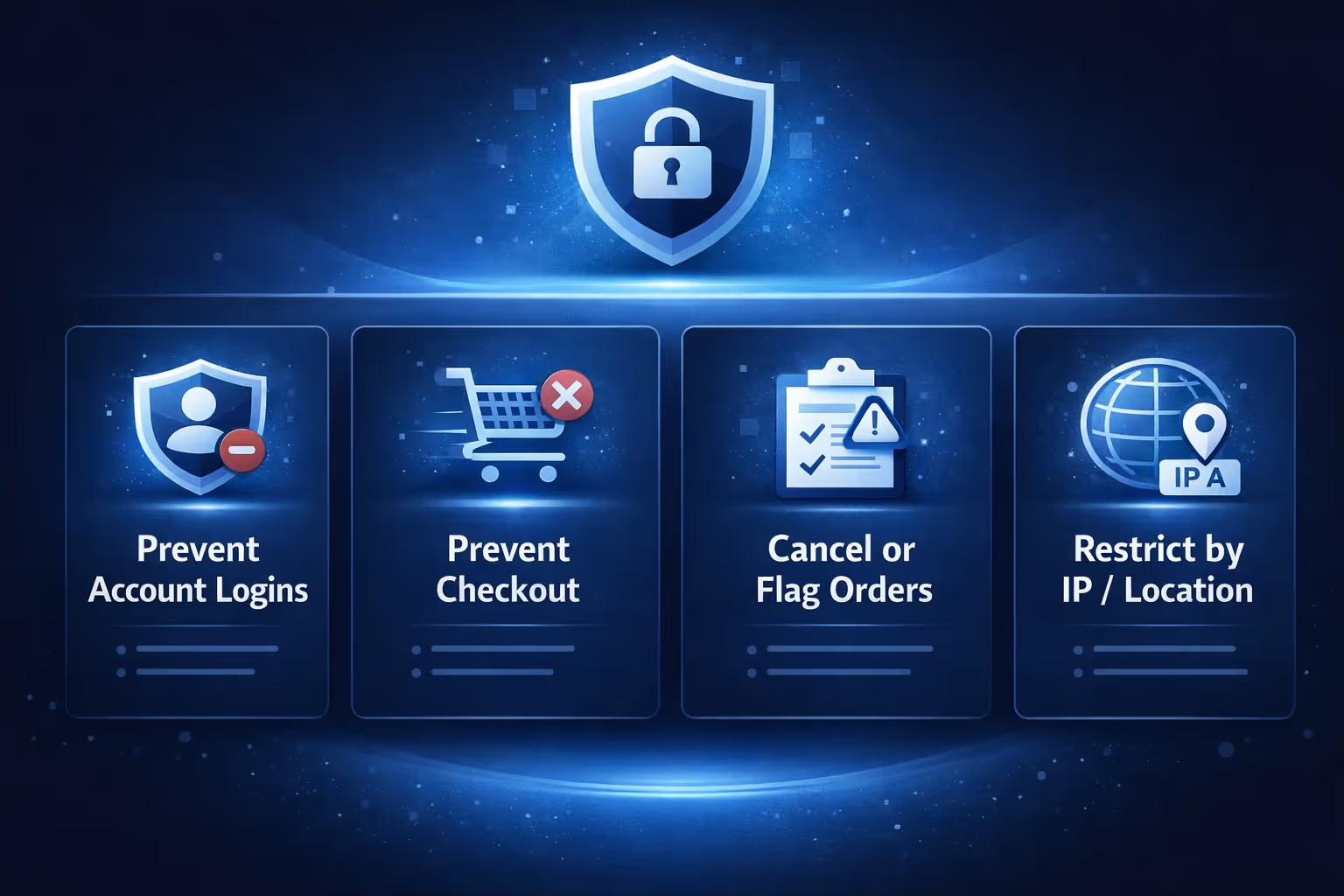
Before choosing any method, it helps to be precise about what “blocking” actually means. Shopify does not block people. It blocks access, actions, or transactions.
In practice, blocking usually refers to one or more of the following:
Each of these solves a different problem. None of them solve all problems on their own. Most failed blocking attempts happen when store owners expect a single solution to cover everything.
Blocking should respond to patterns, not single events. One unusual order, one failed payment, or one refund request is rarely enough to justify cutting someone off entirely.
Blocking is usually justified when the same customer repeatedly causes harm, such as:
In contrast, customers with odd shipping addresses or international orders often just need manual review. Blocking too aggressively creates false positives, lost sales, and angry legitimate buyers.
Deleting a customer account feels final, but it is one of the least effective ways to stop someone.
Deleting a customer removes their data from your admin and may be required for privacy compliance. What it does not do is prevent future orders. A deleted customer can still check out as a guest or create a new account with a different email address.
In many cases, deletion is not even possible. Customers with order history, subscriptions, pending gift cards, or active GDPR requests cannot be removed at all. Deletion is useful for data hygiene, not for blocking behavior.
Customer tags are the closest thing Shopify offers to a control mechanism. On their own, they do nothing. That is exactly why they matter.
A tag like “blocked” or “fraud” becomes a shared signal across your store. It can be read by theme logic, apps, automation tools, and your internal team. Tags are visible, reversible, and scalable, which makes them safer than hard-coded rules.
Almost every effective blocking setup starts by tagging customers instead of acting immediately.
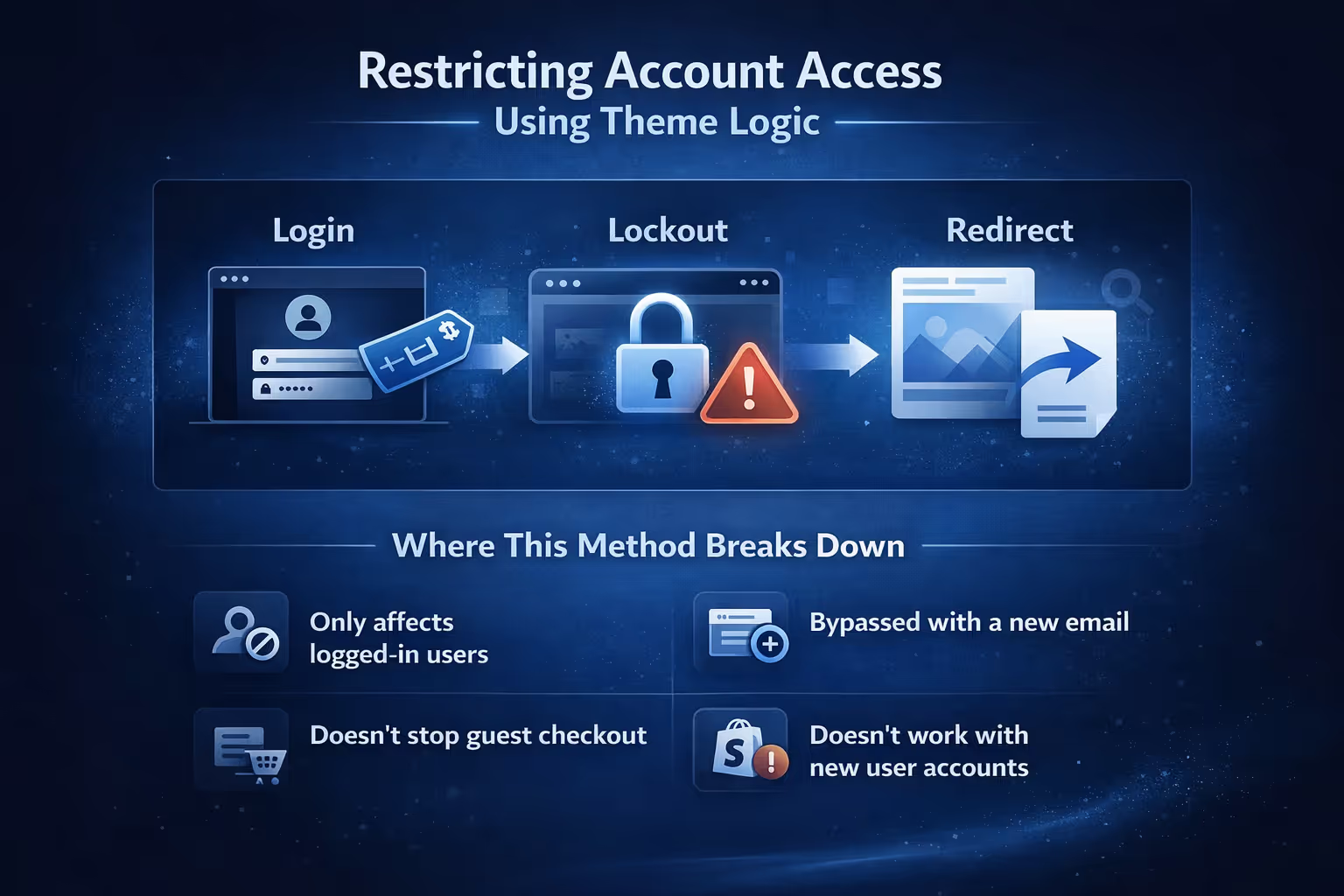
One common workaround is using theme logic to restrict access for tagged customers. When a customer with a specific tag logs in, the store immediately logs them out or redirects them to another page. This creates a clear boundary without touching checkout or payments.
This approach has real limitations. It only affects logged-in users, can be bypassed with a new email address, does not stop guest checkout, and does not work with Shopify’s newer customer accounts. It is best used as a deterrent, not as a permanent solution.
A customer who can still complete checkout can still cost you money. That is why serious blocking strategies focus on checkout, not just account access.
Requiring customers to log in before checkout changes everything. Once login is mandatory, customer tags can actually be enforced. Without this setting, most account-level restrictions are easy to bypass.
Third-party apps exist because Shopify leaves enforcement flexible by design. Instead of hard restrictions, the platform provides signals and hooks. Apps turn those signals into actions, especially at checkout and during order processing.
Rule-based checkout blockers stop orders before they are completed by evaluating conditions you define. These conditions often include customer tags, email patterns, cart value, product combinations, or order history. When login is required at checkout, these tools become significantly more effective because tagged customers cannot bypass restrictions as guests. This category is best when you need predictable, rule-driven control over who can place orders.
Fraud and chargeback prevention tools focus on behavior rather than access. They analyze signals before or immediately after payment authorization, such as address mismatches, device data, payment attempts, and historical chargeback patterns. Based on this analysis, they can flag orders for review, cancel high-risk transactions automatically, or prevent fulfillment from proceeding. These tools work especially well for stores that handle frequent fraud or high-value transactions.
IP and country blockers operate at the traffic level, restricting access based on location, IP address, or network type. They can reduce bot traffic, limit abuse from known high-risk regions, and slow repeated attempts from the same sources. However, they are inherently limited. IP addresses change frequently, VPN usage is common, and shared networks can block legitimate users. For this reason, traffic blocking should be treated as a supporting layer rather than a primary defense.
Hybrid protection tools combine multiple approaches into a single system, using customer tags, checkout rules, fraud analysis, and traffic controls together. These tools are often easier to manage because everything lives in one interface, but they tend to offer less flexibility than specialized solutions. They are a good fit for stores that want broad protection without maintaining several separate tools.
Apps are not magic. They do not decide intent on their own. They act on the signals you provide, and customer tags are usually the clearest and most reliable signal. The most stable setups use one strong enforcement app connected to a clear tagging strategy. Adding multiple blockers rarely improves results and often creates conflicts or false positives that hurt legitimate customers.

At Extuitive, we work on a different part of the funnel. Extuitive is not a fraud detection or customer blocking tool. It does not cancel orders or restrict checkout. What it does is help Shopify merchants create, test, and validate ad concepts using AI agents modeled after more than 150,000 real consumer personas, before spending budget.
For store owners, this kind of early validation can be useful in ways that are easy to overlook. When ads are tested and refined against realistic audience responses, campaigns tend to attract people who are actually interested in the product. That often leads to cleaner traffic, more consistent engagement, and fewer edge cases later in the buying process.
If you run a Shopify store and care about reducing guesswork in ad creation, Extuitive is worth checking out. It fits upstream of fraud tools and blocking rules, helping teams make better decisions earlier, so downstream systems have less work to do.
Blocking by IP address or country can reduce background noise, especially when abuse comes from known high-risk regions, bots, or automated traffic. Used in moderation, it helps cut down repeated attempts that never convert and frees up attention for real customers.
At the same time, traffic blocking is easy to overuse. Mobile networks rotate IP addresses constantly, VPNs are common, and shared connections can cause legitimate users to get caught in the crossfire. For that reason, traffic blocking works best as a supporting filter rather than a primary defense. Applied carefully, it reduces risk. Applied aggressively, it quietly hurts conversions.
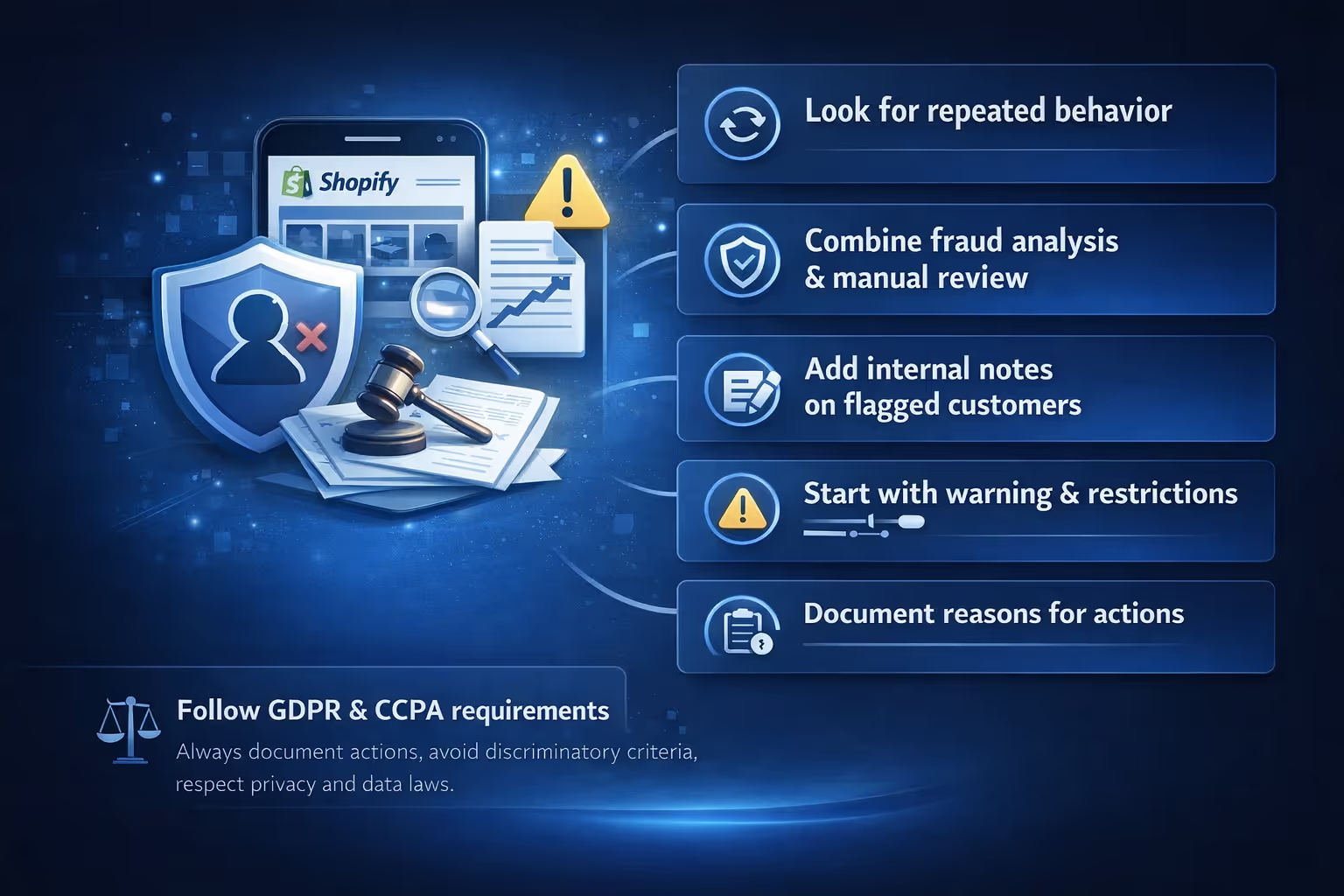
Blocking the wrong customer often causes more damage than letting a bad order go through once. Refunds, complaints, negative reviews, and trust erosion add up quickly.
To reduce mistakes:
Automation helps, but only when it is conservative. Tag first, review second, enforce last.
From a legal perspective, blocking behavior is allowed. Mishandling customer data is not. Always document reasons for restrictions, avoid discriminatory criteria, and respect GDPR and CCPA requirements when deleting or anonymizing data.
Stores that handle blocking well do not rely on one trick. They build layers.
Customer tags act as the signal. Fraud tools flag risky behavior early. Checkout rules enforce decisions. IP blocking reduces background abuse. Manual review catches edge cases. Documentation keeps everything consistent.
This approach does not eliminate abuse entirely. Nothing does. But it reduces it to a level that does not drain time, money, or morale.
Blocking customers on Shopify is less about banning people and more about setting boundaries. Shopify gives you flexibility, not shortcuts. Once you understand how its pieces fit together, blocking stops being frustrating and starts being strategic.
Handled carefully, it protects your revenue, your team, and the customers who actually want to do business with you. And that is the goal.


