How to Handle Meta Ad Conversions Prediction Before You Spend a Dollar
Learn how to predict Meta ad conversions using real data and practical tools, so you stop guessing and start scaling with confidence.
Jan 8, 2026



If you’ve been poking around the world of ecommerce platforms and payment gateways, there’s a good chance you’ve come across both Shopify and Stripe. They’re both major players – Shopify helps you sell online, and Stripe handles online payments. But here’s the question that comes up a lot: Does Shopify actually use Stripe behind the scenes? The answer’s not just yes or no. It’s a little more layered than that.
In this article, we’ll unpack how Stripe fits into Shopify’s payment infrastructure, why it matters to you as a merchant, and what options you really have when it comes to collecting payments from customers. No jargon, no fluff – just a clear look at how it all works.
Shopify officially uses Stripe to power Shopify Payments, the built-in payment solution that comes with your Shopify subscription. This isn’t just a simple plug-in. Shopify integrated Stripe’s core infrastructure, APIs, and financial tools into its own offering, meaning Stripe is doing a lot of the heavy lifting in the background.
Here’s what that looks like in real terms:
So yes, Stripe is under the hood. But to most users, it's invisible.
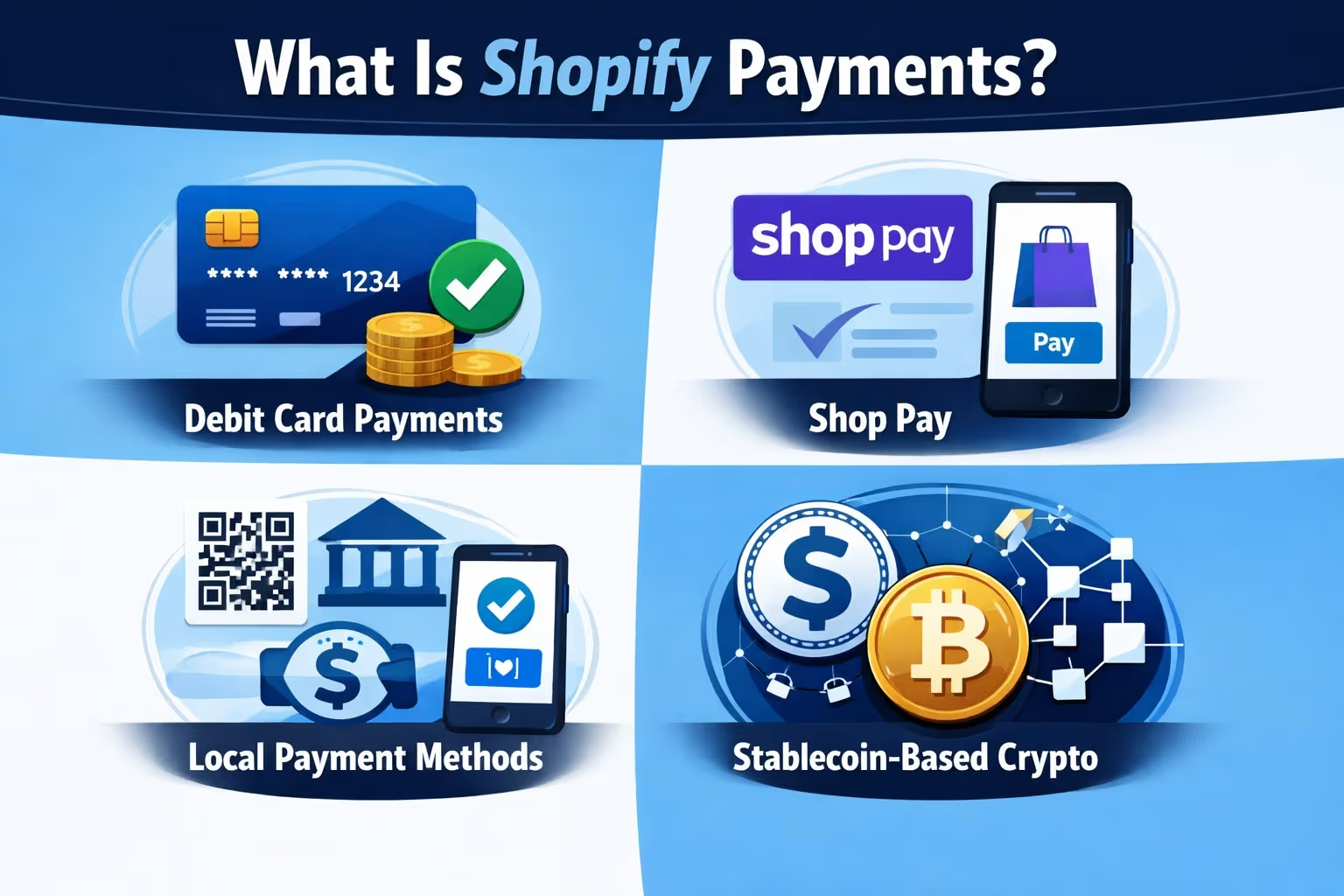
Shopify Payments is Shopify’s branded payment solution, but it’s built on Stripe’s infrastructure. It’s tightly integrated with the rest of the platform – no separate dashboards, no third-party fees, no external redirects during checkout. It works out of the box when you launch a store.
Here’s what it handles:
Shopify Payments uses Stripe’s financial technology to process these transactions but packages it all up inside a clean Shopify interface.
Stripe’s role goes well beyond just processing card payments. Shopify actually used Stripe’s infrastructure to build Shopify Balance, a tool that helps merchants manage their business funds, monitor cash flow, and issue both virtual and physical cards without needing a traditional bank. Behind the scenes, Shopify Balance runs on Stripe’s financial products.
The card functionality is built with Stripe Issuing, the money management part relies on Stripe Financial Accounts, and in-person sales are powered through Stripe Terminal. It didn’t take long for the feature to gain traction either.
Within a few months of launching, over 100,000 small businesses had already signed up.
There are a lot of payment providers out there – PayPal, Adyen, Square, Authorize.net. So why did Shopify pick Stripe as its engine?
Stripe has a strong reputation for clean APIs and smooth integrations. That developer-first approach made it easier for Shopify to build and maintain complex payment flows without adding friction behind the scenes.
Handling multiple currencies and regional payment methods isn’t optional at Shopify’s scale. Stripe already had the global coverage Shopify needed, which removed a major technical hurdle as the platform expanded into new markets.
Stripe works just as well for a solo founder as it does for large enterprise merchants. That flexibility mattered, since Shopify supports businesses at every stage, often all on the same infrastructure.
Sales spikes, flash deals, and holiday traffic can push payment systems to the edge. Shopify needed a provider that could handle heavy load without slowing down or failing, and Stripe had already proven it could do that.
As Shopify’s VP of Merchant Services put it, “Stripe makes the complexity of money go away.” That mindset lines up closely with Shopify’s own goal of removing friction for merchants, not adding more tools they have to manage.
Technically, yes. You can choose Stripe as a third-party provider in certain countries where Shopify Payments isn’t available.
But there’s a catch:
In short, unless you're in a region where Shopify Payments isn't supported, you're better off just using the built-in option.
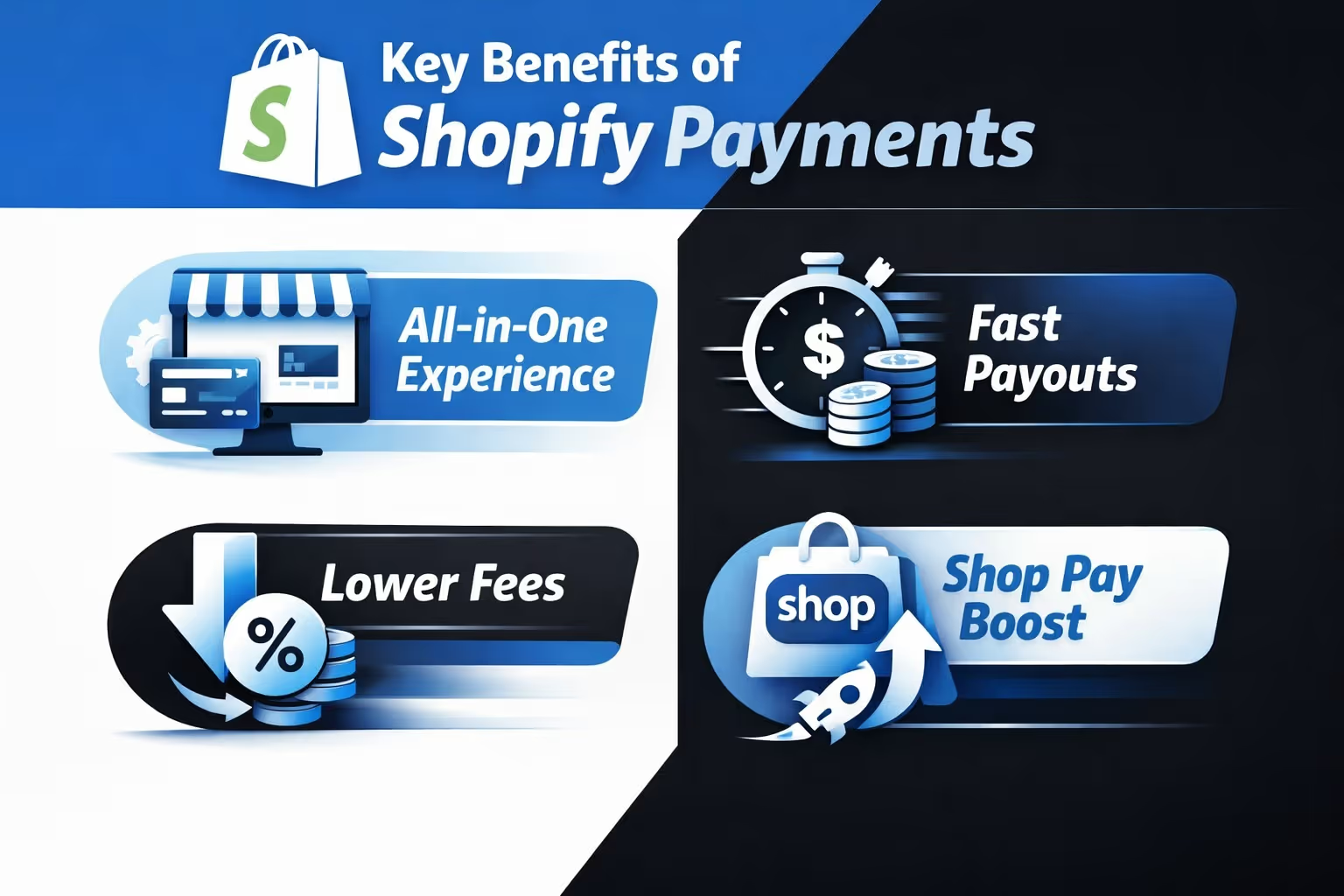
Let’s break down why this combo actually works well for most merchants:
With Shopify Payments, you’re not juggling multiple platforms to run your store. You handle products, customer orders, payments, and payouts all from the same dashboard. There’s no need to log into Stripe or any other processor separately just to see your money.
Money moves fast. In most regions, payouts hit your bank within two business days, sometimes even sooner. It’s predictable, and you don’t need to chase after your funds or wait a week to get paid.
One of the biggest perks is skipping those extra third-party transaction fees. If you use something like PayPal or a non-Shopify gateway, Shopify tacks on an additional fee. With Shopify Payments, that layer disappears.
Shop Pay isn’t just a flashy button. It’s built on Stripe’s tech and has been shown to increase conversions, especially with returning customers. It remembers their shipping and payment details, so checkout takes just a click or two. No more digging for cards.
This question pops up a lot. But here's the simple breakdown:
So if you're on Shopify, Shopify Payments is just Stripe wrapped in a more convenient package.
Shopify still supports PayPal, Amazon Pay, and others. But these come with trade-offs:
You might still want to offer PayPal at checkout since some customers trust and prefer it. But for your primary gateway, Shopify Payments usually makes more sense.
Yes. Not only does Shopify use Stripe – it’s built on it.
Shopify Payments runs on Stripe’s infrastructure. Shopify Balance was created using Stripe’s financial tools. Shop Pay checkout flows through Stripe’s rails.
But unless you’re digging into developer docs or reading Stripe’s case studies, you’d never know. Shopify has packaged it all into a branded experience that feels native to the platform.

At Extuitive, we make it easier to launch ads that actually work. Instead of wasting budget on guesswork or spending weeks on creative development, we use AI agents trained on real behavioral data to help you find the right message faster. Once you connect your Shopify store, our system analyzes your products and starts generating ad creatives built for specific consumer profiles. The result is more relevant campaigns, launched faster and with better insight into how they’ll perform before you spend a single dollar.
We’ve tested this approach across thousands of product types, and we keep learning what makes buyers click. Whether you're selling beauty products, pet accessories, or fitness meals, we help you validate your messaging with over 150,000 simulated consumers. You get to see how your ads are likely to perform before they ever go live, which means less risk and more confidence. It's like having a virtual focus group that runs 24/7 but costs a fraction of traditional testing.
If you’re launching a store on Shopify, just know this: you're already using Stripe, even if you don’t see the logo.
You get the benefits of a world-class payment processor without the setup headache. It's fast, secure, and deeply integrated into the Shopify ecosystem.
And unless you have a specific reason to go directly with Stripe or another provider, the built-in option is going to save you time, money, and technical headaches.


