Top Meta Ads Agencies in Nashville: Who’s Actually Driving Results in 2026
Discover leading Meta ads agencies in Nashville for high-ROAS campaigns. Find expert Meta advertising partners for local and e-commerce growth in 2026.
Mar 24, 2026



If you have ever opened the Products section in Shopify and noticed a field called “SKU,” you are not alone in wondering whether it really matters. For small stores, it often feels optional. For growing stores, it quietly becomes essential.
A SKU, or Stock Keeping Unit, is one of those behind-the-scenes details that does not sell products on its own but makes everything else work better. It helps you keep track of what you sell, avoid inventory confusion, and understand what is actually moving in your store. This article explains what a SKU is in Shopify, how it works in real stores, and why it becomes more important as your catalog grows.
In Shopify, a SKU is a unique alphanumeric code assigned to a specific product or product variant. It exists for internal use and is fully controlled by the store owner.
A SKU does not describe a product in general. It identifies one exact version of that product. If you sell the same shirt in three sizes and two colors, Shopify treats those as six distinct items. Each one should have its own SKU.
Shopify uses SKUs as stable identifiers. Product titles can change. Images can be updated. Prices go up and down. The SKU stays the same, anchoring all related data to one specific item.
This is why SKUs appear throughout Shopify’s backend. They show up in inventory tracking, order details, fulfillment workflows, reports, and app integrations.
It is common to mix up SKUs with other identifiers, especially when setting up a store for the first time.
While SKUs are primarily for internal use, Shopify requires GTINs (UPC, EAN, or ISBN) in the 'Barcode' field for certain operations, such as publishing products to Google Shopping or Facebook/Instagram channels.
SKUs are also not serial numbers. Serial numbers identify individual physical units, usually for warranties or repairs. SKUs group identical units together under one code.
Shopify supports all of these identifiers, but each serves a different purpose. The SKU remains the core reference point for inventory logic.
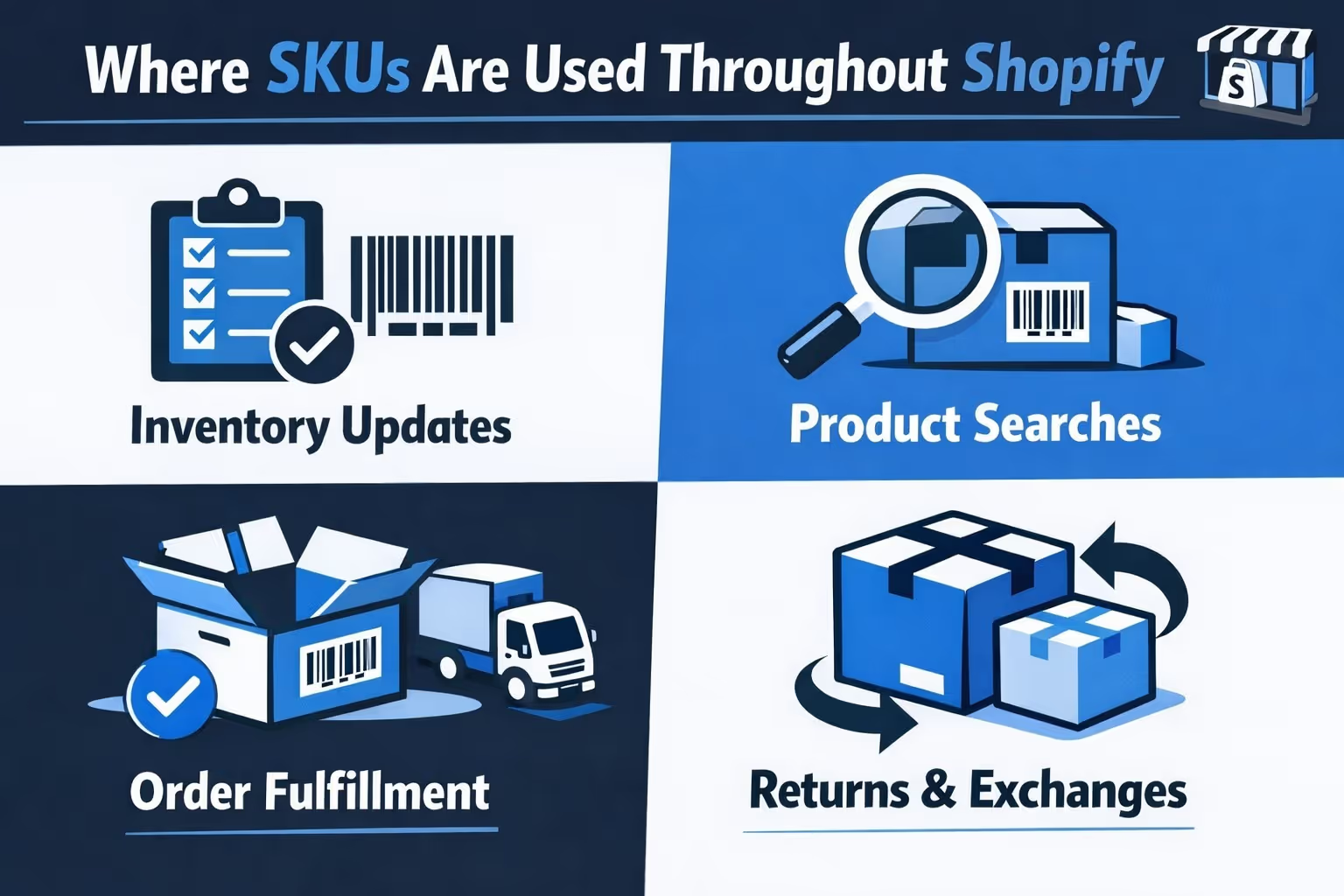
Even if you rarely look at them directly, SKUs are constantly working behind the scenes. Shopify relies on them in several everyday workflows that keep the store running smoothly:
Without SKUs, Shopify can still function at a basic level. With SKUs in place, inventory becomes predictable, reports become clearer, and integrations behave the way they are supposed to.
A small store can survive without SKUs for a while. A growing store cannot.
As soon as you introduce multiple variants, sales channels, or fulfillment locations, the lack of clear identifiers starts causing problems. Inventory counts stop matching reality. Reports lose precision. Fulfillment errors increase.
SKUs solve this by forcing clarity. Every sellable item has a clear identity. Shopify no longer has to guess which variant moved or which item needs restocking.
Growth does not create the need for SKUs. It exposes the cost of not having them.
Inventory is where SKUs deliver the most value.
Each SKU in Shopify has its own stock level. When an order is placed, Shopify deducts inventory from that exact SKU. When stock is replenished, inventory is added back to the same code.
This matters because inventory problems are rarely about products in general. They are about specific variants.
SKUs help you avoid:
Instead of managing products loosely, you manage them precisely.
Fulfillment errors often happen when products look similar or share names. SKUs eliminate ambiguity.
Fulfillment teams use SKUs to confirm they are packing the correct item. Shipping tools and warehouse systems often rely on SKUs rather than product titles because they are shorter and unambiguous.
In Shopify, SKUs follow each order from purchase to shipment. They also help identify returned items accurately, reducing restocking mistakes.
The fewer assumptions fulfillment requires, the fewer errors you deal with later.
Sales data without structure is hard to trust.
SKUs allow Shopify to break performance down to the variant level. This reveals patterns that product-level reports often hide.
With SKUs, you can clearly see:
This turns reporting into something you can actually act on, instead of just review.
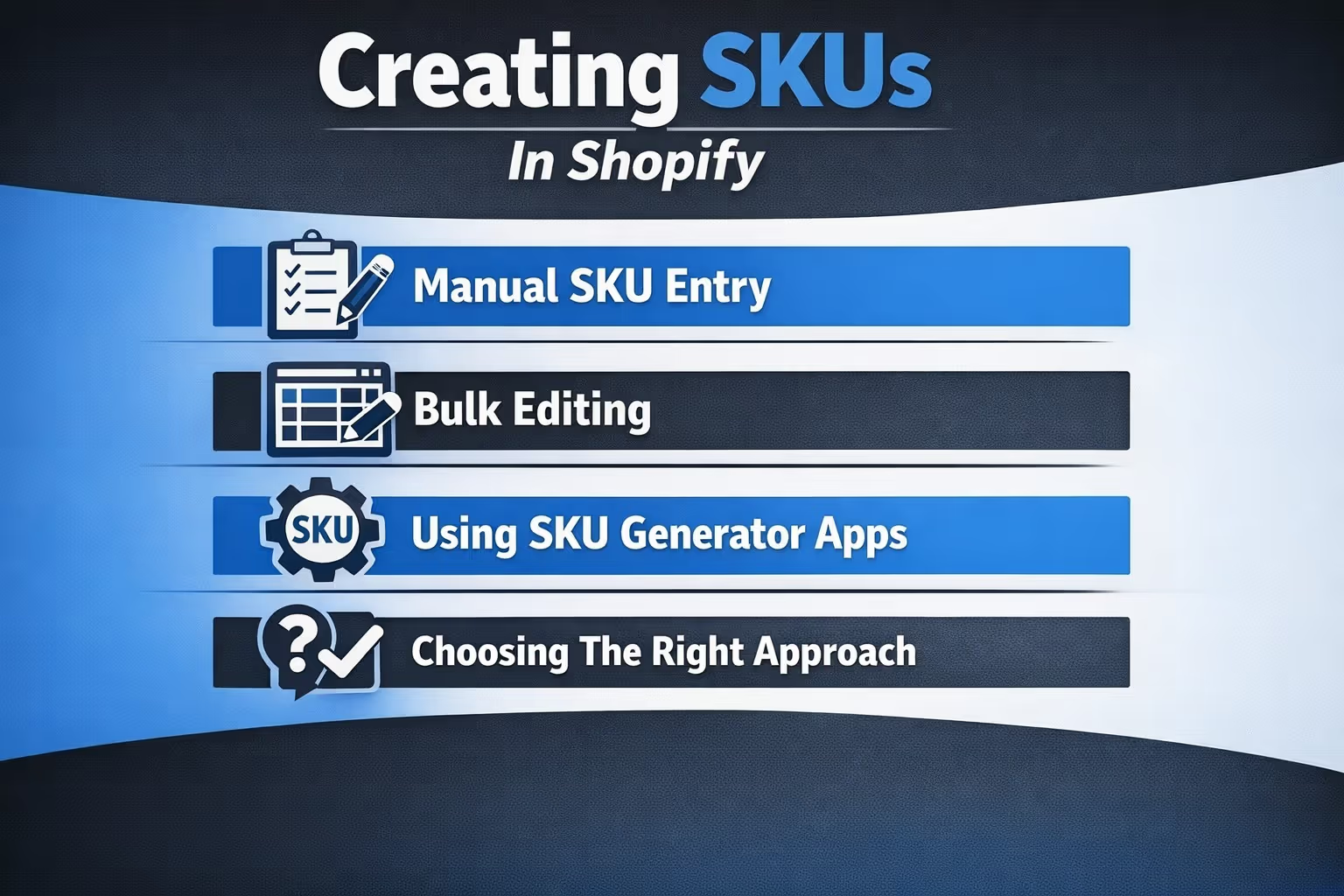
Shopify does not create SKUs automatically. You decide how and when to assign them, which gives you flexibility but also means the structure is on you. The key is not the tool you use, but whether your system stays consistent over time.
Below are the most common ways store owners create and manage SKUs in Shopify.
For smaller catalogs, manual entry is often the simplest option. You add the SKU directly in the Inventory section of each product or variant.
This approach works well when:
The downside is time. As your catalog grows, manual updates become harder to maintain without mistakes.
When working with larger catalogs, Shopify’s bulk editor and CSV import tools are far more efficient. You can assign or update SKUs for many products at once using a spreadsheet.
This method is commonly used when:
Bulk editing reduces repetitive work, but it requires careful formatting. A small error in a CSV file can affect dozens of products at once.
Some stores rely on apps that generate SKUs automatically based on predefined rules. These apps typically build SKUs using product attributes such as category, size, color, or supplier.
Automated SKUs are useful when:
Automation saves time, but it only works well if the underlying rules are well designed. Poor rules produce poor SKUs, just faster.
The method matters less than the system behind it. A simple, well-documented SKU structure that everyone follows will outperform a complex setup that changes over time. Consistency is what keeps SKUs useful as your store grows.
A good SKU system is easy to understand and hard to misuse.
Most stores build SKUs from product attributes that matter operationally. Category, size, color, material, model, or supplier are common elements.
A practical SKU system usually follows these principles:
Complexity does not make SKUs better. Clarity does.
In Shopify, every variant is treated as its own inventory item. That means a product with multiple sizes, colors, or configurations is not one item behind the scenes, but many. Each of those variants needs its own SKU to be tracked correctly.
Skipping variant-level SKUs is one of the most common mistakes store owners make, especially early on. When variants share a single SKU or have none at all, stock counts become unreliable. Shopify may show a product as available even when a specific option has already sold out. Reports also lose detail, making it harder to see which variants actually perform well.
A simple rule helps here. If a customer can select it separately on the product page, it deserves its own SKU. This keeps inventory accurate and avoids confusion during fulfillment.
When inventory is spread across multiple locations, consistency becomes critical. The same SKU should always represent the same item, regardless of where it is stored or sold. Stock levels can vary by location. The identifier should not.
This consistency allows Shopify to move inventory between locations, generate accurate location-based reports, and prevent double counting. It also keeps fulfillment predictable when orders are routed to different warehouses or stores.
Third-party apps rely heavily on this behavior. Shipping tools, accounting software, warehouse systems, and ERP platforms often use SKUs as the primary way to match products across systems. When SKUs are missing or inconsistent, sync errors appear quickly. Clean, stable SKUs reduce integration issues and save time that would otherwise be spent fixing mismatched data.
Technically, Shopify allows you to sell products without SKUs. For very small stores with a limited catalog, no variants, and no external tools, this can work for a short period. When inventory is simple and fulfillment is handled manually, the risk of confusion stays relatively low.
This setup is usually only viable in the earliest stages, before any real operational complexity appears.
In practice, this approach breaks down quickly. As soon as you introduce product variants, multiple sales channels, detailed reporting, or third-party apps, SKUs stop being optional. Inventory tracking becomes unreliable, and it becomes harder to understand what is actually in stock.
Without SKUs, small inconsistencies build up. A missing variant count here, a fulfillment mistake there. Over time, these issues cost more than setting up SKUs ever would.
Many store owners delay setting up SKUs until problems force the issue. By that point, inventory data is already messy, reports are inconsistent, and integrations may rely on incomplete identifiers.
Starting with a basic SKU system early on is almost always easier than retrofitting one later. Even a simple structure provides a foundation you can build on as the store grows.

Once a Shopify store has its inventory and SKUs in order, the next challenge is knowing what to promote and where to spend ad budget without guessing. That is the problem we built Extuitive to solve.
At Extuitive, we help Shopify brands predict how ads will perform before they go live. Instead of testing creatives in real campaigns and burning budget on weak ideas, our platform forecasts performance using AI models trained on real campaign results. The focus is simple: identify likely winners early and avoid spending on ads that will not convert.
Extuitive runs predictions using more than 150,000 AI consumer agents that simulate real user behavior. This allows teams to estimate metrics like click-through rate and return on ad spend in advance, and compare creatives against their own historical benchmarks.
The platform is built for scale. Brands test multiple creatives, messages, and audiences at once, quickly narrowing down what is most likely to work. For teams that already run organized Shopify stores, Extuitive adds confidence at the decision stage, when changes are still easy and inexpensive to make.
If you want fewer surprises after launch and clearer signals before spending, that is where Extuitive fits in.
SKUs are not exciting, but they are foundational.
They make inventory reliable, fulfillment accurate, and reporting useful. They support growth without adding chaos. They help Shopify behave like a system instead of a collection of product pages.
You do not need a perfect SKU structure. You need one that is consistent, understandable, and maintained.
If you treat SKUs as part of your store’s infrastructure rather than a technical afterthought, they quietly pay for themselves every day.


