AI Tools for Google Ads That Help You Work Smarter
A practical look at AI tools for Google Ads, how they help with targeting, creatives, and optimization, and where human judgment still matters.
Jan 8, 2026



Throwing a bunch of ad creatives into a campaign and hoping one sticks? Yeah, that used to fly. But Meta now gives you a better way to find what actually works before you waste your budget. Their creative testing tool is built for advertisers who want to get real results without guesswork.
In this article, we’ll walk through how the tool works, where it helps, where it doesn’t, and what kind of creative tests are actually worth running. No fluff, no recycled advice, just straight answers from the perspective of someone who’s tested it out in the wild.

At Extuitive, we believe Meta creative testing shouldn’t start with a budget line – it should start with a prediction. Instead of launching ads and waiting days to see what performs, we forecast outcomes before anything goes live. Our system analyzes your brand’s past campaigns and evaluates new creative directions using simulated responses from over 150,000 AI consumer agents.
This is the core of predictive advertising we implement: not reacting to results, but anticipating them. We score every creative for its expected CTR and ROAS, filter out low-potential concepts automatically, and let only high-confidence assets reach production. That means you don’t pay to test – you test before you pay.
For brands running Meta campaigns at scale, this changes everything. You move from intuition to evidence, from experimentation to strategy. Instead of guessing what might work, you launch with proof – confident that each creative has already earned its place in the plan.
Meta’s creative testing tool is a built-in feature in Ads Manager that lets you compare multiple ad variations in a controlled test. You can create up to five test ads, each with a different creative element, and run them under the same campaign or ad set. Meta then splits the test budget evenly across those ads and ensures that each user only sees one version, so it’s a true A/B test.
The tool is designed to help you figure out which creative performs best without the algorithm interfering too early or favoring one ad over another. You get cleaner insights and can make decisions based on actual performance data, not assumptions.
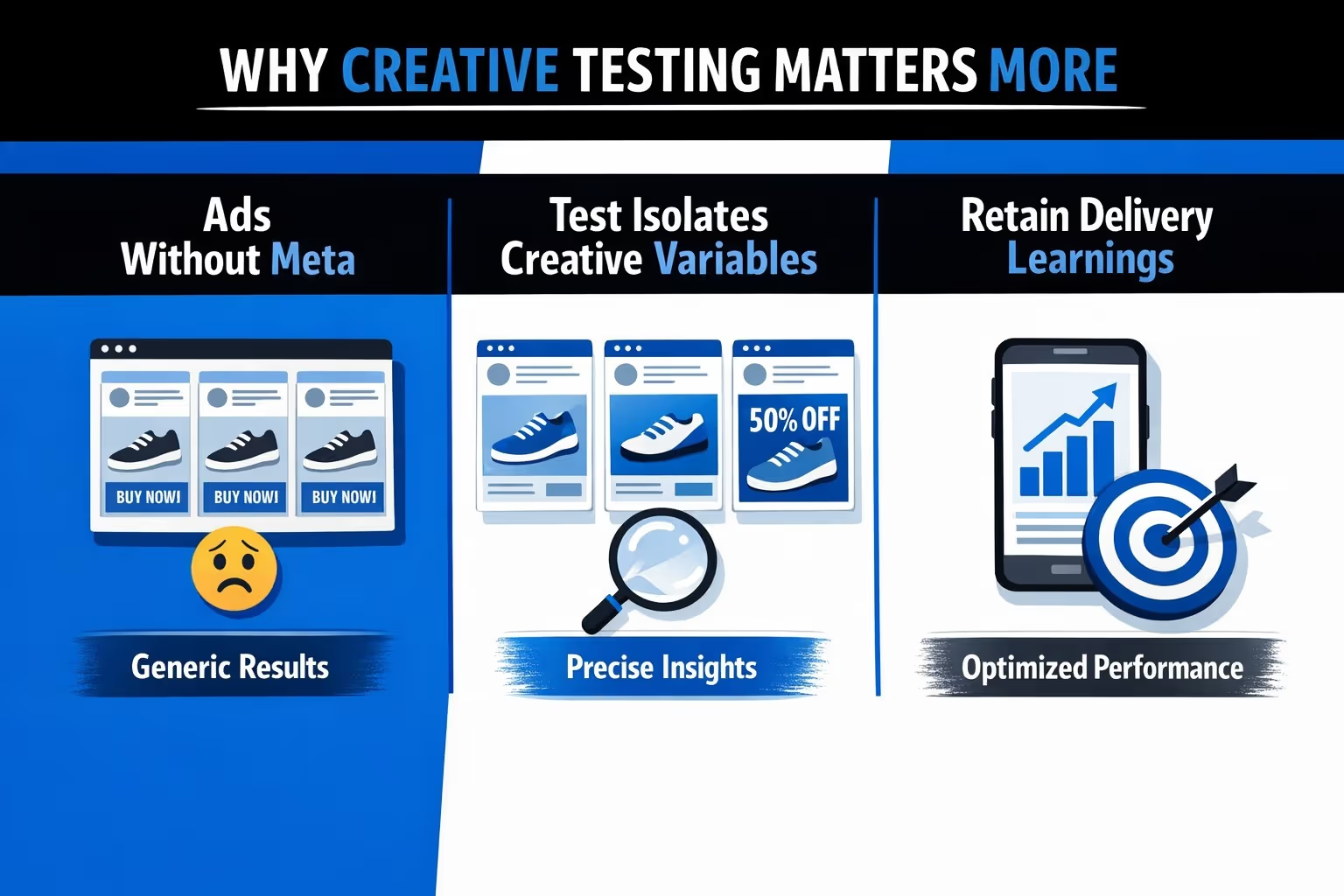
Creative testing isn’t new, but Meta’s native tool changes the game. Instead of manually creating A/B tests or relying on uneven delivery, this feature gives you a cleaner way to measure creative performance. The big shift here is control: Meta won't optimize delivery based on early performance, so each ad gets a fair shot.
This means:
For performance marketers, this gives you sharper insights and fewer budget regrets.
You set up the test from an existing or draft campaign. The only requirement? You have to use the "Highest Volume" bid strategy. That means no Cost Per Result Goals or Bid Caps.
Once you’re inside Ads Manager:
After you confirm the setup, you still need to edit the test ads. Meta doesn’t do that for you. Once they’re ready, publish them and the test begins.
Meta does its best to distribute spend equally across test ads. In reality, you might see some early differences, especially if one ad passes review before the others.
During an active creative test, Meta makes sure each person is exposed to only one ad variation. This keeps the test clean and prevents overlap, which is essential for true A/B testing.
You can keep an eye on early performance directly in Ads Manager. By hovering over the beaker icon next to the ad name, you’ll see top-level results without digging through reports.
For a deeper look, the Experiments section provides a full breakdown of performance across all test ads, including how each variation compares on your chosen metric.
Once the test period is over, the ads don’t stop running automatically. All test ads continue to deliver unless you decide to pause or remove them.
At that point, Meta also stops splitting the budget evenly. Delivery goes back to normal optimization behavior, based on the campaign or ad set settings.
It’s important to note that Meta does not automatically select or prioritize a winner. The test gives you the data, but the decision on what to scale or shut down is entirely yours.
Let’s be clear: this tool won’t solve everything. Here are a few things it won’t do:
This means if you want to test ads that already exist in a campaign, you’ll need to duplicate them manually into a separate ad set. That takes extra effort, especially for carousels or flexible formats with lots of creatives.
Still, the value is in the structure. It forces you to isolate variables and test with intent.
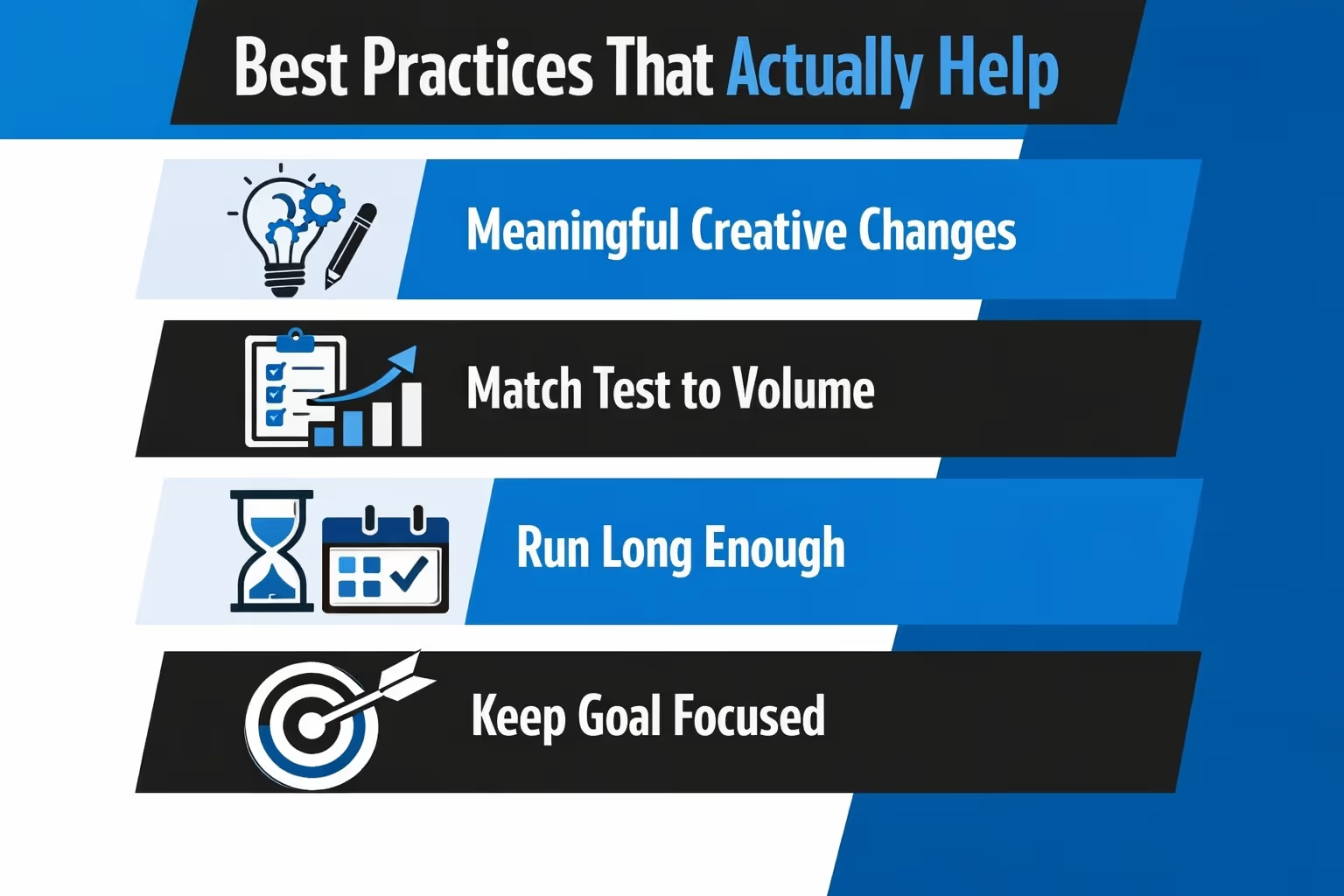
To get useful results, treat creative testing like an experiment. Here’s what that means in practice:
You want clear winners, not marginal improvements you can’t explain.
Depending on your workflow, you can approach testing in different ways.
This is where creative testing really shines. Start with several ideas that are noticeably different – think motion versus static, testimonial-style content versus product-focused visuals, or a punchy one-liner compared to a detailed value pitch. The point is to give each concept enough breathing room to show what it can do.
Once the test runs, study the results and keep the one that earns attention and performs. Then use what you’ve learned to guide the next set. It’s a simple loop: launch, learn, repeat, but with fewer dead ends.
Let’s say you're not sure if the carousel or flexible format performs better. You can build identical messaging into each format and see how users respond.
This is helpful when performance varies by placement or when you're designing for different stages in the funnel.
If Meta keeps spending most of your budget on one ad, and you’re not sure why, creative testing helps. It levels the playing field and gives you a clean read.
You might learn that what Meta was favoring isn’t actually your best performer.
It’s easy to fall into a few traps when testing. Here’s how to avoid wasting time and budget:
And most importantly: don’t expect Meta to do the thinking for you. The tool helps you compare, but it won’t tell you what to do next.
Meta’s creative testing tool is a solid addition for advertisers who want more control without building custom split tests. It’s not perfect, and it won’t fix messy campaigns. But used right, it gives you a better shot at running ads that convert without wasting money.
If you’ve been guessing or hoping Meta's algorithm will just "figure it out," now’s the time to take back some control. Build your tests with purpose, study the results, and iterate.
That’s the real advantage: learning what works, not guessing what might.


