Best Dropshipping Courses Worth Exploring This Year
Explore a curated list of dropshipping courses in 2026. Compare options, formats, and styles to find what fits your learning pace.
Apr 15, 2026



It’s a common crossroads for anyone building an online presence: do you go with Shopify or Squarespace? On paper, they both let you sell stuff and build nice-looking websites. But when you dig a little deeper, the differences start to matter. Whether you’re running a full-scale ecommerce business or just need a clean site that sells a few things on the side, choosing the right platform can save you hours of frustration down the line.
This isn’t one of those “it depends” write-ups that leaves you with more questions than answers. In this guide, we’ve looked at the actual tools, tested the workflows, and paid attention to the parts most people skip over – like how each platform handles taxes, product variants, or even just making your blog not look like it’s stuck in 2012. Let’s break it down for real.
This is the first question to ask yourself, and it’s more important than you might think. Not all websites are built for the same purpose.
If you’re building a content-first website with a few products on the side, Squarespace is likely the smoother ride.
If you’re focused on running a store with shipping, inventory, taxes, and international customers, Shopify starts to pull ahead quickly.
The intent behind your site matters more than any single feature. A clean photography portfolio with a few prints for sale needs something very different from a full-scale ecommerce operation with thousands of SKUs.
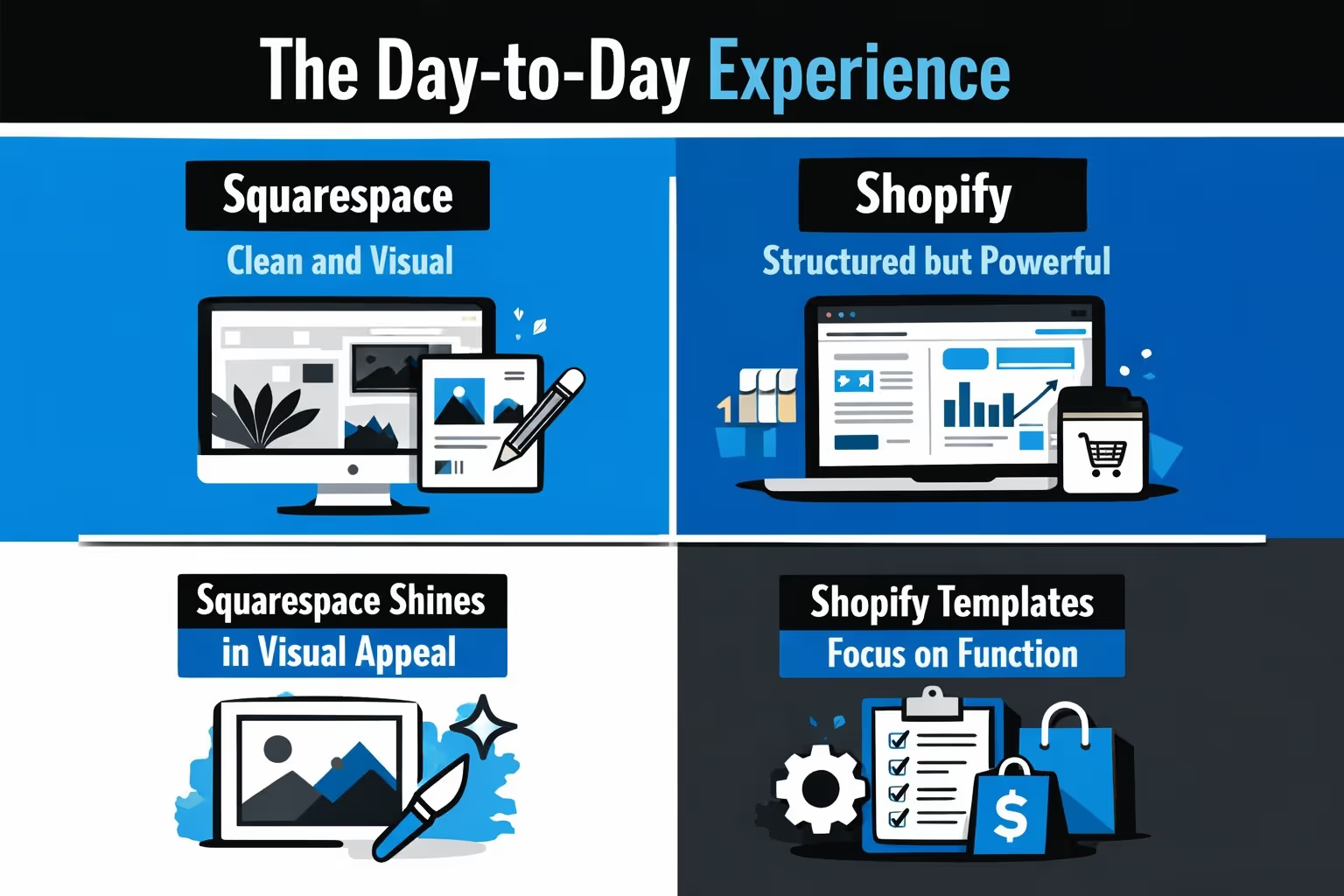
Before you choose a platform, it helps to look beyond surface-level features and focus on how each one handles the parts that matter most in day-to-day use. From product setup and payment tools to design flexibility and growth potential, here’s how Shopify and Squarespace compare where it really counts.
You’re going to spend a lot of time in your site’s backend, so ease of use isn’t just a “nice to have.”
Squarespace is designed for people who like seeing what they’re doing as they go. Its drag-and-drop editor is straightforward, flexible, and visually consistent. You can tweak page sections, add galleries or forms, and move content around without worrying about breaking something. For creative businesses and service-based sites, that’s a big plus.
Shopify takes a more structured approach. It’s less visual in the editor, and the learning curve is slightly steeper if you’re not used to ecommerce dashboards. But what you lose in visual editing, you gain in control. Shopify’s system is built to handle real complexity behind the scenes - inventory syncing, fulfillment integrations, POS setups, and more.
Verdict:
Design matters. It shapes the first impression your visitors have.
Squarespace templates are gorgeous out of the box. They’re well-balanced, image-friendly, and feel modern without much effort. There are 190+ designs available, and many of them work well for visual-first businesses like photographers, interior designers, or independent creators.
Shopify gives you about 24 free templates and a marketplace of 1,000+ premium ones. They’re all ecommerce-focused, and many look great, especially if you’re willing to invest in a paid theme. These themes come with built-in ecommerce logic – product filters, add-to-cart interactions, promo sections, etc.
You can switch themes any time, preview layouts, and customize them further with apps or by editing the code.
If you’re selling anything beyond a few products per week, Shopify is hard to beat. It was built for ecommerce first, and it shows.
If you just want to list and sell a few items, Squarespace gets the job done without extra plugins. But as your store grows, you’ll start bumping into the edges.
This one surprises people:
So out of the box, Squarespace gives you more variant flexibility. But Shopify can scale further if you’re willing to use add-ons. That’s the tradeoff – Squarespace simplifies what’s built in, Shopify builds for extensibility.
Blogging, landing pages, and SEO tools play a big role in how your site performs long-term.
Squarespace has an edge in content creation. It supports drag-and-drop blog layouts, galleries, and page summaries. You can visually lay out each post, embed products, and organize content with both tags and categories. It’s ideal for creatives, writers, or service providers who publish regularly.
SEO tools are solid – editable meta data, image alt text, redirects, and clean URLs.
Shopify has invested a lot in SEO tooling. It automatically generates SEO-friendly URLs and redirects, and handles structured data well. Product pages come optimized, and the integration with tools adds more depth.
Where Shopify lags slightly is in content layout flexibility. You can run a blog, yes, but the visual experience is basic compared to Squarespace.
Both platforms let you collect emails and run campaigns without third-party tools.
Also, if you’re doing serious ecommerce, Shopify’s abandoned cart and customer journey tools go deeper than Squarespace’s. You can trigger workflows, upsells, and product-based follow-ups more precisely.

If you're running a store on Shopify, you're probably testing new ad creatives constantly. Some work, others don’t. The trouble is, most of the time you only find out after the fact. That’s where we come in.
At Extuitive, we help you predict how your ads will perform before you even launch them. Our platform uses AI models trained on live campaign data, so you're not guessing – you're forecasting based on real-world outcomes. Whether you're testing 5 creatives or 500, we give you performance predictions at scale, complete with expected CTR and ROAS benchmarks based on your historical bests.
Our tools are built for speed and clarity. Shopify brands who need fast results use Extuitive to cut wasted ad spend, double down on winners, and hit the right audiences the first time.
This is where things get technical fast, so here’s the short version:
If you’re planning to sell internationally, Shopify offers more payment flexibility. Squarespace is better for domestic or simpler setups.
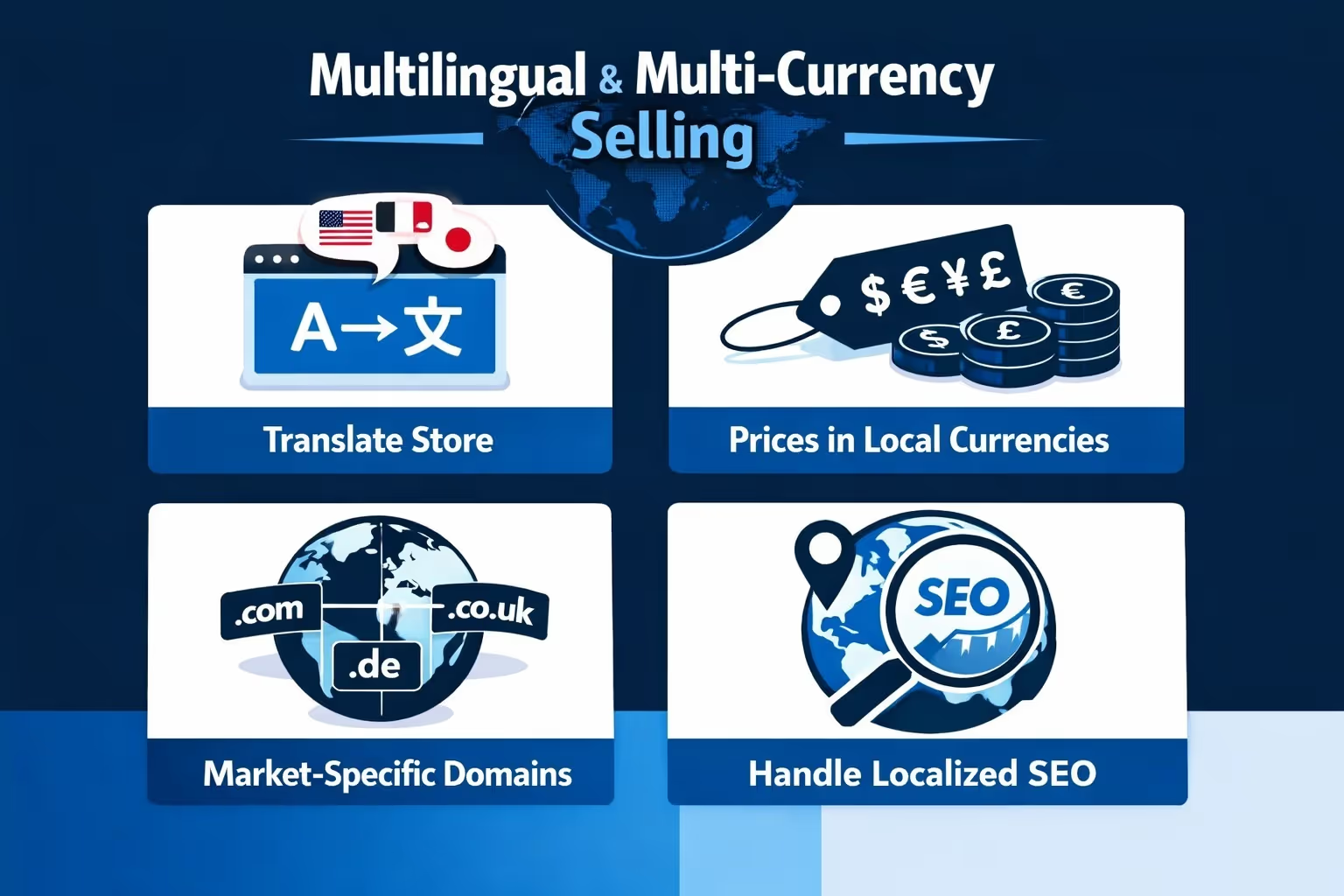
Shopify wins this category, hands down.
Its Shopify Markets feature lets you:
Squarespace? You’ll need to use a paid third-party app, to get anywhere close. It works, but it’s not native and can get expensive.
If you’re selling in person, Shopify is better prepared.
Squarespace offers POS integration through Square in supported countries, but the functionality is more limited compared to Shopify’s native POS system, especially for multi-location retail and advanced inventory management.
Here’s how things roughly break down:
While Squarespace looks cheaper upfront, Shopify’s real costs depend on how much functionality you need. Once you start adding apps, costs can climb. But in return, you get serious ecommerce power.
Don’t just pick a platform for where your business is today. Choose one that won’t slow you down tomorrow.
Squarespace is a great choice for creators and small shops who want design-first tools with simple ecommerce baked in. Shopify is for sellers who treat their store like a business from day one, or plan to scale into something bigger.
Either way, the key is to start. Build something, test it, and learn from it. And if you ever outgrow your platform, moving is possible – just annoying enough to encourage picking carefully from the start.


