Creatopy Alternatives Worth Exploring in 2026
A practical list of Creatopy alternatives for teams that want faster ad production, stronger workflows, or more flexible pricing.
Apr 12, 2026



Marketing automation sounds simple until you actually rely on it day to day. Sending emails is easy. Building systems that react to customer behavior, revenue, and lifecycle stages is where things get real. That is exactly where the difference between Shopify and HubSpot starts to matter.
Both platforms can automate marketing tasks, but they were built with very different goals in mind. Shopify treats automation as a support feature for selling products. HubSpot treats automation as the core engine behind marketing, sales, and retention. This article breaks down how those philosophies play out in real marketing workflows, especially once basic email campaigns stop being enough.
Before comparing tools, it’s helpful to understand the DNA of each platform.
Shopify is first and foremost a storefront. It’s designed to help you launch, manage, and sell products online. Its marketing features are functional, but they’re not the core focus.
HubSpot is a CRM and automation engine at heart. It doesn’t try to be a storefront. Instead, it’s built to manage relationships, automate communication, and scale complex marketing operations.
So right out of the gate, you’re looking at two different starting points. The real question is: which one handles automation better for your goals?
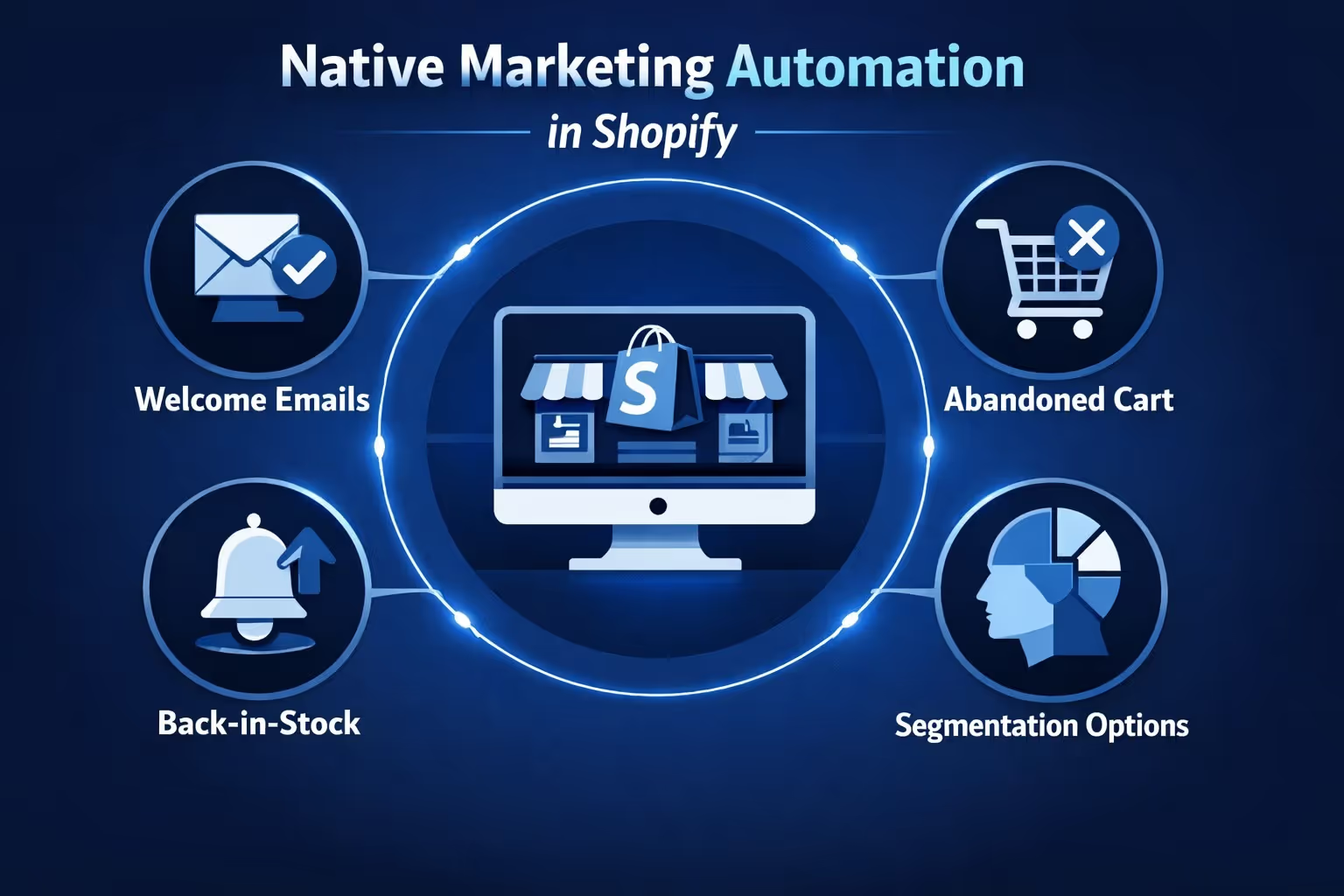
Shopify includes some basic automation tools, like:
If you use Shopify Email, you can trigger messages based on events like a purchase or a product being viewed. It also integrates with popular email tools like Klaviyo and Omnisend for more flexibility.
But here’s the catch: most deeper automations require third-party apps. Want conditional workflows based on purchase behavior, lifetime value, or lead scoring? You’re stitching that together yourself.
Shopify supports moderate to advanced segmentation through Customer Segments and Flow, including rules based on behavior, location, and order history, though some use cases may still require third-party tools.

If you're running a Shopify store and juggling everything from product sourcing to fulfillment, we get it – marketing automation can feel like just another layer to manage. That’s where we come in. At Extuitive, we’ve built our platform specifically to make ad creation, testing, and deployment as simple and fast as possible for Shopify businesses. By linking your store, you can generate high-performing ads tailored to real consumer behavior in minutes – not days or weeks.
What sets us apart is how we approach ad validation. Instead of burning your budget testing creatives live, our AI agents simulate purchase behavior across 150,000+ real persona models. That means you get clear insights into which ads resonate before you ever spend a dollar on traffic. We’re not trying to replace your marketing team – we’re giving them better tools to move faster and test smarter, especially in a Shopify ecosystem where speed and precision really matter.
This matters in the context of Shopify’s native marketing tools, which are great for getting started but often lack deeper consumer insight or predictive testing. So if you’ve outgrown basic automations or want to avoid the guesswork that comes with launching new campaigns, Extuitive helps fill that gap with fast, validated creative builds for real results. Whether you're scaling a niche product or testing new bundles, we make sure your ads are working before they ever go live.

HubSpot’s automation isn’t just about emails. It’s about workflows that respond to customer behavior, CRM status, product data, and even offline sales triggers.
Here’s what makes HubSpot shine in automation:
Once connected, Shopify order and customer data sync into HubSpot CRM, but some event-based actions may require additional tracking setup.
That opens the door to things like:
This kind of flexibility makes HubSpot more than a “better email tool” – it becomes the operating system for your marketing strategy.
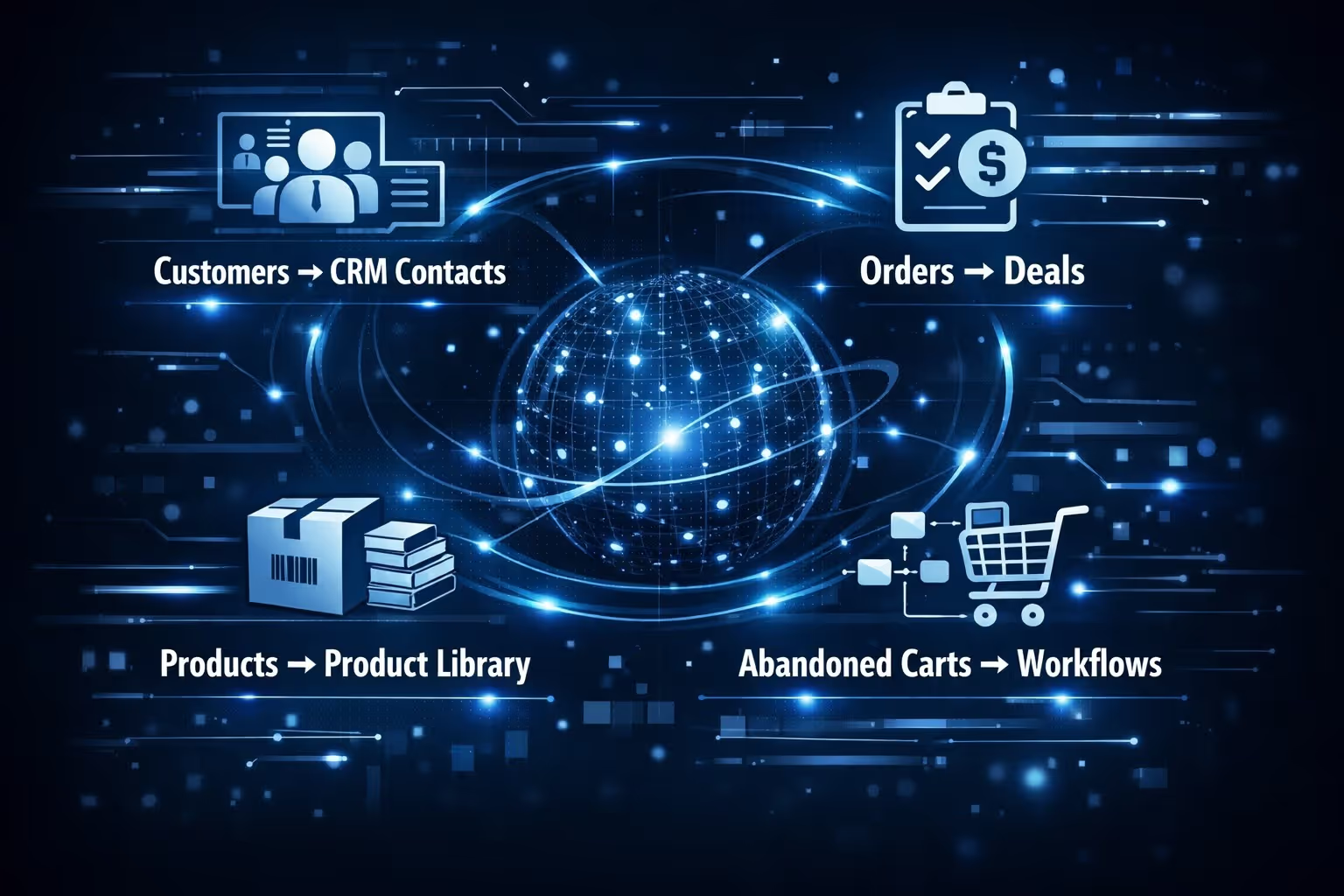
The native HubSpot-Shopify integration makes this all surprisingly smooth. Once connected, here’s what automatically flows into HubSpot:
From there, HubSpot can do things Shopify alone simply can’t:
Let’s give Shopify credit where it’s due. It’s a fast, clean, and effective way to run a store. If you need to:
Then Shopify’s built-in features or low-cost email plugins might be enough.
But once you start caring about:
That’s when Shopify starts to show its cracks.
HubSpot is overkill for “just send a cart abandonment email.”
But if your business relies on more advanced needs, like running personalized campaigns that react to real customer behavior, building automated journeys with smart logic flows, maintaining a unified view of each customer for both sales and marketing, and scaling your marketing efforts without constantly adding new people, then it’s a different conversation entirely.
Then HubSpot is hard to beat. Especially if you already use or plan to use it for CRM, sales, or service workflows.
The tradeoff? You’re investing more time and budget upfront. But what you get in return is a system, not just a tool.
One underrated angle here is how HubSpot handles multi-channel marketing.
With HubSpot, you can automate:
Shopify can do some of this through plugins, but you’re usually piecing together three or four tools that barely talk to each other.
With HubSpot, it's all under one roof.
If you're trying to decide between HubSpot and Shopify for your marketing automation, it really comes down to what kind of business you're running and how deep you want your automation to go. Let’s break down where each platform stands when it comes to real-world marketing workflows.
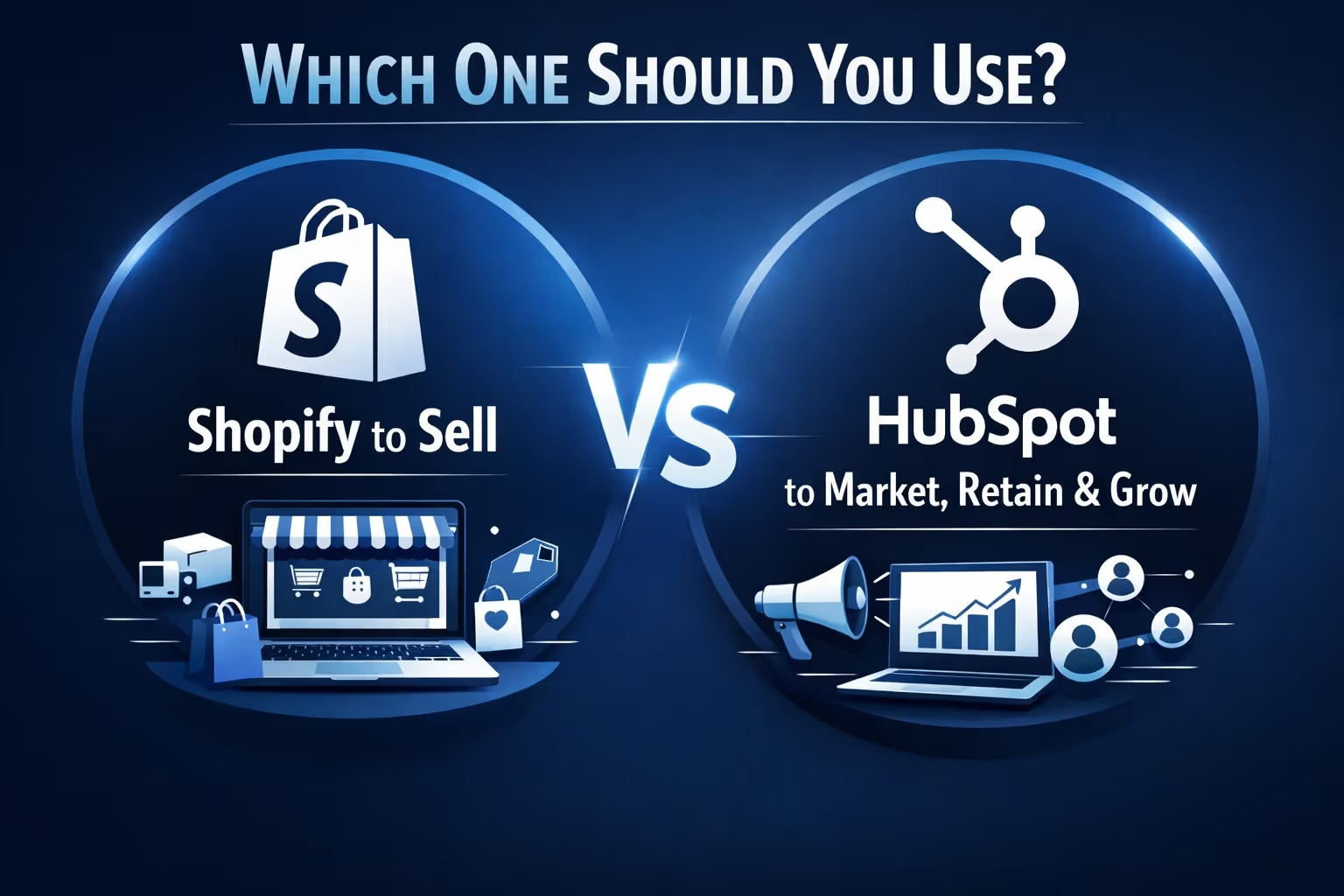
Here’s the honest answer: use both if you can.
If you’re a solo founder just getting started, Shopify’s built-in options or a simple email tool will carry you for a while. But once you start hitting that wall where sending another “reminder” email just doesn’t move the needle, HubSpot is what takes you further.
Too many marketers get stuck stitching tools together, constantly fixing integrations instead of building strategy. That’s the real cost of relying on shallow automation.
The Shopify-HubSpot combo works because it lets each platform do what it does best: Shopify runs your store, HubSpot drives your growth.
If your marketing is starting to feel manual, scattered, or reactive, it’s probably time to upgrade not just your tools, but how you think about automation altogether.
And that’s where HubSpot quietly shines.


