Generative AI Tools for Marketing Explained Simply
A practical look at generative AI tools for marketing, how teams use them, and where they fit into real workflows today.
Jan 7, 2026



Starting a Shopify store is easy. Almost deceptively easy. You can sign up, pick a theme, add a product, and feel like you are already in business. That part is not the challenge. The harder part is understanding what actually deserves your attention early on, and what can wait.
Most beginners make the same mistakes. They spend too much time on design tweaks, install apps they do not yet need, or rush into ads before the store itself makes sense. Shopify does not stop you from doing any of that, which is both helpful and risky.
This guide is written for people who want a calmer, more deliberate start. We will walk through how to set up a Shopify store in a way that stays simple, practical, and realistic, especially if this is your first time building an online shop.
Most failed Shopify stores do not fail because of bad themes or missing apps. They fail because the owner built the store around assumptions that were never tested.
You do not need a 20-page business plan, but you do need clarity on three things:
If those questions feel uncomfortable, that is a good sign. It means you are still thinking, not copying.
Avoid broad answers. “Everyone” is not an audience. “Quality products” is not a reason. The more specific your answers are, the easier every later decision becomes, from product descriptions to pricing.
This is where focus matters. Shopify works just as well for small, tightly defined stores as it does for large catalogs, so there is no reason to start wide. A narrow starting point does not restrict growth. It gives you space to learn without piling on unnecessary complexity.
Instead of launching with dozens of products, multiple collections, and different customer types, start with a small product set built for one clear audience and one main use case. You can expand once you understand what is working. Simplifying later is much harder than growing from a focused foundation.
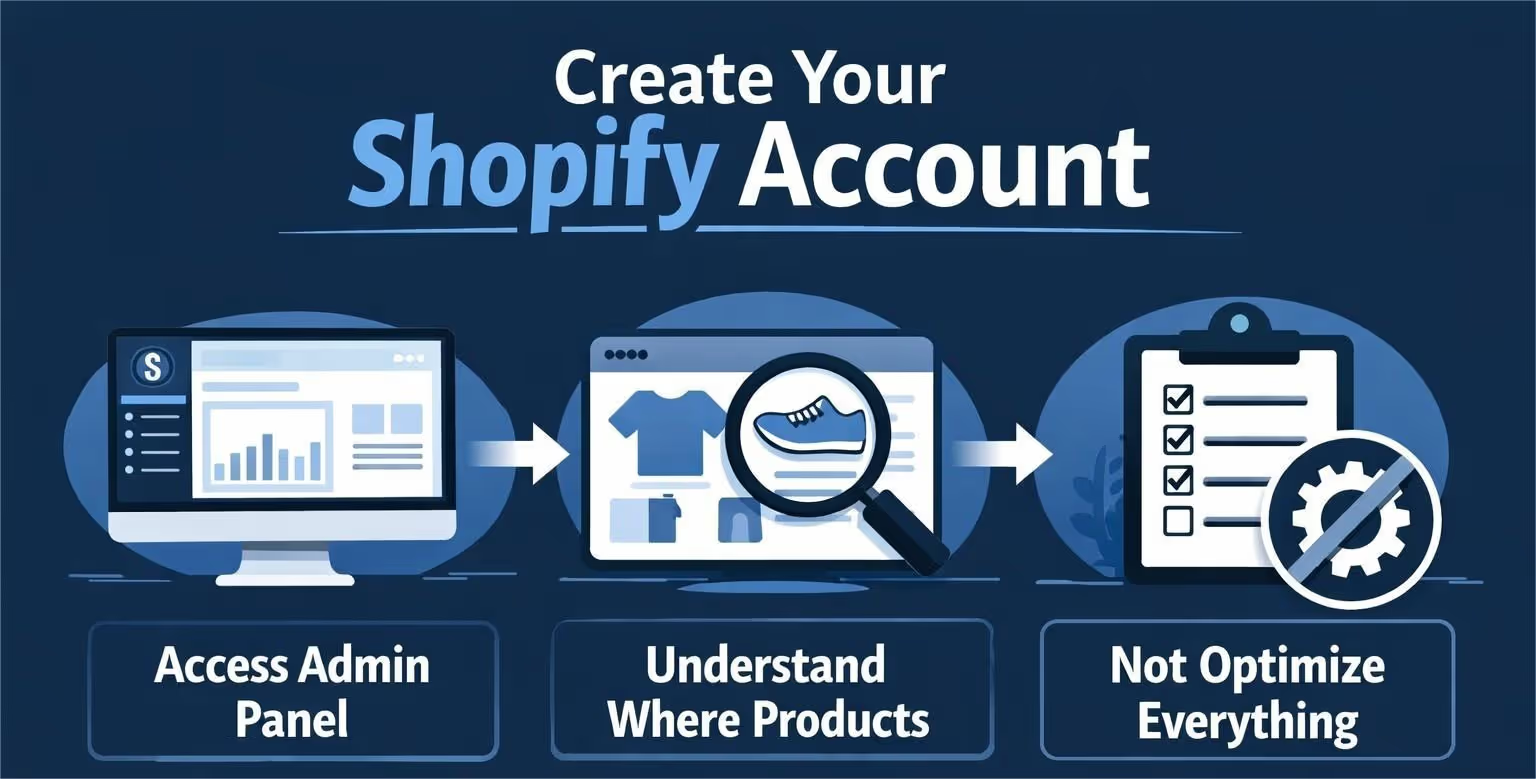
Shopify’s onboarding questions are optional. Answer them if they help you think, skip them if they do not. Nothing you choose here is permanent.
What matters at this stage:
Treat the first session like orientation, not execution. Click around. Open menus. Get familiar with the layout.
Confidence comes from familiarity, not from rushing.
Themes are where many people lose days they never get back. It usually starts with good intentions and ends with endless tweaking that does nothing for sales.
A simple rule helps here. If a theme looks clean, is easy to read, and works well on mobile, it is probably good enough for now. Free Shopify themes are not a compromise or a temporary solution. They are built to load fast, scale without issues, and avoid unnecessary visual noise. That is exactly what a new store needs.
Avoid the trap of redesigning the homepage repeatedly, adjusting fonts over and over, or chasing visual trends that look impressive but add little value. Instead, focus on basics that actually matter. Text should be easy to read at a glance. Buttons should be obvious and easy to click. Product images should feel consistent and not distract from what is being sold.
Design exists to support clarity and trust. It is not there to impress other store owners or to win awards.
Product pages do most of the selling. Not ads. Not your logo. The product page.
When writing product descriptions, imagine someone who is interested but skeptical. They are not looking for poetry. They are looking for reassurance.
Good product descriptions:
Avoid empty phrases like “premium quality” or “must-have.” They do not add information.
If you can, write like you would explain the product to a friend. Direct. Honest. Specific.
Images matter just as much. Clean photos on neutral backgrounds are often more effective than busy lifestyle shots, especially early on.
Pricing is not just math, but the math does matter. If the numbers do not work, everything else eventually breaks, no matter how good the store looks.
At a minimum, your pricing needs to cover the real cost of the product, shipping expenses, transaction and payment processing fees, occasional returns or mistakes, and a basic profit margin that makes the effort worthwhile. Ignoring any of these tends to show up later, usually when growth starts to hurt instead of help.
Avoid the urge to race to the bottom. Competing purely on price is exhausting and fragile, especially for a new store without scale. Instead, aim for pricing that feels reasonable, sustainable, and easy to defend. If you cannot clearly explain why your product costs what it costs, customers will often sense that uncertainty even if they cannot articulate it.
Prices can and will change as you learn more. What matters at the start is not getting them perfect, but avoiding prices that make growth impossible or force painful corrections later.

After you set your prices and get the store into a good place, ads usually come next. That makes sense. Traffic feels like progress. But this is also where many new stores start to feel overwhelmed.
Running ads too early can create more questions than answers. If something does not work, it is hard to tell why. Is it the product, the message, the audience, or the price? Without clear signals, you end up guessing and adjusting blindly. That is the problem we built Extuitive to help solve.
We work with Shopify store owners who want to test ideas before spending real money. When you connect your Shopify store to Extuitive, we help you create and test ad ideas using our network of over 150,000 AI-powered consumer agents. These agents are trained on real behavior, which lets us see how different people react to your ads, messaging, and positioning in minutes instead of weeks.
For new stores, this takes a lot of pressure off. Instead of running ads and hoping for the best, you get early feedback on what actually connects with buyers. You launch only the ideas that show real promise, learn faster, and move forward with more confidence. If your goal is to grow without turning every decision into a gamble, starting with validation makes the process much simpler.

You do not need dozens of pages to launch. You do need a few that quietly signal legitimacy.
At minimum:
Your About page does not need a dramatic origin story. It needs honesty. Why this store exists. What you care about. What customers can expect.
Your Contact page should be easy to find. A real email address goes a long way.
Policies reduce hesitation. Even simple, clearly written policies are better than none.
Shopify’s checkout is one of the strongest parts of the platform, and it works best when it is left largely alone. Early customization often introduces friction instead of improving results, even when the changes seem minor.
If Shopify Payments is available in your region, it is usually the simplest choice. It reduces setup time, keeps fees predictable, and removes the need to manage third-party processors. From the customer’s perspective, it also feels familiar and trustworthy.
At the beginning, focus on offering payment methods people already expect. Standard credit and debit cards should always be supported, and widely used digital wallets can help speed up checkout, especially on mobile devices. The goal is to make paying feel effortless, not novel.
Avoid overloading the checkout with distractions. Popups, upsells, and unnecessary form fields interrupt momentum and increase hesitation, particularly for first-time buyers. Checkout should stay focused on a single outcome: completing the purchase.
A checkout that feels simple and even a bit boring, but works reliably, will always outperform a clever setup that creates doubt or confusion.
Shipping surprises kill conversions faster than almost anything else. When customers reach checkout and see unexpected costs or vague delivery timelines, hesitation sets in immediately.
Choose a shipping approach you can explain in a single sentence. Flat rates, free shipping above a clear order threshold, or simple calculated rates all work when they are easy to understand. The specific method matters less than how predictable it feels.
Be honest about delivery times. Overpromising speed often causes more damage than offering slower shipping with clear expectations. Customers are far more forgiving of waiting than they are of feeling misled.
If shipping starts to feel complicated, the problem is often the product mix, not the explanation. Simplifying what you sell is usually more effective than trying to explain complex shipping logic to first-time buyers.
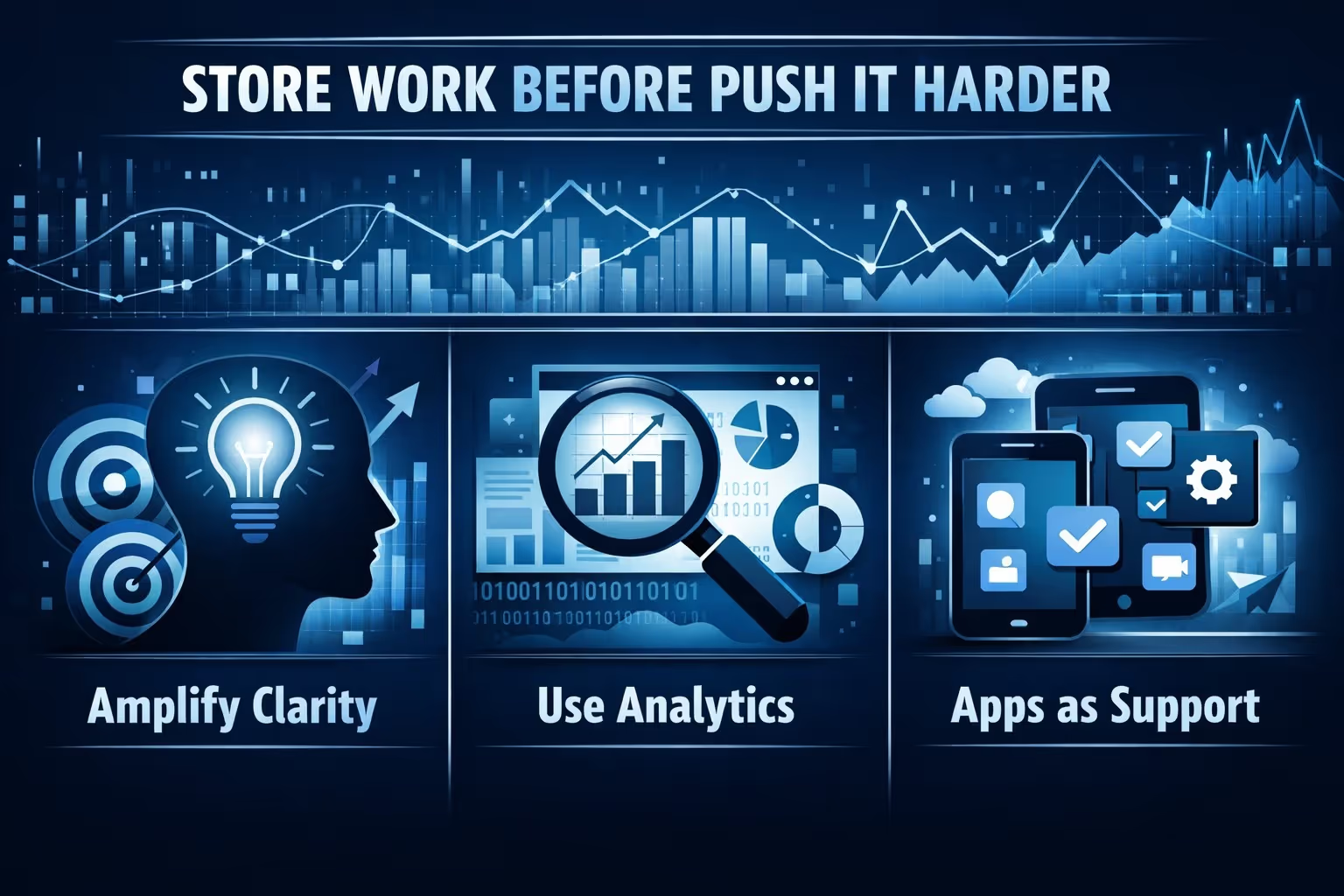
Growth usually breaks stores that are not ready for it. Marketing, analytics, and apps are powerful tools, but only when the foundation underneath them makes sense.
Marketing does not fix a confusing store. It simply sends more people into that confusion faster. Before spending money on ads or working with influencers, pause and look at the store as if you were seeing it for the first time.
Can someone understand what you sell within a few seconds? Do product pages answer basic questions without forcing visitors to hunt for information? Does checkout feel calm and trustworthy? If any of those answers are no, the best move is not to market harder, but to simplify what is already there.
Early marketing works best as a learning tool, not a scaling tool. Small tests, organic content, and direct conversations with customers give you insight without pressure. Real feedback will always outperform assumptions.
Shopify’s analytics can feel overwhelming, especially at the start. The mistake many people make is trying to read everything instead of looking for a few meaningful signals.
Pay attention to whether visitors reach product pages, whether they add items to the cart, and where they tend to leave. Those moments tell you where friction exists. Fixing friction usually improves results faster than adding new features or launching new campaigns.
Analytics are not a report card on your abilities. They are a map that helps you decide what to adjust next.
The Shopify App Store can be incredibly useful, but it can also quietly complicate a store. Every app adds cost, increases complexity, and can affect performance in ways that are easy to overlook.
Install apps only when you clearly understand the problem they are meant to solve. Recovering abandoned carts, handling basic SEO tasks, or improving customer support workflows are reasonable reasons to add tools. Installing apps simply because others use them, or because they promise vague improvements like “more sales,” usually leads to clutter rather than progress.
You can always add apps later when the need is obvious. Removing them once they are embedded into your workflow is much harder.
Keeping the store lean as it grows makes every future decision easier and every improvement more effective.
Growth has a way of introducing complexity when it is not questioned. New products, additional sales channels, and extra features often feel like progress, but they can just as easily dilute what made the store work in the first place. As the store evolves, it becomes more important to protect clarity than to chase expansion for its own sake.
Before adding anything new, it helps to pause and ask whether the change serves the same customer and whether it makes the store easier or harder to understand. Growth tends to work best when it deepens focus before it widens reach. Stores that expand deliberately usually scale more smoothly than those that add complexity faster than they can manage it.
Starting a Shopify store does not require brilliance. It requires restraint.
The platform already does the heavy lifting. Your job is to avoid getting in its way with unnecessary decisions too early. Build something clear. Launch it. Learn from it. Improve it slowly.
That approach is quieter than most advice online, but it works far more often.


