Marketing Ideas for Psychologists: 2026 Strategies
Discover ethical marketing strategies for psychologists. Learn proven tactics to attract clients, build authority, and grow your practice in 2026.
May 18, 2026



Email marketing on Shopify doesn’t fail because it’s hard. It fails because most people make it heavier than it needs to be.
You don’t need a complex stack, five tools, or perfectly designed flows on day one. What you do need is a simple system that captures emails, sends the right messages at the right time, and grows with your store instead of fighting it.
This guide walks through how to set up email marketing on Shopify in a practical way. No theory dumps. No agency buzzwords. Just the pieces that matter, in the order that actually makes sense when you’re running a real store.
Before touching tools or templates, it helps to reset expectations.
Email marketing is not about sending more emails. It is about owning a direct line to people who already showed interest in your store. Unlike ads, email does not disappear when budgets pause. Unlike social media, it does not depend on an algorithm waking up in a good mood.
On Shopify, email marketing usually serves three jobs:
If your setup supports those three things, you are already ahead of most stores.
Everything else is optional.
This is where people tend to overthink first.
Shopify gives you a built-in email tool called Shopify Email. It lives directly in your admin, uses your store data automatically, and works without any extra setup. For many stores, especially early on, it is more than enough.
Third-party tools like Klaviyo, Omnisend, Mailchimp, or ActiveCampaign exist for a reason, but you do not need them on day one.
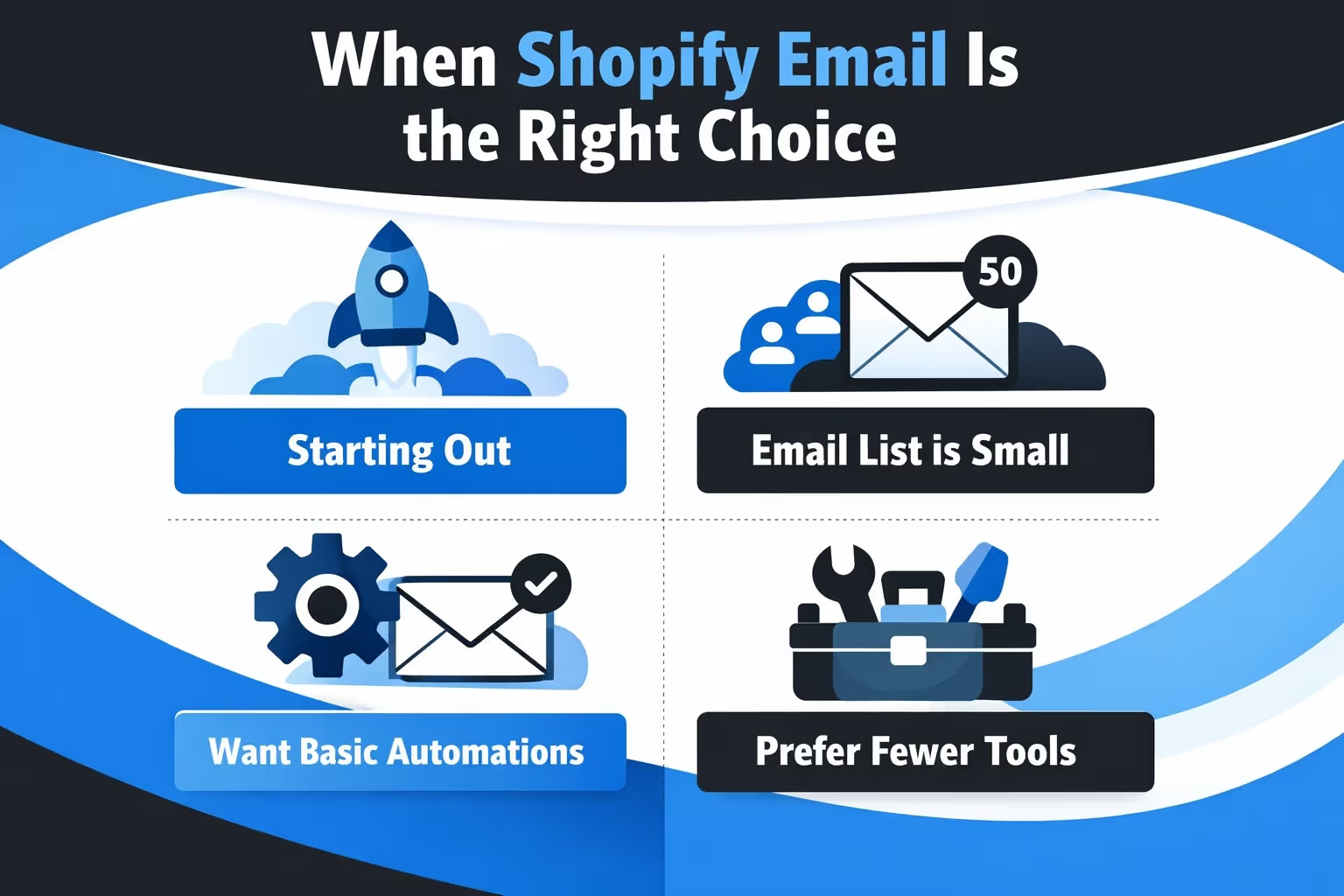
Shopify Email is a good fit if:
It handles campaigns, simple automations, segmentation, and analytics without friction. You can design emails, send them, and track results in one place.
For many stores, this alone covers the basics for months.
You should consider an external email platform if:
If you are unsure, start with Shopify Email. You can always migrate later. Starting simple is not a mistake. It is usually the smart move.
Email marketing does not exist without email addresses. That sounds obvious, but this is exactly where many stores stumble.
A sign-up form on its own is rarely enough. Most visitors are not ready to buy or commit the moment they land on your site, so you need to give them a clear reason to share their email instead of moving on.
Not every store needs aggressive discounts. In fact, leaning too hard on discounts often attracts people who are only there for the deal and disappear after the first purchase.
Simple incentives tend to work best. A small first-order discount is common and familiar. Early access to sales or product drops can feel more exclusive. Some stores do well by offering useful content related to their products, while others keep it practical with free shipping on the first order.
The key is to pick one incentive and stick to it. When you stack multiple offers into a single popup, it starts to feel noisy and less trustworthy.
Email capture forms usually appear as popups, slide-ins, footer sign-up fields, or opt-ins during checkout or account creation.
Popups get the most attention, but timing matters. Showing a popup the second someone lands on your site often backfires. Give visitors a moment to browse and understand what you sell before asking for their email.
If you are using Shopify’s built-in forms or a simple app, keep the form minimal. In most cases, asking only for an email address is enough. Every extra field lowers the chance that someone will complete the form.
Make it clear what people are signing up for and what kind of emails they can expect. Link to your privacy policy and avoid vague or sneaky language.
Email marketing works best when it is built on trust. When people know why they are on your list and expect to hear from you, they are far more likely to stay engaged.
You do not need a beautiful email. You need a readable one.
Many high-performing emails are simple. White background. Clear text. One main action.
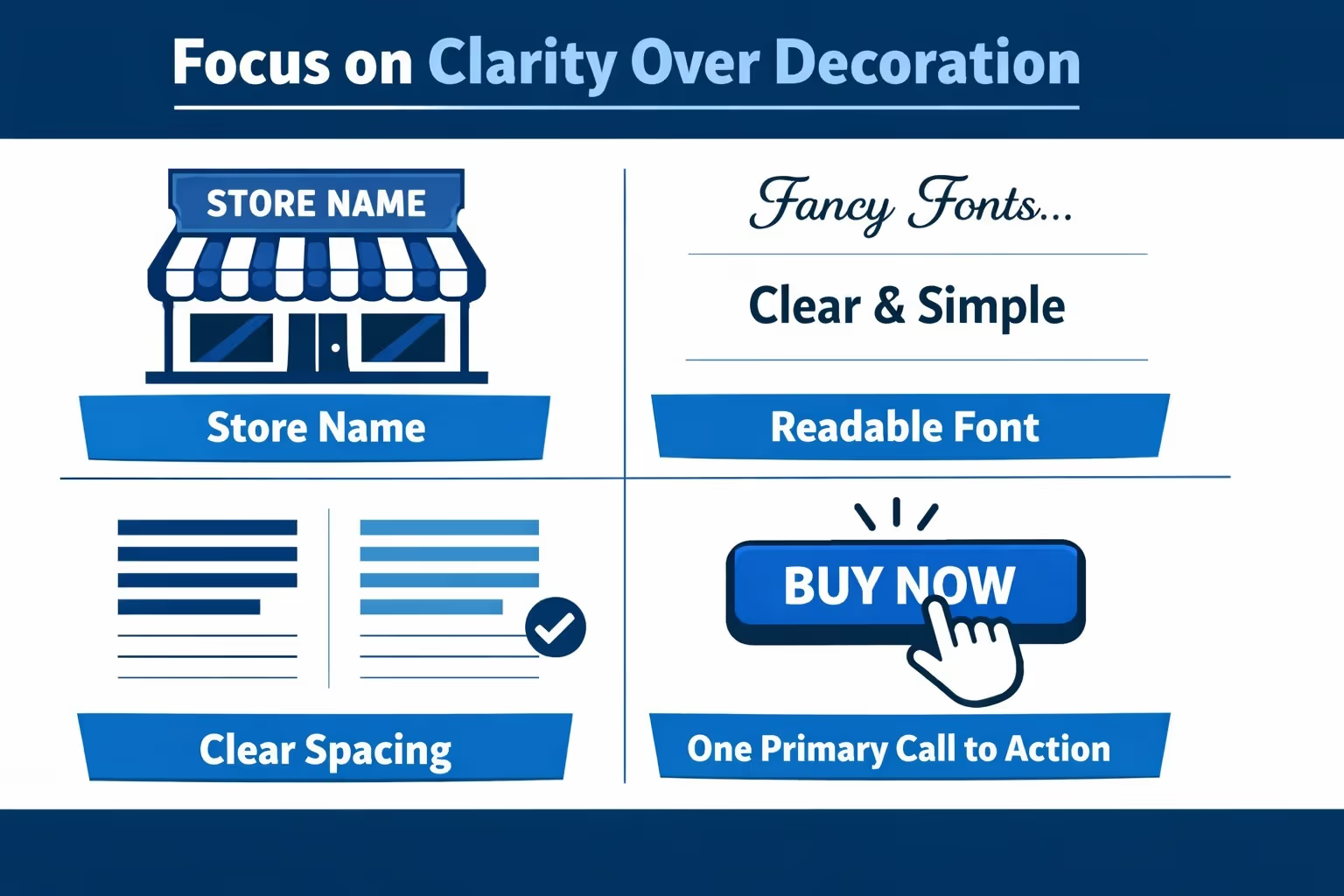
A solid email template should include:
Avoid cramming everything into one email. If your email looks like a homepage, it is doing too much.
Most emails are opened on phones. If your email looks fine on desktop but breaks on mobile, it is a problem.
Stick to single-column layouts. Use buttons that are easy to tap. Keep paragraphs short.
Using a customer’s name can help, but it is not mandatory. A clear message beats forced personalization every time.
Start simple. You can layer personalization later when it actually adds value.
Automation is where email marketing quietly earns its keep. It does the work in the background without asking for daily attention.
You do not need ten different flows running at once. You need a small number of automations that work reliably and make sense for how people actually shop.
A welcome email is usually the first message someone receives after subscribing to your list. It sets the tone for everything that follows.
At a minimum, a good welcome email should confirm that the sign-up worked, deliver whatever incentive was promised, and give a quick sense of what kind of emails the subscriber can expect going forward. This helps avoid confusion and builds early trust.
You can add a second welcome email a day or two later if you want to introduce products or tell your brand story, but even a single welcome email is better than leaving new subscribers in silence.
Many shoppers leave a store without buying. That is normal and happens across every industry.
An abandoned cart email simply reminds people what they left behind and gives them an easy way to return to their cart. The tone should be helpful, not pushy or guilt-driven.
Keeping these emails simple usually works best. Show the product they viewed, include a clear link back to the cart, and optionally add reassurance around shipping, returns, or support. One or two emails are usually enough. Sending more than that often feels desperate and can hurt trust.
Order confirmation emails are transactional, but they still shape how customers perceive your brand. A clear, well-written confirmation builds confidence right after the purchase.
Post-purchase emails can go further by providing delivery updates, offering basic usage tips, suggesting complementary products, or asking for a review once the order arrives. When done well, these emails feel useful rather than promotional.
Together, these messages help build trust, reduce uncertainty, and encourage repeat business without sounding like ads.
Campaigns are the emails you send manually. Things like newsletters, announcements, and promotions fall into this category. Unlike automations, they require intention and timing, which is why they are easy to overdo.
You do not need to email every week if you have nothing meaningful to say. For most Shopify stores, sending an email once every one or two weeks is more than enough. What matters far more than frequency is consistency. A single well-thought-out email each month will usually perform better than several rushed messages that feel forced or repetitive.
Not every campaign should be focused on selling. When every email pushes a discount or a product, people quickly lose interest and stop opening them. A healthier approach is to mix different types of content. Promotions and launches can sit alongside educational or helpful emails, occasional behind-the-scenes updates, or customer stories and reviews.
This balance keeps your emails feeling relevant and human, rather than turning them into something subscribers learn to ignore.
Segmentation sounds complex, but the basics are straightforward.
Segmentation means sending different emails to different groups based on what they did.
Simple segments to start with:
Even one or two segments can improve relevance without extra work.
Avoid creating dozens of micro-segments early on. They are hard to maintain and rarely worth the effort.
Testing is useful, but it can easily turn into a distraction. When you try to test everything at once, you usually end up learning very little.
Your attention is best spent on a few elements that actually influence whether people engage with your emails. Subject lines are often the biggest lever, since they directly affect open rates. Send timing also matters, especially if your audience tends to check email at specific times of day. Call-to-action wording can influence whether someone clicks through or scrolls past.
Even small adjustments in these areas can lead to noticeable changes in how your emails perform.
You do not need to test every font, color, or layout detail. Over-optimizing preview text or rewriting emails every week in search of tiny gains usually creates more work than value.
Focus on getting the basics right first. Once your emails are consistently opened and clicked, optimization becomes far more meaningful.

At some point, testing stops being a growth lever and starts becoming a drag. You spend weeks launching experiments, waiting for results, and cutting ideas that never had a real chance to win. We built Extuitive to help Shopify brands move past that phase.
Instead of testing everything live and hoping something sticks, we help teams predict performance before launch. Our AI models are trained and validated on real campaign data, so you can see which ads, messages, and creatives are likely to perform before budget goes out the door. This shifts testing from guesswork to confident decision-making. You still test, but you test smarter, faster, and with far better odds.
As campaigns scale, manual testing breaks down. Creative volume increases, audiences fragment, and the cost of slow learning adds up quickly. Extuitive lets teams analyze and predict performance across large batches of creatives at once, making it possible to focus resources on ideas that are actually worth running. Optimization becomes strategic instead of reactive.
We work with Shopify brands that want speed, clarity, and better returns from their ad spend. Our goal is simple: reduce wasted effort, shorten learning cycles, and help teams launch with confidence. When you know what is likely to work before you launch, growth becomes less about trial and error and more about execution.
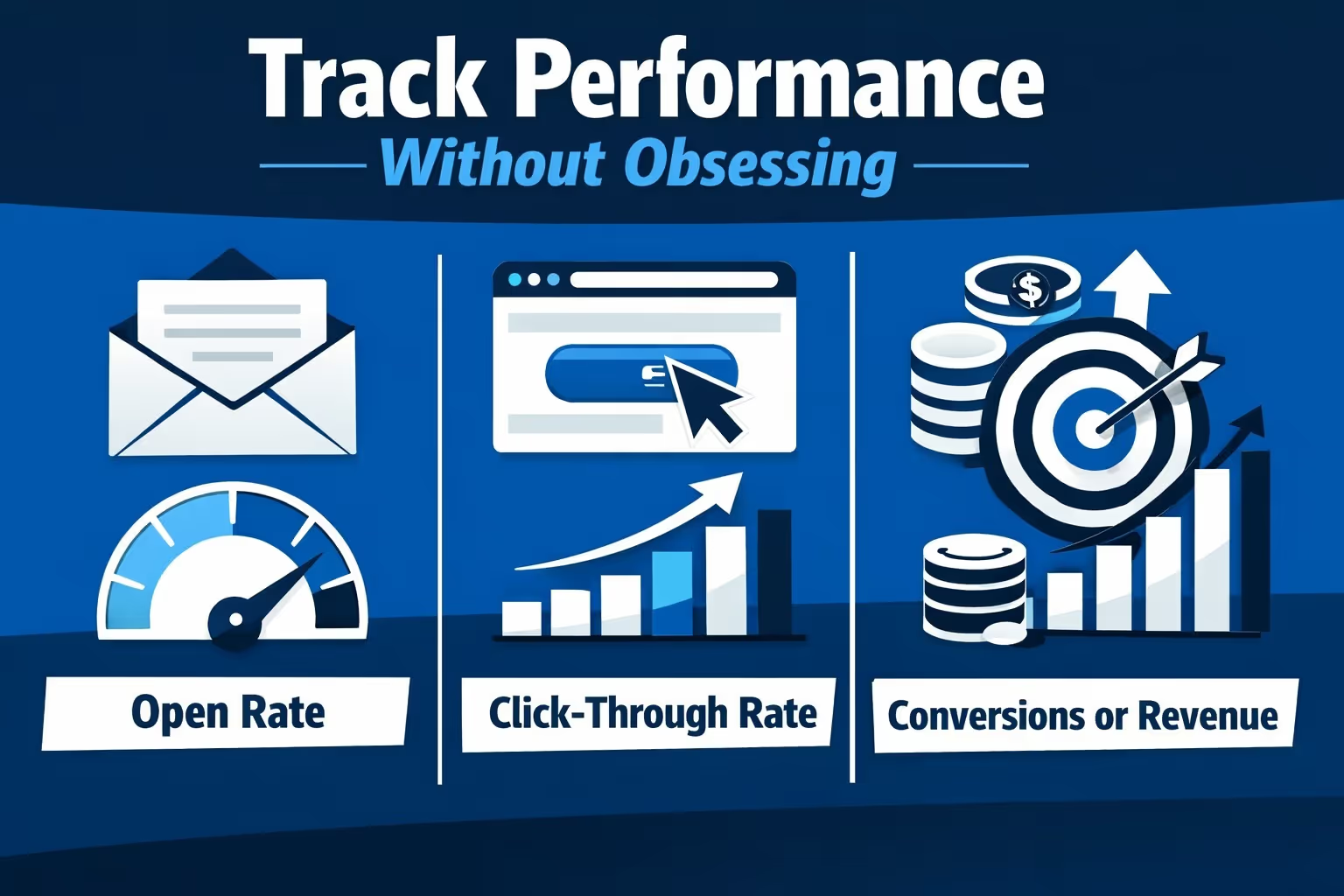
Email metrics are helpful, but they are not the goal. Their role is to give you feedback, not to turn email marketing into a spreadsheet exercise.
There are a few core metrics worth paying attention to:
These numbers work best as reference points, not strict rules. Averages vary widely depending on industry, audience, seasonality, and even how often you send emails. Comparing your store to a generic benchmark can be misleading.
What matters more is consistency and direction. If emails are being opened, links are getting clicks, and you occasionally see sales or replies coming from them, the system is working. You do not need perfect metrics. You need steady engagement that supports the bigger picture.
Email marketing comes with responsibility, and it is not something to treat lightly.
You should always honor unsubscribe requests promptly and without friction. Using a real sender address that matches your domain helps with both trust and deliverability. It is also important to follow regulations like GDPR and CAN-SPAM, especially when collecting and storing customer data.
Compliance is not just about avoiding legal trouble. It protects your sender reputation and helps ensure your emails continue reaching inboxes instead of spam folders. People who want to leave your list should be able to do so easily. Making that process clear and respectful builds long-term trust, even with those who unsubscribe.
At some point, you will outgrow a simple email setup. That is not a problem. It usually means your business is moving in the right direction.
You may notice that your email list has grown significantly, that you want more behavior-based targeting, or that basic reporting no longer gives you enough insight. Some stores also reach a point where adding SMS or more advanced automation becomes valuable.
When that happens, upgrade with intention rather than pressure. Additional tools and complexity should solve a clear problem you are experiencing. If a new setup creates more work without clear benefits, it is probably not the right move yet.
Setting up email marketing on Shopify does not need to feel heavy or overwhelming.
When you strip it down, email marketing is simply a system that collects emails, sends relevant messages, and follows up when it makes sense. That is all it needs to do to be effective.
Start small and build something you can realistically maintain. It is far better to have a simple setup that runs consistently than a complex one that slowly gets ignored. Over time, you can refine, expand, and improve as your store grows and your needs become clearer.
The best email marketing setups are rarely the most complicated ones. They are the ones that quietly work in the background while you focus on running your store. If your email system feels manageable and does not demand constant attention, it is probably set up the right way.


