How to Sell Digital Products on Shopify Without Overcomplicating It
Learn how to sell digital products on Shopify, from setup to delivery. Clear steps, real considerations, and what actually matters.
Jan 26, 2026



That little “Powered by Shopify” tag in your store’s footer? It’s not hurting anything, but it’s not exactly helping either. It’s generic, it’s everywhere, and it doesn’t tell visitors anything about your brand. If you want your store to feel clean and custom (and skip the free ad for Shopify), you’re in the right place.
This guide walks through the easiest ways to remove or replace that default message, whether you’re using a laptop, phone, or feel brave enough to poke around your theme’s code. No dev team required.
If you’ve launched a Shopify store or are browsing through one, you’ve probably seen the phrase “Powered by Shopify” sitting quietly in the footer. It’s a small piece of text added automatically by Shopify to most themes, especially when you’re just starting out.
At its core, it’s a bit of branding – Shopify’s way of letting people know, “Hey, this store was built with our platform.” It’s similar to what you might see on a free website template or email footer that says, “Made with XYZ builder.” It’s not harmful. It doesn’t break your site. But it’s not exactly yours, either.
For some store owners, that’s perfectly fine. But for others, especially those trying to create a polished, brand-first experience, it’s a small but noticeable detail that’s worth updating or removing entirely.
Depending on your theme and store status, you’ll usually find “Powered by Shopify” in two places:
In some themes the “Powered by Shopify” message may also be included in different template files beyond just the main footer, depending on how the theme is structured. You’ll need to check and update all the areas if you want full removal.
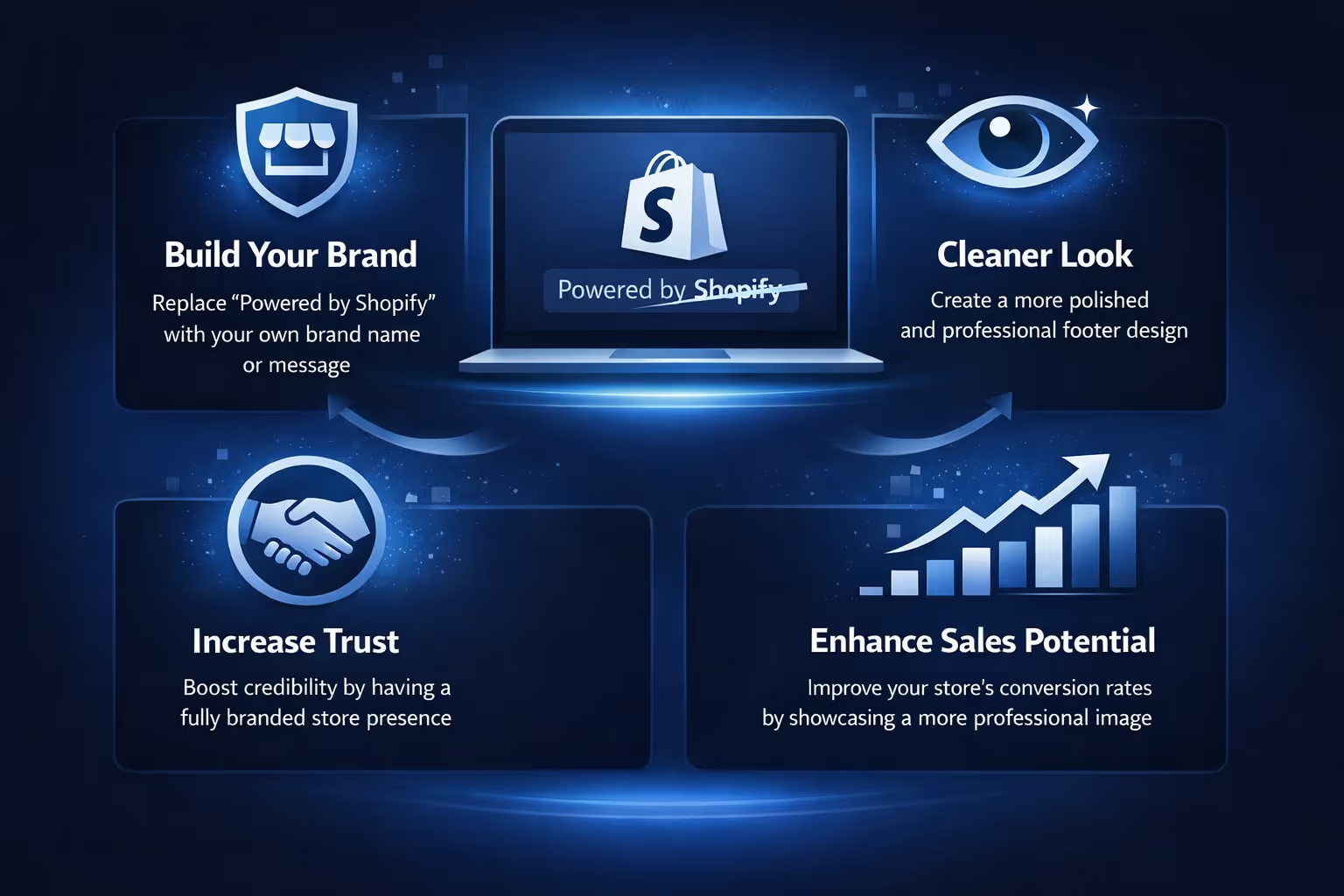
The "Powered by Shopify" line doesn’t show up by accident. It’s Shopify’s subtle way of letting the world know that your store is built on their platform. While there’s nothing wrong with that, it also raises a fair question: does that message actually serve your brand?
For many store owners, the answer is no. That footer space could be doing more than pointing to someone else’s service. If you’re trying to create a cohesive, professional-looking store, it might be time to make that line disappear or at least make it your own. Here’s what changing or removing it actually achieves:
Leaving Shopify’s name in your footer might seem harmless, but it’s also a missed opportunity. Instead of a generic label, you could use that space to reinforce your own brand voice. Whether it's a tagline, a mission-driven message, or a clean copyright line, replacing the default text makes your store feel more custom and less templated.
Visually, removing that line helps declutter your footer. It’s especially noticeable if you're aiming for a minimalist layout or a modern design. When every detail is intentional, even a small change like this helps create a smoother, more polished user experience.
Visitors may not consciously notice the "Powered by Shopify" tag but they do pick up on whether a site feels fully branded or not. Custom touches, even in the footer, contribute to overall trust. A store that looks thoughtfully built signals professionalism, and that can make a difference when someone’s deciding whether or not to hit that checkout button.
In short, taking control of that small footer detail can go a long way in shaping how people see your store.
There’s more than one way to get rid of that default footer message, and the method you choose depends on how comfortable you are with editing your store. Some approaches are fast and beginner-friendly, while others offer more control if you’re willing to tweak the code.
This is the easiest way and doesn’t involve touching any code if the theme supports editing that text via the specific fields. It works well for most users.
And that’s it. Reload your storefront and the text should be gone.
This method is safe, easy, and reversible. Great for beginners or anyone who doesn’t want to edit code.
Sometimes, the default theme editor won’t fully remove the text. This can happen with custom themes or older versions. If that’s your case, here’s how to manually remove the tag from the code itself.
{{ powered_by_link }}
If you’re also using a password page, repeat the process in password-footer.liquid if it exists in your theme.
Once saved, reload your store to confirm it’s gone.
Maybe you don’t just want to remove it. Maybe you’d rather say something fun, useful, or brand-specific in its place.
Here’s what you can do instead:
Follow the same steps as in Option 1, but instead of pressing the spacebar, enter a custom message like:
You can even insert HTML in the Powered by Shopify HTML box to include links:
<a href="/privacy-policy">Privacy Policy</a>
Instead of deleting the {{ powered_by_link }} code, replace it with your own message:
<p>Made by <a href="https://yourstore.com">Your Store</a></p>
This way, you still keep the structure but make the footer yours.
Sometimes, even after you’ve removed the line or updated the theme language, the text refuses to disappear. Don’t panic.
Here are a few reasons it might still be showing:
If none of the methods work, consider:
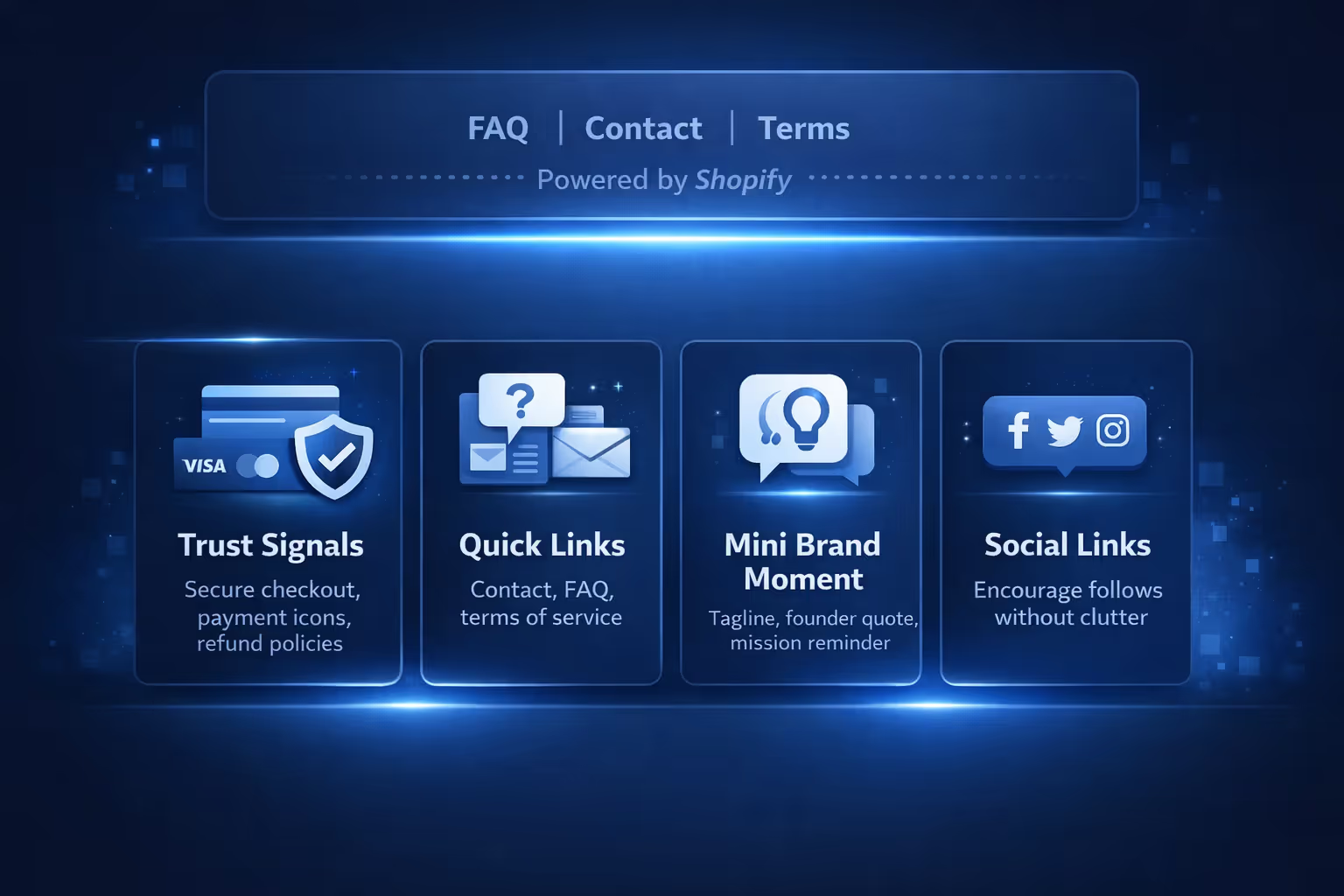
Removing the Shopify branding gives you a free space in your footer. It might seem small, but it’s prime real estate, especially for mobile users. Here are a few smart ways to use it:
Some might say, “It’s just a footer line. Who cares?” But here’s the thing: every visible part of your store shapes perception. Even something as tiny as a six-word message in your footer sends a signal.
Leaving it unchanged says: “This is a template.”
Replacing it says: “This is my brand.”
Small choices like this are what separate cookie-cutter storefronts from ones that actually feel thought-through.

At Extuitive, we believe real brand ownership starts with the details. The tone of your product descriptions, the scroll feel of your homepage, and yes, even that tiny line of text in your footer. That’s why we encourage Shopify store owners to remove anything that doesn’t speak directly to their audience, including the default “Powered by Shopify” message.
If you’re already using Extuitive to create, test, and launch high-performing ads, you understand how much stronger your message lands when it’s built for your customer. We help you skip the guesswork by letting our AI agents shape ad creatives that convert. And just like we optimize your campaigns to reflect your brand voice, we want your store’s layout and messaging to feel equally intentional.
Removing boilerplate copy from your site is a small win, but it’s one that signals your commitment to a fully branded experience. And in our world, where every impression counts, that’s exactly where the edge comes from.
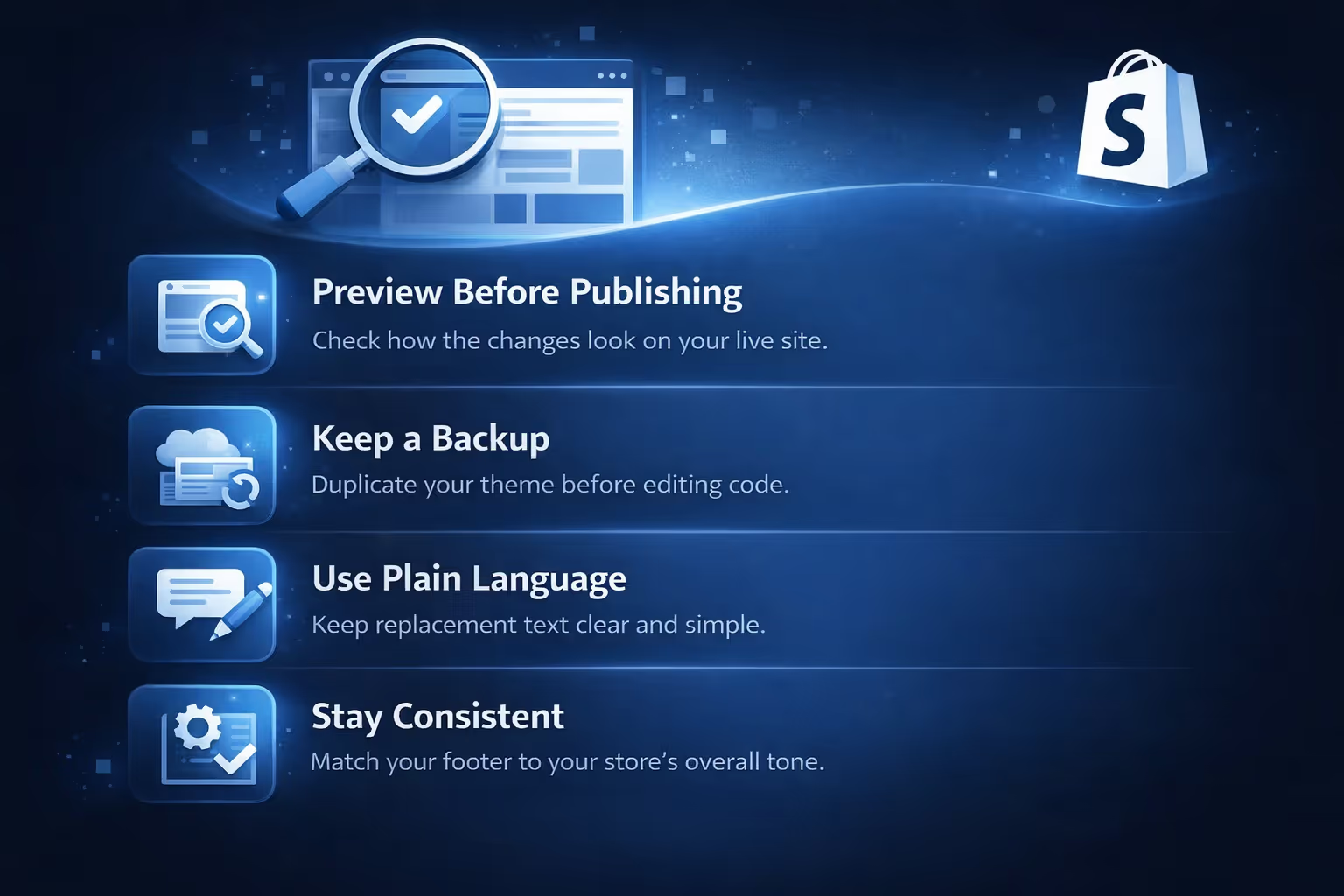
Removing or replacing the “Powered by Shopify” tag is a small change, but it’s still part of how your store shows up to customers. Whether you're doing it through the editor or tweaking the code, it’s worth taking a few extra steps to make sure things go smoothly, and look exactly how you want them to.
The "Powered by Shopify" message isn't doing any harm, but it's not doing you any good either. Removing or replacing it is one of the easiest ways to make your store feel more intentional, professional, and aligned with your brand.
No coding degree required. No plugin needed. Just a few clicks or a small copy-paste tweak, and you're in full control of your footer space.
It’s your store. Make every part of it yours.


