Top White Label Facebook Ads Agencies: A Smarter Way to Scale Client Results
A curated list of white label Facebook ads agencies trusted by agencies and brands to scale campaigns without adding internal overhead.
Mar 24, 2026



Making a Shopify theme sounds more technical than it often needs to be. For some stores, it really does mean writing code and building layouts from the ground up. For others, it’s about shaping an existing theme until it fits the brand, the products, and the way customers actually shop.
The problem is that most guides treat every store the same. They either assume you want full custom development or push quick fixes without explaining the tradeoffs. In reality, making a Shopify theme is about choosing the right level of control for where your business is right now.
This article walks through what “making a Shopify theme” really involves, the main paths you can take, and how to avoid sinking time into things that won’t move your store forward. No hype, no shortcuts that come back to bite later. Just a clear way to think about building a theme that actually works.
A Shopify theme is the framework that defines your store’s layout, visual style, and interactive behavior. It controls how product pages are structured, how collections are displayed, how navigation works, and how content adapts across devices.
What it is not is your products, collections, blog posts, or core business logic. Those live in Shopify’s admin and remain intact even if you switch themes. This separation is important because it means you can experiment with themes without risking your actual store data.
Many people assume making a theme means starting from a blank screen. In reality, most themes are variations on a shared structure. The difference lies in how much control you want over that structure and how much effort you are willing to invest.
Understanding this distinction early helps you avoid overengineering. You are not rebuilding Shopify. You are shaping how Shopify presents your store.
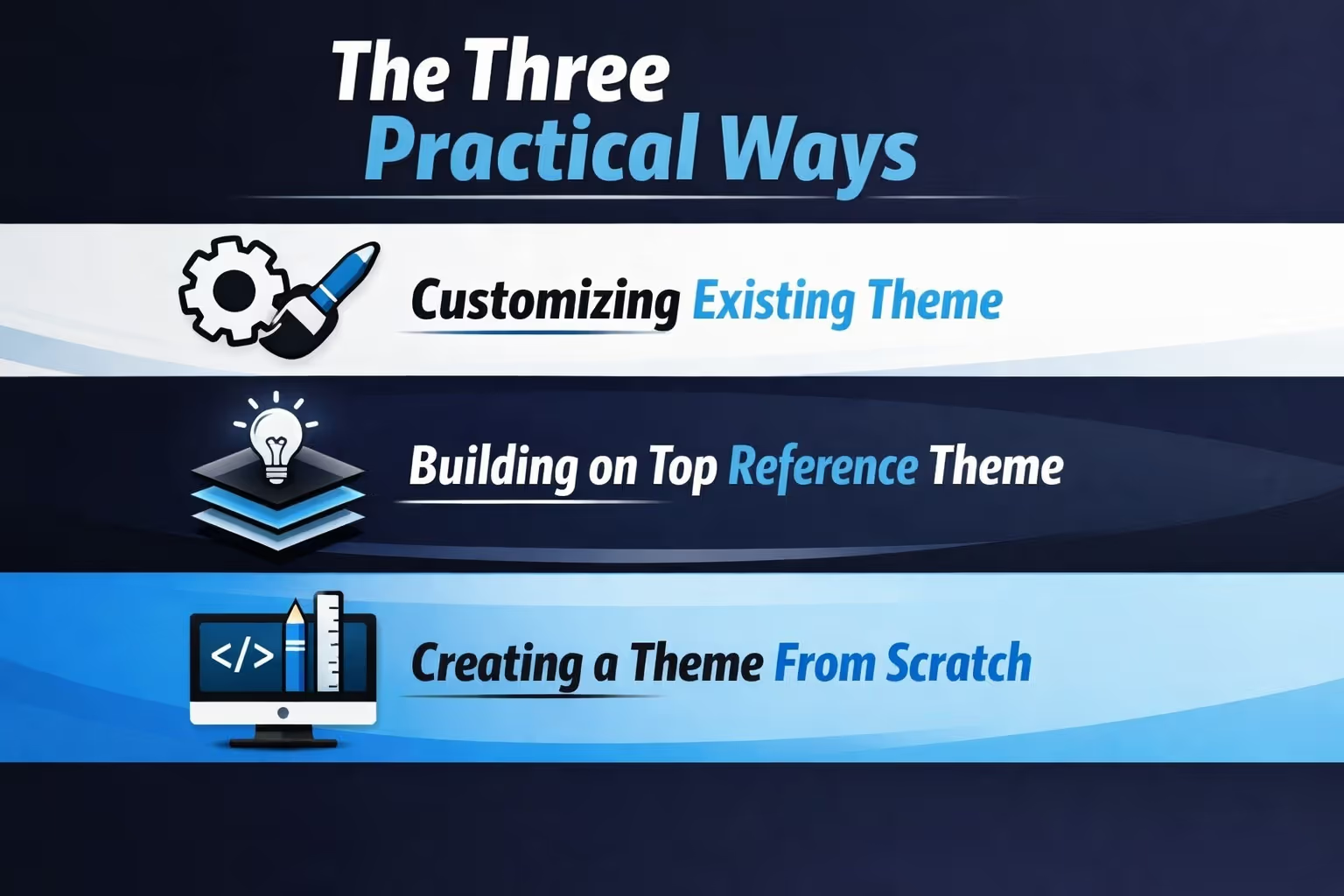
There is no single correct way to make a Shopify theme. There are three realistic paths, and each makes sense in different situations.
The mistake most people make is choosing a path based on ambition rather than need.
This is the most common and often the smartest starting point. Shopify provides free themes, and the Theme Store offers paid options built by experienced developers. These themes already handle performance, accessibility, and compatibility.
Customizing a theme means adjusting settings, layouts, sections, and content blocks to fit your brand. You are not rewriting the foundation. You are shaping what already works.
For many stores, this is enough. It keeps costs low, avoids maintenance headaches, and allows you to focus on products and marketing instead of infrastructure.
If you want deeper control but do not want to reinvent everything, Shopify’s reference themes exist for this purpose. Dawn, for example, is designed to reflect current best practices and is meant to be extended.
This approach involves editing theme files, creating custom sections, and modifying templates. You gain flexibility without losing the stability of a tested base.
It does require comfort with code, but not to an extreme degree. You are working within an established system rather than fighting it.
This is the most demanding option and the one most often misunderstood. Building a theme from scratch means defining templates, sections, and layouts manually using Shopify’s theme architecture.
It makes sense when you have unique requirements that cannot be met by existing themes or tools. It does not make sense just because you want something to feel custom.
Unless you have a strong technical reason, this route often introduces more complexity than value.
Shopify’s Online Store 2.0 update quietly changed how themes work at a structural level. Many older guides still describe workflows that no longer reflect how modern themes are built.
The biggest shift was the move toward a block-based architecture. Sections are no longer limited to the homepage. Merchants can add, move, and rearrange content across almost any page.
Templates are now defined using JSON, separating layout structure from content logic. This makes themes more flexible and easier to maintain.
For theme creators, this means fewer hardcoded layouts and more reusable components. For store owners, it means more control without touching code.
If you are making a Shopify theme today and ignoring Online Store 2.0 concepts, you are making your life harder than it needs to be.
Even if you never plan to write code, it helps to understand what a theme is built from.
Shopify themes rely on a few core technologies:
You do not need to master all of these to make a theme. But knowing what role each plays helps you make better decisions and communicate clearly with developers or tools.
Liquid is often the most intimidating, but it is also the most constrained. It is designed to be safe and predictable, not expressive like a full programming language.
That limitation is a feature, not a flaw.
Before touching a theme file or browsing the Theme Store, pause and ask a few practical questions.
Most stores do not need unlimited customization. They need clarity, performance, and the ability to adapt without friction.
A theme that is easy to update often outperforms a theme that is technically impressive but rigid.
Modern Shopify tooling makes it possible to shape a theme visually while still producing clean, native theme code.
Advanced page builders work within Shopify’s theme system rather than layering on top of it. They generate sections and templates that behave like hand-coded components.
This approach sits between full customization and drag-and-drop page editing. It gives you speed without locking you into a proprietary structure.
The key is choosing tools that respect Shopify’s architecture. Tools that inject excessive scripts or override core behavior tend to cause performance and maintenance issues later.
Used correctly, visual builders can help you create a theme that feels custom without introducing technical debt.
There are cases where writing code is the right choice.
If your store requires unique product configuration logic, advanced integrations, or custom user flows, code may be unavoidable. The same applies to large catalogs with complex filtering or international storefronts with specialized requirements.
The mistake is assuming code equals quality. Code is a tool, not a badge of seriousness.
Many successful stores use minimal custom code and focus their effort on content, messaging, and conversion flow.
Write code when it solves a real problem, not when it satisfies curiosity.
One of Shopify’s strengths is its theme preview system. You can add multiple themes, customize them privately, and switch between them without affecting live customers.
Use this to your advantage.
Test new layouts. Duplicate your current theme and experiment. Share preview links with teammates or clients. Review how changes affect mobile layouts and loading behavior.
Do not rush publication. A theme feels fine until real content exposes weak spots.
Testing is not about perfection. It is about catching obvious friction before it reaches customers.

Most theme problems are not technical. They are decision problems.
Some common patterns to avoid:
A theme should simplify your workflow, not complicate it.
If every small change feels risky, something is off.
If your goal is to sell a theme, the bar is higher. Shopify’s Theme Store has strict requirements around performance, accessibility, and documentation.
Themes meant for resale must handle edge cases gracefully. They must work across industries, not just one brand.
This is a different mindset from building a theme for your own store. What feels intuitive to you may confuse someone else.
Before selling, spend time understanding Shopify’s review process and common rejection reasons. It saves frustration later.
A Shopify theme is not finished when it goes live. It evolves as your store grows.
New products introduce new layout needs. Marketing campaigns push different priorities. Customer behavior reveals friction you did not anticipate.
A good theme absorbs these changes without forcing a rebuild.
That is the real measure of success. Not how custom it looks on day one, but how well it adapts over time.

Making a Shopify theme is only part of the job. A clean layout and fast pages help, but growth slows when traffic decisions rely on guesswork. Once the store is optimized, ad performance becomes the next limit.
At Extuitive, we built our platform around a simple idea: teams should not have to guess which ads will work. Too much budget is still burned testing creatives that never had a real chance to perform. We help Shopify brands change that by forecasting ad performance before campaigns ever go live.
Our prediction engine uses AI models trained and validated against real campaign results. Instead of abstract scores or generic benchmarks, we show how a creative is likely to perform in the real world, based on your historical data and patterns we see across similar audiences. That means fewer test cycles, fewer wasted launches, and faster clarity on what deserves budget.
We focus on practical outcomes, not black-box promises. Our system highlights likely winners and flags underperformers early, so teams can move forward with confidence instead of hope.
What Extuitive helps teams do better:
We are trusted by Shopify brands that need results quickly and cannot afford long testing cycles. Whether you are launching new creatives, iterating on existing campaigns, or scaling spend, Extuitive acts as a decision layer before traffic goes live.
If your theme, product pages, and storefront are already optimized, ad performance becomes the next bottleneck. We help remove that uncertainty so your marketing stack works as efficiently as the rest of your store.
Making a Shopify theme does not have to be intimidating. It does require clarity.
Once you strip away the myths, you are left with a set of choices. Each has tradeoffs. None require perfection.
Start simple. Choose tools that align with Shopify’s system. Avoid unnecessary complexity. Build for change, not for ego.
If you do that, your theme will do what it is supposed to do: support your store quietly, reliably, and without getting in the way.


