Meta Ads Creative Testing Best Practices 2026
Discover proven Meta Ads creative testing strategies for 2026. Learn systematic frameworks, AI-powered optimization tactics, and scaling methods that drive results.
Mar 24, 2026



If you’ve ever tried to research competitors on Shopify, you know it’s rarely as simple as typing a brand name into Google. Many stores use custom domains, hide platform details, or blend in with thousands of similar sites. Still, finding Shopify stores is very doable if you know where to look.
This guide walks through realistic, proven ways people actually discover Shopify stores today. No tricks, no fluff. Just practical methods you can use for market research, inspiration, or a better understanding of how stores in your niche really operate.
Shopify powers millions of stores, but very few of them openly advertise that fact. Most serious brands use custom domains. Many remove platform traces. Others run headless setups that look nothing like a typical Shopify store.
At the same time, Shopify does not publish a public directory of stores. There is no official list by niche, size, or country. That means anyone doing competitor research has to work indirectly.
The good news is that Shopify leaves footprints. You just need to know which ones matter and which ones are noise.
Before touching any tool, be clear about your goal. This changes everything.
Ask yourself one simple question:
What kind of Shopify stores do I want to find?
Common goals include:
No single method covers all of these. The mistake most people make is using one tool and expecting complete answers. The real process is layered.

Google is still one of the most effective ways to find Shopify stores, if you use it correctly.
Many stores still use the default Shopify subdomain internally.
Try:
site:myshopify.com
This pulls up stores that have not fully hidden their platform usage. It is not comprehensive, but it is a clean starting point.
Add a keyword related to your market:
site:myshopify.com skincare
site:myshopify.com fitness
site:myshopify.com handmade
This works best for small to mid-sized stores and newly launched sites.
Some Shopify stores still reference Shopify in title tags or page content.
Try:
intitle:Shopify store
"Powered by Shopify"
These queries surface stores that are often overlooked by tools.
Google operators will not find most large brands. Once a store uses a custom domain and cleans up its metadata, this method loses effectiveness.
That is fine. This method is for discovery, not completeness.
When you need volume, technology databases are essential.
BuiltWith tracks websites by their technology stack. It identifies Shopify through scripts, assets, and infrastructure patterns.
What makes BuiltWith useful:
Even without a paid account, you can:
This is especially helpful when researching how stores in your niche structure their tech stack.
Tools like WooRank paired with Shopify detection databases focus on:
Their databases are smaller than BuiltWith but often easier to navigate.
A good approach is to:
You are not looking for perfection. You are looking for patterns.
This method is less intuitive, but surprisingly powerful.
Many Shopify stores are hosted on Shopify-owned infrastructure. While not all stores share the same setup, enough of them do to make this method useful.
MyIP.ms allows you to browse websites hosted on specific IP ranges, which makes it useful for uncovering Shopify stores at scale. The idea is to focus on hosting providers associated with Shopify and narrow your search to Shopify-owned IP ranges. From there, you can filter results by traffic levels, which helps separate small or newly launched stores from larger, more established ones.
The main advantage of this approach is control. You are not limited to curated lists or popular examples. You can intentionally look for stores within a specific traffic range and uncover medium-sized brands that SEO tools often miss. This makes MyIP.ms especially useful when you want a more realistic view of the market, not just the biggest names.
The downside is organization. The results are raw and largely unstructured, so you have to do your own sorting and validation. Still, if you are willing to spend time reviewing the data, it is one of the more flexible ways to find Shopify stores without relying on guesswork.
If your goal is niche-specific research, general lists are inefficient. Category-focused databases are far better.
Store Leads aggregates ecommerce data across platforms and breaks it down by:
For Shopify research, this approach is especially valuable because the categories are clearly defined and easy to navigate. You can compare established stores with newly launched ones, see early growth signals, and move from broad categories into more specific subcategories without losing context. Instead of guessing which stores matter or relying on surface-level popularity, you get a clearer picture of which stores actually exist at scale and how different segments of the market are developing.
Shopify quietly publishes some of the best research material available.
Shopify Plus case studies highlight:
While these are polished stories, they are still useful because they help identify serious players within a niche, reveal common growth bottlenecks, and show how Shopify is actually used at scale. Even though the examples are often framed as success narratives, they still provide practical insight into real operational decisions and tradeoffs.
Beyond Shopify Plus, Shopify also showcases success stories from small and medium businesses, niche brands, and region-specific examples. These stories tend to feel closer to everyday reality for most merchants. They focus less on massive scale and more on practical challenges, which makes the insights easier to apply and more relevant for businesses that are still growing.
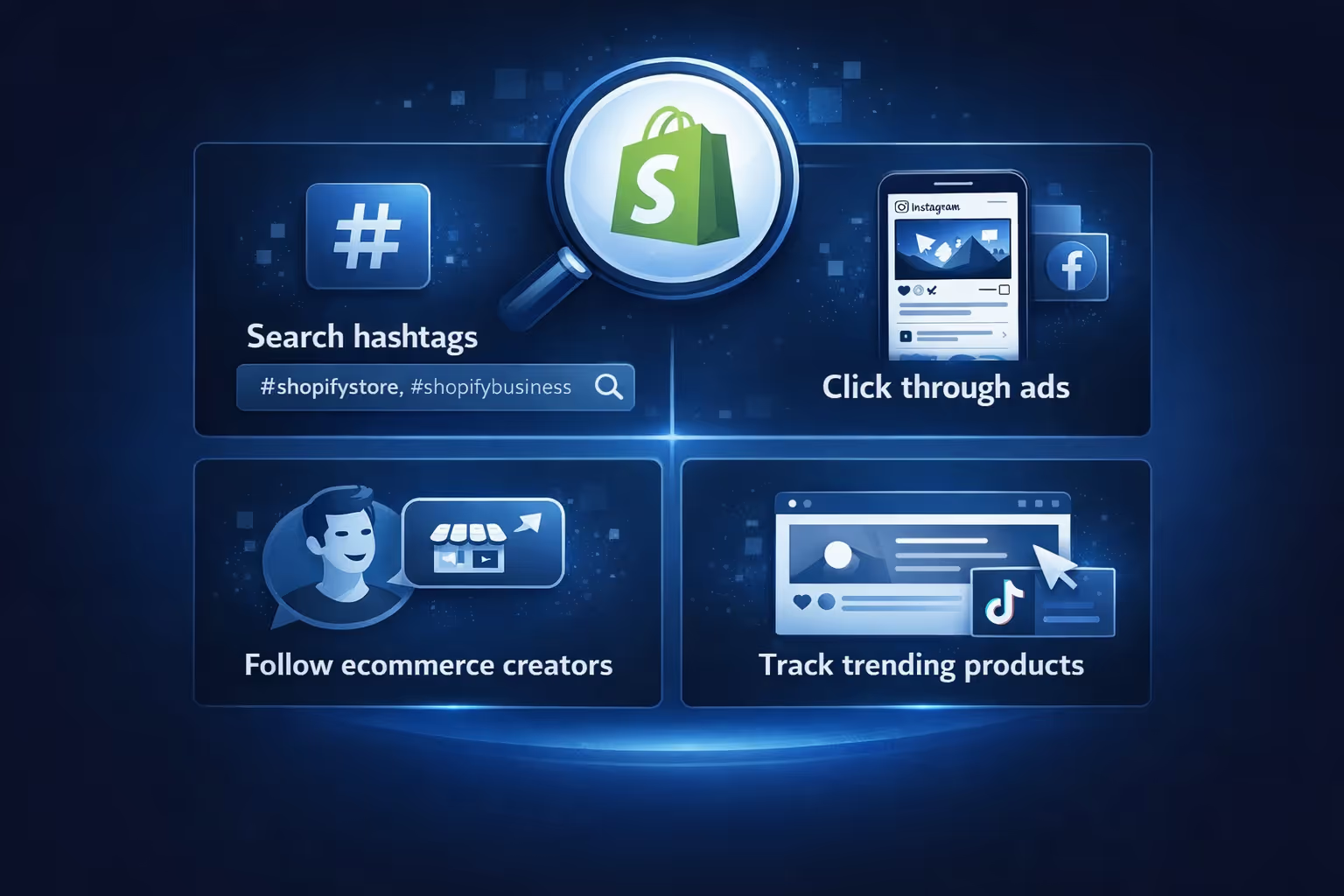
Social platforms are full of Shopify stores. Most people just search them poorly.
Shopify stores surface on social media because store owners actively promote their products, launches, ads, and influencer collaborations across different platforms. All of that activity leaves visible trails. If you pay attention to how brands show up in feeds, ads, and creator content, it becomes much easier to identify which stores are running on Shopify and how they are positioning themselves publicly.
This method works especially well for discovering trending stores, finding newer brands early, and seeing how stores choose to position themselves publicly across different platforms.
When a store hides its platform well, technical inspection becomes the final step.
Open page source or developer tools and search for:
Even heavily customized stores often rely on Shopify’s CDN or internal APIs.
Open browser developer tools and inspect network requests. Shopify assets are difficult to fully mask.
This method is slower, but it is definitive.
Design research is a common reason people look for Shopify stores, and theme detection tools can help by analyzing theme structure, asset patterns, theme IDs, and known template signatures. This kind of analysis is useful when you are studying layout trends, trying to understand UX patterns, or benchmarking design maturity across different stores. It should not be your primary discovery method, but it works well as a supporting layer alongside other research approaches.
No professional relies on one method. The real workflow looks like this:
Each step narrows uncertainty. Guesswork disappears because every store is verified from multiple angles.
Discovery is not the end goal. Once you have a solid list of Shopify stores, the real work begins. Use what you find to analyze product positioning, study pricing logic, review content structure, observe trust signals, and track recurring marketing patterns.
Pay just as much attention to what does not work as to what does. The real advantage comes from interpretation, not from collecting long lists of stores.

At Extuitive, we work with Shopify brands that want more certainty before spending on ads. Finding competitor stores and market patterns is useful, but growth really happens when those insights turn into better-performing campaigns. That is where we focus.
We help teams forecast ad performance before launch. Instead of running endless tests and wasting budget on creatives that do not convert, our platform predicts real-world outcomes using AI models validated against live campaign data. The goal is straightforward: stop testing losers and focus on ads that are more likely to win.
For Shopify brands, speed and scale matter. Extuitive lets teams analyze large volumes of creatives ahead of time, compare predicted CTR and ROAS against their own historical benchmarks, and make decisions with clear forecasts instead of assumptions. This turns ad testing into a more controlled, data-driven process.
Audience targeting becomes clearer as well. Our insights help brands reach the audiences most likely to convert, which leads to higher efficiency and fewer surprises once campaigns go live. Many teams use Extuitive alongside competitor research to validate ideas before real spend, reducing risk and improving outcomes.
Finding Shopify stores without guesswork is not about secret tools or hacks. It is about using the right methods in the right order and understanding their limits.
The ecosystem is huge. No single list will ever be complete. But with a layered approach, you can consistently find relevant, real-world examples that actually teach you something.
That is how professionals do it. And once you start working this way, guessing feels unnecessary.
If you want to research better, build smarter, or simply understand the Shopify landscape more clearly, this process works.


