Best Madgicx Alternatives for Effective Ad Optimization
Exploring solid Madgicx alternatives? Discover reliable ad optimization tools that help automate campaigns, boost ROI, and simplify Meta advertising without the usual headaches.
Apr 12, 2026



Closing a Shopify store is usually a practical decision, not an emotional one. Sometimes a project runs its course. Sometimes priorities shift. And sometimes keeping a store active just doesn’t make sense anymore.
Deleting a Shopify account is straightforward, but it’s also irreversible. Once it’s gone, your store data won’t come back. That’s why it helps to understand exactly what “permanent” means here, what to double-check before clicking confirm, and how the process actually works in real life, not just in theory.
This guide walks through the essentials clearly and without noise, so you can close your Shopify account with confidence and no loose ends.
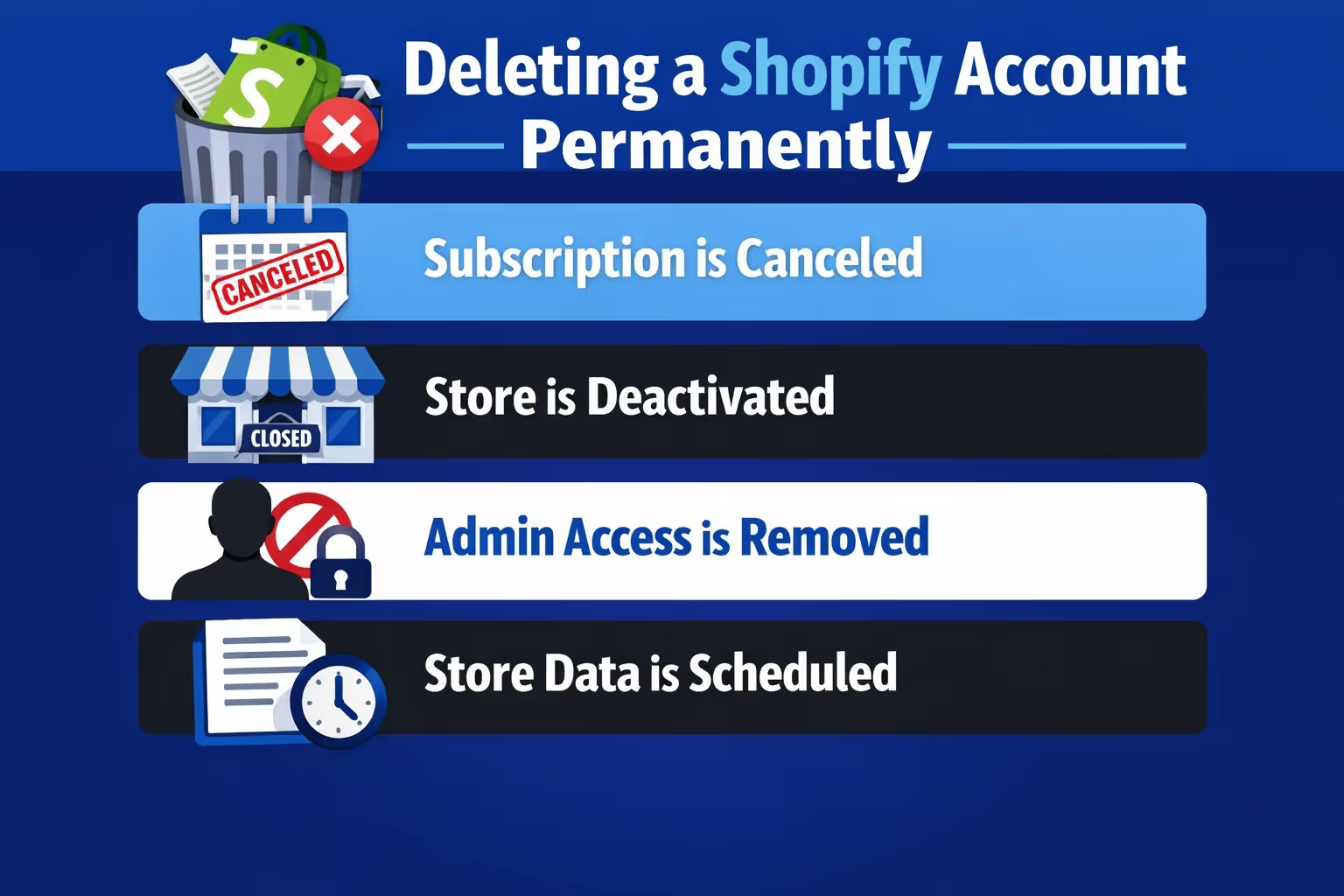
Before jumping into steps, it helps to be clear about terminology. Shopify uses a few similar phrases that mean very different things.
Deleting your Shopify account permanently means:
This is not the same as pausing your store or canceling a plan temporarily. Pausing keeps your data intact and allows you to come back later. Permanent deletion does not.
Shopify does retain store information for a limited period for compliance and security reasons, but you cannot access it through the admin once deletion is finalized. From a practical standpoint, you should assume everything is gone for good.
People close Shopify stores for different reasons. Some common ones come up again and again.
Sometimes the business simply did not work out. Running an online store is harder than it looks, and not every idea finds its audience.
In other cases, the store owner is shifting direction. Maybe the brand is moving to another ecommerce platform that fits better. Or the business itself is changing shape and no longer needs a storefront.
There are also situations where the store is fine, but life changes. A full-time job, family priorities, or burnout can make running a store unrealistic for a while.
What matters is choosing the right action. If there is any chance you might want the store again, pausing is usually safer than deleting. If you are certain you are done, permanent deletion can bring closure and remove ongoing costs.

If you are considering deleting your Shopify account because ads failed to perform, growth stalled, or results never met expectations, we encourage you to pause before making that final call. In many cases, the store itself is not the issue. The real challenge is making high-stakes decisions without reliable signals.
We built Extuitive to solve exactly this problem. Before you shut everything down, our platform lets you predict how ads, creatives, messaging, and pricing will perform using over 150,000 AI consumer agents trained on real behavioral data. Instead of guessing, running costly tests, or burning more budget, you see which ideas are likely to resonate before launching them live.
That clarity changes how decisions are made. Sometimes it reveals a clear path to optimize and move forward. Other times it confirms that stepping away is the right choice. Either way, the decision is based on evidence, not frustration. Using Extuitive before deleting a Shopify store costs far less than starting over, and it can be the difference between closing a business too early and uncovering what actually works.
This is the most important part of the entire process. Deleting a Shopify account takes only a few minutes. Preparing for it takes longer, and skipping preparation is where people regret things later.
Before Shopify allows you to close your store, all outstanding balances must be paid. This includes:
Even after deactivation, Shopify can still attempt to collect unpaid charges. Clearing everything in advance avoids billing surprises and account issues later.
Check your billing section carefully and confirm that nothing is pending.
Once your Shopify account is deleted, you lose access to all store data. That includes:
Shopify allows you to export most of this data as CSV files. Take advantage of that. Even if you think you will never need the data again, it costs little to back it up and can save you later if questions come up.
Store these exports somewhere safe and labeled clearly so you know what they are months or years from now.
Deleting a Shopify store does not automatically cancel third-party app subscriptions. Many apps bill separately.
Go through your installed apps one by one and cancel anything that has its own billing. This step is often overlooked and leads to unexpected charges after the store is gone.
If an app contains data you may want later, export that data before canceling.
If your store has unfulfilled orders or active gift cards, deal with them before deletion.
Customers can still initiate chargebacks even after a store is closed. Once your admin access is gone, responding to disputes becomes harder or impossible.
Refund open orders, resolve subscriptions, and document everything. This protects both you and your customers.
Domains cause more confusion than almost anything else during store deletion.
If your domain was purchased through Shopify, you can transfer it to another provider. If it was purchased elsewhere, remove it from your Shopify store before deleting the account.
Also check auto-renewal settings at your domain registrar. Otherwise, you may continue paying for a domain you no longer use.
Be aware that Shopify applies an HSTS policy to domains. After deactivation, that policy can remain in place for up to 90 days. If you move the domain to a platform that does not support HTTPS, visitors may see browser warnings during that period.
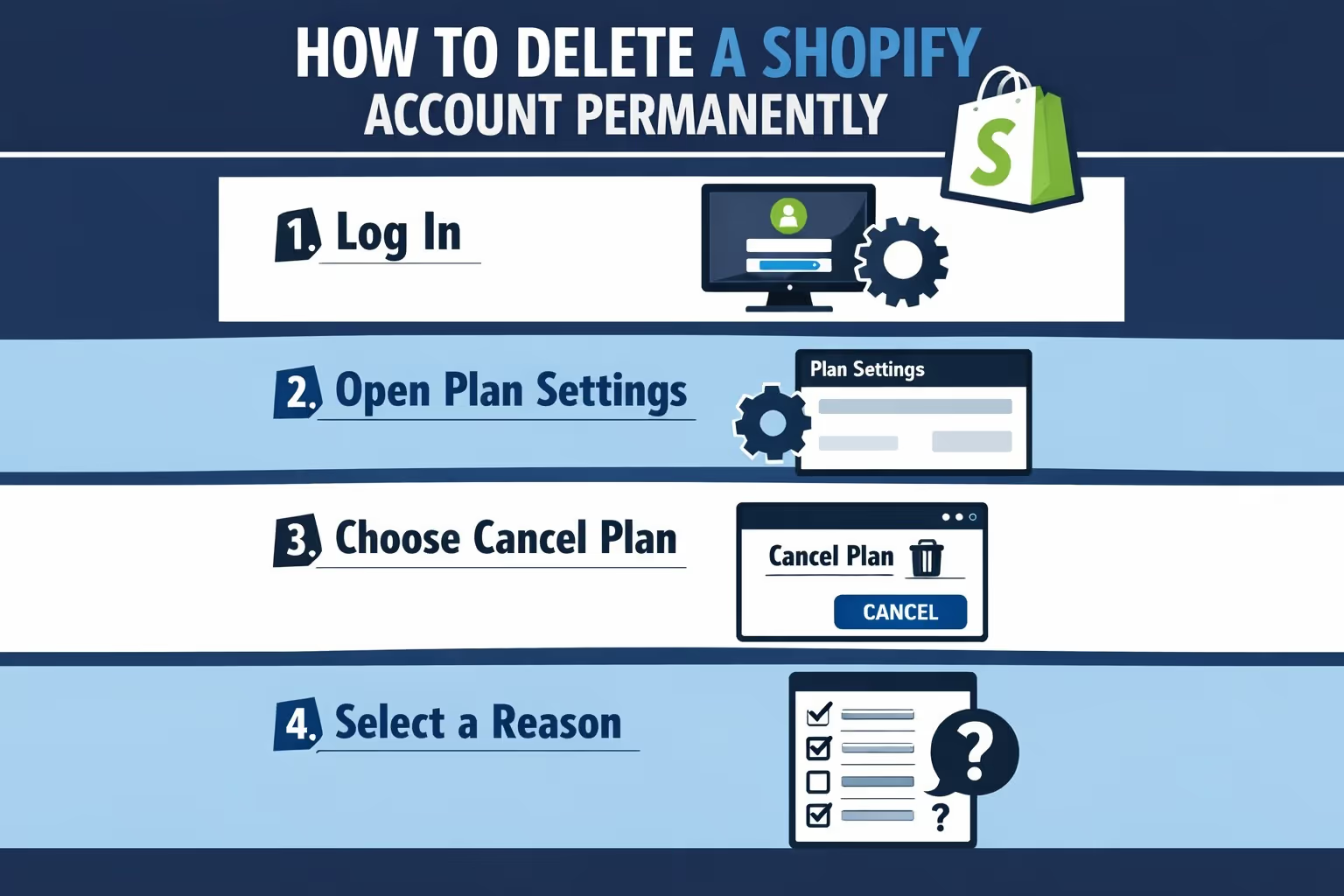
Once preparation is done, the actual deletion process is straightforward.
Only the store owner can delete a Shopify account. Staff accounts and collaborators do not have this permission.
Log in using the primary account email associated with the store.
From your Shopify admin dashboard:
This section shows your current plan, billing details, and cancellation options.
If you are on a free trial, you will see an option to cancel the trial. If you are on a paid plan, you will see Cancel plan.
Shopify may suggest alternatives such as pausing your store or starting a new one. Review these carefully, especially if you are unsure about permanent deletion.
If you are certain, continue with cancellation.
Shopify asks why you are closing the store. This is optional feedback.
Choose the option that fits best and continue. You can add a comment, but it is not required.
To finalize the process, Shopify asks you to enter your account password.
This step confirms that the store owner is intentionally closing the account.
Once confirmed, your store will be scheduled for deactivation at the end of the current billing cycle.
You will receive an email confirming that your store has been deactivated.
At this point:
If you log in again before the billing cycle ends, Shopify may prompt you to reactivate by adding a payment method. After that window passes, reactivation is no longer available.
Many people wonder what happens behind the scenes once the store is closed.
Your store data is retained for a limited period, typically up to two years, for legal and security reasons. However, you cannot access or restore it through the admin.
Personal customer data can be deleted earlier upon request, depending on applicable regulations.
From a practical standpoint, treat deletion as final. If you want Shopify again in the future, you will be starting from scratch with a new store and a new myshopify.com domain.
This depends on timing.
If you deactivate the store but have not yet reached the end of your billing cycle, you can usually reactivate it by logging in and choosing a new plan.
Once the billing cycle ends and the account moves into full deletion, reopening is no longer possible.
This is why Shopify offers the Pause and Build option. It gives you time without losing everything. If there is even a small chance you might return, pausing is often the safer choice.
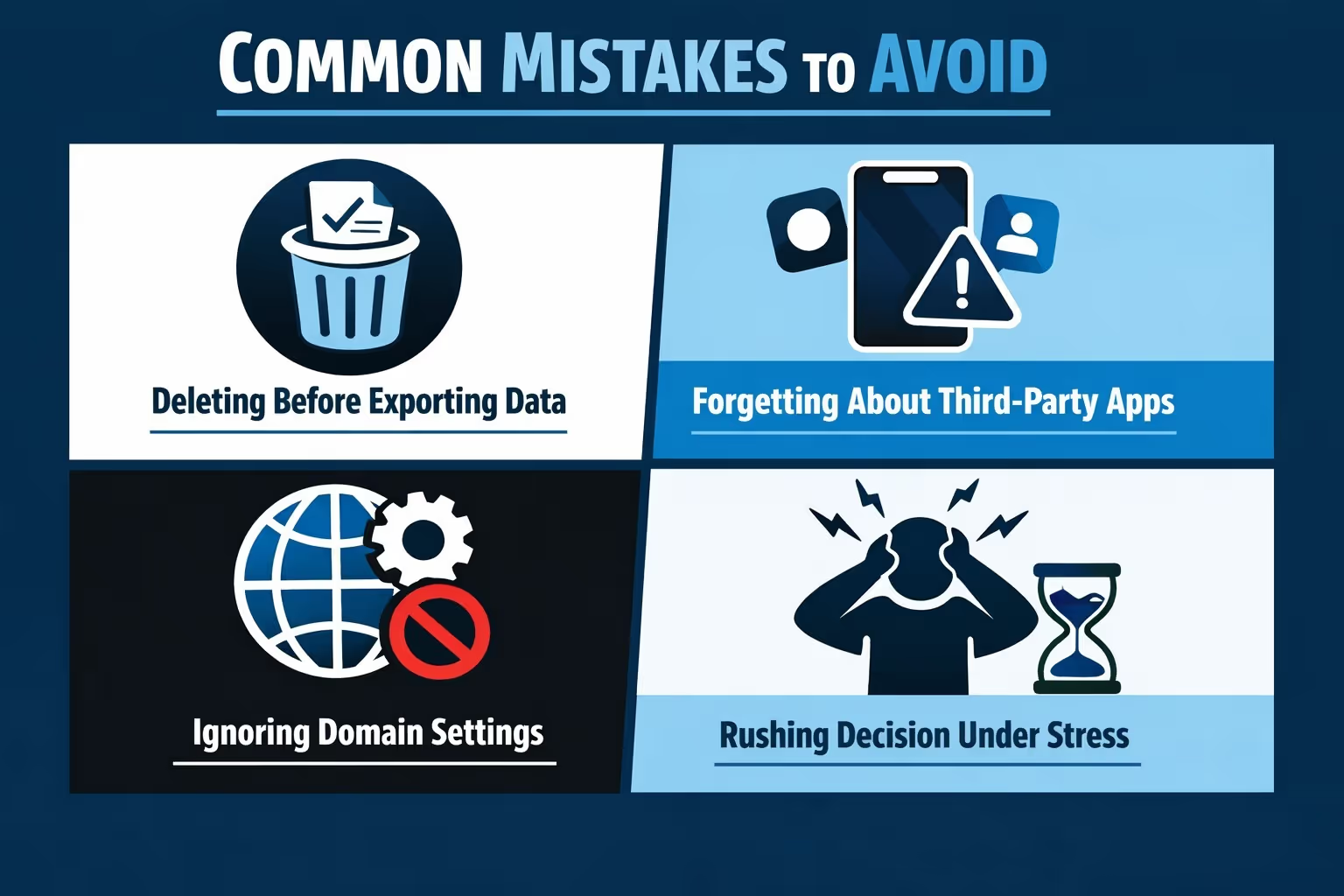
Permanent deletion is not the only option.
Pausing your store keeps everything intact while stopping sales. Downgrading to a cheaper plan reduces costs without closing entirely.
If the store has value, selling it can make more sense than shutting it down. Shopify allows ownership transfer to another person or business.
Each option serves a different situation. The right choice depends on whether you see any future for the store.
Deleting a Shopify account permanently is not complicated, but it should never be rushed. The technical steps are simple. The consequences are not.
Take the time to prepare properly. Back up your data. Clean up billing. Handle customer obligations. Once those boxes are checked, the actual deletion becomes a clean and calm process.
If closing the store feels like the right move, doing it carefully lets you move on without loose ends. And that clarity is often worth more than keeping an unused store around.


