How Does OpenClaw Work? Architecture Explained (2026)
Discover how OpenClaw works: Gateway routing, agent sessions, memory system, and tool execution. Complete technical breakdown of the open-source AI framework.
Apr 8, 2026



Changing your Shopify store name sounds simple, and technically, it is. But that doesn’t mean it’s something you should rush through without thinking. Your store name shows up in more places than most people realize, and a quick edit can have ripple effects if you’re not prepared.
Maybe you’re rebranding, expanding beyond your original product line, or fixing a name that no longer fits. Whatever the reason, Shopify makes the actual change easy. The real work is knowing what changes instantly, what stays the same, and what you should review afterward so nothing feels off to customers or search engines.
This guide walks through how to change your Shopify store name, step by step, with a clear look at what matters and what doesn’t. No filler. Just the parts you actually need to get right.
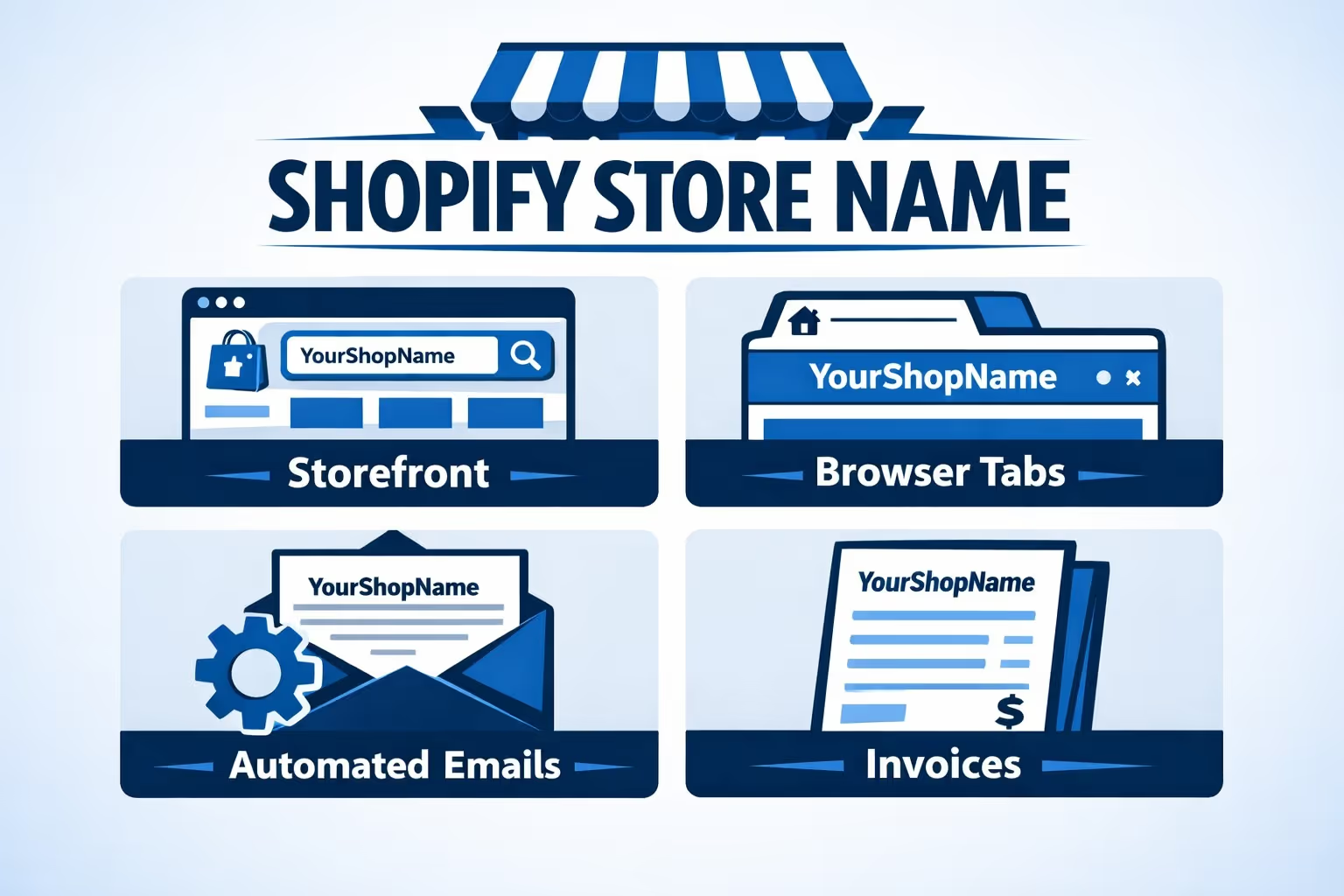
Before touching any settings, it helps to be clear about what the store name controls.
Your Shopify store name is the public label of your store. It appears in places like:
What it is not is your domain. Your store name does not define your URL, your myshopify.com address, or your custom domain. Those are separate. This distinction matters because many problems happen when people assume everything updates together.
Think of the store name as how your business introduces itself, not how people technically reach it.
Most Shopify store owners do not wake up one morning and randomly rename their store. There is usually a reason behind it, and some reasons genuinely support long-term growth.
Rebranding is the most common trigger. A name that felt right at launch can start to feel off once the business matures. This happens often with early-stage stores that were built around a single idea or trend and later grew into something broader.
If the name no longer matches your positioning, tone, or audience, changing it can bring everything back into alignment.
Some store names lock you into a narrow category. That works until it does not.
If your name strongly implies one product type but your catalog now includes much more, customers may arrive with the wrong expectations. In that case, the name starts creating friction instead of clarity. A more flexible name can remove that barrier and give you room to grow.
Occasionally, a name change is corrective. The store name might be too similar to another brand, misleading about what you sell, or misunderstood by first-time visitors.
If customers regularly ask questions that the name itself should answer, that is a sign the name is not doing its job. In these situations, clarity is more valuable than attachment to the original name.
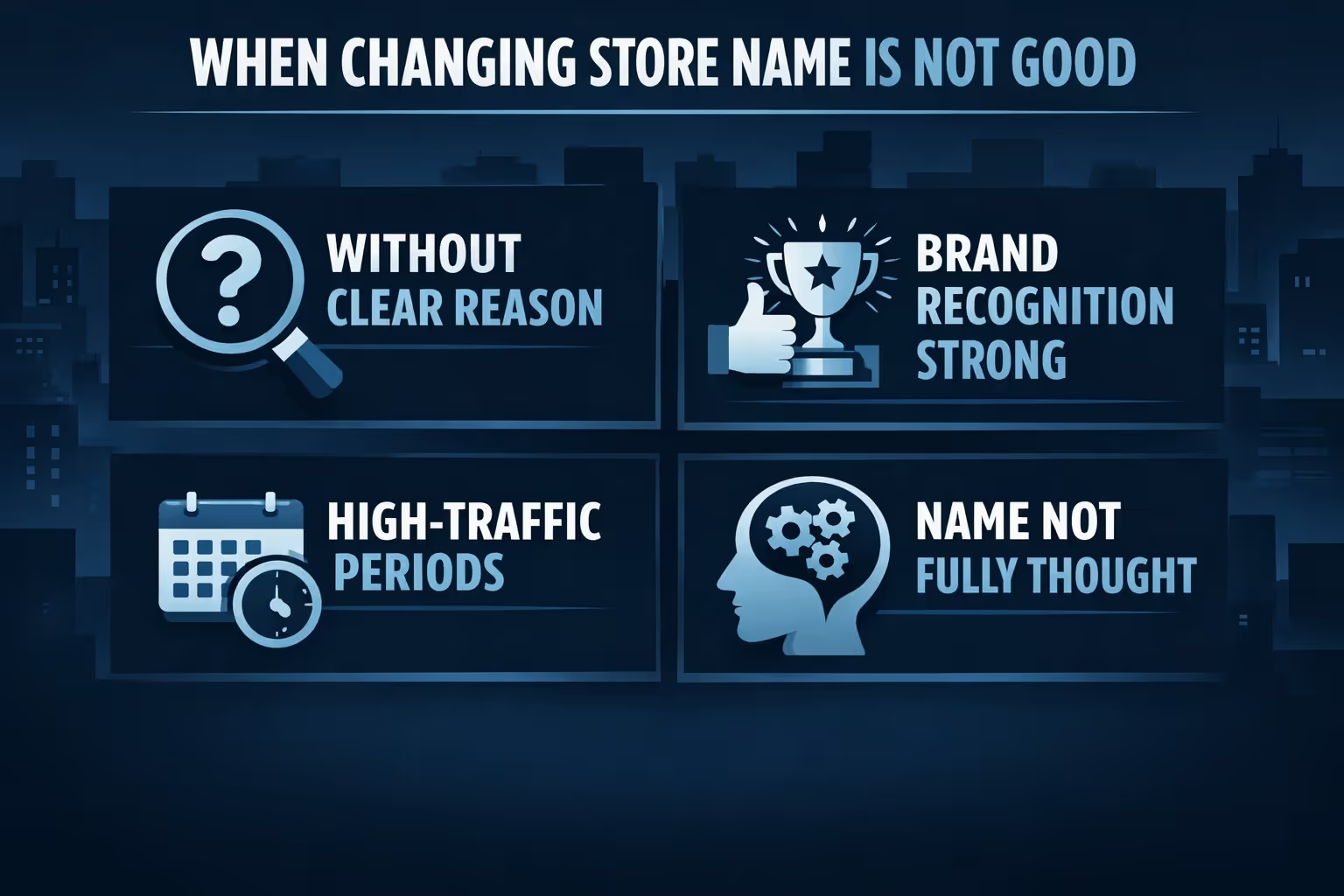
Just as important as knowing when to change your store name is knowing when to leave it alone.
A name change should solve a problem. If the only motivation is boredom or a vague feeling that the name could be better, it is usually worth waiting. Frequent changes weaken recognition and make the brand feel unstable, even if everything else is solid.
If customers already recognize your store name, search for it directly, and trust it, changing it comes with a cost. You can still do it, but the benefit needs to clearly outweigh the temporary confusion it creates.
In these cases, small brand refinements often work better than a full name change.
Timing matters. Changing your store name during a major sale, product launch, or peak season adds unnecessary risk. Even small changes feel bigger when traffic is high and expectations are set.
If possible, schedule a name change during a quieter period when you have time to monitor details and respond if something feels off.
A rushed name change can create more problems than it solves. If you are not confident you will still like the new name in a year, pause. It is better to delay than to change again later.
What matters most is intent. A store name change should make your business easier to understand over time, not just feel exciting in the moment.

Changing a Shopify store name is rarely just about preference. Most of the time, there are real stakes involved. The name shows up in ads, emails, and checkout screens, and once customers see it, they form an opinion almost instantly. That is why choosing a new name without testing it can feel uncomfortable, especially if the store already has traction.
At Extuitive, we work with Shopify brands that want more confidence before making changes like this. Instead of relying on instinct alone, we help merchants see how real audiences might react to a new store name before it goes live. Our platform uses AI agents modeled after more than 150,000 consumer profiles to simulate how different customer groups respond to names, messaging, and creative across ads and social formats.
This approach fits naturally into a rebrand or expansion phase. You can compare variations, spot early red flags, and understand what actually resonates without spending weeks or blowing through ad budgets. When you finally update your store name in Shopify, it feels less like a gamble and more like a decision you can stand behind.
Before opening your Shopify admin, pause for a moment.
Ask yourself a few simple questions:
Also check whether the new name is already used heavily in your industry. You do not need to overthink trademarks at this stage, but you do want to avoid obvious confusion.
Once you are confident, then it is time to make the change.
Shopify makes the technical part easy.
The update is immediate. There is no review process, no delay, and no downtime.
If you are using the Shopify mobile app, the path is similar. Go to Store, then Settings, then Store details, and edit the name there.
That is the entire technical process. But the work does not end there.
This is where expectations need to be realistic.
Problems usually happen only when a store name change is combined with a domain change and handled poorly.
Shopify separates your public store name from your legal business name, and this is intentional.
Your legal name appears on bills, tax documents, and some payment-related records. It does not have to match your store name.
If you are only changing the store name for branding reasons, you usually do not need to touch the legal name at all.
However, if your new store name represents a deeper business change, review your legal details carefully. Inconsistencies can cause confusion later, especially around payments.
If you use Shopify Payments, this step is important.
Changing your store name does not automatically update the name associated with Shopify Payments. This means customers might see an old or unfamiliar name on their bank statements.
If your public store name and your payment descriptor no longer match, contact Shopify support to update your payments profile.
This is not optional. A mismatch here is one of the fastest ways to trigger customer support emails and chargeback questions.
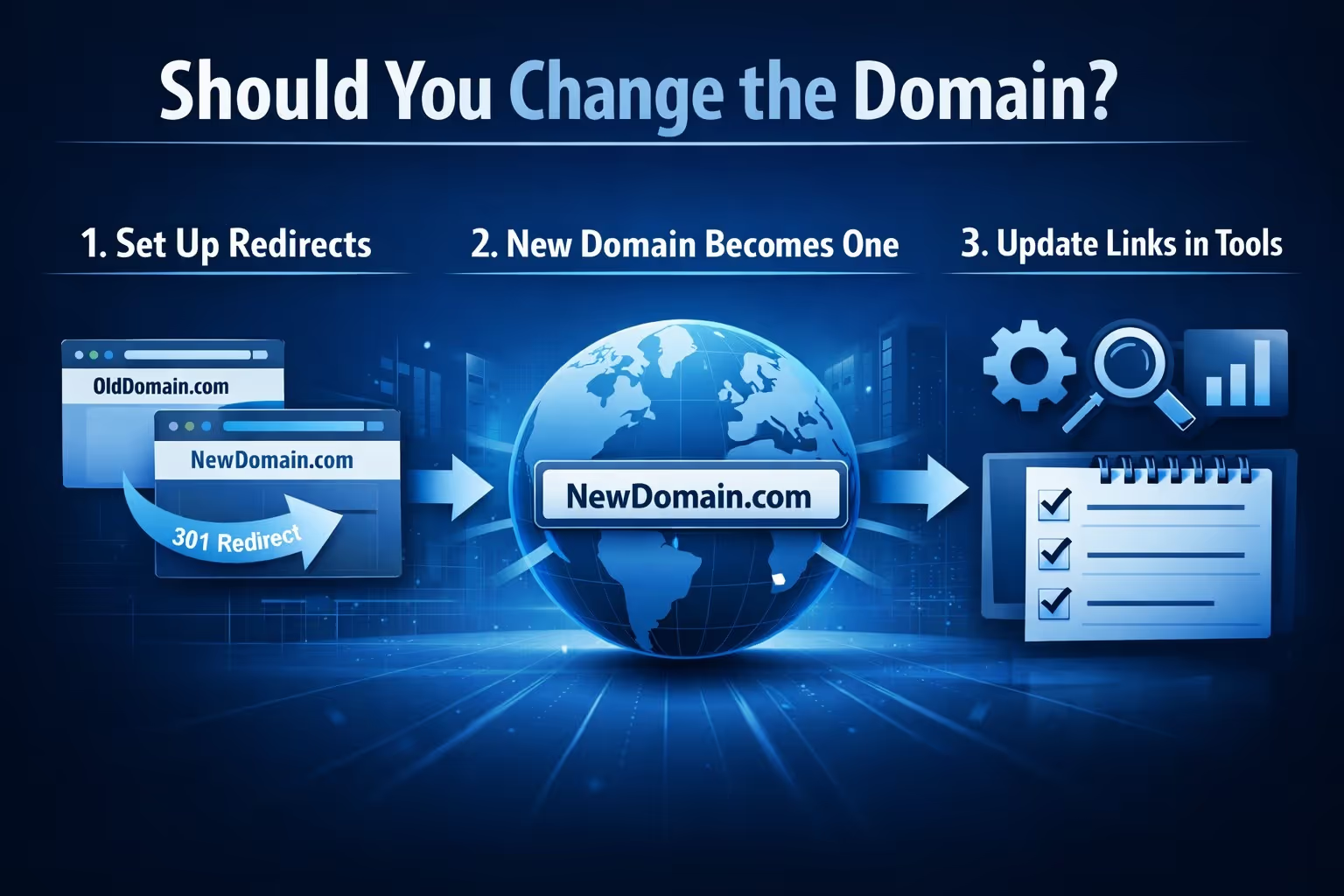
This is the big follow-up question for many store owners.
Sometimes the answer is no. If your existing domain is strong, indexed, and already trusted by customers, keeping it can be the smarter move even if it does not perfectly match the new name.
Sometimes the answer is yes. If the old domain is confusing, misleading, or clearly tied to a brand you are leaving behind, updating it can clean things up.
If you do change the domain:
Shopify handles redirects well, but it does not update everything outside your store automatically. That part is on you.
Changing your Shopify store name on its own rarely affects SEO. Search engines do not rank store names. Issues usually appear only when a name change comes with a domain change.
If you switch domains, redirects are essential. Shopify automatically redirects the old domain to the new one when you update the primary domain, but you should still test it yourself. Visit old links and confirm they land on the correct pages, not somewhere unexpected.
Redirects protect your rankings, but they are only a safety net. Direct links are better for speed, clarity, and trust. That means updating key places like:
If you are changing domains, add the new one to Google Search Console and keep an eye on indexing over the next few weeks. You do not need to track it daily, just make sure search engines are finding the new URLs without errors.
Handled properly, a domain change does not have to hurt SEO. Redirects preserve what you built, and clean links help you move forward smoothly.
Once the new name is live, review your store like a customer would.
Check the homepage, header, and footer. Some themes display the store name in more than one place.
Review automated emails. Order confirmations, shipping updates, and abandoned cart emails often pull the store name directly from settings.
Look at invoices and receipts. Make sure the name feels consistent and professional.
If you use apps for reviews, trust badges, or checkout customization, scan those too. Old names sometimes hide in unexpected places.
These checks take ten minutes and save hours of confusion later.
If the name change is noticeable, communicate it.
A simple announcement goes a long way. An email, a banner, or a short post explaining that the store has a new name but the same team builds trust and prevents hesitation.
You do not need a marketing campaign. You just need clarity.
Customers are far more forgiving of change when they understand why it happened.
Technically, Shopify lets you change your store name as often as you want.
Practically, you should not.
Frequent name changes weaken recognition. Customers hesitate when emails look different each time. Trust builds through consistency.
Aim for a name you can keep for the long term. If you are unsure, wait. A week of thinking is cheaper than a year of confusion.
Changing your Shopify store name is easy. Changing it well takes a bit more care.
The platform itself will not break. What breaks is clarity when details are rushed or overlooked. Payments, emails, domains, and customer perception all deserve a quick review.
If you treat the name change as part of a larger story about where your business is going, the transition feels natural. Customers adapt. Nothing breaks. And your store moves forward with a name that actually fits.
That is the outcome you want.


