Meta Lead Ads Testing Tools to Improve Campaign Results
Explore meta lead ads testing tools that help teams evaluate creatives, messaging, and audience response before launching campaigns.
Mar 23, 2026



Building a Shopify app is less about clever code and more about clear decisions. Most failed apps don’t break because of bugs. They fail because they solve the wrong problem, overreach too early, or ignore how merchants actually work inside Shopify day to day.
Shopify already gives merchants a solid foundation. Apps exist to fill the gaps that are specific, repetitive, or painful enough to justify installing something new. That makes app development part product thinking, part engineering discipline, and part restraint.
This guide walks through how to build a Shopify app in a practical way. Not from the angle of “how fast can you ship,” but from “how do you build something that merchants will keep using.” From idea validation to technical choices and launch basics, the focus stays on what actually matters when your app hits real stores.
A Shopify app is not just a plugin. It is not a script you drop into a store and forget. In Shopify’s world, an app is a long-term integration that becomes part of a merchant’s daily operations.
Out of the box, Shopify already handles products, payments, checkout, orders, and fulfillment well. Apps exist because merchants run into edge cases, repetitive work, or business-specific constraints that the core platform cannot solve for everyone.
That context matters. If your app replaces native Shopify features, it will struggle. If it quietly extends workflows merchants already use, it has a much better chance of sticking.
Technically, a Shopify app is a web application that connects to Shopify through APIs. It can read and write store data, respond to events, and surface interfaces inside the Shopify admin. Conceptually, it is a contract. Merchants trust your app with their data, their time, and sometimes their revenue.
Once you see an app as part of the ecosystem rather than an isolated product, many decisions become clearer.
Before writing a single line of code, you need to decide what kind of app you are building. This decision shapes almost every technical and product choice that follows.
Public apps are built for one-to-many distribution. They can be listed in the Shopify App Store and installed by any merchant who fits your target audience. These apps must meet Shopify’s technical, UX, and security requirements, and they require ongoing maintenance as APIs, policies, and platform expectations evolve.
Public apps are products. They demand careful validation, consistent design standards, clear documentation, and reliable support. API versioning, security reviews, and performance expectations are part of normal operation, not edge cases.
Custom apps are built for a single merchant and are not listed in the Shopify App Store. They usually solve very specific internal needs, such as custom workflows, integrations, or reporting requirements.
Custom apps move faster because they face fewer constraints and approvals. However, they do not scale beyond the original client and often rely on assumptions that only hold true for that specific store setup.
If your goal is to build a product rather than complete a one-off project, you are building a public app. That choice affects validation, design standards, architecture, documentation, and long-term support from day one.
Many developers underestimate this step. They build something that works well for one store and later try to retrofit it into a public app. That approach often leads to major rewrites, stricter review feedback, and delays during App Store submission.
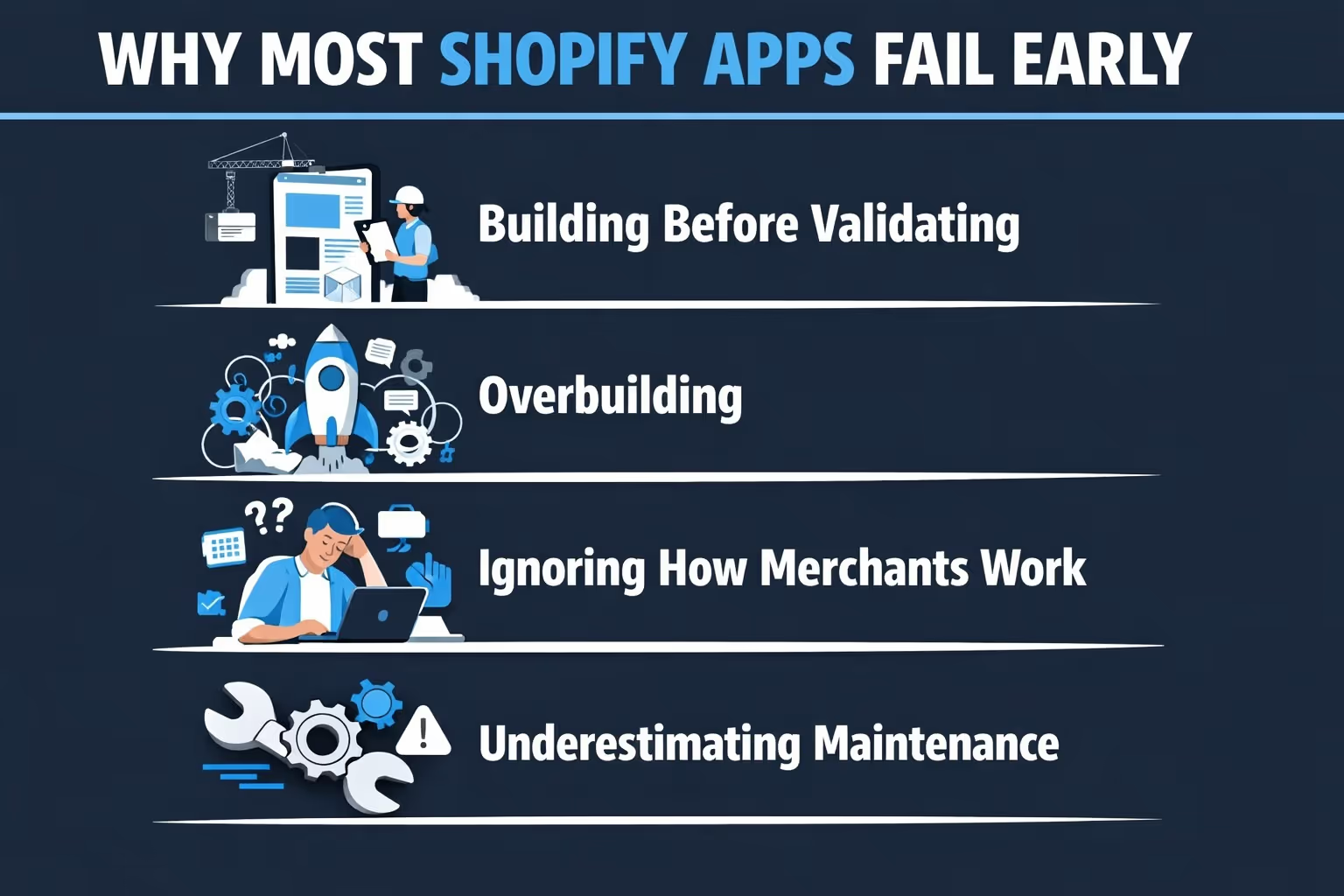
Most failed Shopify apps share a few patterns.
Avoiding these traps is less about talent and more about process.

Building a Shopify app involves more than engineering decisions. While the product is taking shape, teams also make calls about positioning, messaging, landing pages, and early acquisition. These choices often rely on intuition and get tested only after launch, when changes are already costly.
At Extuitive, we help remove that guesswork. Instead of running live ad experiments to see what sticks, we predict how ads and creatives are likely to perform before they go live. Our AI models are validated against real campaign results, so teams can see which ideas are likely to win and which ones are likely to waste time and budget.
This allows teams to stop testing obvious losers and focus on stronger concepts earlier. Ads can be evaluated at scale, audience response can be estimated in advance, and performance forecasts can be compared against historical benchmarks and top performers.
For teams building public Shopify apps, Extuitive fits naturally alongside development. It helps pressure-test go-to-market decisions before committing spend, making launches more deliberate and less dependent on trial and error.
Good apps start with problems, not features.
A real merchant problem has a few traits. Merchants spend time, money, or emotional energy dealing with it. They complain about it in forums. They hire freelancers or build spreadsheets to work around it. They pay for tools that only partially solve it.
Validation means talking to merchants, not reading feature lists. Community forums, subreddits, partner Slack groups, and direct outreach are more useful than market reports.
The key questions to answer early are simple but uncomfortable:
If merchants do not feel the pain strongly enough to pay or switch tools, the app will struggle no matter how well it is built.
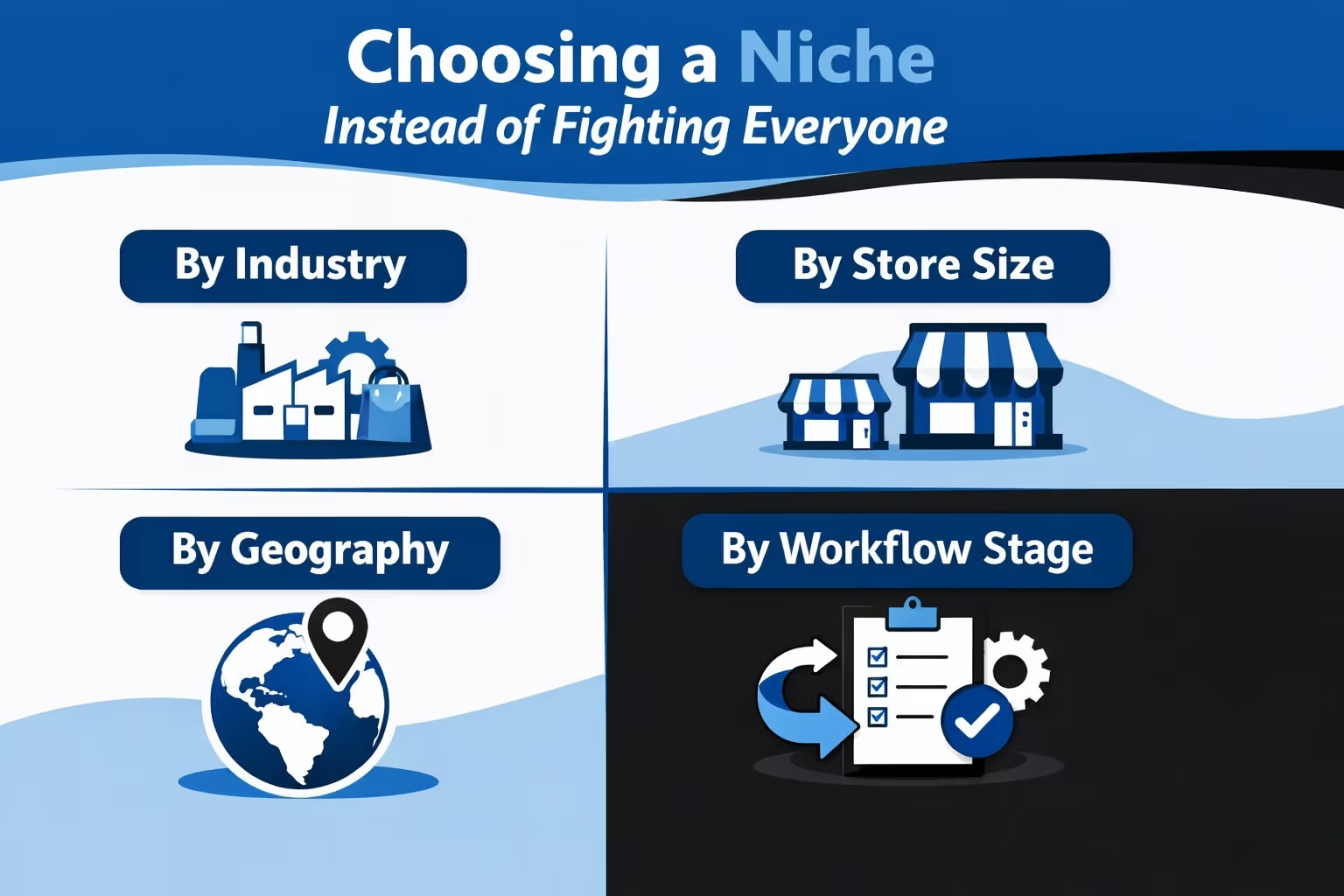
The Shopify App Store is crowded. That does not mean there is no room. It means broad, generic apps are hard to differentiate.
Successful apps often focus on a narrow slice of merchants rather than trying to serve everyone at once. Common ways to define a niche include:
Inventory management for apparel brands behaves differently than inventory for print-on-demand. Subscription logic for digital products is not the same as for consumables. These differences matter in real stores, and merchants notice when an app understands them.
A niche gives clarity. It sharpens feature decisions, simplifies onboarding, and keeps marketing grounded in reality rather than noise.
Trying to serve everyone usually leads to complex settings and vague value propositions. Serving a well-defined group leads to adoption, retention, and clearer growth paths.
One of the most common mistakes is treating a Shopify app like a standalone SaaS dashboard.
Merchants already live in the Shopify admin. That environment sets expectations for layout, language, navigation, and interaction patterns. Apps that feel native earn trust faster.
This is where Shopify’s design system matters. Using established UI patterns reduces friction. Merchants do not want to learn a new interface just to complete a task they already understand.
Design decisions should prioritize clarity over cleverness. Fewer steps. Obvious actions. Clear states when there is nothing to show.
If your app needs extensive onboarding videos to explain basic actions, the interface is likely doing too much.
Shopify supports different app architectures, but embedded apps are the standard for public apps.
An embedded app runs on your infrastructure but appears inside the Shopify admin. This allows deeper integration, smoother navigation, and access to app extensions.
Embedded apps can add functionality directly into existing Shopify screens. This is powerful when used carefully. The goal is not to invade every screen, but to appear exactly where the merchant expects help.
Standalone apps still exist, but they lack access to extensions and often feel disconnected. Unless there is a strong reason, embedded apps are the safer choice.
Shopify does not force a specific language or framework. That freedom can be dangerous.
Most teams choose between Node.js with React or Ruby-based setups. Both are well supported. The right choice is usually the one your team can maintain comfortably over time.
The bigger decision is architectural discipline. Apps should be designed to handle asynchronous events, background jobs, and growth without constant rewrites.
Webhooks should replace polling wherever possible. Queues should handle long-running tasks. Rate limits should shape how data is fetched, not be treated as an inconvenience. A clean architecture matters more than exotic tools.
Shopify offers multiple APIs, each with a clear purpose.
The Admin API is used for store data: products, orders, customers, inventory. It comes in REST and GraphQL flavors, with GraphQL offering more efficient queries for complex data needs.
The Storefront API exists for customer-facing experiences. Not every app needs it.
Scopes and permissions should be minimal. Asking for more access than needed raises red flags during review and erodes merchant trust.
Webhooks are essential. They allow your app to react to events like orders, inventory updates, or uninstalls without constantly checking for changes.
API versioning is not optional. Shopify releases new versions quarterly, and older versions expire. Apps must track these changes or risk breaking silently.
Security is not a checklist item for Shopify apps. It is part of the product. Merchants trust apps with sensitive data, and mishandling that trust can end an app’s lifecycle quickly.
Authentication flows must follow Shopify’s standards. Webhooks need to be verified. Tokens should be stored securely and rotated when required. These are not advanced features, they are baseline expectations.
Apps that cut corners on security tend to fail during review or create issues later when Shopify updates its requirements. Treating security as an afterthought almost always leads to rework.
Data collection should always be intentional. Every permission an app requests needs a clear reason. If the app does not need access to certain data, it should not ask for it.
Privacy policies are required, but more importantly, they should reflect how the app actually behaves. Clear explanations build confidence. Vague or overly broad policies raise concerns for both merchants and reviewers.
Merchants install apps that feel safe and predictable. Trust builds slowly through consistent behavior and transparency, but it can be lost in a single incident.
From secure authentication to honest communication, every decision signals whether an app deserves a place in a merchant’s workflow. Trust is easier to keep than to rebuild.
An MVP is not a smaller version of a big idea. It is the smallest complete solution to a real problem. The goal is not to prove how much you can build, but to prove that the core problem is worth solving at all. Strong MVPs focus on one workflow and carry it from start to finish, without branching into optional features or configuration-heavy setups that only make sense later.
The roadmap should be shaped by real usage, not by assumptions made during planning. Merchants are usually very good at explaining what frustrates them and where time or money is being wasted. They are less reliable when asked to design solutions. Listening closely, observing how the app is actually used, and adjusting accordingly leads to a cleaner product. It is better to say no to early feature requests than to ship something so complex that new users never fully understand it.
Testing a Shopify app goes far beyond confirming that it works in a development store with perfect data. Real merchants run stores of very different sizes, with different themes, catalogs, permissions, and levels of technical confidence. Apps need to handle empty states, partial setups, missing data, and unexpected user actions without breaking or confusing the user.
Performance and failure handling are just as important as core functionality. Slow loading screens, unclear errors, or silent failures quickly erode trust, even if the app technically works. Testing should include onboarding flows, permission changes, uninstall behavior, and error states. Clear messages that explain what went wrong and what to do next are far more valuable than quiet errors that leave merchants guessing.
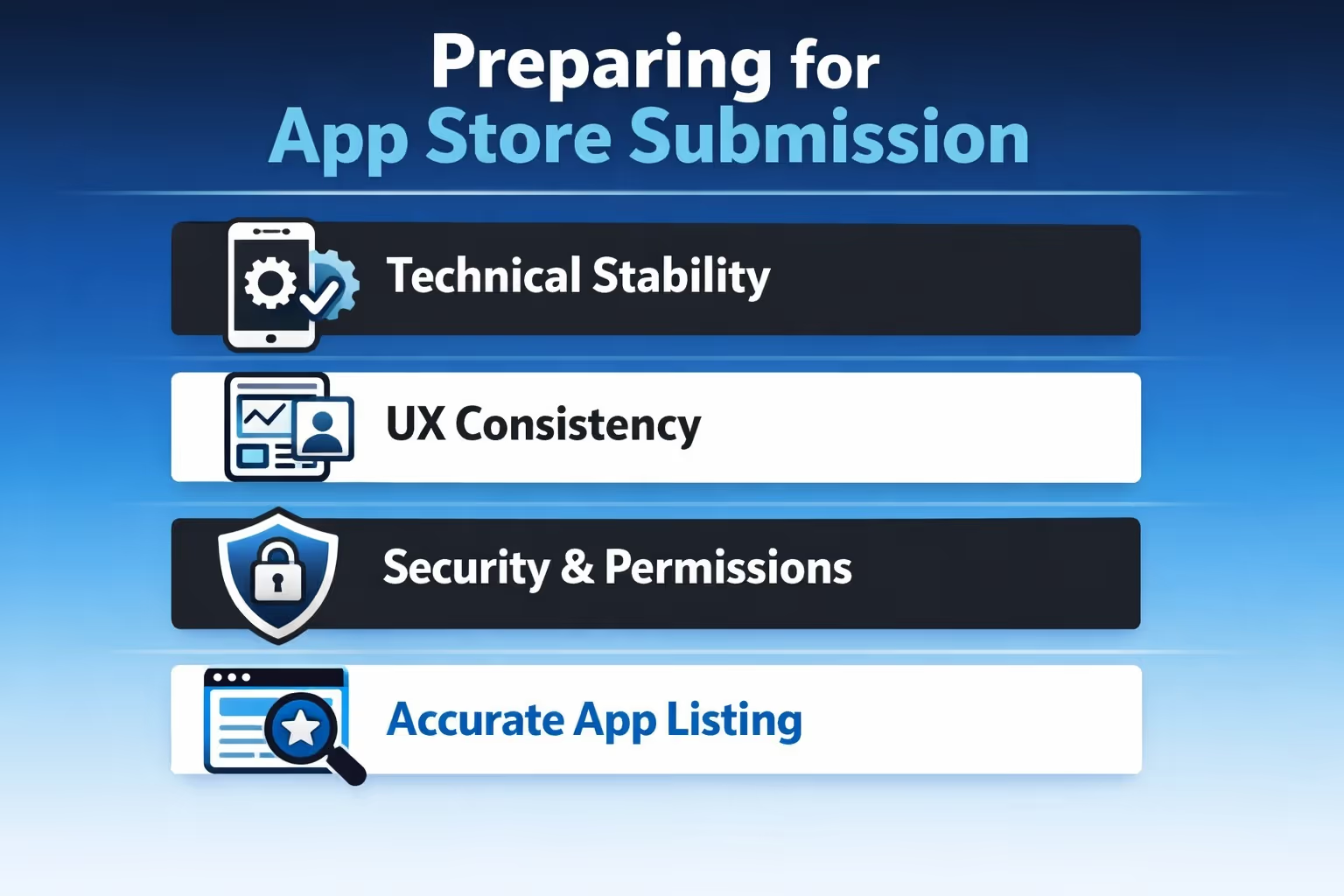
The Shopify App Store review process exists to protect merchants, not developers. Apps are reviewed for technical stability, UX quality, security, and listing accuracy. Rejections are common and usually fixable, especially when the issues are caught early.
Before submitting your app, make sure the following basics are in place:
A clear, honest app listing reduces friction during review and sets realistic expectations for merchants. Documentation and support should exist before launch, not as an afterthought. Merchants expect help when things go wrong, and Shopify reviewers expect proof that support is available.
Launching an app is the beginning, not the finish line. Healthy apps track a small set of meaningful metrics. Installs alone do not matter. Activation, retention, and churn reveal more.
Monitoring tools help catch errors before merchants do. Logs, alerts, and performance tracking are investments, not luxuries.
Shopify’s ecosystem evolves. Apps that survive are updated regularly, communicate changes clearly, and remove features that no longer serve users. Growth comes from refinement, not constant expansion.
Building a Shopify app without guesswork is less about speed and more about clarity. The ecosystem is mature, the expectations are defined, and the merchants using these apps have little patience for tools that create more work than they remove.
The teams that succeed tend to slow down early. They validate the problem before validating the idea. They design for how merchants already operate instead of forcing new habits. They keep the first version narrow, then let real usage shape what comes next.
Shopify gives developers strong foundations, but it also demands discipline. APIs evolve. Standards tighten. Reviews are thorough. That pressure is not a drawback. It is what keeps the ecosystem stable and usable at scale.
If there is one principle worth keeping in mind, it is this: a good Shopify app does not try to be impressive. It tries to be dependable. When merchants stop thinking about your app and simply rely on it, you are building the right thing.


