How to Design an AI Marketing Strategy in 2026
Learn how to design an AI marketing strategy with actionable steps, key components, and proven frameworks to automate tasks, personalize campaigns, and drive growth.
Apr 14, 2026



Adding products in Shopify looks simple at first glance. Click a button, fill out a few fields, upload images, done. In reality, those small choices you make during setup affect how products appear, how easy they are to manage, and how well they sell later on.
This guide walks through the process in a clear, practical way. No filler, no screenshots for the sake of it. Just the steps that matter, explained like a real person would explain them to another store owner who wants things done properly the first time.
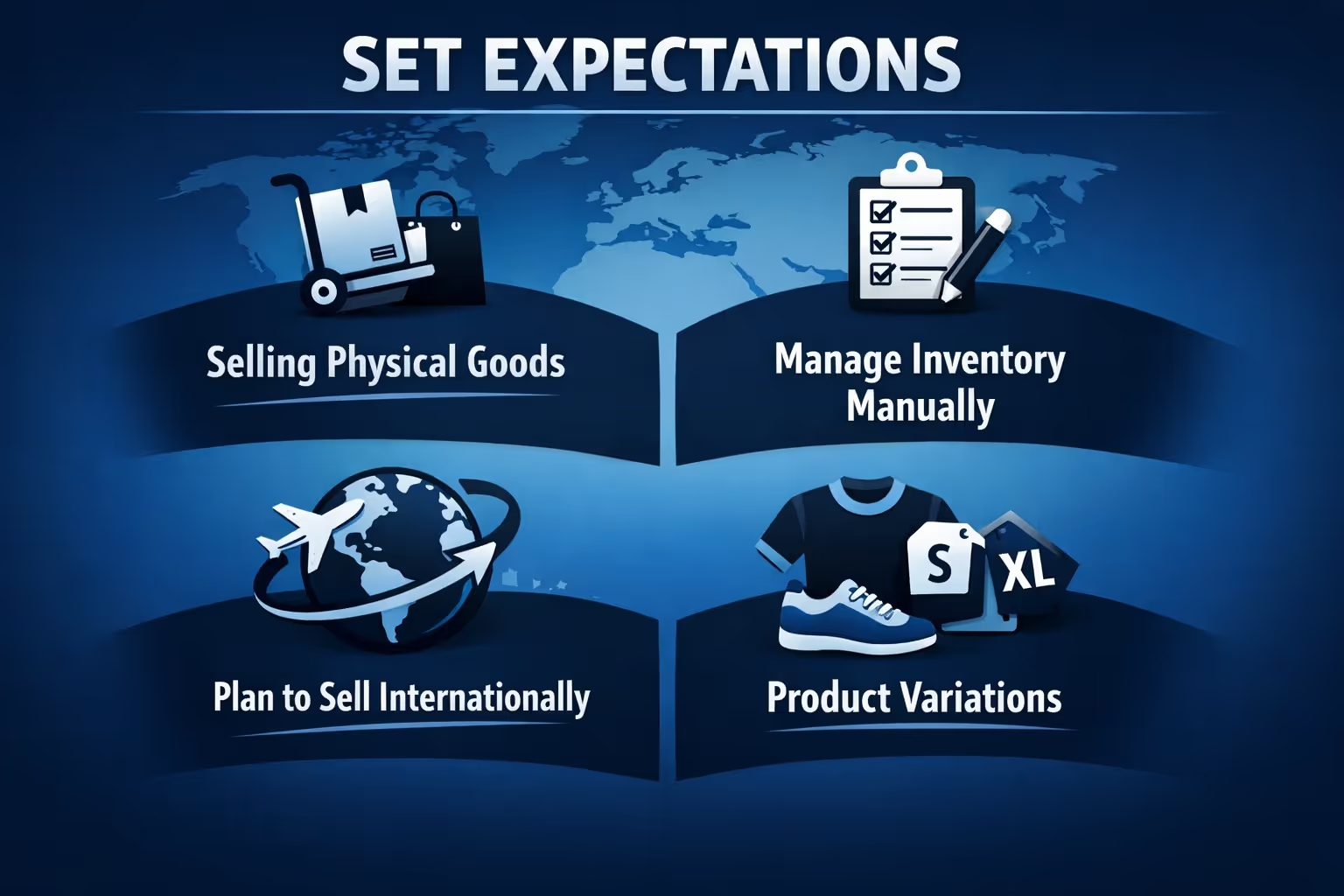
Shopify does not force you to fill in everything. That is both helpful and dangerous.
You can technically publish a product with a title, a price, and one image. Shopify allows it because flexibility matters. But flexibility also means responsibility. Every empty field is a choice, whether you realize it or not.
Before opening the Products page, decide a few things:
You do not need a perfect plan. You just need enough clarity to avoid reworking dozens of products later.
At Extuitive, we see many Shopify products go live with decisions based on instinct rather than evidence. Titles are guessed, descriptions are written once, pricing feels right but is never tested. That uncertainty shows up later as low conversions and constant rework. We built Extuitive to remove that guesswork before a product ever reaches a Shopify product page.
Our AI growth platform helps brands validate product concepts, copy, visuals, and pricing in minutes instead of months. Using an ecosystem of over 150,000 AI consumer agents trained on real behavioral data, we pressure-test ideas the way real buyers would. The strongest product messaging rises naturally, without relying on assumptions or expensive manual research.
For Shopify brands, this means adding products with confidence. Titles align with how customers actually search, descriptions speak to real motivations, and creatives are tested before launch. We handle the heavy lifting across ideation, validation, and launch, so teams can focus on growth instead of fixing product pages after they are live.
From your Shopify admin, go to the Products section and click Add product. This opens the product editor, where nearly all setup decisions are made. It is the place where titles, descriptions, media, pricing, inventory, and visibility come together, so it is worth taking a moment to get familiar with the layout before filling anything in.
At this stage, keeping the product status set to Draft is a smart habit. Draft mode gives you space to think through details, preview how the product will look, and make adjustments without pressure. It also prevents half-finished listings from appearing in your store before everything is ready.
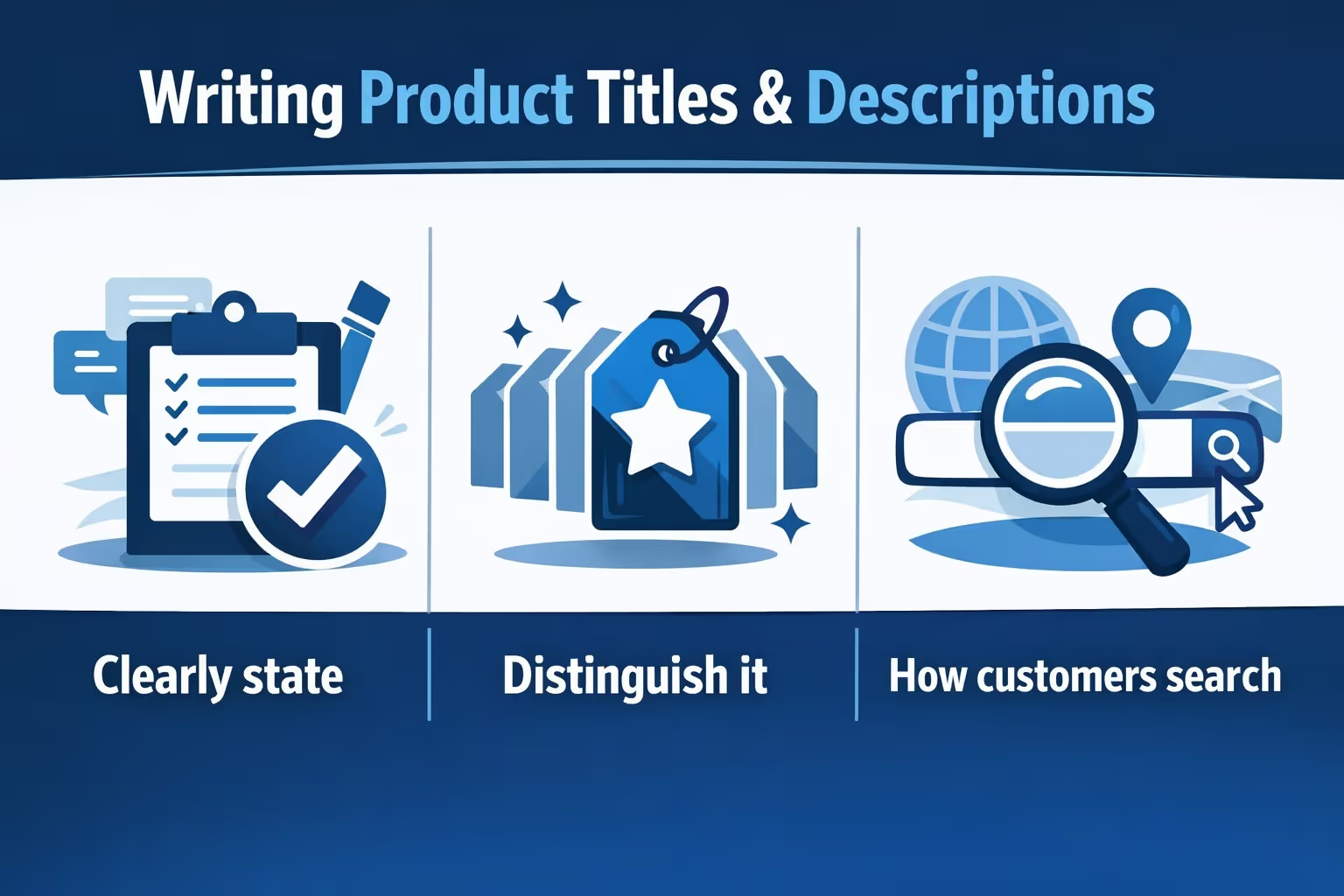
Product titles and descriptions work together. Treating them as separate checkboxes usually leads to weak product pages. When both are handled with intention, they remove doubt and guide customers toward a decision.
A product title is not the place for poetry, but it is also not a dumping ground for keywords. Its role is simple and practical. A strong title should:
Shorter titles are usually easier to scan and understand. If a key variation like size or color helps avoid confusion, include it. If it does not, leave it out and manage variations properly instead. Consistency matters more than creativity here. When titles follow a clear pattern across the catalog, the store feels easier to navigate.
Avoid stuffing everything into the title. Shopify gives you other fields for details, and customers trust clarity more than density.
Descriptions pick up where titles stop. Many exist only because the field is required, and customers can tell when that is the case.
A useful product description should explain:
This does not mean writing long essays. Clear, grounded language works best. Imagine explaining the product to someone who cannot see it yet. Focus on benefits, but stay honest. Overpromising usually leads to returns and lost trust.
Formatting plays a role here. Short paragraphs are easier to read, especially on mobile. When listing features or technical details, breaking them out helps people scan quickly before committing to read more closely.
If you use AI tools to generate drafts, treat them as starting points, not finished copy. Editing is where the human voice shows up and where trust is built.
Images and videos are not decoration. They are evidence. Since customers cannot touch or try the product, your media has to answer the questions they would normally ask in person. They want to see the product from different angles, understand its real size, and get a sense of how it looks when used in everyday situations. Texture, finish, and small details matter more than many store owners expect.
Using multiple images is usually better than relying on a single perfect shot. Shopify supports images, videos, and even 3D models, but that does not mean you need all of them. What matters is having enough visual information to remove doubt and help customers feel confident about what they are buying.
File names are easy to overlook, but they play a role in both organization and search visibility. Rename images before uploading them so the file name clearly reflects the product. Avoid generic camera names or random numbers.
Alt text should always be filled in. It improves accessibility and gives search engines useful context. Write it as a short, natural sentence describing what the image shows, not as a list of keywords.
Pricing in Shopify is straightforward, but the implications are not.
The main price is what customers pay. The compare-at price is optional and should only be used when there is a real reference price. Fake discounts damage trust.
If you enter cost per item, Shopify can calculate margins and reports later. Customers do not see this field, but you will be glad you filled it in.
Taxes depend on your region and setup. Shopify can handle calculations, but you must tell it whether a product is taxable.
Do not rush pricing decisions. Changing prices later is easy, but inconsistent pricing history can confuse customers and analytics.
Inventory management is one of the most underestimated parts of product setup.
If you track inventory, turn on Track quantity. This allows Shopify to manage stock levels accurately. Decide whether you want to continue selling when out of stock. This choice affects customer expectations and fulfillment stress.
SKUs matter more than many people think. Even if you are small, use them. Create a simple format that you can expand later. SKUs help with reporting, fulfillment, and error prevention.
Barcodes are optional for online-only stores, but useful if you plan to sell offline or integrate with other systems later.
Variants allow customers to choose options like size, color, or material. They are powerful, but easy to misuse.
Only create variants that customers actually choose between. Do not create variants just to store internal differences. Each variant multiplies complexity in inventory and reporting.
Name options clearly. Use common terms. Avoid clever labels that confuse customers.
If variants have different prices, weights, or inventory levels, double-check each one. Errors here are common and costly.
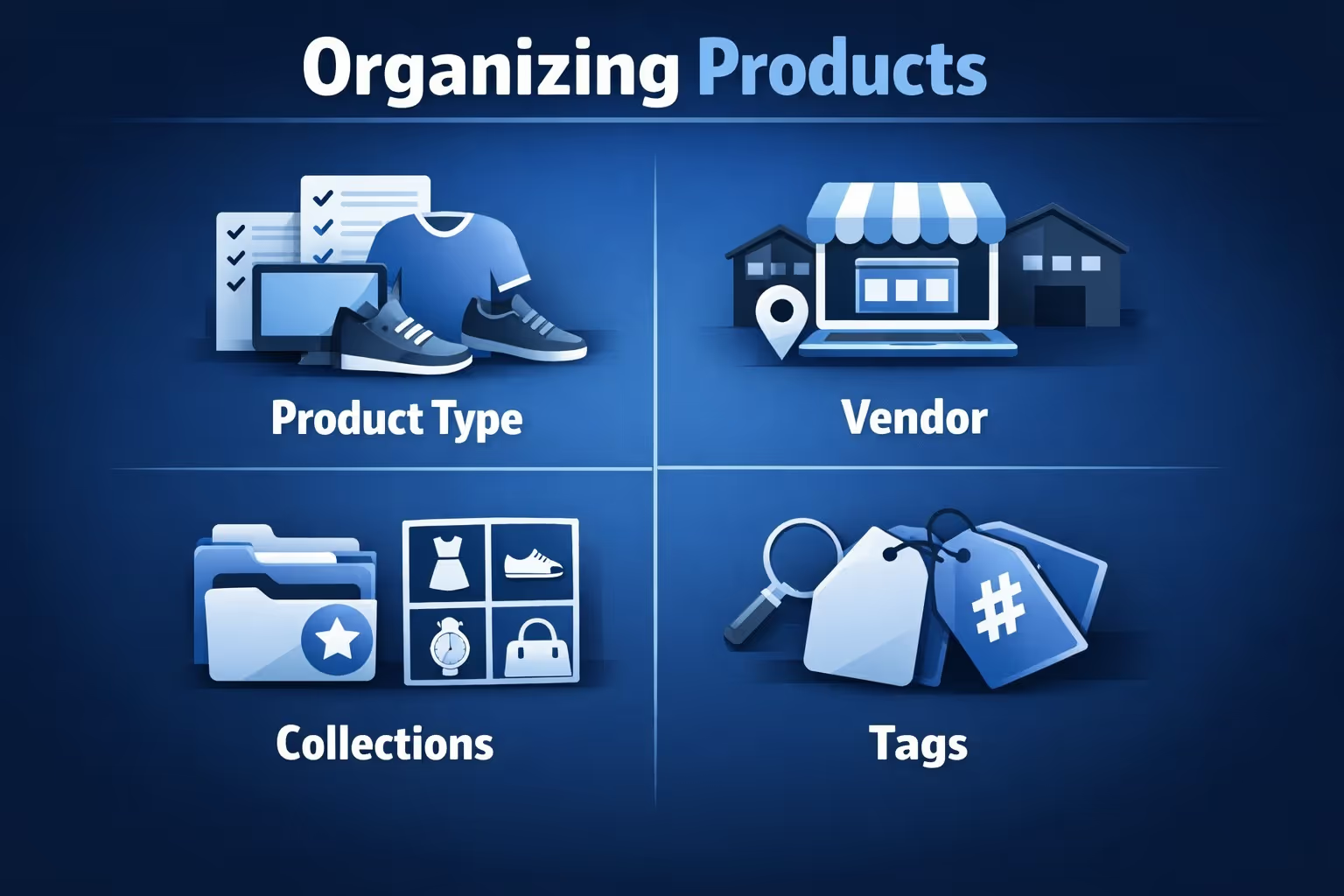
Organization in Shopify relies on several tools:
Product type should be consistent across similar items. Vendor can be your brand or a manufacturer. Collections group products for navigation and promotions. Tags help with filtering and automation.
Collections deserve special attention. Automated collections save time and reduce errors. Set conditions carefully and test them.
Think about how customers browse, not how you think internally. Organization should match shopping behavior, not warehouse logic.
Shopify lets you control product availability by sales channel.
A product can be available on the online store, social platforms, marketplaces, or in-person sales. It can also be hidden while still accessible via direct link.
Use Draft or Unlisted status when preparing products ahead of time. This prevents accidental launches.
If you sell in multiple regions, Shopify Markets helps manage availability and pricing. Set it up early if international sales are part of your plan.

Once products are visible in the right sales channels, the next challenge is getting attention. At Extuitive, we work with Shopify brands that want to turn product pages into ads without guessing what might work. Too often, ads are built on instinct, rushed copy, or creative that looks good internally but never connects with real buyers.
We built Extuitive to make ad creation faster and more grounded in real consumer behavior. Our AI growth platform connects directly to Shopify, identifies target audiences, and generates ad creatives built around how people actually browse, react, and decide. Instead of starting from a blank page, brands get ready-to-use ad concepts, visuals, and messaging that are tested against AI consumer agents trained on real behavioral data.
For Shopify teams, this means launching ads with far more confidence. Product imagery, naming, and messaging carry over naturally from the store into paid channels, and creative can be refined before spend begins. We handle the heavy lifting across creative generation, testing, and launch, so brands can focus on scaling what works instead of constantly rebuilding ads from scratch.
Every product has a search engine listing section. Many store owners ignore it.
Edit the page title and meta description manually. Keep titles concise and descriptive. Write meta descriptions that invite clicks, not just rankings.
Check the URL handle. Make it readable. Avoid changing it too often, as it affects links and indexing. If you must change the URL handle, ensure the 'Create a URL redirect' box is checked so that old links still work and search engines can find the new page without losing traffic. SEO here is not about tricks. It is about clarity. Search engines reward pages that clearly explain what they offer.
For physical products, shipping details matter.
Enter accurate weights. Shipping rates depend on them. Include packaging weight, not just the product itself.
Fill in country or region of origin and HS codes if you sell internationally. This helps with customs and compliance.
Decide early whether shipping costs are charged separately or built into pricing. Customers often abandon carts due to unexpected shipping fees.
Digital products should not be marked as physical. Shopify handles them differently, and incorrect settings create confusion.
Manually adding products works fine when your catalog is small. Once you move past a few dozen items, it becomes slow, error-prone, and hard to maintain. This is usually the point where store owners start looking for bulk options.
Shopify supports several approaches for bulk product creation. Each one fits a different situation, depending on how many products you have and where your data lives.
CSV imports give you the most control, but they also require the most care. The file format must match Shopify’s structure exactly. A misplaced column or formatting error can affect hundreds of products at once, which makes testing essential before a full import.
Migration tools are a better choice when moving products from another platform like WooCommerce or Magento. They handle mapping fields automatically and reduce the risk of missing data. For large catalogs, this often saves days of manual work and prevents inconsistencies.
Third-party apps sit somewhere in between. They are useful for syncing products from suppliers, managing dropshipping catalogs, or connecting external systems. The trade-off is reliance on an extra tool, so it is important to choose one that fits your workflow.
There is no single best method. The right choice depends on your catalog size, technical comfort level, and how often products change. What matters most is avoiding manual work once it starts slowing you down or introducing errors. At that point, bulk tools stop being optional and start becoming necessary.
Adding products to Shopify is not a one-time task. Once products are live, they need ongoing attention to stay accurate and useful. Over time, some items will stop selling or become temporarily unavailable. In those cases, archiving products is usually the right move. It keeps historical data intact while removing the product from the storefront. Deleting should be reserved for real mistakes, not for normal product lifecycle changes.
As your catalog grows, manual edits quickly become inefficient. Shopify’s bulk editing tools make it easier to update prices, tags, availability, or other settings across many products at once. Regularly reviewing product performance also matters. When a product underperforms, the issue is often in how it was set up rather than a lack of interest. Small improvements to descriptions, images, or organization can make a noticeable difference over time.
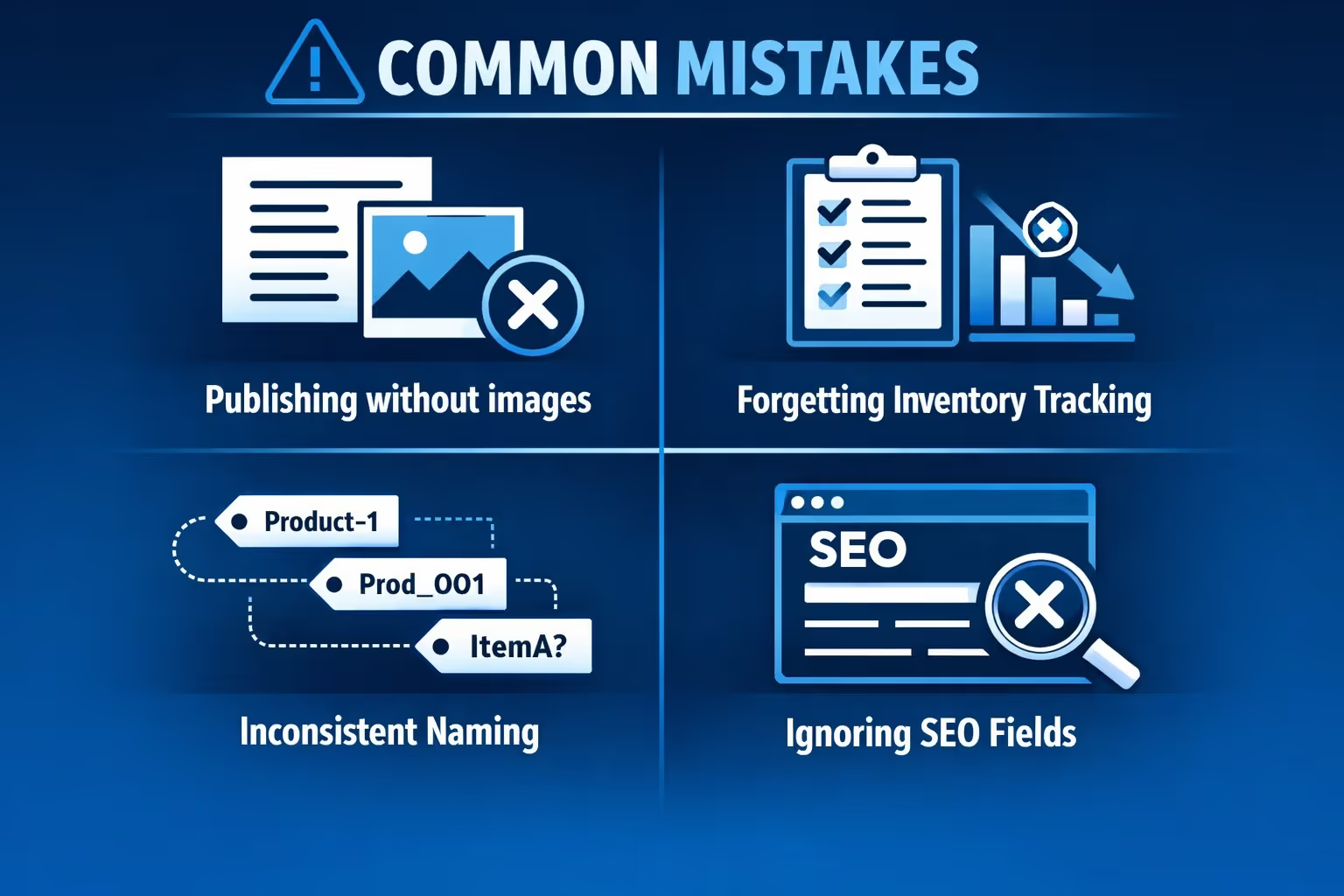
Most Shopify product issues are not technical failures. They come from rushing through setup and assuming details can be fixed later. These problems tend to show up repeatedly, even in otherwise well-built stores.
Some of the most common ones include:
None of these mistakes are fatal. They are simply time-consuming to clean up once a catalog grows. Slowing down during product setup and reviewing each section with intention saves far more time than it costs, especially as the store scales.
Adding products to Shopify is not about speed. It is about intention.
The platform gives you flexibility, but that freedom works best when paired with structure. A few extra minutes spent thinking through details can prevent hours of cleanup later.
Treat each product as part of a growing system, not an isolated task. Your future self, and your customers, will notice the difference.


