How to Set Up SMS Marketing on Shopify Effortlessly and Stress-Free
A step-by-step guide to launching SMS marketing campaigns in Shopify using built-in tools and best practices.
Feb 11, 2026



If you run a Shopify store, the question isn’t just how much you sell. It’s how much you actually keep after every order goes through. Shopify doesn’t take a flat “commission” in the traditional sense, but each sale comes with a few layers of fees that add up faster than many store owners expect.
What Shopify takes per sale depends on three things: your subscription plan, how your customer pays, and whether you use Shopify Payments or an external gateway. The numbers look small on paper. In practice, they shape margins, pricing decisions, and even when it makes sense to upgrade your plan. This guide breaks those fees down in plain terms, without the fine-print gymnastics.
Shopify’s pricing structure isn’t just about one fee, there are several layers that, together, impact how much you actually pay when you make a sale. Here’s an overview of the main fees you need to be aware of:
Let’s break each of these down and explain how they affect your business.

Before diving into Shopify's monthly and transaction fees, one of the most significant factors influencing your profitability is how effectively you manage your advertising spend. This is where Extuitive can make a real difference. Our AI-powered platform helps Shopify store owners create, validate, and launch high-converting ads in minutes, slashing the time and cost typically associated with ad campaigns. By testing every element of your ad: from copy to visuals, we ensure that only the best-performing concepts make it to market.
Extuitive uses a unique system of 150,000 AI consumer agents to simulate real-world responses to your ads. This allows you to fine-tune your messaging, pricing, and creative without the guesswork. With instant validation and real-time insights, you can confidently launch ads that resonate with your target audience, all while minimizing wasted ad spend. This efficient process helps you maximize ROI, making it easier to offset Shopify’s fees and boost your overall profits.
By integrating Extuitive with your Shopify store, you’re not just creating ads, you’re evolving them. Our AI-driven platform continuously optimizes your campaigns, ensuring they stay in line with current market trends and consumer preferences. This gives you a competitive edge, allowing you to scale your business faster, more cost-effectively, and with fewer risks. With Extuitive, you’re empowered to make smarter marketing decisions and get the most out of every dollar you spend on ads.

Your plan sets the baseline. It does not directly charge you per sale, but it controls the percentages that apply to each transaction.
Here is the current official Shopify pricing when billed yearly.
This plan is designed for solo founders and early-stage stores. It has the highest per-transaction costs, which is normal at this stage. Shopify expects lower volume and prioritizes accessibility.
This is where fees start to soften. The monthly price jumps, but the lower percentages can make sense once order volume is consistent.
Advanced is built for scale. The per-sale savings are small on individual orders, but they add up quickly at higher volume.
Shopify Plus pricing is not public in the same way. Fees are negotiated based on volume, risk profile, and region. At this level, Shopify behaves more like an enterprise payment partner than a standard SaaS platform.
The higher your subscription plan, the more features you get. However, you’ll also be paying more each month. If your business is growing quickly, it might make sense to invest in a higher-tier plan for the reduced transaction fees and advanced features.
When you sell through Shopify, there are several fees involved. One of the most important is the transaction fee, which is Shopify’s cut from each sale you make. This fee depends on which payment method you choose and your Shopify subscription plan.
If you use Shopify Payments, Shopify’s built-in payment gateway, you can avoid extra transaction fees. Shopify Payments is the easiest and most cost-effective option for processing payments. You’ll still pay the standard payment processing fees, but you won’t face any additional platform transaction fees from Shopify.
With Shopify Payments, all your transactions are handled within the Shopify platform, making it simple to track payments, manage orders, and access your funds quickly.
If you decide to use a third-party payment provider like PayPal or Stripe instead of Shopify Payments, Shopify will charge an additional transaction fee on each sale. This fee is designed to offset the costs of integrating external payment gateways with the Shopify platform.
These additional fees can quickly add up, especially if you process a high volume of orders. For example, if you use PayPal and you’re on the Basic Shopify Plan, Shopify will charge you 2% on top of PayPal’s processing fees. This means you’ll be paying both PayPal’s fee and the Shopify fee on top of that.
Using Shopify Payments is the most cost-effective way to process payments because it eliminates Shopify’s additional transaction fee. If you use a third-party provider, those extra fees can add up, cutting into your profit margins. Whether you stick with Shopify Payments or use another provider depends on your specific needs, but for most stores, Shopify Payments will be the best choice to save on transaction costs.
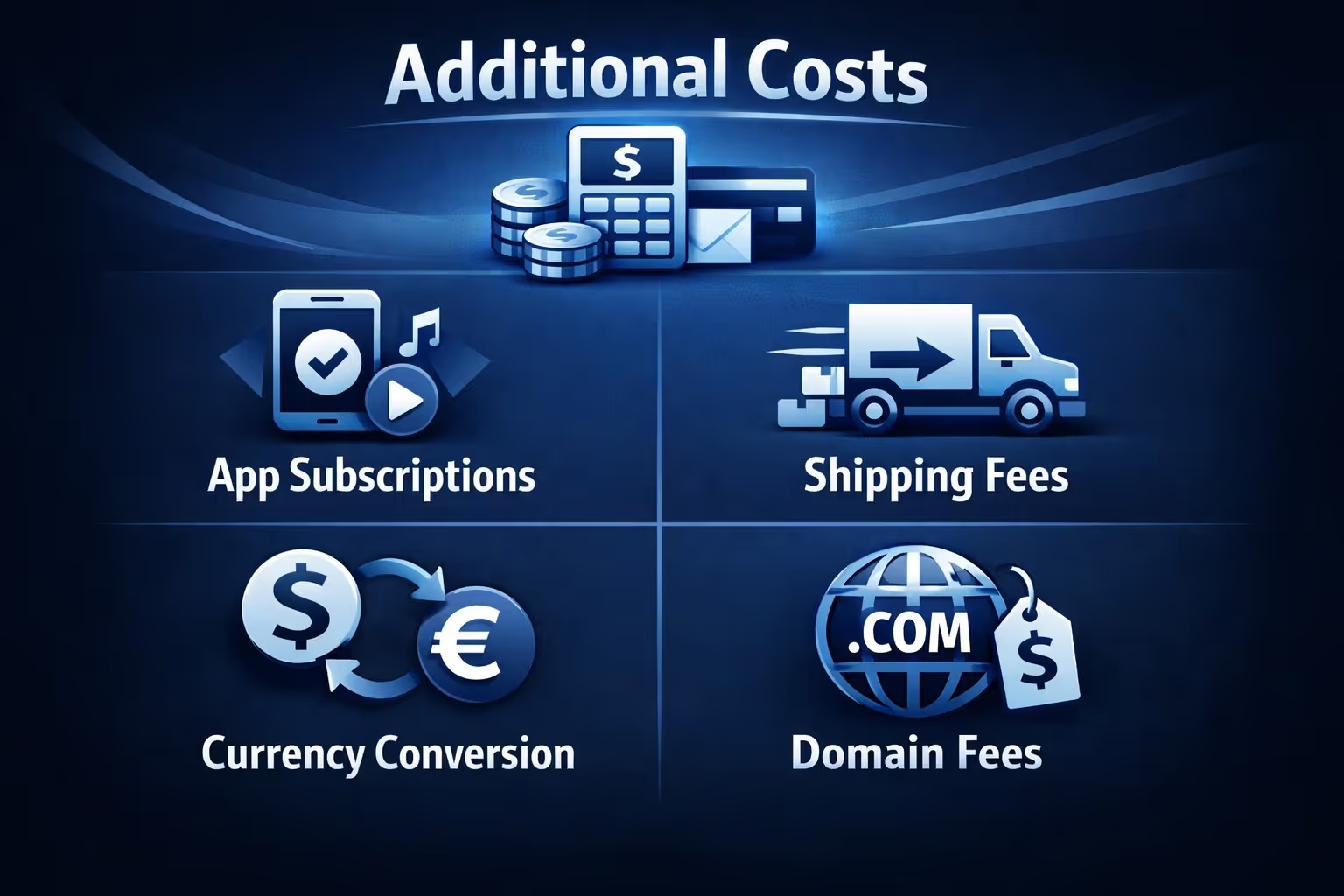
While the primary Shopify fees are covered, there are other costs that can add up depending on how you run your store.
These additional costs are easy to overlook but can impact your margins significantly. It’s important to keep track of all your apps, shipping, and other services to ensure that they don’t eat into your profits.
Now that we’ve covered the theory, let’s look at some practical examples of how these fees work in real life.
Let’s say you sell a product for $100 on the Basic Shopify plan, using Shopify Payments:
Total Fees: $3.20
Your payout for this sale would be: $96.80
Now, let’s assume you sell the same product for $100 but use PayPal for payment processing on the Shopify plan:
Total Fees: $4.20
Your payout for this sale would be: $95.80
If you’re on the Advanced Shopify plan, your fees would be:
Total Fees: $2.70
Your payout for this sale would be: $97.30
The more you sell, the more you’ll benefit from lower fees in higher-tier plans. As sales volume increases, these savings can quickly offset the higher monthly subscription fees. By upgrading to a higher-tier plan, you can save on transaction fees and keep more of your profits.
Reducing Shopify fees is all about smart decisions and using the tools Shopify offers to your advantage. Here are a few ways to minimize costs:
Shopify is a powerful platform, but it’s essential to understand its fee structure to make informed decisions that impact your bottom line. With the right plan and payment setup, you can reduce costs and maximize profits.
Keep in mind that Shopify fees aren’t just about the percentages, they’re a mix of transaction fees, payment processing rates, app subscriptions, and other hidden costs. By understanding how these costs work, you can choose the right Shopify plan, minimize your expenses, and make smarter business decisions.
In the end, Shopify’s flexibility and pricing structure allow businesses of all sizes to find a plan that suits their needs. As your store grows, you’ll get access to better rates and tools, so keep an eye on how your fees evolve.
Understanding these costs is more than just about saving money; it’s about setting your business up for long-term success.


