Marketing Ideas for Orthodontic Offices That Get Results
Discover proven orthodontic marketing ideas—SEO, referrals, social media, community outreach—that drive new patient growth in 2026.
May 18, 2026



If you search this question online, you will get wildly different answers. Some say you can launch a Shopify store in a few hours. Others warn it takes weeks. Both can be true, depending on what “set up” actually means.
Opening a Shopify account is fast. Building a store that feels coherent, works properly, and is ready for real customers takes more time. The gap between those two is where most people get confused. This article breaks that gap down in a practical way, without shortcuts or inflated promises, so you can plan your setup with realistic expectations instead of guesswork.
If you want a simple range, here it is.
A basic Shopify store usually takes between 20 and 50 hours of focused work to set up. Spread across days, that means anything from one long weekend to three or four weeks.
That range is wide for a reason. A one-product store with a clean theme and minimal customization sits on the faster end. A niche or general store with custom branding, original content, and multiple apps takes longer.
What matters is not the number itself, but where your store fits inside that range.
Shopify removes many technical barriers, but it does not remove decision-making. Every store owner still has to answer the same questions.
Each answer affects time.
Two people can follow the same guide and finish days or weeks apart because one hesitated while the other committed. Setup time is shaped as much by confidence as by tools.
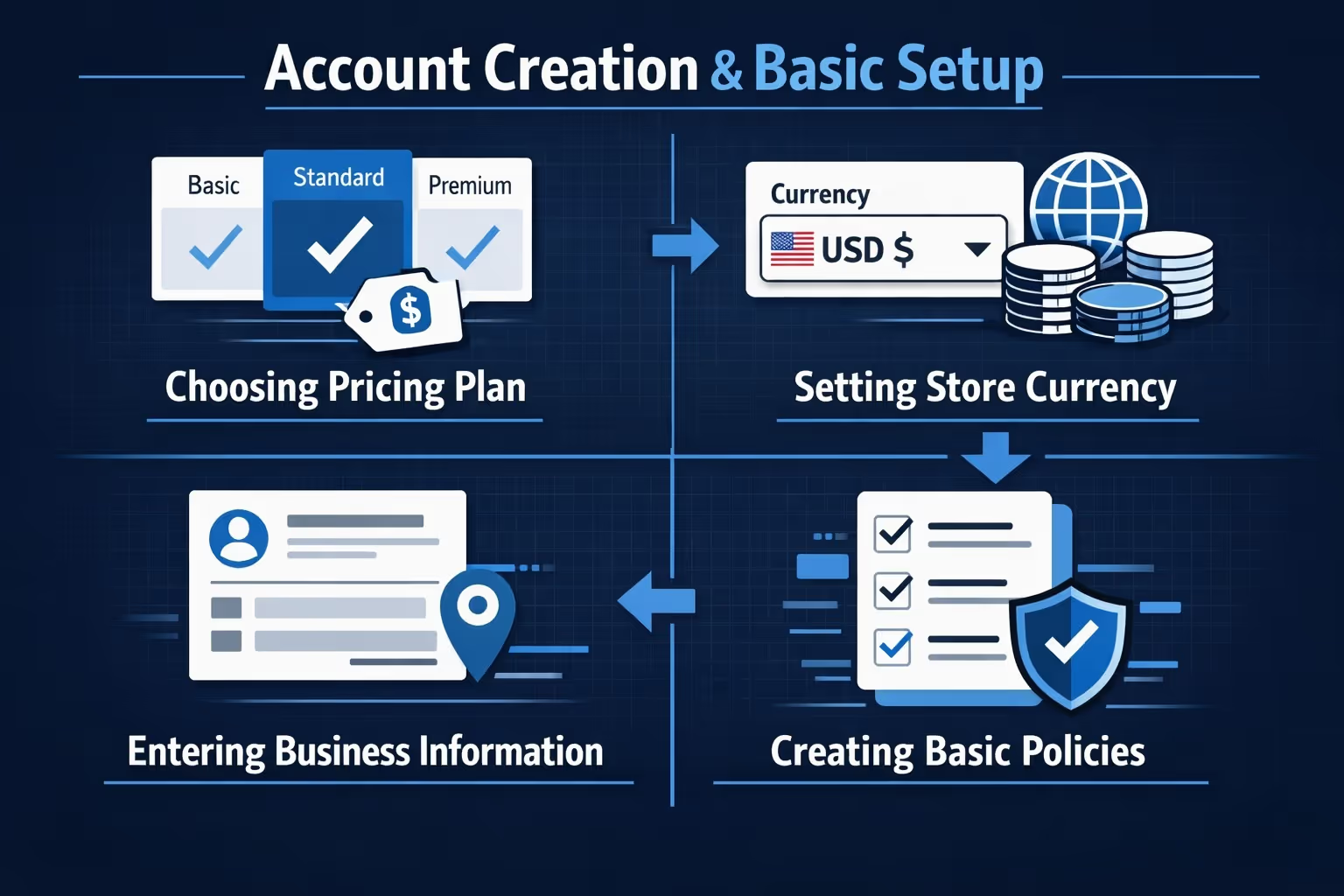
This is the fastest part, and also the least meaningful in terms of progress.
Creating a Shopify account takes minutes. You choose a store name, set a password, and land in the admin dashboard. From there, basic settings follow.
Expect to spend 1 to 2 hours on:
If you already know what you want, this stage moves quickly. If you stop to compare plans or overthink policy wording, it stretches longer than it needs to.
Connecting a domain feels simple, but it often causes unnecessary friction.
Buying a domain through Shopify is fast. Connecting an external domain can take longer if DNS settings are unfamiliar. In most cases, this step takes 1 to 2 hours, though domain propagation can take up to a day in the background.
The key point is this. Domain setup does not block other work. You can continue building your store while it finishes connecting.
Before adding products or designing pages, it helps to be honest about what kind of store you are building.
These are the fastest to set up. Fewer pages, fewer decisions, fewer moving parts. Many can be ready in 15 to 25 hours total.
A focused category with several related products. These take longer due to navigation, product grouping, and content. Expect 25 to 40 hours.
Multiple categories, many products, more structure. These almost always take the longest. 35 to 50 hours or more is common.
The store type defines how much work follows. Many beginners underestimate this and feel slow when the real issue is scope.
Uploading products is mostly mechanical work. You follow forms, add images, set prices, and move on. Choosing the right products is different. It requires judgment, context, and restraint.
If you already know what you want to sell and have a supplier lined up, product selection may take two to three hours. That usually involves confirming pricing, checking margins, and making sure the products fit together logically. If you are still exploring niches, comparing suppliers, or testing demand, this stage can stretch to a full day or more without feeling unproductive.
This is also where many stores quietly lose time later. Rushing product selection often leads to second thoughts after the store is already designed. Products get swapped, descriptions rewritten, and page layouts adjusted to fit something new. Spending a little more time here usually shortens the rest of the setup and results in a store that feels more intentional from the start.
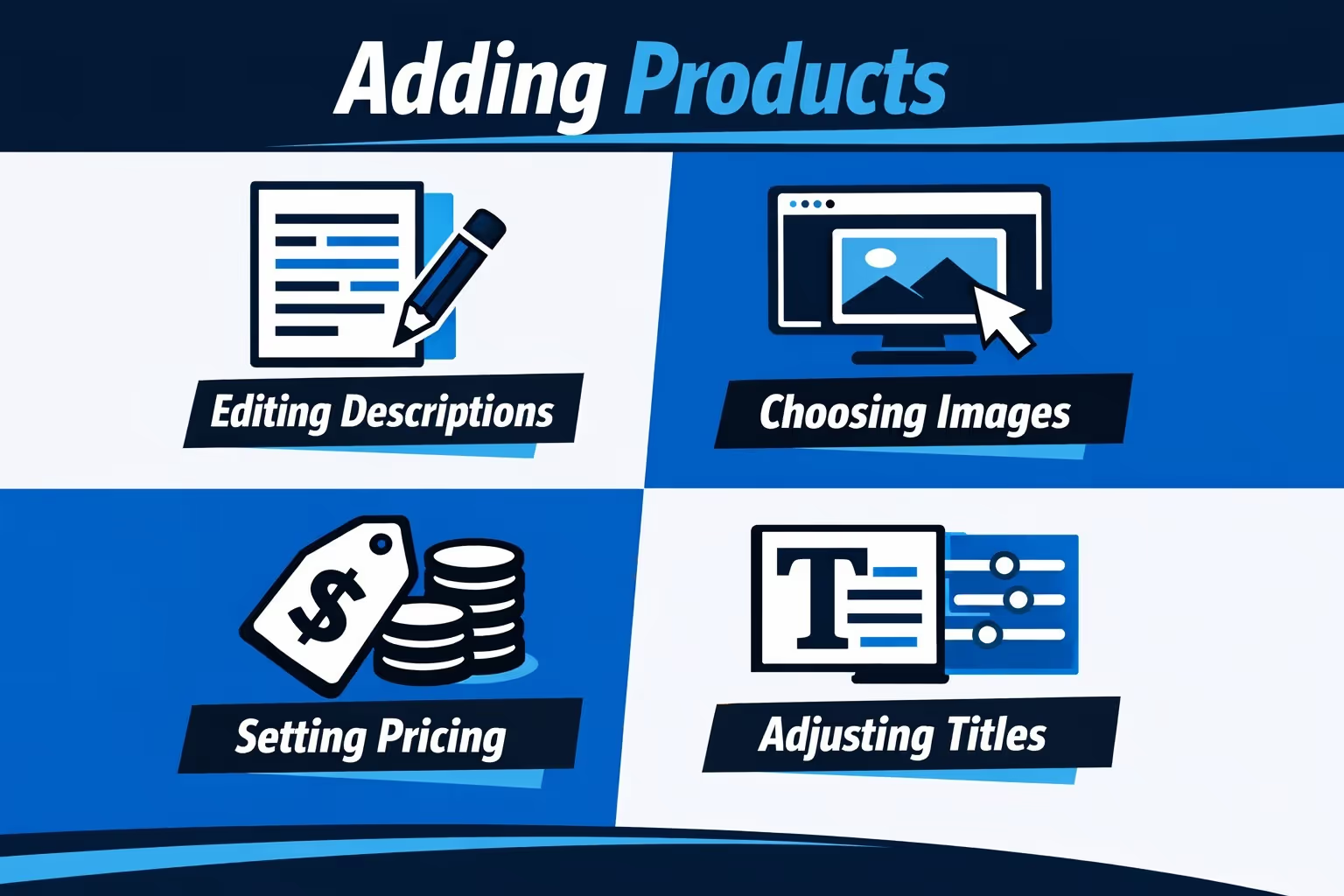
Product import sounds quick until you account for details.
For each product, time goes into:
With integrations, this can still take 30 to 60 minutes per product if done carefully. Five products may take five hours. Ten products often take a full day.
Manual uploads take longer, but even automated imports usually require cleanup.
This step alone can decide whether your store converts.
Short, generic descriptions are fast but weak. Thoughtful descriptions that explain value, answer questions, and sound human take longer.
Expect 3 to 6 hours for a small catalog if writing from scratch. More if the products require technical accuracy or compliance considerations.
This is also where many people stall. Writing forces clarity. That discomfort is normal.

At Extuitive, we help Shopify brands predict ad performance before campaigns go live. Instead of launching creatives and waiting to see what fails, our AI models forecast which ads and messages are most likely to work, based on real campaign outcomes rather than assumptions. The focus is simple. Stop testing losers and put budget behind what has a higher chance of performing.
Our prediction engine shows expected results relative to a brand’s own historical performance, not generic benchmarks. That context helps teams move faster and make clearer decisions, particularly during store launches or new product rollouts. We also support intelligent audience targeting, helping brands reach shoppers who are more likely to convert, not just click.
Because everything works at scale, teams can evaluate large volumes of ads before anything goes live. Fewer surprises, cleaner launches, and more confidence when paid traffic turns on.
Choosing a theme usually takes 1 to 3 hours.
Shopify themes are designed to work out of the box. The biggest mistake is chasing perfection at this stage. The closer a theme is to your end goal visually, the less time you will spend later.
Premium themes offer flexibility but are not required to launch.
Design is where time disappears.
Customizing your homepage, setting navigation, arranging collections, and adjusting typography takes patience. Even small visual tweaks add up.
For most stores, design takes 6 to 20 hours, depending on:
Outsourcing design can save time, but it introduces coordination and revision cycles.
Apps extend what Shopify can do, but they also add friction when too many are installed too early. It is easy to assume every problem needs an app, especially when the app store makes everything look essential. In practice, most stores only need a small core set to launch.
If you already know which apps you need, installation itself is quick. The real time cost comes from researching options, comparing reviews, and figuring out how each app fits into your setup. A good rule of thumb is to plan about one hour per app, including configuration and basic testing. Five apps often turns into 5 hours without much effort.
Once the app count grows, complexity rises fast. Apps can overlap, slow the store down, or introduce small conflicts that are hard to diagnose. Stores with a lean app stack tend to launch sooner and run more smoothly, with fewer surprises after going live.
The technical setup phase covers the practical settings that allow your store to function properly. This includes configuring payment gateways, setting up shipping rates, handling taxes, and publishing required legal pages. None of these tasks are especially complex on their own, but they do require attention.
Most stores complete this stage in 2 to 5 hours. The exact time depends on where you are located, how you plan to ship orders, and whether you are dropshipping or fulfilling products yourself. International shipping or custom rate structures can add a bit more time, while simple setups move faster.
This part often feels more intimidating than it really is. Shopify guides you through most settings step by step, and defaults are usually sensible. As long as you test payments and review each section carefully, this stage stays contained and does not become the time sink many people expect.
Skipping testing might feel like a time saver, especially when you are eager to launch, but it almost always creates problems later. Small issues that go unnoticed before launch tend to surface once real customers start clicking around, and fixing them under pressure takes more time than addressing them upfront.
Testing usually takes 1 to 3 hours and focuses on a few critical areas:
Most of the issues discovered during this phase are minor, but fixing them early prevents bigger disruptions after launch. A short testing window gives you confidence that the store works as intended before any traffic hits it.
Most setup delays are not caused by Shopify itself. They come from hesitation. Comparing themes for days, reading endless app reviews, tweaking layouts that already work, and waiting for everything to feel perfect before moving forward.
The stores that launch fastest are rarely the most refined on day one. They are the ones where decisions are made, the store goes live, and improvements happen after real people start using it. Feedback from actual visitors is more valuable than hypothetical concerns during setup.
One of the simplest ways to move faster is to set time limits on decisions. Give yourself a fixed window to choose a theme, select apps, or finalize product layouts. When the time is up, commit and move on. This approach alone often cuts setup time in half.
Beginners almost always take longer, and that is expected. Learning how Shopify works, understanding basic ecommerce terms, and correcting small setup mistakes adds time to every stage.
With experience, patterns become familiar. Returning users already know where settings live, which defaults are safe, and which steps can be skipped. They also make decisions with more confidence because they have seen what matters in practice.
For many store owners, previous experience reduces setup time by 30 to 50 percent. The work itself does not change much. The hesitation does.
Outsourcing reduces the amount of hands-on work you do yourself, but it introduces coordination. Designers, writers, and developers can move specific tasks forward quickly, yet reviews, feedback, and revisions still take time.
Solo builders tend to move slower but maintain full control. Outsourced builds often move faster in bursts, followed by waiting periods. Neither approach is inherently better. They simply trade time for money in different ways.
The most efficient setups often combine both. Core decisions stay in-house, while clearly defined tasks are delegated. This balance keeps momentum without adding unnecessary complexity.
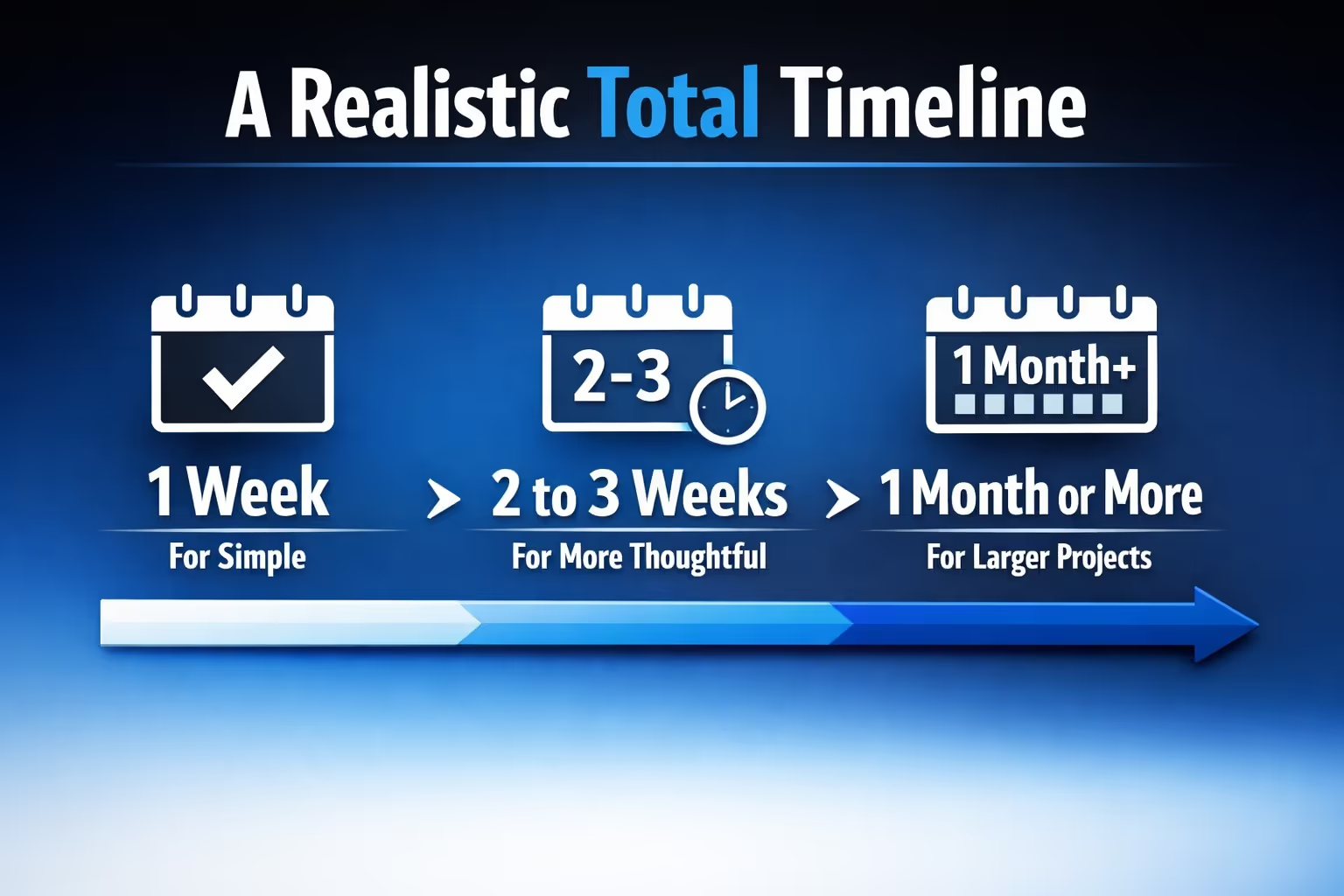
When all stages are taken into account, most Shopify stores fall into a few clear time ranges. The exact timeline depends on scope, experience, and how many decisions are made along the way, but these ranges reflect what typically happens in practice.
Finishing much faster often means skipping important thinking or testing. Taking significantly longer usually points to overthinking rather than complexity. A steady pace with clear decisions tends to produce the strongest result.
Setting up a Shopify store is rarely as fast or as slow as people expect. The platform itself removes many technical barriers, but it cannot make decisions for you. Time is spent choosing products, shaping the store, and deciding when something is good enough to launch.
For most people, the process sits comfortably between one and three weeks of focused work. Faster setups usually work because the scope is small and decisions are clear. Longer timelines often come from hesitation, not complexity. Neither outcome is wrong, as long as expectations are realistic.
The most important thing to remember is that launch is not the finish line. A Shopify store improves through use, feedback, and iteration. Spending your setup time wisely gives you a solid foundation, but progress continues long after the store goes live.


