Who Owns Claude AI? Anthropic's Ownership Structure 2026
Discover who owns Claude AI and how Anthropic maintains control despite billions from Amazon and Google. Learn about the unique ownership structure here.
Apr 16, 2026



Refunds are part of any eCommerce experience, but knowing how long they take can sometimes feel like a mystery. If you’ve made a purchase through Shopify and are waiting on a refund, you might be wondering what the process looks like and how long it will take for that money to hit your account. While refund timelines can vary, we’ll walk you through the general steps and give you a better idea of what to expect. Here’s everything you need to know about how long Shopify refunds really take.
The maximum time allowed for issuing a refund on Shopify depends on the customer's bank's ability to process refunds, particularly if a significant amount of time has passed since the original purchase. Typically, refunds can be issued up to 120 days after the original transaction.
However, the actual timeframe for processing refunds is usually shorter. In most cases, refunds are processed within a few business days to a week, and the time it takes for the funds to reach the customer's account depends on the payment method used and the bank's processing time.
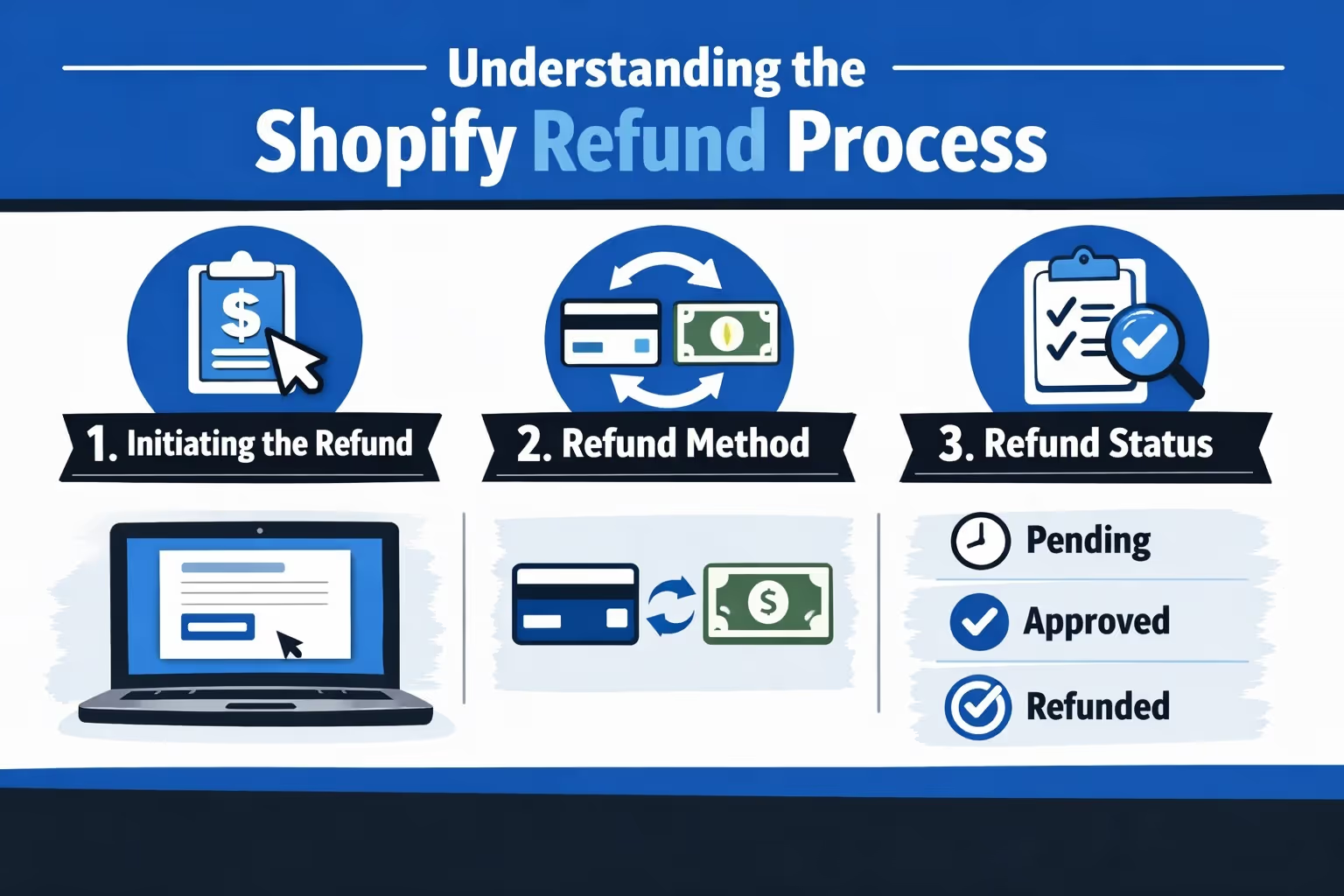
The Shopify refund process is designed to be straightforward, but there are a few moving parts that can affect the overall timeline. When a customer requests a refund, Shopify handles the transaction either through Shopify Payments or through a third-party payment gateway. Here’s a general overview of what happens when a refund is issued:
The duration of a Shopify refund depends largely on the payment method used and how the refund is processed. Generally, refunds can take anywhere from a few days to up to 10 business days. Here's a more detailed breakdown:
If a customer made a purchase using Shopify Payments, the refund process tends to be quicker. After initiating the refund, Shopify will deduct the refunded amount from the store’s next available payout. Here’s what to expect:
If Shopify Payments isn't used, and a third-party payment gateway is involved (e.g., PayPal, Stripe, or others), the refund timeline can vary. Shopify does not control how third-party payment gateways handle refunds, but here’s what generally happens:
If a store offers store credit as a refund method, the process is typically faster, and the customer can use the credit immediately for future purchases. However, keep in mind that store credit may come with an expiration date depending on the country’s laws.
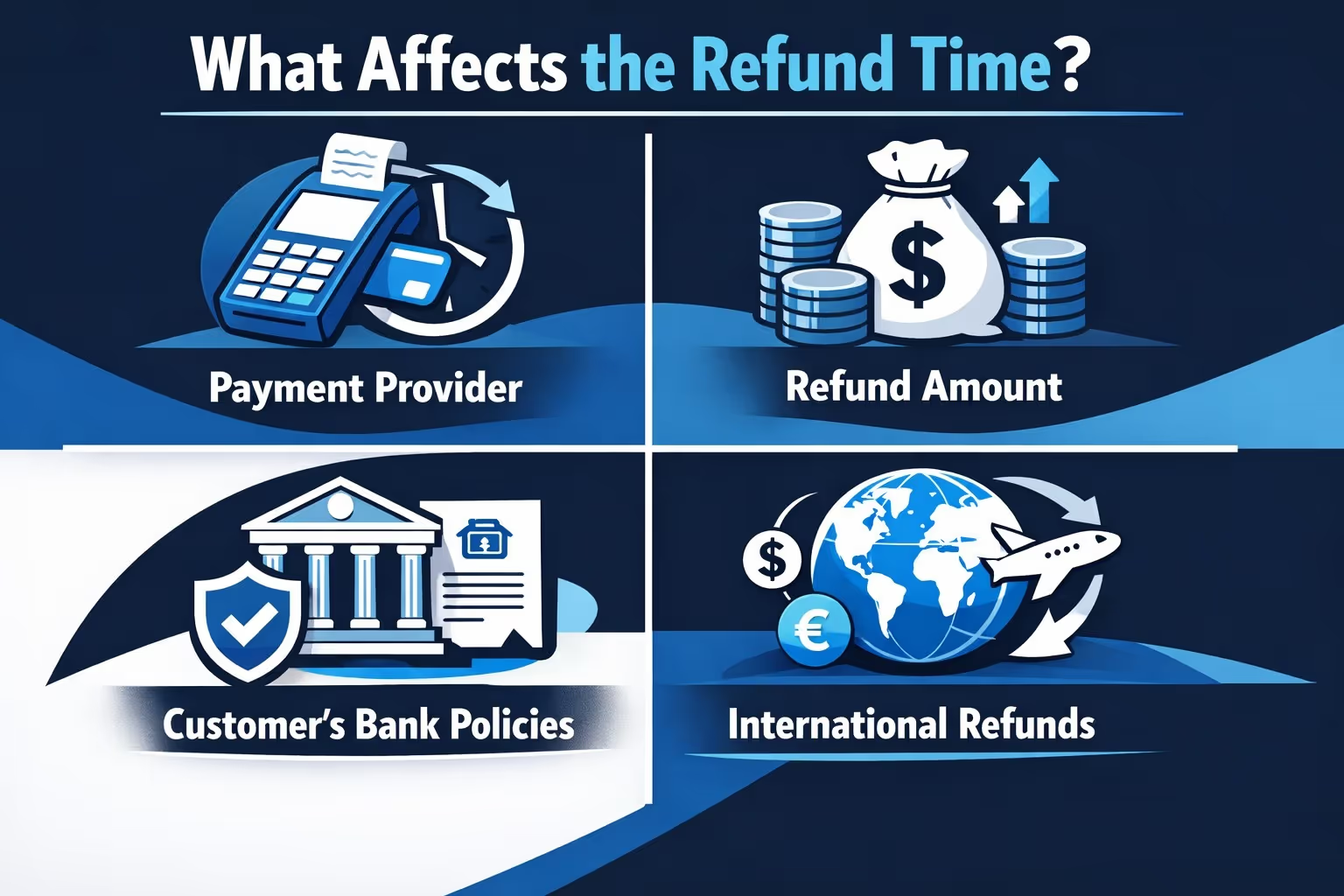
While the general timeline for a Shopify refund is up to 10 business days, several factors can influence how long it actually takes for a refund to be completed. Here are the key factors that can affect the refund process:
Refund processing times can vary depending on the payment provider. Different banks and payment gateways, such as PayPal or credit card companies, have their own timelines for processing refunds. Since Shopify doesn’t control how quickly these third-party providers process the refund, this step can often be the most significant factor affecting how long the refund takes.
Refunds for larger amounts or those involving multiple payment methods may take longer to process. Additional checks and verifications are often needed to ensure the accuracy of the refund. If different payment methods are involved, this can further extend the processing time as each method is handled individually.
In some cases, if a customer's credit card has expired or the refund is being processed to a non-redeemable account, it could take longer for the funds to be returned. Shopify will attempt to send the refund to the customer’s new card if possible, or to their bank account, but if these options are unavailable, the refund may experience delays.
International refunds can take longer due to varying processing times between countries, banks, and payment providers. If the customer is located in a different country, the refund may be subject to additional checks by both Shopify and the customer’s bank, which can extend the timeframe for receiving the funds.
If an order has already been shipped or processed by third-party logistics, the refund may take longer due to the complexities involved in fulfilling those orders. Orders processed through external fulfillment channels can introduce delays because the refund process must account for shipping statuses and inventory updates before being finalized.
Shopify offers several tools for both merchants and customers to track the status of a refund. If you're a store owner, you can follow the refund status directly through your Shopify admin panel. Here's how to track a refund:
If a refund is taking longer than expected, there are a few steps both customers and merchants can take to resolve the situation.
Once a refund is initiated in Shopify, it generally cannot be canceled or reversed. However, if a mistake is made, such as issuing a refund to the wrong payment method or wrong amount, the store owner can create a new draft order to collect payment again. Here’s how it works.
the refund process is started, it cannot be undone. If you refund an order to store credit and later wish to refund it to the original payment method, you can “over-refund” the order, but the original store credit refund remains unchanged.
If a refund is issued by mistake, you can initiate a new draft order for the customer to pay again.
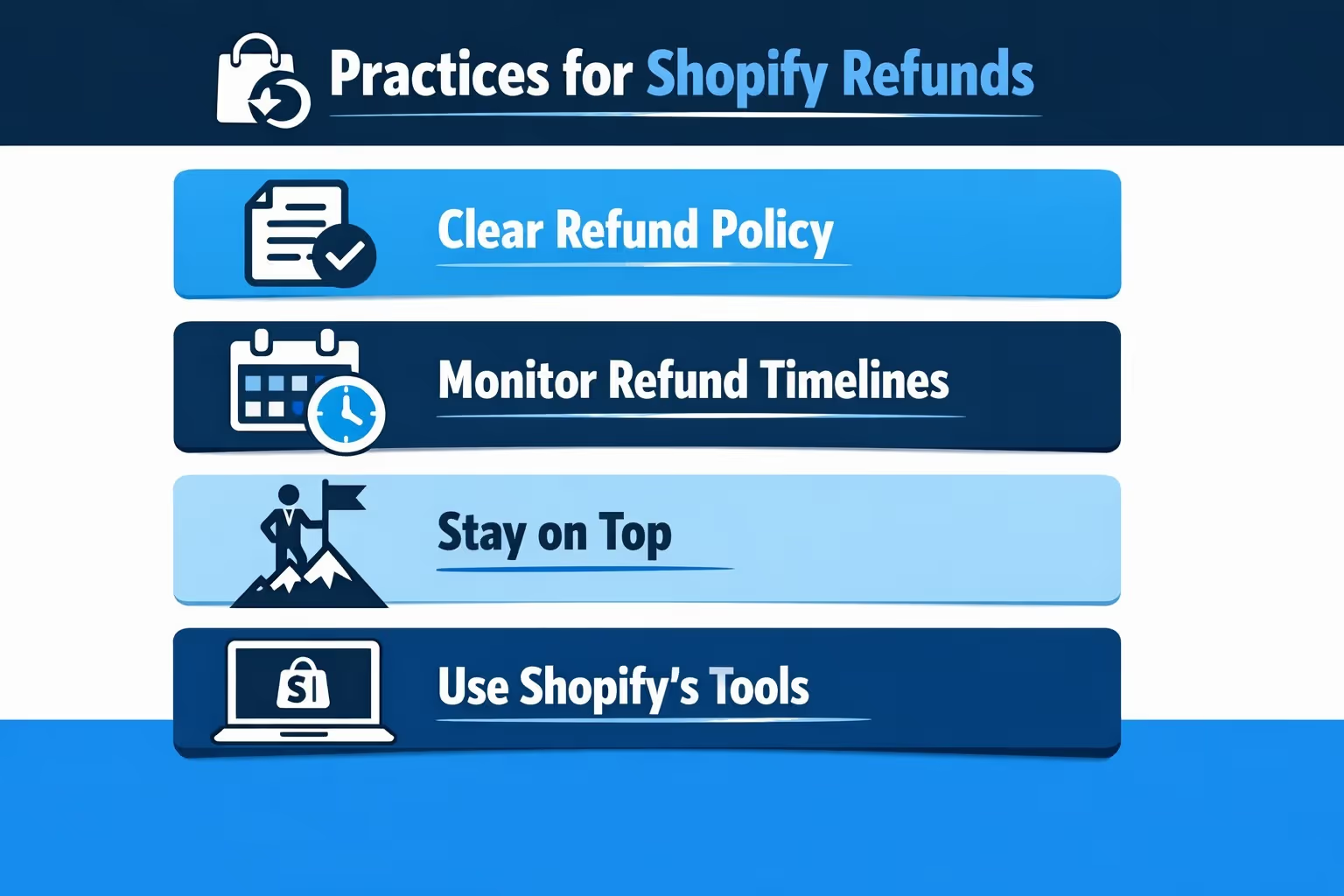
As a Shopify store owner, it’s essential to stay on top of your refund process to ensure smooth operations. Here are some best practices to keep in mind:

When managing a Shopify store, it’s not just about tracking refunds and handling orders. Running successful ads is another key part of maintaining growth. But how do you predict the performance of your ads before you even launch them? We at Exuitive are here to help you forecast your ad performance with precision and confidence, ensuring you don’t have to guess about your ROI.
Our advanced AI models are validated against live campaign results, allowing you to accurately predict how your ads will perform in the real world. By using Extuitive’s tools, you can target the right audience every time, increasing your click-through rates (CTR) and return on ad spend (ROAS). We take the gamble out of advertising by analyzing large volumes of creatives instantly, so you can confidently launch ads that drive results. Whether you're scaling your ad campaigns or testing creatives before going live, Extuitive's AI-driven insights help you make smarter, data-backed decisions.
In the world of eCommerce, knowing how long Shopify refunds take can help you manage expectations as a business owner and as a customer. While the process is typically straightforward, there are several factors, such as payment methods, processing times, and transaction fees, that can affect the speed of refunds. By understanding the steps involved and keeping open communication, both customers and merchants can navigate the refund process more efficiently. If you ever find yourself waiting for a refund, remember that patience is key, and don’t hesitate to contact the merchant or your payment provider if you have concerns.


