How Long Do Shopify Refunds Take: A Complete Guide
Wondering how long Shopify refunds take? Get a clear timeline and what you should expect for refund processing.
Apr 14, 2026



If you sell on Shopify, getting paid should feel simple. That’s the whole promise behind Shopify Payments. Instead of juggling third-party gateways, extra accounts, and confusing fee structures, Shopify rolls everything into one system that lives directly inside your admin.
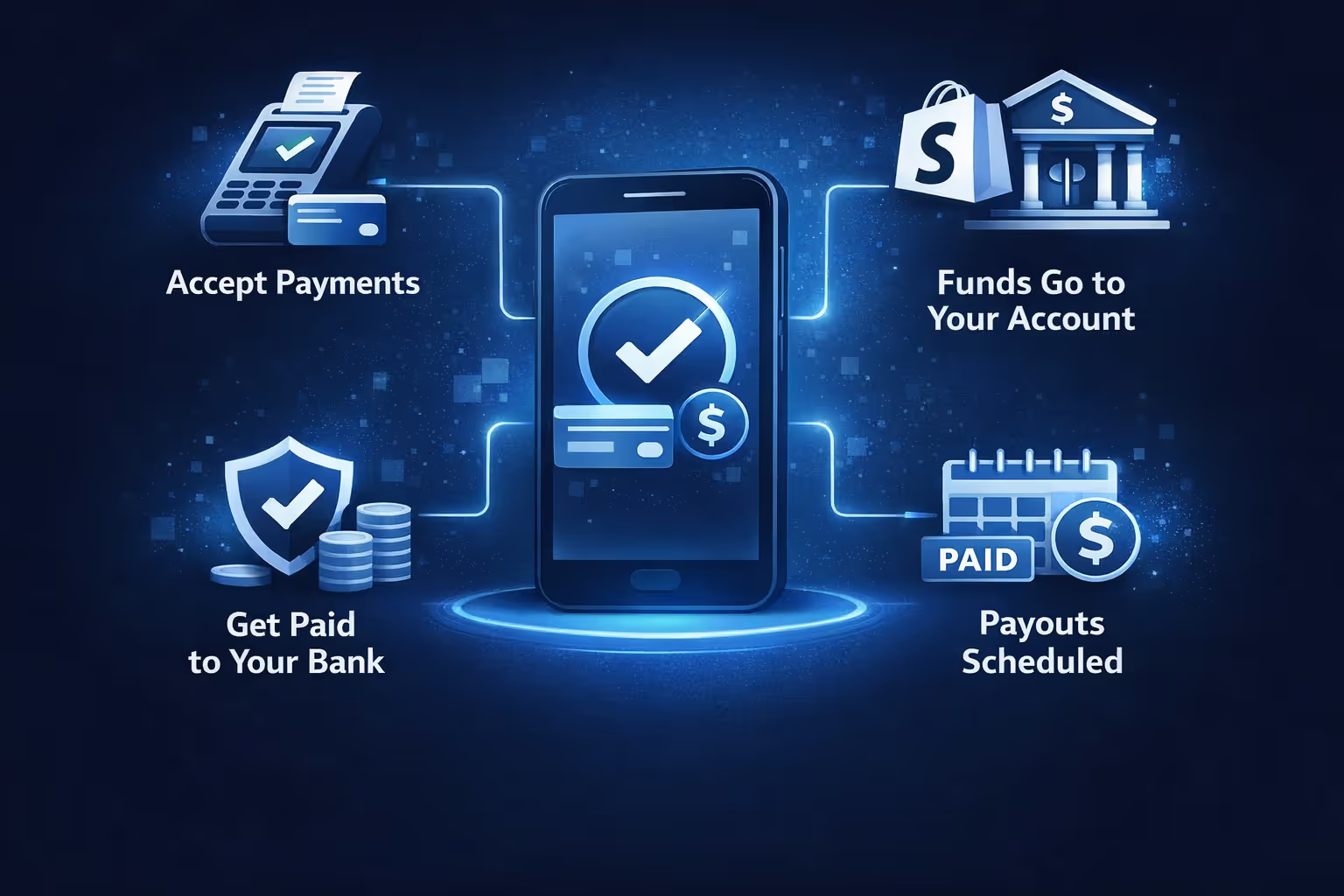
In practice, Shopify Payments quietly handles the heavy lifting. It processes customer payments, manages security checks, and sends your money to your bank on a schedule you choose. You still need to understand how it works behind the scenes though, especially when it comes to payouts, fees, and what can cause delays. That’s what this guide is here for – a straightforward look at how Shopify Payments actually works, without buzzwords or guesswork.
Shopify Payments is Shopify’s own payment processor. It replaces the need for a separate merchant account or third-party gateway. Once enabled, you can accept major credit and debit cards, as well as local payment methods, without any external integrations.
More importantly, everything is managed from your Shopify dashboard. Orders, payments, refunds, and payouts all live in one place. That means less jumping between tools, fewer fees, and no extra logins to keep track of.
Let’s start with what your customer sees. A shopper goes to your store, adds a product to the cart, and heads to checkout. If you’ve enabled Shopify Payments, your customer can pay using:
Once they confirm the purchase, Shopify processes the transaction through its own system and sends the money to your payout account. Simple on the surface, but a lot is happening under the hood.

After payment is captured, Shopify doesn’t send the funds immediately. Instead, it holds the money for a short period before transferring it to your bank or Shopify Balance account. This time between capture and deposit is called the payout schedule.
Your location determines how long payouts take. For example:
You can also choose how often you get paid. Options include:
Just keep in mind: weekends and bank holidays can delay things and the exact frequency of payments can vary by region (some of the options can be unavailable in some regions).
You can route Shopify Payments payouts to a checking account that meets Shopify’s local requirements or a Shopify Balance account (Shopify’s own business banking option).
Shopify Balance can give you faster access to funds and some added perks, but you’re not required to use it. Regular bank accounts work just fine as long as they match Shopify’s guidelines for your country.
Also consider that Shopify Balance is available in selected regions and is not a universal payout destination for all merchants. Make sure to check if it’s supported in your country before relying on it.
Activating Shopify Payments is straightforward, but there are a few important checks to make before you dive in.
Basic requirements:
During setup, Shopify will also ask for legal business name, business type (individual or corporation), tax details (like EIN or SSN in the US), and personal identification (name, address, date of birth).
In some cases, Shopify might request additional verification, such as a selfie video (Proof of Liveness) or business documents.
Shopify Payments charges a card rate, not a flat monthly fee. The rate varies based on your plan and location. For example:
There are no extra transaction fees when you use Shopify Payments. That’s important. If you use a third-party gateway like Stripe or PayPal, Shopify adds an extra fee (usually 0.5% to 2%).
Also worth noting:
Shopify Payments makes it easy to issue refunds directly from your admin. Just find the order and click “Refund.” The amount goes back to the customer’s original payment method.
Refunds can take 5-10 business days to appear in the customer’s account. Refunds are deducted from your next payout. If your balance is too low, Shopify will debit your bank account.
Chargebacks are another story. If a customer disputes a charge, Shopify will notify you and hold the funds. You’ll have a chance to submit evidence. If you lose the dispute, you’ll be charged a chargeback fee, which varies by country.
Shopify Payments includes built-in fraud checks and risk evaluation. If something looks suspicious, like a sudden spike in high-ticket orders, Shopify might:
They do this to protect both you and the buyer. It can be frustrating, but it’s usually resolved quickly if you respond to requests.
Sometimes payouts don’t go through. When that happens, Shopify notifies you and holds the funds until the issue is resolved. Here are some common reasons for failed payouts:
If your bank account was closed or recently changed, Shopify can’t complete the payout. Until you update your payout details in the admin, the funds will stay on hold.
A single wrong digit is enough to stop a payout. When the routing or account number doesn’t match what the bank expects, the transfer gets rejected and sent back.
The name on your Shopify Payments account needs to match the bank account holder. If there’s a mismatch between the business name and the bank record, payouts can fail without much warning.
Shopify Payments requires a supported checking account. If you connect a savings account or another unsupported account type, payouts won’t go through until it’s replaced with the correct one.
If you're not sure whether to use Shopify Payments or connect a third-party provider, here are a few things to consider:
Why it’s convenient:
Why it can save money:
Why it’s safer:

At Extuitive, we help Shopify merchants make smarter ad decisions before spending a cent. You already have the tools to get paid quickly and securely with Shopify Payments, but what about the step before that – getting people to click and convert? That’s where we come in.
Our prediction engine is designed to forecast how your ads will perform in the real world. We use AI models tested against live campaign results to help you figure out which creative will flop and which one could spike your ROAS. No guessing, no endless A/B testing. Just clean, accurate projections before you even launch. If you're running campaigns to drive more sales through Shopify, we make sure your ad dollars are working just as hard as your payments setup.
We also go beyond surface-level stats. Our tools highlight which audiences are most likely to convert and let you scale predictions across a large volume of creatives. It’s fast, practical, and built for the kind of agility Shopify brands need. Payments are only one piece of the puzzle. Predicting what leads to those payments? That’s the part we help you get right.

If you’re on the Shopify Plus plan and you use Shopify Payments as your primary payment gateway, you get some perks:
This setup can really cut costs if you’re running both online and brick-and-mortar operations.
Shopify Payments is designed to simplify how you get paid. It’s not just a way to accept credit cards. It’s a system that ties together checkout, fraud protection, payouts, and accounting – all in one place.
If you’re already using Shopify, it’s usually worth enabling. Just make sure your store location is supported, your bank account meets the criteria, and you understand how the payout schedule works. Once it’s set up, Shopify Payments can quietly handle the money side of your business so you can focus on everything else.


