Best AI Software That Helps You Scale Content Marketing Faster
A practical look at AI tools helping teams scale content marketing faster, with less waste and more consistency.
Apr 13, 2026



If you run a Shopify store and use Xero for accounting, this question comes up sooner or later: do they actually integrate, or is it more of a loose connection?
The short answer is yes, Xero does integrate with Shopify. But the long answer matters more, because the way that integration works isn’t always what store owners expect.
This article breaks down what the Xero–Shopify integration really does, what information flows between the two, and where the gaps start to show once your store grows past the basics. No fluff, no feature dumping, just a clear look at how it behaves in real use.
There is an official Shopify app called “Shopify Integration by Xero.” It is developed and maintained by Xero, not a third party. Once connected, it automatically syncs Shopify sales data into Xero on a daily basis.
That connection is real. It is supported. It does not require custom development.
However, it is important to understand that this is not a deep, order-level sync. Xero does not pull every individual Shopify order into your accounting system by default. Instead, it works at the summary level.
This design choice is intentional, and it shapes everything that follows.
At the end of each day, Shopify sends a summary of that day’s activity to Xero. This summary is broken down by payment gateway. For example, Stripe payouts might appear separately from PayPal payouts.
Xero then creates summary invoices based on those totals. These invoices include sales, discounts, shipping, refunds, gift cards, and fees. The goal is not detailed order tracking. The goal is reconciliation.

In practical terms, this means:
For many small stores, this is enough. It keeps the books clean. It avoids thousands of small entries. It reduces manual work.
For other stores, especially those with complex tax rules or multiple sales channels, it can feel limiting very quickly.
The native Xero-Shopify integration focuses on accounting-relevant data rather than operational detail. Understanding this split upfront makes the rest of the setup much easier to work with.
The integration automatically sends a daily summary of your Shopify activity into Xero. Instead of individual orders, the data is grouped and structured for bookkeeping and reconciliation.
What typically syncs each day includes:
This information appears in Xero as summary invoices, grouped by payment method. The structure is designed to make bank reconciliation straightforward rather than to replicate your Shopify order list.
If your main goal is to track daily revenue, confirm payouts, and keep cash flow accurate, this approach works well. If you need customer-level reporting or per-order accounting inside Xero, it will feel limited.
What the integration leaves out is just as intentional as what it includes.
The native integration does not automatically sync:
This is not a technical limitation or an oversight. It is a design choice.
Xero is built for financial accuracy, compliance, and reconciliation. Shopify already handles orders, products, and customers extremely well. The integration assumes you want clean financial summaries inside Xero, not a second copy of your ecommerce operations.
Problems usually appear when store owners expect the integration to replace dedicated ecommerce accounting or inventory tools, rather than support basic bookkeeping.
This difference deserves its own explanation, because it is the source of most confusion.
Per-order accounting sounds attractive. Every order, every customer, every product tracked inside your accounting system. In reality, this often creates noise rather than clarity. Thousands of micro-transactions slow things down and make reconciliation painful.
Xero’s daily summary approach avoids that.
However, daily summaries also hide detail. If something looks off, you cannot drill into individual orders from within Xero. You have to go back to Shopify and investigate there.
For small stores, that tradeoff is usually acceptable. For high-volume stores, it depends on how much control and visibility you need.
Reconciliation is where the Xero-Shopify integration does its best work.
Each day’s summary invoice is designed to match a payout from your payment provider. When Stripe or PayPal deposits money into your bank account, Xero can automatically match that deposit to the corresponding summary invoice.
In a clean setup, reconciliation takes minutes.
You review the match. You approve it. You move on.
This is the core value of the integration. It reduces manual matching. It keeps cash flow accurate. It prevents small discrepancies from snowballing into bigger problems.
Tax handling is one of the more nuanced parts of the integration.
The native Xero app can group Shopify sales by tax rate, but this functionality is limited to certain regions, primarily Australia, the UK, and New Zealand. In those regions, the integration can help manage sales tax reporting inside Xero.
In other regions, tax handling may be more basic or require additional tools.
If you sell internationally, or if you deal with multiple tax jurisdictions, the native integration alone is often not enough. This is one of the reasons Shopify and Xero both reference third-party tools in their documentation.
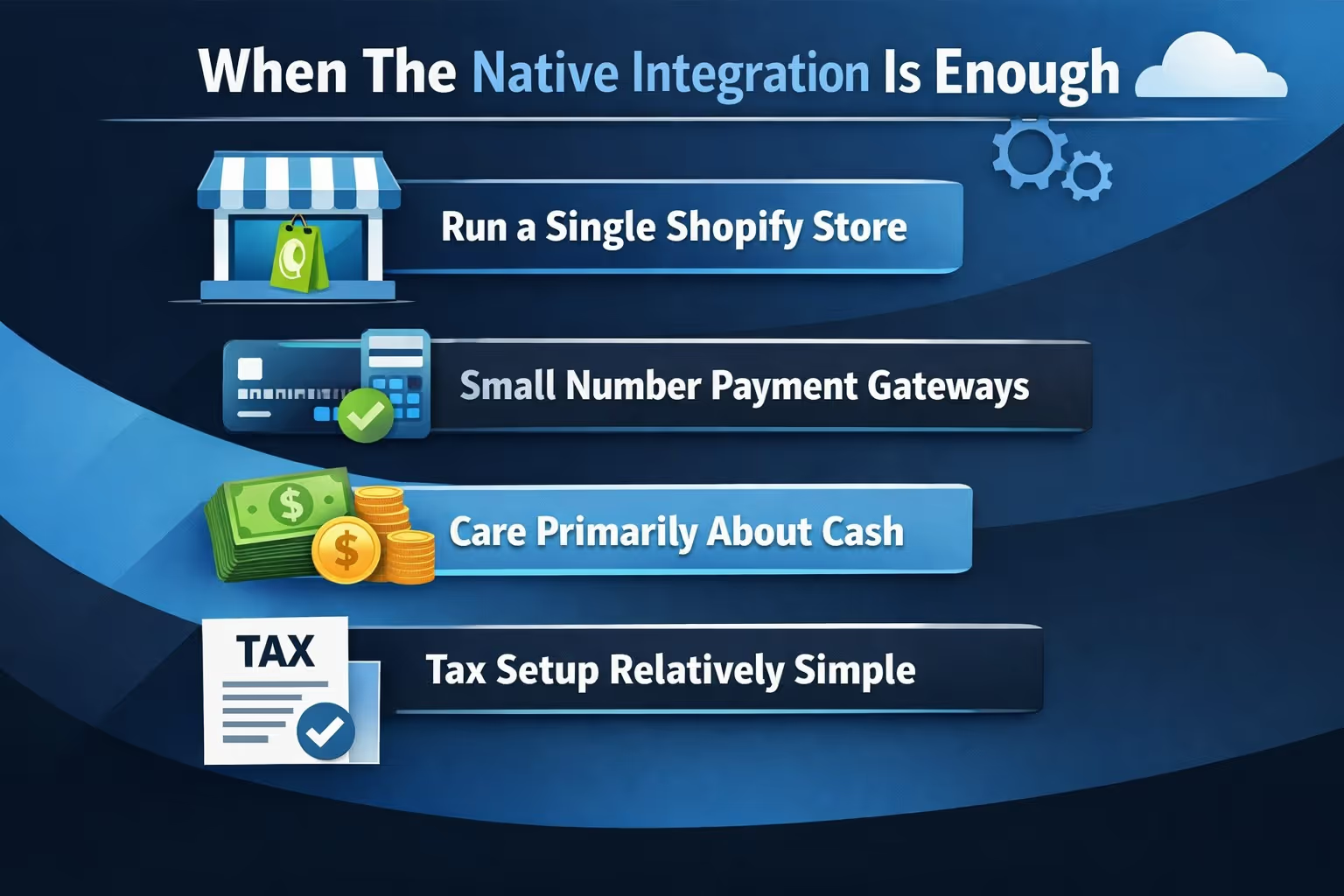
There is a specific type of store that the native Xero-Shopify integration fits well.
It works best when:
For these businesses, the integration feels quiet and reliable. It runs in the background. It does not demand much attention.
That is often exactly what you want from accounting software.
The complaints you see in app store reviews usually come from stores that have outgrown this basic setup.
Common friction points include:
None of these issues are unique to Xero. They appear whenever a summary-based accounting approach meets a business that needs more granularity.
At that stage, many stores begin looking at third-party connectors.
The Shopify Integration by Xero has its own pricing, separate from your Shopify subscription and your Xero plan.
Pricing varies by region. Some plans are free for certain countries. Others charge a monthly fee. Xero itself operates on a tiered subscription model, with different limits and features depending on the plan.
One important detail: Xero allows unlimited users on all plans. This makes collaboration with accountants and bookkeepers much easier compared to some competitors.
However, invoice limits on lower-tier plans can catch new users off guard, especially if they are not aware that daily summaries still count as invoices.
Shopify’s own content around Xero is notably balanced.
Shopify explains what Xero does well, but it does not oversell the integration. In its educational articles, Shopify clearly states that the native integration handles basic ecommerce accounting and that more complex businesses may need additional tools.
This transparency is helpful. It sets expectations correctly.
If you read Shopify’s guides carefully, the message is consistent: use the native integration for simplicity, and add layers only when your business demands it.
That depends on what you want from your accounting system.
Xero excels at:
It is not designed to replace Shopify’s operational reporting or inventory systems. It is designed to be a financial backbone.
When used with the right expectations, the Xero-Shopify integration does exactly what it claims to do.
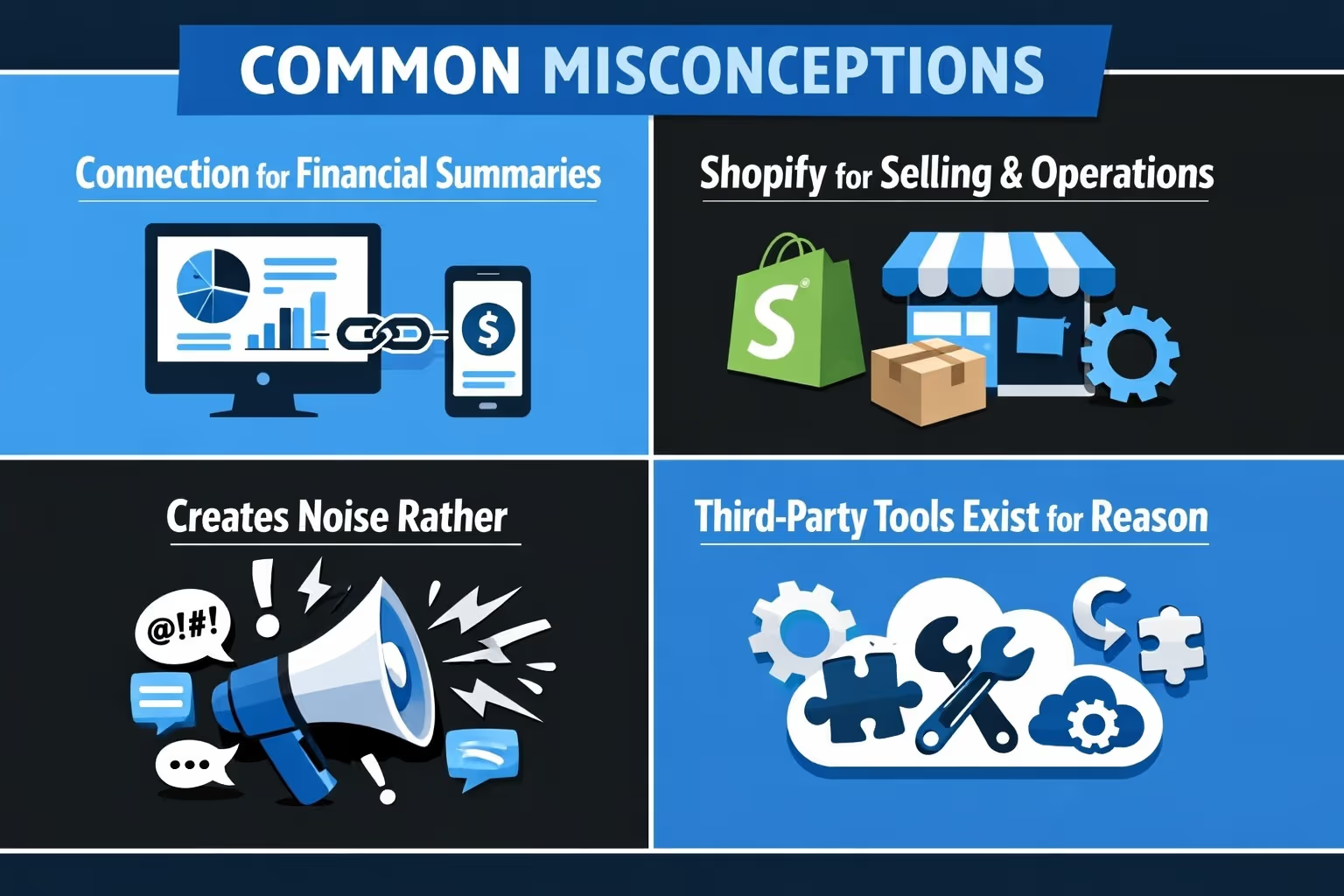
There are a few assumptions that come up repeatedly:
Understanding this separation of roles makes the integration much easier to work with and far less frustrating over time.

Once your accounting is clean and your Shopify numbers make sense in Xero, the next pressure point usually shows up in marketing. Ad spend grows, testing slows down, and too much budget disappears into ideas that never had a real chance to work. That is exactly the problem we built Extuitive to solve.
Instead of launching ads, waiting for data, and then cutting losers after the fact, we help Shopify brands forecast performance before anything goes live. Our AI models are trained and validated against real campaign results, using your historical data as context. That means you are not guessing which creatives, messages, or audiences might work. You are seeing clear predictions based on patterns that already exist in your account.
We focus on the things that actually move results. Creative direction, messaging strength, audience fit. With Extuitive, teams can test and predict ad performance at scale, analyze large volumes of creatives instantly, and filter out weak concepts before they ever reach a live campaign. The result is higher confidence, faster decision-making, and a lot less wasted spend.
Our goal is simple: help Shopify brands stop testing losers, identify likely winners earlier, and improve CTR and ROAS without burning time or budget. When you combine clean financial visibility from tools like Xero with predictive clarity on the marketing side, growth stops feeling reactive and starts feeling intentional.
So, does Xero integrate with Shopify?
Yes. But more importantly, it integrates in a way that prioritizes clean books over detailed ecommerce reporting.
For many stores, that is the right choice. For others, it is a starting point rather than a final solution.
If you approach the integration with clear expectations, it can quietly support your business without getting in the way. If you expect it to solve every accounting and reporting problem on its own, frustration usually follows.
Like most things in ecommerce, the value is not in the tool itself, but in how well it fits the stage your business is actually in.


