Do I Need to Collect Sales Tax on Shopify? Here's What You Should Know
If you're starting a Shopify store or expanding your online business, understanding sales tax can be confusing. The good news? You don’t have to figure it out alone. Whether you need to collect sales tax or not depends on where you sell and how your business is structured. In this article, we’ll break down the key points on when and how to charge sales tax, and how Shopify can help make it easier for you.
Understanding Sales Tax: What Is It and Why Does It Matter?
Before diving into the specifics of collecting sales tax, it’s important to understand what sales tax is and why it’s essential to your business.
Sales tax is a consumption tax paid by the end consumer on the purchase price of goods and services. It is collected by the seller at the point of sale and then remitted to the appropriate government authority, whether that be local, state, or federal.
For e-commerce businesses, this can get tricky. You’re not just selling locally – you’re often selling across states or even internationally. Each jurisdiction (city, county, state, or country) may have different tax rates and rules, making sales tax compliance a moving target.
Getting it wrong can lead to penalties, interest charges, and audits, so it’s critical to get a handle on when and how to charge it.
When Do You Need to Collect Sales Tax on Shopify?
The short answer: You need to collect sales tax if your business has a "nexus" in a state or jurisdiction that requires it.
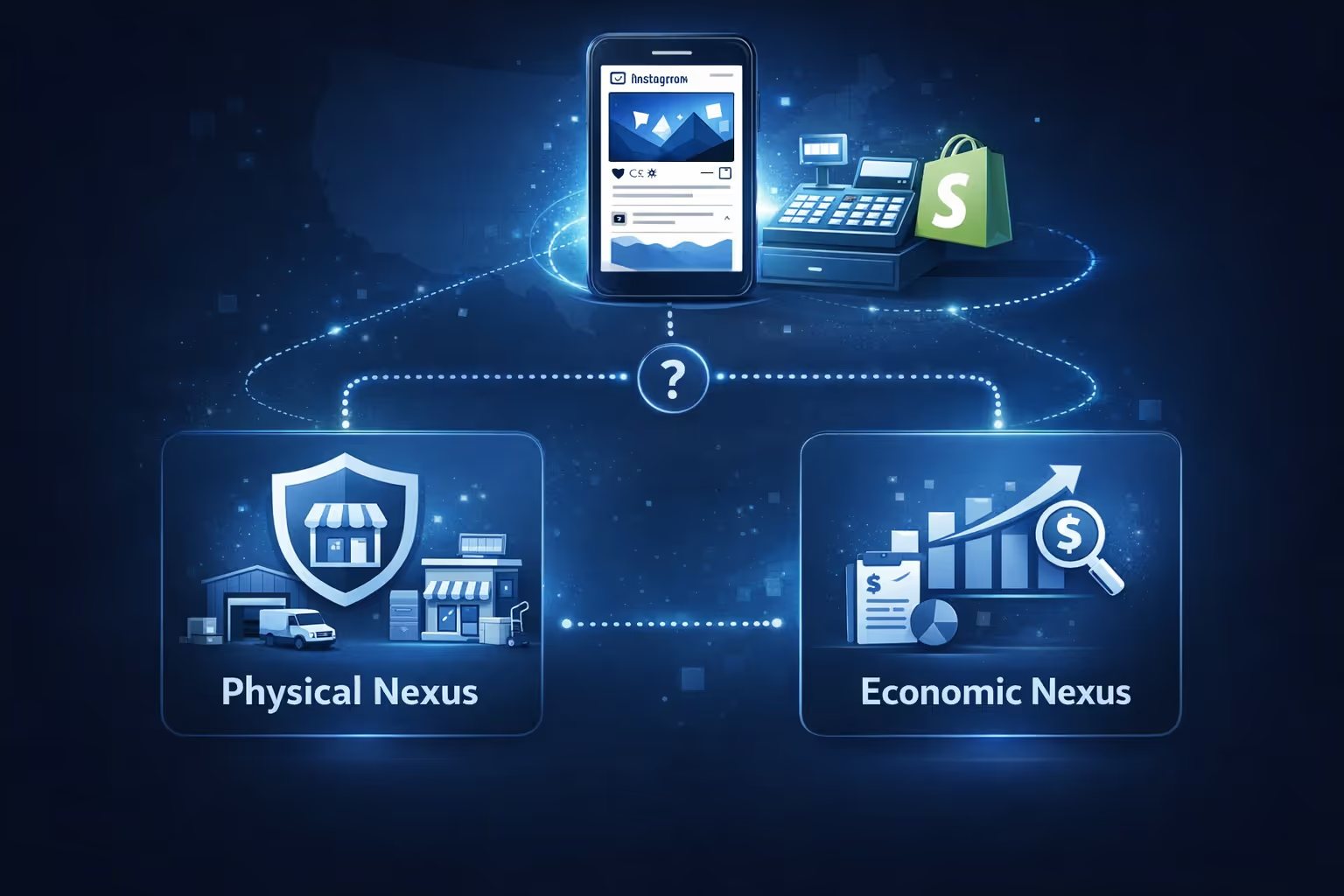
So, what exactly does "nexus" mean? Nexus is a legal term used to describe a connection between your business and a state that triggers your obligation to collect sales tax. There are two types of nexus you should be aware of:
Physical Nexus
This occurs when your business has a physical presence in a state. For example, if you have an office, warehouse, employees, or inventory in a state, you likely have a physical nexus there.
Economic Nexus
Even if you don’t have a physical presence in a state, you may still have a nexus if your business exceeds a certain threshold of sales or transactions in that state. This is commonly referred to as the economic nexus. Economic nexus laws may vary by state.
Since the 2018 Supreme Court decision in South Dakota v. Wayfair, many states now enforce economic nexus laws, meaning you must collect sales tax if you meet certain sales or transaction thresholds, even if you don’t physically operate in the state.
Do You Need to Charge Sales Tax for Every Sale on Shopify?
Not necessarily. Whether or not you need to charge sales tax depends on where your customers are located. Here are some scenarios to help clarify:
In-state sales: If your business has a physical presence in a state, you’re typically required to charge sales tax for sales made to customers in that state.
Out-of-state sales (economic nexus): If you don’t have a physical presence in a state but meet the economic nexus thresholds (for example, $100,000 in sales or 200 transactions in the state), you must collect sales tax from customers in that state as well.
Sales to states without sales tax: Some states, like Alaska, Delaware, Montana, New Hampshire, and Oregon, do not collect state-level sales tax. If you’re selling to customers in these states, you do not need to collect sales tax, but be aware that local jurisdictions may still have their own tax rules.
Sales of exempt items: Certain products or services may be exempt from sales tax depending on the state. For example, in some states, clothing, food, or prescription medication may not be subject to sales tax. It’s important to know the taxability of the items you’re selling, as this can vary from state to state.
How Shopify Helps You Collect Sales Tax
Shopify makes it easier for you to navigate the complex world of sales tax. Here are some of the tools and features Shopify provides to ensure you stay compliant:
1. Shopify Tax: Automated Sales Tax Collection
Shopify offers a tool called Shopify Tax, which automatically calculates sales tax for you at checkout, based on the customer’s location. This tool handles:
Location-based calculations: Shopify Tax takes into account state, county, and city-specific rates, so you don’t have to manually look up and apply tax rates.
Product categorization: Shopify helps categorize your products and applies the correct tax rates based on those categories.
Economic nexus tracking: Shopify Tax provides liability insights that monitor your sales against state thresholds and alert you when you may need to register and collect tax in new states.
Although Shopify Tax automatically calculates sales tax for most jurisdictions, some states or countries may require additional settings or manual updates for specific tax rules. Be sure to verify your tax settings to ensure full compliance.
2. Reporting and Filing
Shopify Tax also provides reporting features that let you track how much sales tax you've collected and which states you need to file with. This can help you prepare for filing and make sure you're remitting the correct amount to the appropriate authorities.
Steps to Set Up Sales Tax on Shopify
Getting started with collecting sales tax on Shopify is relatively simple. Follow these steps to set it up correctly:
Register for a sales tax permit: First, register with the state(s) where you have nexus. This allows you to collect and remit sales tax legally. You can register online with most state tax authorities.
Enable sales tax in shopify: Go to Settings > Taxes in your Shopify admin. From there, you can enable automatic tax collection using Shopify Tax. Shopify will automatically calculate sales tax for all transactions based on the customer's shipping address.
Add tax rates for specific states: If you're selling in multiple states with different tax rates, you’ll need to set up tax rates for each state. Shopify helps you set up these rates based on the latest information, but you may need to manually update certain items or settings.
Monitor sales tax compliance: Once you've set up Shopify Tax, it’s crucial to keep track of your sales tax obligations. Shopify offers reporting tools to help you view your sales tax liability and ensure you’re meeting your filing deadlines.
Common Mistakes to Avoid When Collecting Sales Tax on Shopify
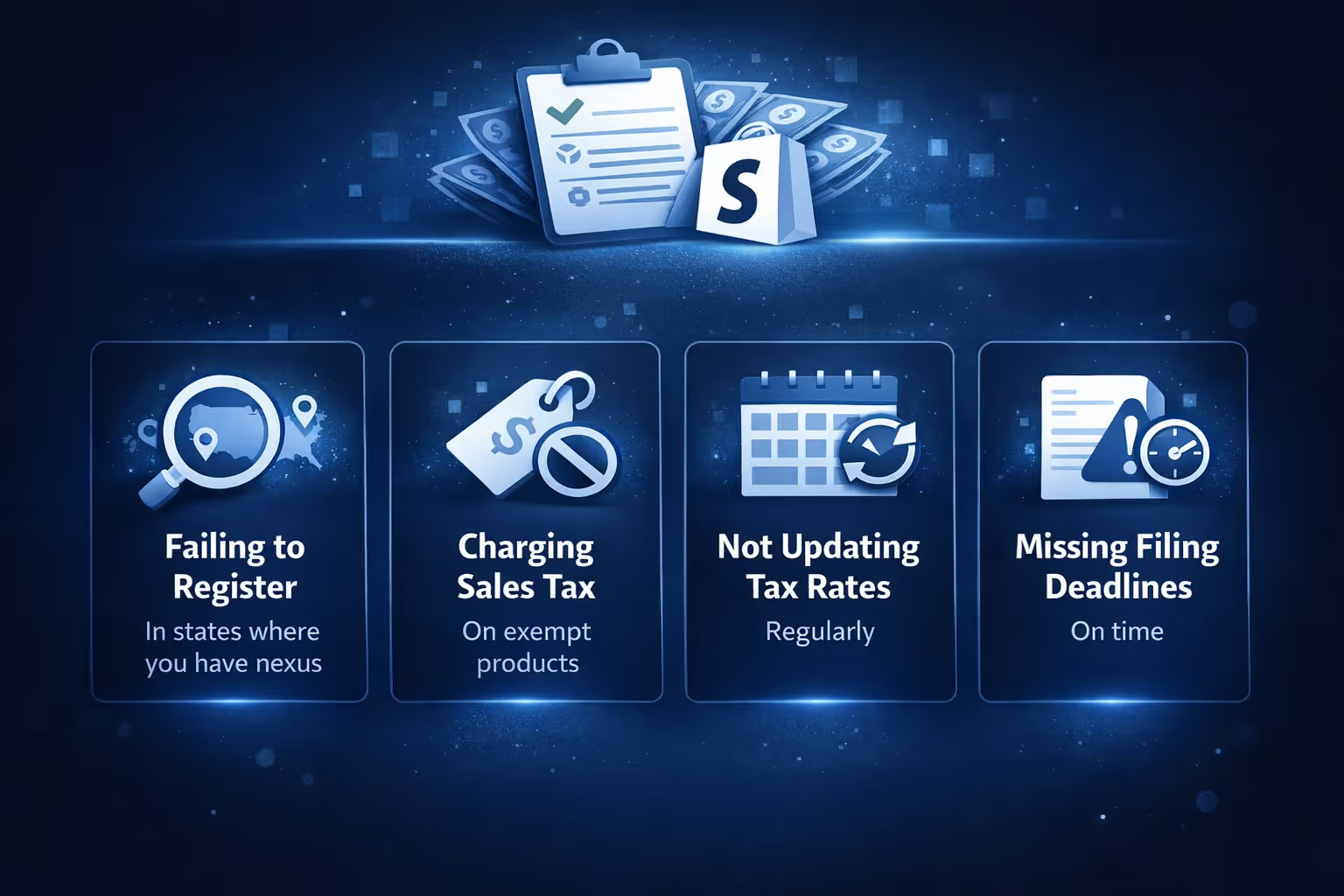
Sales tax can be tricky, and there are a few common mistakes merchants often make. Here are some pitfalls to watch out for:
Failing to register in states where you have nexus: Many sellers overlook states where they have nexus but haven’t registered. Make sure to register in any state where you meet the criteria to collect sales tax.
Charging sales tax on exempt products: Different products are taxed differently depending on the state. For example, certain states don’t tax clothing or food. Be sure to understand your product's taxability.
Not updating tax rates regularly: Sales tax rates change over time, and Shopify Tax helps automatically update these rates. But if you're manually handling taxes, it's important to keep up with these changes.
Missing filing deadlines: Not filing your sales tax returns on time can lead to penalties. Be sure to keep track of your filing schedule and consider using automated tools like Shopify Tax for easier management.
Sales Tax for Shopify Plus and International Sellers
If you're using Shopify Plus, you'll have access to more advanced features for handling sales tax, including the ability to work with third-party tax tools and customize your tax settings. Additionally, if you sell internationally, the tax rules can get even more complex. Shopify can help you manage international sales tax by applying the right tax rates for countries that require VAT (Value Added Tax) or other forms of sales tax.
How Extuitive Can Help You Optimize Ad Performance and Sales Tax Decisions
When it comes to growing your e-commerce business, understanding the ins and outs of sales tax is just one piece of the puzzle. Equally important is ensuring that your advertising efforts are delivering the best return on investment (ROI). This is where we at Extuitive come in. We help Shopify brands forecast ad performance before launching campaigns, using AI-driven insights to predict the effectiveness of each ad.
Just like sales tax rules that differ by state and product, ad performance can vary significantly depending on various factors like your target audience, ad type, and even the timing of your campaigns. At Extuitive, we help you navigate these complexities by offering intelligent audience targeting, which ensures your ads reach those most likely to convert and purchase. Not only does this improve your ad spend efficiency, but it also helps you predict future performance, ultimately guiding your business to make smarter decisions – whether it’s related to ad budgeting or collecting sales tax where necessary.
With Extuitive’s AI-powered tools, Shopify merchants can test and predict ad performance at scale, analyzing large volumes of creatives instantly before going live. Just as Shopify automates sales tax calculations, we automate ad predictions, enabling you to focus on scaling your business without worrying about ad performance misfires or sales tax compliance errors.
Final Thoughts
In short, yes, you likely need to collect sales tax on Shopify if your business has nexus in the states where you're selling. Whether that nexus is physical or economic, you are responsible for collecting the appropriate sales tax and remitting it to the correct authorities. The good news is that Shopify makes the process easier with tools like Shopify Tax, which automates calculations, tracking, and reporting.
Sales tax doesn’t have to be overwhelming. By using Shopify’s built-in features, understanding your sales tax obligations, and staying compliant with state and local regulations, you can run your business confidently without worrying about the complexities of sales tax.
For any specific questions or unique situations, it’s always wise to consult with a tax professional who can provide personalized advice tailored to your business.
FAQ
1. What is sales tax, and why do I need to collect it on Shopify?
Sales tax is a consumption tax that’s added to the price of goods and services. As a Shopify store owner, you’re responsible for collecting sales tax on orders made in states or regions where you have a sales tax "nexus" (a connection, like having employees or inventory there). If you don’t collect sales tax, you could face penalties, fines, and an audit from tax authorities. So, it's essential to understand when and where you need to collect it.
2. How do I know if I need to collect sales tax on my Shopify store?
You'll need to collect sales tax if you have a nexus in the state where your customer is located. Nexus can be physical (like an office or warehouse) or economic (if your sales exceed a certain threshold in a state). Shopify can help you automatically calculate and collect the right tax, but it's important to register for a sales tax permit in the states where you meet nexus criteria.
3. Does Shopify automatically calculate sales tax for me?
Yes, Shopify provides a built-in tool called Shopify Tax that automatically calculates sales tax based on your customers' location. It ensures accurate sales tax is collected at checkout according to state, county, and city tax rates. This feature helps you stay compliant without needing to manually track each jurisdiction’s rules.
4. What if I’m selling to customers in a state that doesn’t collect sales tax?
Some states, like Alaska, Delaware, Oregon, and others don’t have state-level sales tax. If you're selling to customers in these states, you won’t need to collect state sales tax. However, be aware that local jurisdictions within those states may still impose taxes. Shopify helps you navigate this by excluding states with no tax or applying the correct rules when needed.
5. How do I set up a sales tax collection in Shopify?
Setting up sales tax collection on Shopify is straightforward. You just need to go to Settings > Taxes in your Shopify admin, select your country and region, and enable tax collection. Shopify will automatically calculate the correct tax for the states where you have nexus. If you’re selling internationally, you’ll also need to configure the system for VAT or other relevant taxes based on where you’re shipping.
6. What should I do if I’m selling products that are exempt from sales tax?
Certain products, like food, clothing, or medical items, may be exempt from sales tax depending on the state. Shopify helps by categorizing products and suggesting the correct tax rates. If your products are exempt, make sure to review your product categories and consult with tax professionals or local authorities to ensure compliance with each state’s tax laws.
7. Can Shopify help with filing my sales tax returns?
Shopify makes filing sales tax easier through Shopify Tax, which not only calculates the right rates but also helps you generate reports that make filing straightforward. While Shopify can help automate the filing process in some regions, you’ll still need to file your returns with state authorities. Shopify can remind you of filing deadlines, ensuring you don’t miss any critical dates.
How much are you wasting on Meta ads? Connect your ad account. See your ad efficiency.