Proven Meta Ads A/B Testing Best Practices
Master A/B testing for Meta Ads with proven methods to boost performance, avoid guesswork, and make smarter ad decisions.
Feb 5, 2026



Square and Shopify are both big names in retail tech, but they don’t play natively together. If you’re using Square for point-of-sale or payments and want to run your online store on Shopify, the setup isn’t plug-and-play. That said, there is a way to make them talk to each other – it just takes a few extra steps.
This guide walks you through what’s possible, what’s not, and what workarounds can actually get the job done. Whether you’re trying to keep using your Square hardware or just want to sync inventory across platforms, we’ll break down the options clearly so you can move forward with less guesswork.
Let’s get this out of the way early: Shopify does not support Square as a native payment provider. But can you use Square with Shopify? This option is available but consider the details.
If you go to your Shopify dashboard and look at your payment settings, Square isn’t going to be on the list. That means you can’t just click a button and start accepting Square payments through your online store.
Why? Mostly because Shopify wants you to use Shopify Payments, their own built-in system. It keeps things simple and gives them more control. Meanwhile, Square is also trying to be a one-stop shop for payments and point-of-sale, so these two platforms naturally draw some lines between each other.
But while Square won’t show up as a Shopify payment option, that doesn’t mean you can’t use both together in other ways.
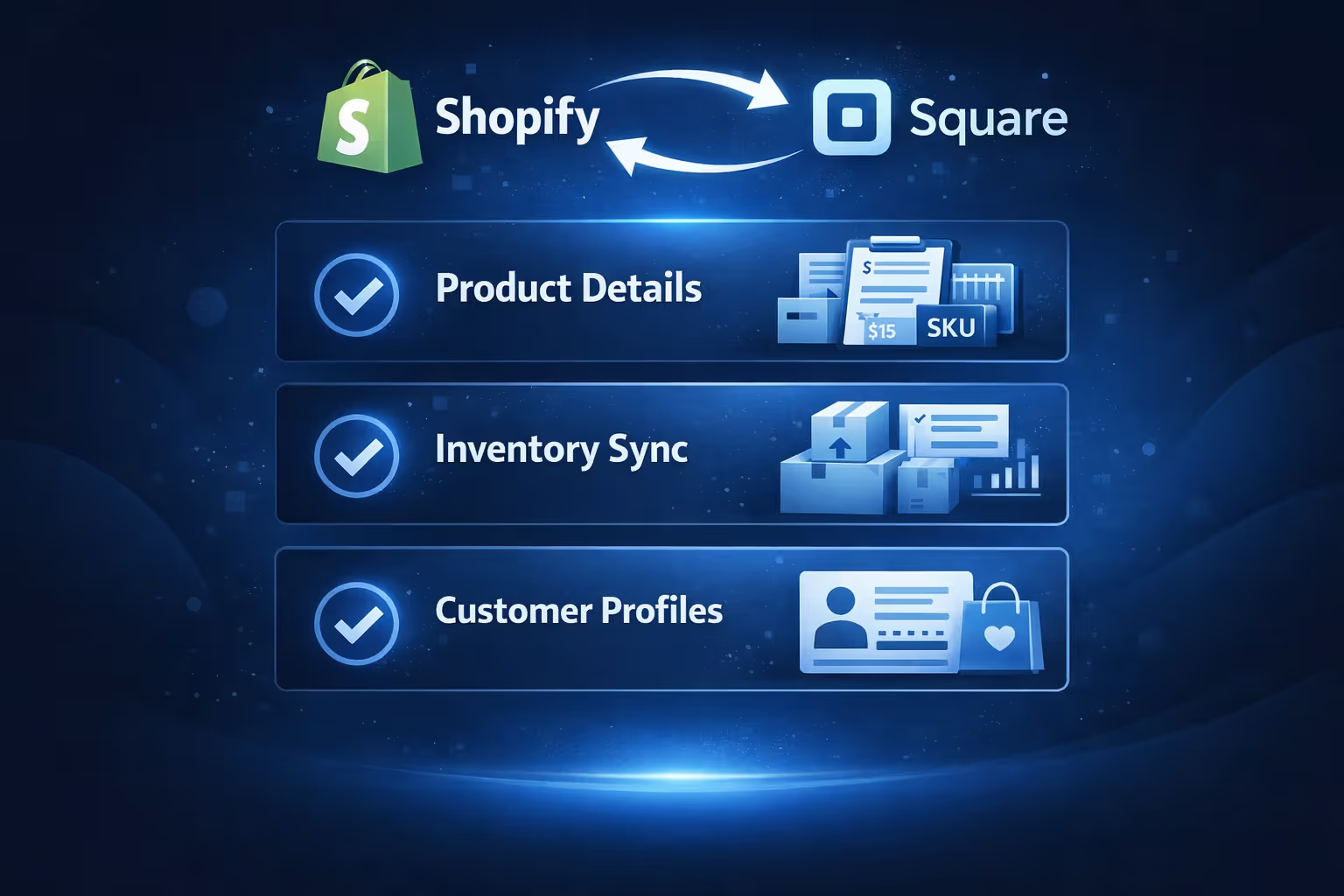
If you’re looking to sync data between Shopify and Square, especially for things like inventory, product info, or customer records, you’ve got options. You’ll need to rely on third-party apps that act as a middle layer between the two systems.
These tools don’t magically turn Square into a Shopify payment method, but they do allow the platforms to “talk” to each other in useful ways.
Here’s what you can realistically sync or manage:
This is particularly helpful if you’re selling online via Shopify and also using Square for in-person retail or events. With the right setup, you won’t have to manually update your stock in two places.
There’s no built-in way to link Shopify and Square directly, but that hasn’t stopped many businesses from finding a workaround. The most common approach is to use a third-party integration tool that acts as a bridge between the two platforms. These tools let you automate tasks, sync data, and reduce the manual back-and-forth between systems.
Depending on your needs, these platforms can help you:
Some tools are built for simplicity, letting you set up a few rules like “when an order is placed here, update the inventory there.” Others are more advanced and offer custom data flows, better suited for teams that need more control or work across multiple systems.
When picking a solution, here are a few things to consider:
While there’s no one-size-fits-all answer, the right integration tool can save a lot of time and prevent errors, especially if you’re managing both online and in-person sales. Just be sure to test your setup before going live, and keep an eye on how your data moves between systems.

Before you install anything or start syncing data between Square and Shopify, there are a few things to keep in mind.
Even with a Square integration, your Shopify store still needs to be able to accept payments through one of Shopify’s approved methods. That might mean:
Square will only come into play on the POS side or for data syncing. It will not replace Shopify Payments on the checkout page.
The biggest risk when syncing data across two platforms is duplication. For example:
You’ll want to test your sync rules carefully and avoid pushing data both ways unless you really need to.
Most third-party apps aren’t free. You may pay a monthly subscription to use some connectors. That’s in addition to your Shopify and Square fees. Make sure the benefit outweighs the cost for your business model.
There are a few scenarios where it really makes sense to use both platforms together, even if it's not a native pairing.
You sell online via Shopify, but you also attend local markets or run a pop-up store. Using Square as your in-person POS, while syncing inventory back to Shopify, keeps everything aligned.
Maybe you already have customers set up in Square, and you don’t want to rebuild everything in Shopify. A connector app helps you preserve your customer history and loyalty data while moving online.
If you have several physical stores using Square but want to centralize your eCommerce on Shopify, syncing data helps you keep control over your entire operation.
Technically, yes. You could run your physical store through Square and your online store through Shopify, using a sync tool to tie them together. But you won’t get that seamless Shopify POS experience, and things like multi-location fulfillment may be harder to manage.
If you already use Square hardware and don’t want to buy new gear, this setup might work fine. But if you’re starting from scratch, it’s worth comparing Shopify POS features before committing.

If all of this sounds like more trouble than it’s worth, you’ve got a couple of other paths:
It comes down to how much time you’re willing to spend managing the integration and whether the benefits really save you enough time or money.

At Extuitive, we help Shopify brands get clarity before they spend a single dollar on ads. We know how much time and effort goes into syncing tools like Shopify and Square, especially when you're managing both online and in-person sales. But the next layer of optimization comes from knowing which ads are actually going to perform before you even launch them.
That’s where we come in. Our AI-powered prediction engine gives you a clear forecast of your ad performance before anything goes live. We model each creative against real-world outcomes, so you can spot the winners, skip the duds, and launch with confidence. Whether you’re managing campaigns across Facebook, Instagram, or other paid channels, we help make sure your budget is working smarter, not harder.
For businesses juggling platforms like Shopify and Square, we know how valuable it is to reduce uncertainty. If you’re ready to take the guesswork out of your ad strategy and back your launches with real data, take a look at our offer. It’s not just about syncing tools anymore – it’s about seeing what’s ahead and acting on it.
So, can you use Square with Shopify? The answer is a qualified yes. You won’t be able to plug Square directly into Shopify’s payment system, but you can connect the platforms using third-party tools. That means you can manage products, sync inventory, and even keep customer data aligned across your physical and digital storefronts.
It’s not a perfect pairing, but for businesses that live in both the online and offline world, the right setup can make it work. Just be sure to test everything before going live, and choose integration tools that match the scale and needs of your operation.
The key is to be clear about what you’re trying to achieve. If you need full checkout integration, you’ll hit limits. But if your goal is smarter data sync and smoother retail workflows, Shopify and Square can get along just fine with a little help in the middle.


