Shopify Customer Retention Strategies That Move the Needle
Detailed breakdown of customer retention tactics for Shopify: metrics, loyalty systems, and tools used by profitable stores to boost long-term revenue.
Mar 24, 2026



If you’ve ever landed on a Shopify store and thought, “This layout works really well,” you’re not alone. Theme choice has a quiet but huge impact on how a store feels, converts, and scales. The problem is that Shopify doesn’t exactly advertise which theme a store is running.
That’s where Shopify theme detectors come in. They let you peek behind the curtain and see whether a store is using a free theme, a premium one, or something custom-built. Some tools do this well. Others… not so much.
This article walks through what the best Shopify theme detectors actually do, when they’re useful, and why they should be treated as a starting point, not a shortcut to a great store.
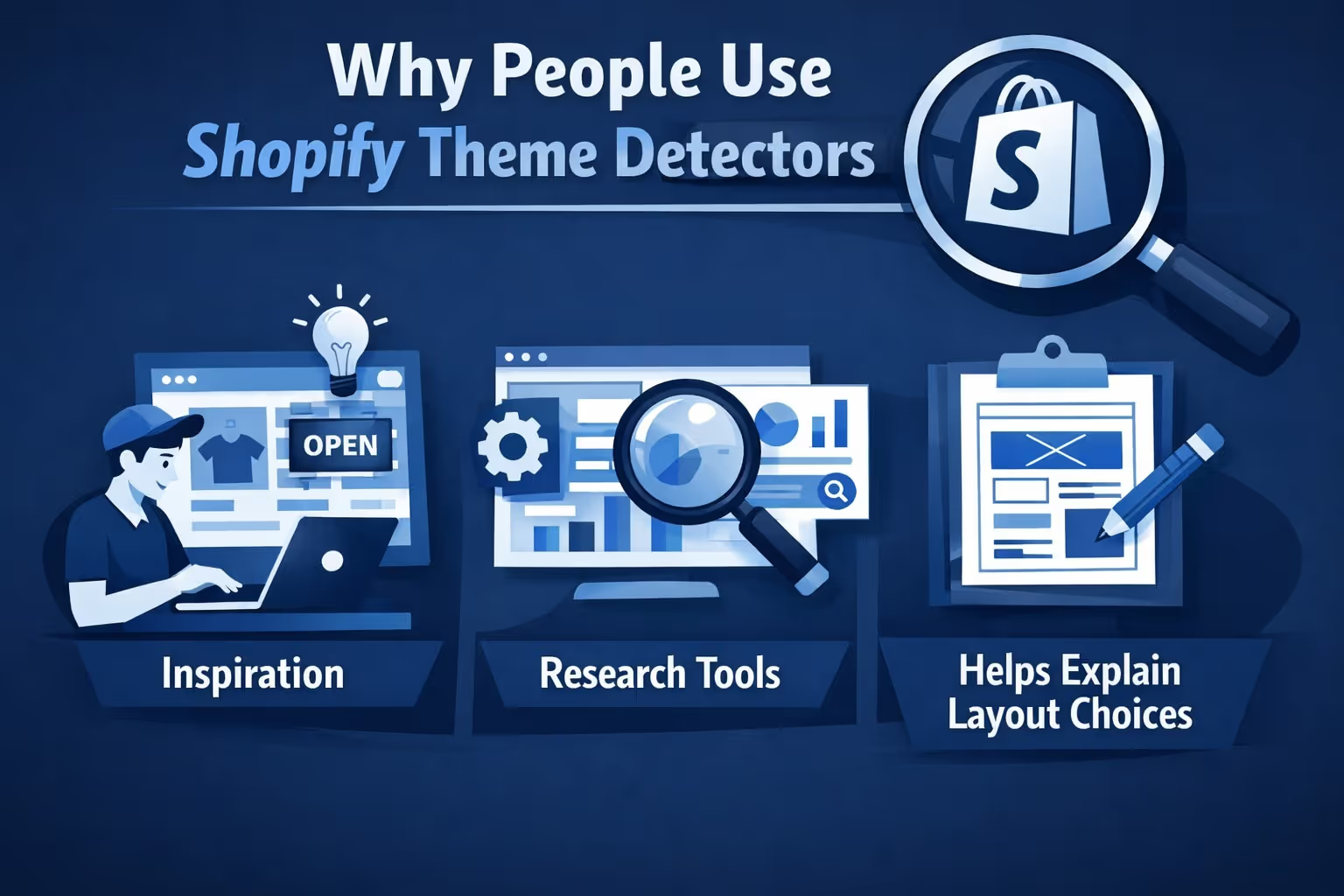
Theme detectors appeal to several very different audiences, and understanding your reason for using one matters.
What detectors should not be used for is shortcutting strategy. A theme that works for a cosmetics brand may be a poor fit for a B2B catalog or a content-heavy store.

Finding the right Shopify theme is only part of the equation. Once you understand how successful stores are built, the next question is how they actually convert traffic into sales. That is where we come in. At Extuitive, we help Shopify brands go beyond design inspiration and validate what really works before spending a dollar on ads.
We use AI agents modeled after more than 150,000 real consumer personas to test and validate ad creatives, messaging, and product positioning. Instead of guessing whether a theme layout, hero image, or value proposition will resonate, we let you see predicted purchase intent upfront. When you spot a competitor’s theme using a detector, you can bring that insight into Extuitive and quickly test which visuals, angles, and messages perform best for your own audience.
What makes this powerful is speed and cost. Traditional consumer research takes weeks and burns budget fast. We compress that process into minutes, helping Shopify teams move from theme inspiration to high-performing ads without trial-and-error fatigue. The result is clearer decisions, faster launches, and ads that are built on evidence rather than assumptions.
Shopify theme detectors make it easier to move from inspiration to action. Instead of guessing how a store was built, these tools let you identify the theme behind a live Shopify site in seconds. Some focus purely on theme names, while others add deeper insights like apps, customization level, or even performance signals.
Below is a curated list of Shopify theme detectors that are actually worth using. Each one serves a slightly different purpose, so the best choice depends on whether you want a quick answer, deeper competitor research, or a broader technical overview.

Gochyu is one of the most versatile theme detectors available today, mainly because it is not limited to Shopify alone. Instead of focusing on a single platform, it works across a wide range of CMSs and website builders, including Shopify, WordPress, Drupal, Squarespace, and Prestashop. That makes it especially useful if you research competitors across different ecosystems or are not always sure how a site was built in the first place.
What sets Gochyu apart is the depth of information it tries to surface once it recognizes a platform. For Shopify stores, it can often identify the theme name, pricing details, and even some of the apps in use. In many cases, it goes further by linking themes or plugins to their original vendors, which saves time and reduces guesswork. It feels designed for people who work with websites regularly and want answers quickly without switching between multiple tools.

PageFly’s Shopify theme detector is built with one clear focus in mind: Shopify-only accuracy. Instead of trying to cover every CMS under the sun, it concentrates on Shopify stores and does that job very well. You paste in a store URL, hit detect, and within seconds you get a clear answer about whether the store uses an official Shopify theme, a customized version of one, or a fully custom-built setup. That distinction alone makes it more practical than many generic detectors.
What makes PageFly especially useful is how it frames the results. It does not just name a theme and stop there. It explains what the result actually means and how realistic it is to replicate. If a store runs a standard theme, you can usually install it yourself. If it is customized, you know upfront that some development work or a page builder will be needed. If the theme is fully custom, the tool makes it clear that you are looking at inspiration, not something you can buy and reuse.

Avada’s Shopify theme detector is built for speed and simplicity. You enter a Shopify store URL, click once, and the tool quickly tells you which theme the store is using, often with a direct link to the Shopify Theme Store listing. It focuses purely on Shopify and avoids extra technical layers, which makes it approachable even if you have never looked at source code or developer tools before.
One thing Avada does well is clarity around outcomes. If a store uses an official theme, the detector shows you exactly which one. If the store runs a custom theme, it makes that obvious and often suggests comparable alternatives instead of leaving you guessing. This makes the tool useful not just for curiosity, but also for planning. You can quickly tell whether a design is something you can realistically replicate with a theme, or whether it would require custom development and a larger budget.
ShopThemeDetector.com focuses on one simple promise: tell you which Shopify theme a store is using, fast. You paste in a Shopify store URL, wait a few seconds, and get back the theme name along with pricing information and where it can be purchased, when available. The tool avoids unnecessary steps and works well for quick checks when you already know you are dealing with a Shopify-based store.
Where this detector fits best is early-stage research. It is built for people browsing stores and wanting immediate answers without digging into code or installing extensions. While it does not go as deep as multi-platform tools or advanced Shopify analyzers, it covers the basics reliably. For many users, that is enough. It gives you a concrete starting point so you can move from “I like this store” to “this is the theme behind it” without friction.

Meetanshi’s Shopify theme detector is built around one core idea: remove friction. You paste a Shopify store URL, click detect, and within seconds the tool identifies the theme being used, if it is detectable. There are no sign-ups, no limits on scans, and no extra steps, which makes it appealing if you just want an answer and want it quickly.
This detector works best as a lightweight research tool. It does not try to analyze apps, custom code depth, or broader site architecture. Instead, it focuses on theme identification and then points you toward additional information about that theme so you can explore it further. For merchants who are comparing designs or validating inspiration without diving into technical details, that simplicity is a strength rather than a weakness.

The BuildYourStore Shopify theme detector is designed to give quick, clear answers without unnecessary steps. You paste a Shopify store URL, run the check, and within seconds the tool tells you whether the store is using a free theme, a paid theme, a custom build, or if it is not even running on Shopify. The interface is simple and geared toward people who want results without touching code or browser tools.
What makes this detector slightly different is how it frames theme detection as part of a broader store-building journey. It is clearly aimed at beginners, dropshippers, and solo founders who are still exploring what works and what does not. Instead of overwhelming you with technical detail, it focuses on clarity and next steps, making it easier to move from inspiration to action without getting stuck in analysis mode.

Koala Inspector goes far beyond a simple Shopify theme detector. It is built as a full competitor analysis tool, delivered through a Chrome extension, and theme detection is just one part of what it reveals. With a single click, it can show which Shopify theme a store is using alongside estimated sales data, best-selling products, installed apps, pricing strategies, and traffic signals. That broader context makes the theme information more meaningful instead of isolated.
What makes Koala Inspector stand out is how it connects design choices to performance signals. Seeing a theme in use is helpful, but seeing it paired with sales estimates, product velocity, and app stacks tells a fuller story. This shifts theme detection from simple curiosity into practical market research. It is not designed for quick, one-off checks. It is designed for people who want to study what is working in a niche and understand why it works before making decisions of their own.
Theme detectors are convenient, but they are not the only way to figure out what a Shopify store is using. In some cases, manual checks still do the job, especially when automated tools return vague results or label a store as “custom.” One of the most reliable options is viewing the page source and searching for clues tied to the theme. References like "shopify.theme", theme names inside JSON objects, or asset paths can sometimes point directly to the underlying theme, particularly on stores that have not been heavily modified.
Browser developer tools can also help if you are willing to spend a bit more time. Inspecting loaded CSS and JavaScript files often reveals filenames or directory structures that hint at a specific theme. This approach is slower and requires patience, but it can uncover details that detectors miss. For edge cases, especially older or lightly customized stores, manual inspection still earns its place as a useful fallback.
Shopify theme detectors solve a very real problem. They remove guesswork from design research and replace it with clarity. Instead of wondering how a store was built, you can see the foundation behind it and decide whether that approach makes sense for your own project. That alone can save hours of trial and error.
No single detector is perfect for every situation. Some are best for quick checks, others for deeper competitor analysis, and a few are built for users who want context beyond just a theme name. The smartest approach is to use more than one when needed. Start with a fast detector, validate the results with another tool if something looks unclear, and fall back to manual methods when necessary. Used that way, theme detection becomes a practical research step rather than a guessing game.


